
12 Best Sources for Free Effects for Video in 2025
Discover the top 12 resources for high-quality free effects for video. Find overlays, transitions, templates, and AI tools to elevate your projects in 2025.
Veo3 AI · 27 min read · Dec 7, 2025
Finding high-quality, free effects for video can transform a good project into a great one, but navigating endless libraries is time-consuming and often yields disappointing results. The right visual assets, from subtle light leaks to dynamic AI-generated scenes, add a professional polish and storytelling impact without requiring a significant budget. This is crucial for creators across various fields, including digital marketers needing quick promotional assets, social media influencers aiming for viral short-form content, and educators developing engaging visual materials.
Quick Answer: Yes—free effects for video tools are available in 2025. Most platforms offer free tiers with limited monthly credits or generations. For regular use, paid plans starting around $10–$30/month unlock higher resolution, longer videos, and faster processing.
This guide cuts through the noise. We have curated a definitive list of the 12 best resources for sourcing professional-grade free effects for video. Our goal is to help you spend less time searching and more time creating compelling content. Inside, you'll find a detailed breakdown of each platform, covering everything from drag-and-drop overlays and transitions to sophisticated motion graphics templates and groundbreaking AI effect generators.
We will dive deep into what each platform truly offers, analyzing its library's strengths and its best use cases, whether for slick corporate ads or artistic personal projects. For every resource, we provide practical details on file formats, software compatibility, and any potential limitations you should be aware of. Each entry includes direct links to the assets and screenshots to give you a clear preview, ensuring you can quickly identify the perfect tool for your next video project. This curated collection is your direct path to elevating your edits with powerful, accessible, and completely free visual effects.
1. Veo3 AI
Veo3 AI stands out as a powerful and highly accessible platform for generating video effects and entire video clips from simple text or image inputs. Unlike traditional effects packs that require manual integration, Veo3 AI streamlines the creation process by leveraging a suite of generative models, including Veo3, Sora 2, and Seedance, all within a single, user-friendly interface. This makes it an exceptional starting point for anyone needing high-quality, custom visuals without the steep learning curve of professional editing software.
The platform excels at producing cinematic clips, dynamic motion graphics, and unique visual styles on demand. Its core strength lies in its simplicity and speed; users can go from a concept to a rendered video in minutes, making it ideal for rapid prototyping, social media content, and digital advertising. Whether you're an educator needing an animated explainer or a marketer developing a quick promo, the text-to-video and image-to-video workflows are remarkably efficient.
Key Strengths and Use Cases
One of Veo3 AI’s most compelling features is its creator-friendly ownership policy. Videos generated on the platform can be used for both personal and commercial projects, giving creators full control over their assets. This is a significant advantage over platforms with more restrictive terms.
Best For:
- Social Media: Quickly generate eye-catching clips for TikTok, Instagram Reels, and YouTube Shorts.
- Digital Marketing: Create polished ad visuals and product demos without a production team.
- Education: Develop engaging animated materials to illustrate complex concepts.
To maximize the platform's potential, crafting effective prompts is key. For those looking to master this skill, this comprehensive Veo 3 prompting guide provides excellent strategies for achieving specific visual outcomes.
Platform Analysis
| Feature | Assessment |
|---|---|
| Ease of Use | Excellent. The workflow is intuitive, requiring no prior editing experience. |
| Model Access | Excellent. Provides access to multiple state-of-the-art models in one place. |
| Ownership Terms | Excellent. Clear policies allow for commercial use of generated content. |
| Pricing | Good. Core features are free, but detailed limits for paid plans are not clearly outlined. |
| Social Proof | Fair. Lacks prominent user testimonials or third-party awards on the site. |
While the platform is incredibly powerful, its pricing transparency could be improved. The free access is generous for getting started, but users seeking to scale their production may need more clarity on usage quotas and premium features.
Website: https://veo3ai.io
2. ProductionCrate (FootageCrate, SoundsCrate, GraphicsCrate, RenderCrate)
ProductionCrate is an extensive library tailored for creators who need production-grade visual effects and assets without the high cost. It’s an indispensable resource for anyone looking to add professional polish, from explosive VFX for a short film to subtle motion graphics for a YouTube video. The platform is brilliantly organized into "Crates" like FootageCrate, SoundsCrate, and GraphicsCrate, making it easy to find precisely what you need.
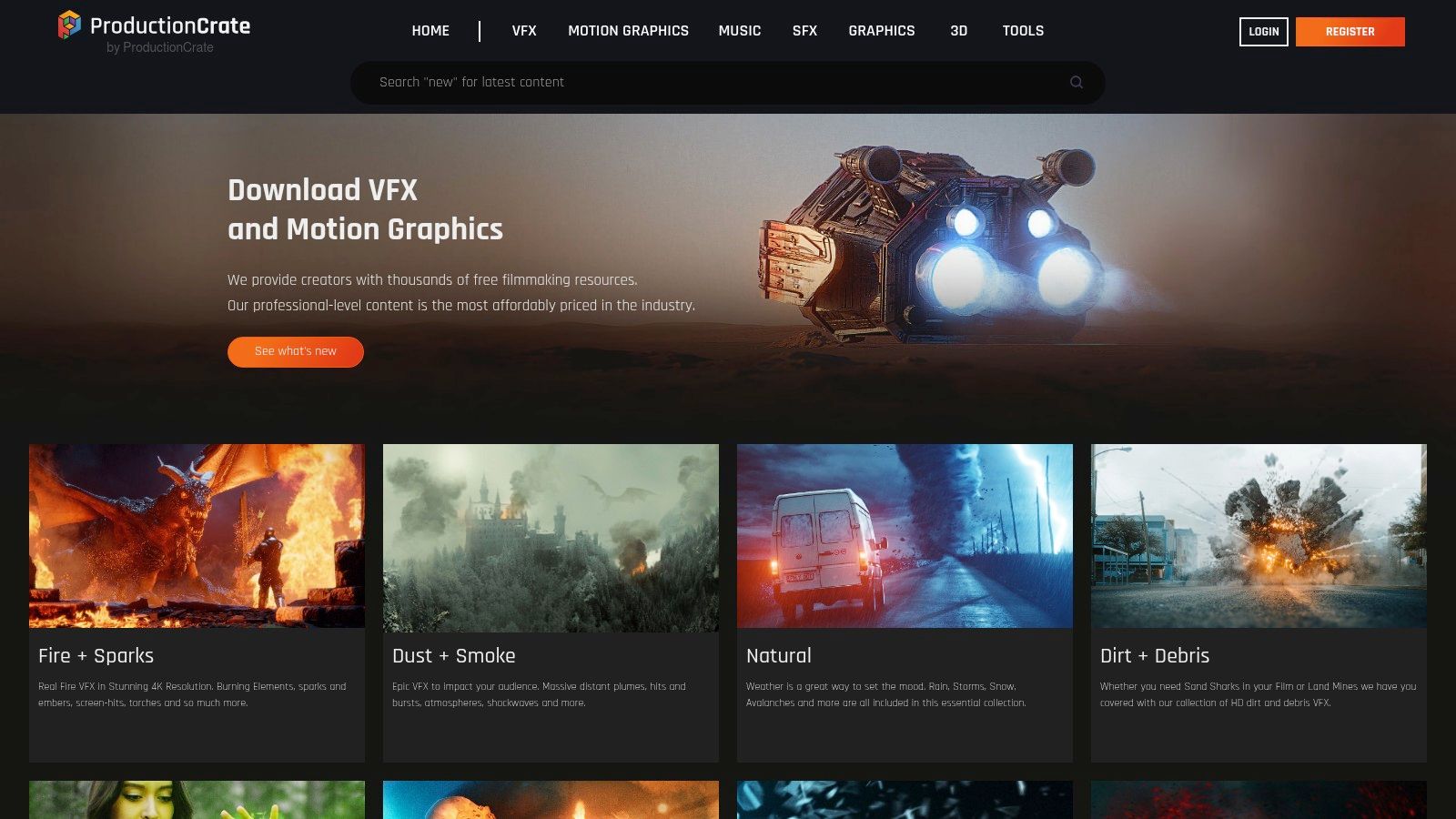
What truly sets ProductionCrate apart is the quality and usability of its free offerings. Many assets come with a pre-keyed alpha channel, meaning they have a transparent background for effortless drag-and-drop compositing into your timeline. This saves a massive amount of time compared to manually keying out green screens.
Key Features & Limitations
The free tier is remarkably generous, offering a vast selection of high-quality assets. The primary limitations are a daily download cap and resolution restrictions, with 4K and higher-quality files reserved for Pro members.
- Free Tier: Access thousands of standard-definition assets with a limit of 5 downloads per day.
- Pro Subscription: Unlocks the entire library, including 4K/Pro-Res assets, plugins, and scripts, with unlimited downloads.
- Compatibility: Assets are provided in standard formats like MP4, MOV (with Alpha), WAV, and PNG, making them compatible with nearly all video editing software. For a deeper dive into software that works well with these assets, you can explore this video production software comparison.
Best Use Case: Perfect for YouTubers, indie filmmakers, and social media managers needing quick, high-impact free effects for video such as muzzle flashes, magic spells, lens flares, or professional-looking transitions without a steep learning curve. The clear licensing also allows for use in monetized projects.
3. Mixkit (by Envato)
Mixkit, a platform by Envato, offers a completely free library of high-quality video assets designed to be accessible and easy to use. It’s a fantastic resource for creators who need professional templates, transitions, and overlays without the complexity of subscriptions or the hassle of creating an account. The platform’s strength lies in its simplicity and generous licensing, allowing for immediate downloads and use in commercial projects.
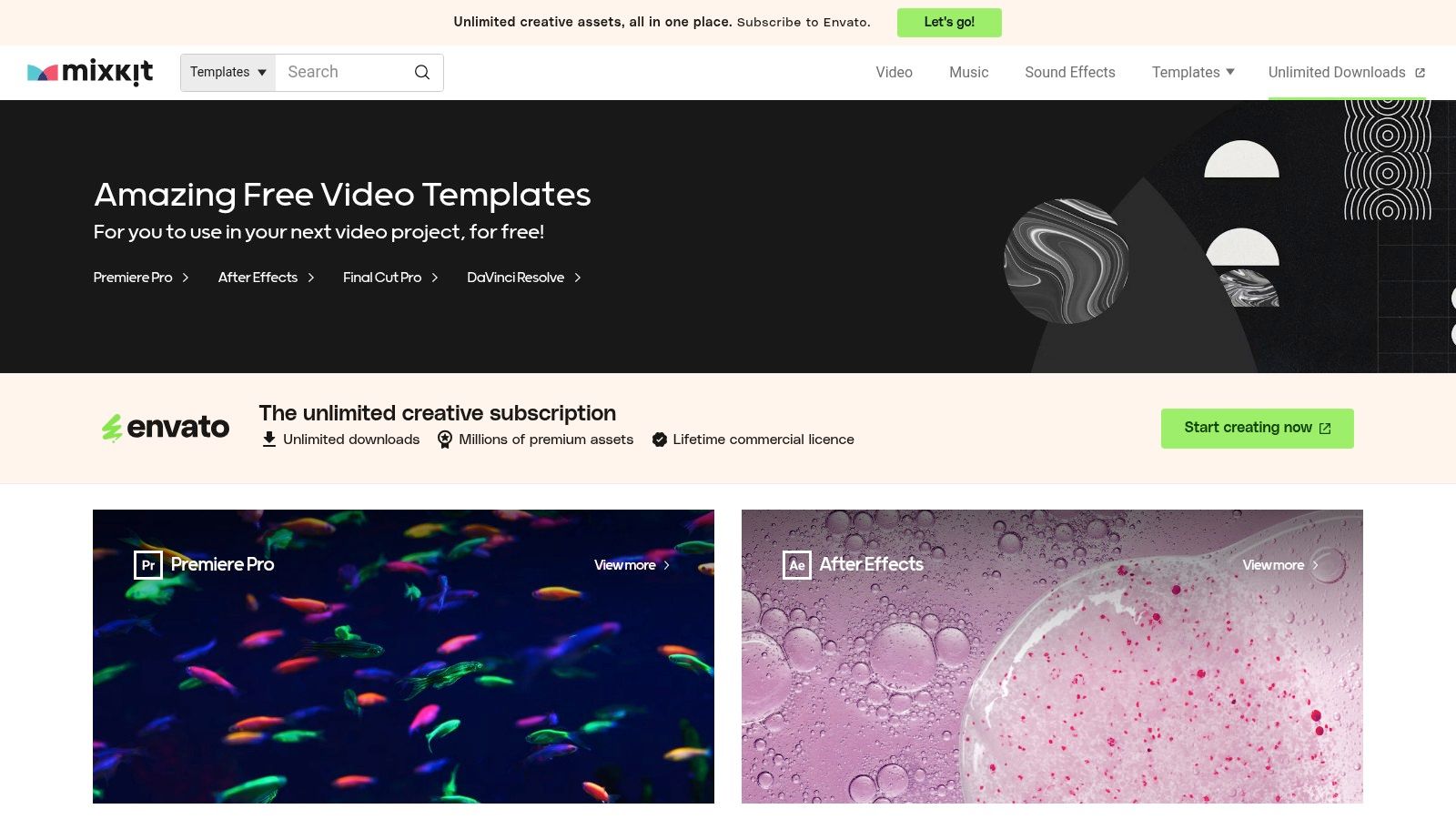
What makes Mixkit particularly appealing is its focus on motion graphics templates for major editing software. Instead of just generic video clips, you get customizable projects for Premiere Pro, After Effects, Final Cut Pro, and DaVinci Resolve. This allows for a higher degree of personalization, whether you're creating a YouTube intro, a social media ad, or a stylish text overlay.
Key Features & Limitations
The entire Mixkit library is free, with no hidden costs or signup requirements. The main limitation is that its catalog is smaller and less specialized than massive paid marketplaces, but the quality of what is available is consistently high.
- Free Tier: 100% free access to all video templates, stock video clips, sound effects, and music. No signup or attribution is required under the Mixkit License.
- Pro Subscription: There is no pro subscription; all assets on the site are free to download and use.
- Compatibility: Templates are provided as project files for specific software (Premiere Pro, After Effects, FCP, DaVinci Resolve), while video overlays are typically MP4 or MOV files compatible with all editors.
Best Use Case: Ideal for social media managers, digital marketers, and independent creators needing quick and stylish free effects for video. It's perfect for producing polished promotional content, YouTube channel branding, and engaging short-form videos without any budget constraints.
4. Motion Array
Motion Array is a premium subscription marketplace known for its massive library of over a million professional assets, but it also provides an impressive selection of free content. By creating a free account, users gain access to a curated collection of high-quality templates, overlays, and sound effects, making it a fantastic entry point for creators wanting to sample professional-grade assets without a financial commitment. It’s a great way to elevate a project with elements designed by industry experts.
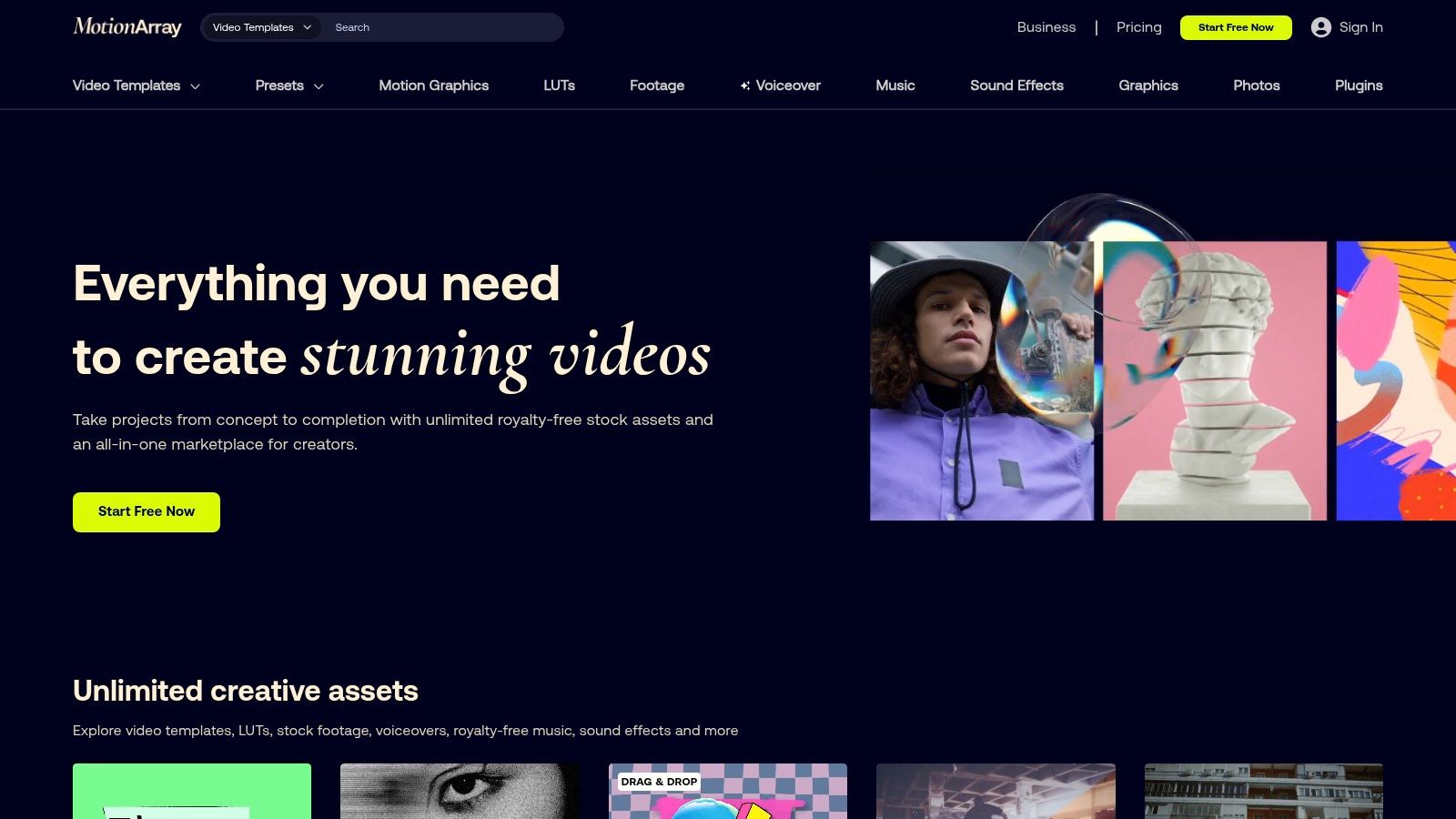
What makes Motion Array stand out is its seamless integration with major editing software and the consistent quality of its offerings. The platform makes it easy to find what you need by filtering specifically for free assets across categories like Premiere Pro templates, After Effects presets, and DaVinci Resolve macros. Each asset clearly lists its compatibility, resolution, and required plugins, removing guesswork and saving valuable production time.
Key Features & Limitations
The free tier offers a rotating selection of assets, encouraging users to check back often. While the overall library is vast, only a fraction is available for free, and full access requires a paid plan.
- Free Tier: Access to a specific, curated library of free effects for video, templates, music, and SFX. Account registration is required.
- Paid Subscription: Unlocks the entire library of over one million assets, exclusive plugins, and collaboration tools.
- Compatibility: Excellent software coverage, with dedicated assets for Adobe Premiere Pro, After Effects, Final Cut Pro, and DaVinci Resolve.
Best Use Case: Ideal for freelance video editors, digital marketers, and small business owners who use industry-standard software and need polished, ready-to-use free effects for video like lower thirds, title animations, or transition packs. The accompanying tutorials are invaluable for beginners.
5. Videvo
Videvo serves as a versatile library for creators needing a mix of stock footage and motion graphics, but it holds a special place for those seeking specific free effects for video. The platform excels at providing a wide range of VFX overlays like smoke, fire, particles, and light leaks, making it a go-to for adding texture and atmosphere to any project. Its strength lies in its straightforward search and clear licensing information, which is displayed for every single asset.
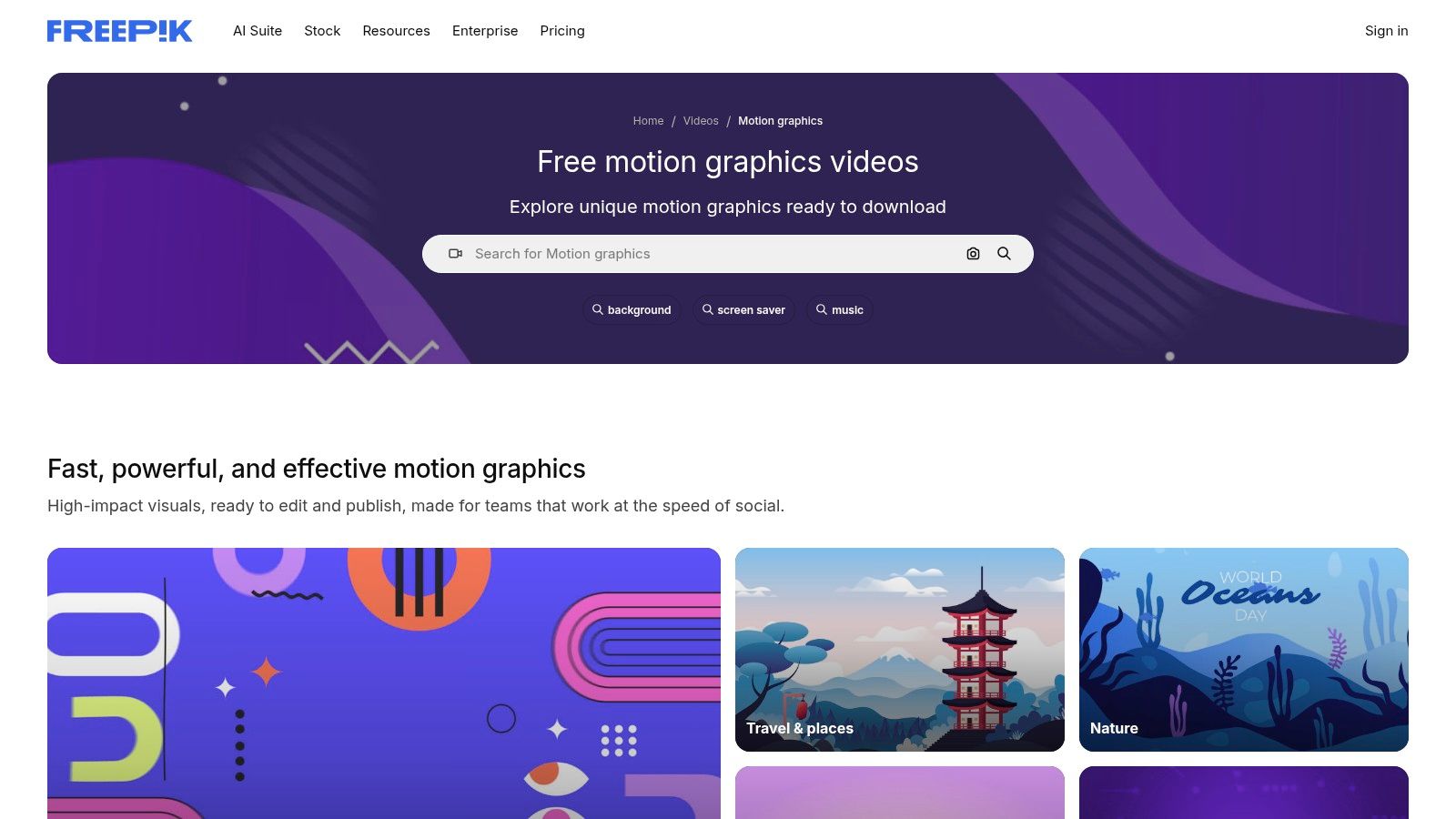
What makes Videvo particularly useful is its powerful filtering system. You can sort assets not just by resolution but also by license type. This allows you to quickly isolate completely royalty-free clips from those that require attribution, saving you from a last-minute scramble to check usage rights. While the quality can vary due to its community-contributed model, there are many high-quality gems to be found.
Key Features & Limitations
Videvo's free offering is substantial, but it's crucial to pay attention to the license for each clip, as they differ. Some free clips require you to credit the creator, while others are completely unrestricted.
- Free Clips: A large collection of motion graphics and VFX clips, many available in HD and 4K.
- Premium Subscription: Unlocks exclusive premium content and provides a royalty-free license for all assets, removing attribution requirements.
- Licensing: Three main types for free clips are Videvo Attribution, Royalty-Free, and Creative Commons 3.0. This is clearly indicated on each asset's download page.
- Compatibility: Assets are typically in MP4 or MOV formats, ensuring they work seamlessly with all major video editing software.
Best Use Case: Ideal for content creators and editors who need specific atmospheric elements like dust particles, lens flares, or abstract motion backgrounds. The clear licensing filters make it a safe and reliable choice for corporate videos, educational content, or social media ads where usage rights are a primary concern.
6. Adobe Stock – Free collection (Motion Graphics Templates)
For editors deeply embedded in the Adobe ecosystem, the Adobe Stock free collection is a goldmine of professional-grade assets. While known for its premium content, Adobe offers a surprisingly robust library of free motion graphics templates (MOGRTs), HD/4K stock video, and more, all accessible directly within Premiere Pro and After Effects or via the web. This seamless integration is its most powerful feature.
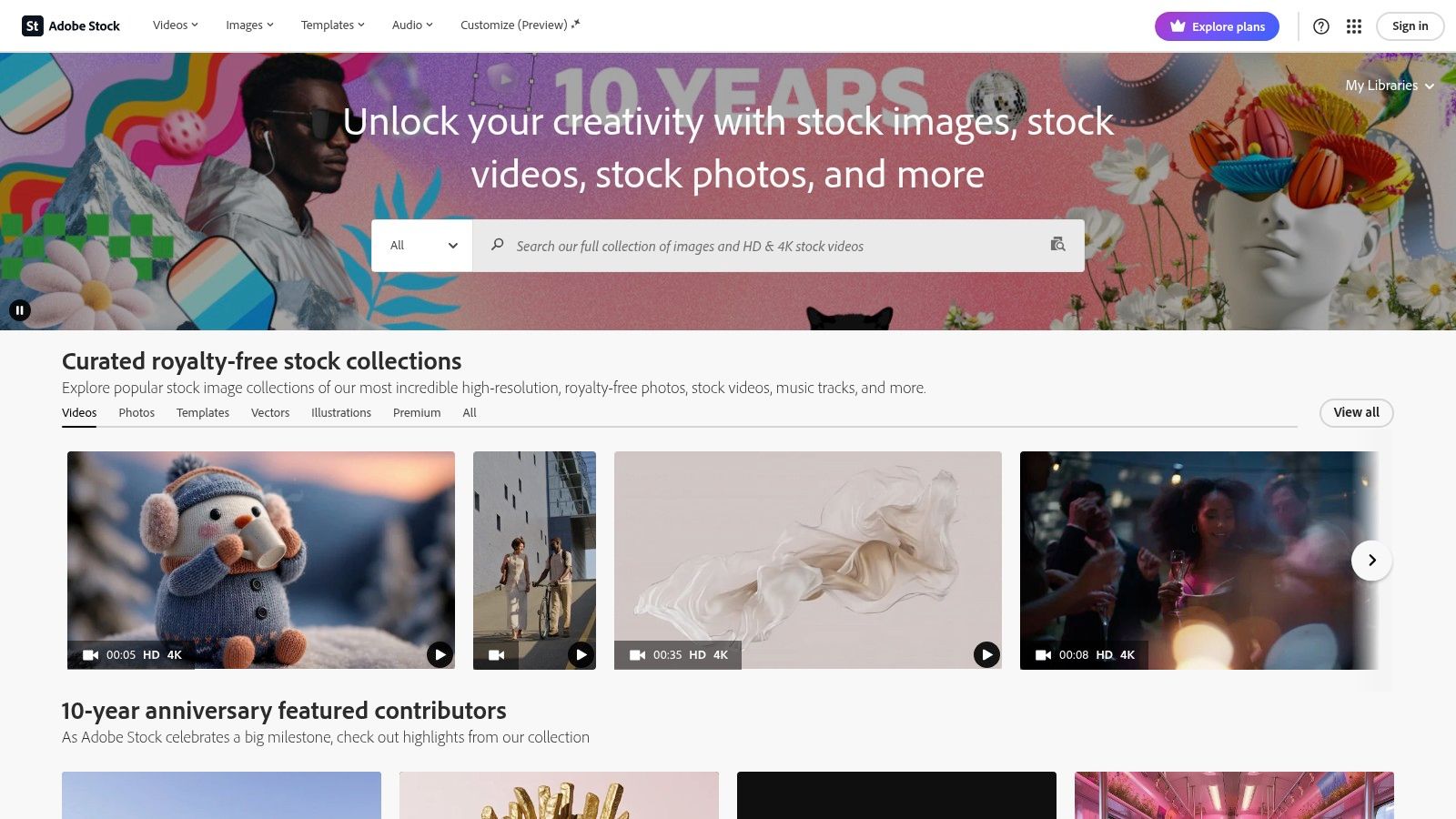
What makes this resource stand out is its reliability and ease of use. You can browse, license, and drag MOGRTs directly from the Essential Graphics panel into your Premiere Pro timeline, customizing text and colors on the fly. This eliminates the tedious process of downloading, importing, and organizing files, streamlining your workflow and allowing you to add polished titles, transitions, and social media elements in seconds.
Key Features & Limitations
The quality is consistently high, and the licensing is clear and straightforward for commercial use. The main requirement is having an Adobe ID, and the real power is only unlocked when using Adobe's creative software.
- Free Tier: Access to over 700 free motion graphics templates and more than 10,000 free video clips. Requires a free Adobe ID to download and use.
- Paid Subscription: Unlocks millions of premium stock assets, including video, templates, photos, and audio tracks.
- Compatibility: MOGRTs are designed specifically for Adobe Premiere Pro and After Effects. Video files are in standard formats compatible with most editors, but the workflow is optimized for Adobe apps.
Best Use Case: Essential for video editors, social media managers, and digital marketers who primarily work in Premiere Pro. It's the fastest way to add high-quality, customizable free effects for video, like animated lower thirds, call-to-action graphics, and stylish title cards, without ever leaving the editing interface.
7. Pixabay Videos
While widely known for its immense library of free stock photos, Pixabay also hosts a massive collection of free video clips, including thousands of effect overlays. It's a go-to resource for creators who need quick, generic elements like smoke, light leaks, particles, or glitch effects to enhance their projects without worrying about complex licensing or costs. The platform's simplicity and searchable database make finding basic free effects for video incredibly fast.
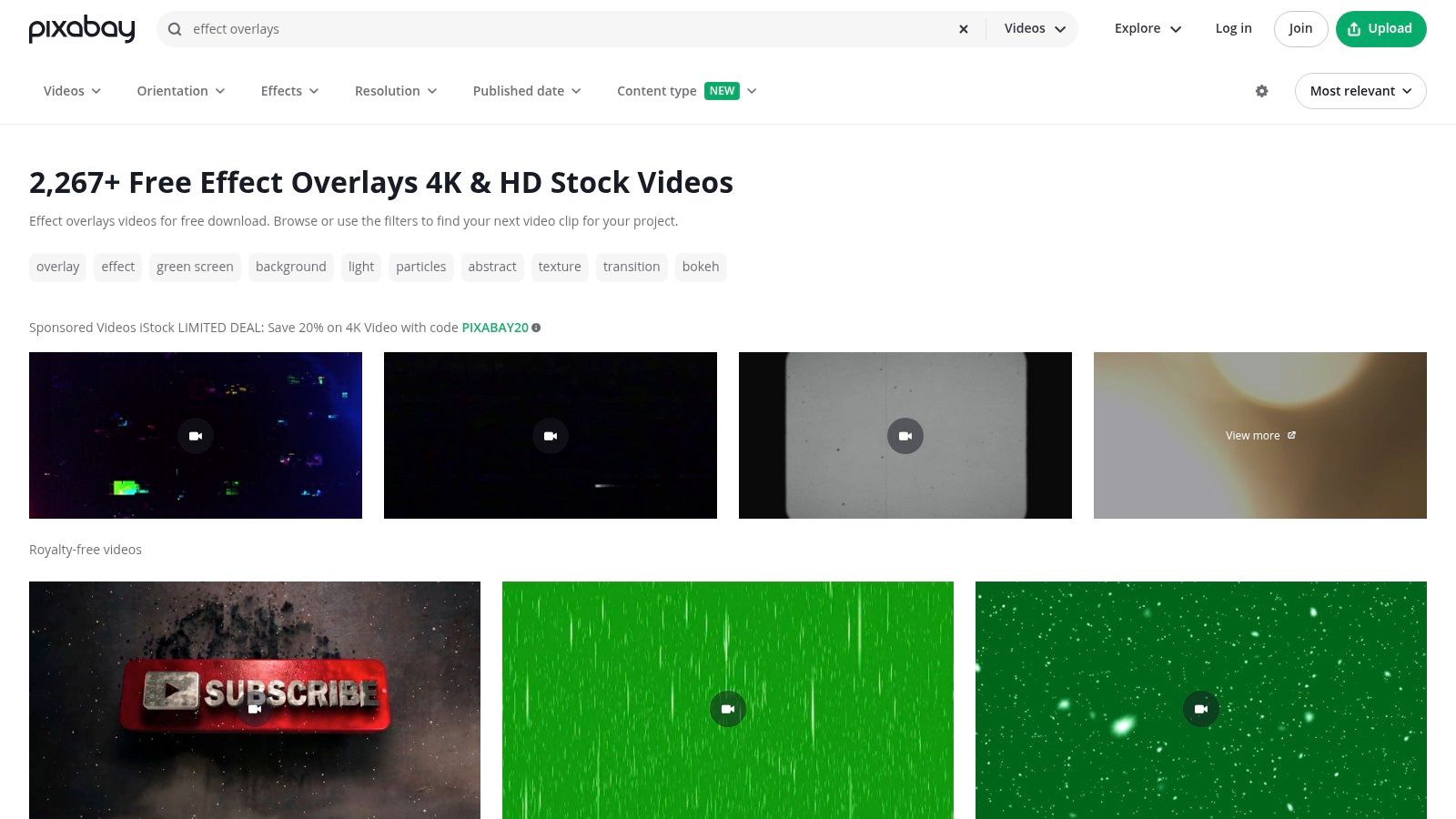
What makes Pixabay particularly valuable is its extremely permissive "Pixabay License." This CC0-style license allows for broad commercial and non-commercial use with no attribution required, removing a significant hurdle for marketing professionals and content creators. However, users should be mindful that quality can be inconsistent, and many overlays require manual blending mode adjustments (like 'Screen' or 'Add') since they do not include a pre-keyed alpha channel.
Key Features & Limitations
Pixabay is entirely free, but it's important to differentiate between genuine community uploads and the sponsored stock footage from other sites that often appear in search results. The platform relies on its community for content, leading to a wide variance in quality.
- Free Tier: Completely free access to the entire library of videos with unlimited downloads. No account is required for most downloads.
- Pro Subscription: There is no pro subscription; the entire platform is free to use.
- Compatibility: Videos are typically provided in MP4 format, making them universally compatible with all major video editing software. Filters allow you to search specifically for HD and 4K resolution clips.
Best Use Case: Excellent for social media managers, educators, and small business owners who need simple, readily available free effects for video like background textures, particle overlays, or light leaks. The permissive license makes it a safe choice for commercial projects, promotional materials, and monetized YouTube content.
What Is Free Effects For Video and Why Does It Matter?
Free Effects For Video is an essential capability for modern content creators and marketers. The best tools for free effects for video combine AI-powered automation with professional-quality outputs — saving hours of manual work while delivering results that meet commercial standards.
In 2025, platforms like Veo 3 and Seedance have made free effects for video more accessible than ever, offering free-tier access alongside professional plans.
How Do You Get Started with Free Effects For Video?
Getting started with free effects for video requires just a few steps:
- Choose the right tool for your needs (see comparison above)
- Sign up for a free account — no payment required to start
- Follow the step-by-step guide in this article
- Test with simple examples first, then scale up
Most users can produce their first professional result within 30 minutes of starting.
What Are the Best Tools for Free Effects For Video in 2025?
The top tools for free effects for video in 2025 are:
- Veo 3 — best overall quality, free via Google Gemini
- Kling AI — best mobile experience and free tier generosity
- Runway Gen-4 — best for artistic and cinematic styles
- Pika 2.1 — best for beginners with simple interface
Each tool has strengths in different areas — the best choice depends on your specific use case, volume requirements, and budget.
8. Videezy
Videezy functions as a massive community-driven library of stock footage that includes a substantial collection of video effects. While not exclusively an effects platform, its extensive catalog makes it a valuable resource for creators searching for specific overlays like light leaks, film grain, bokeh, and glitch textures. It’s an excellent alternative for sourcing background elements and atmospheric effects to enhance a project’s visual style.
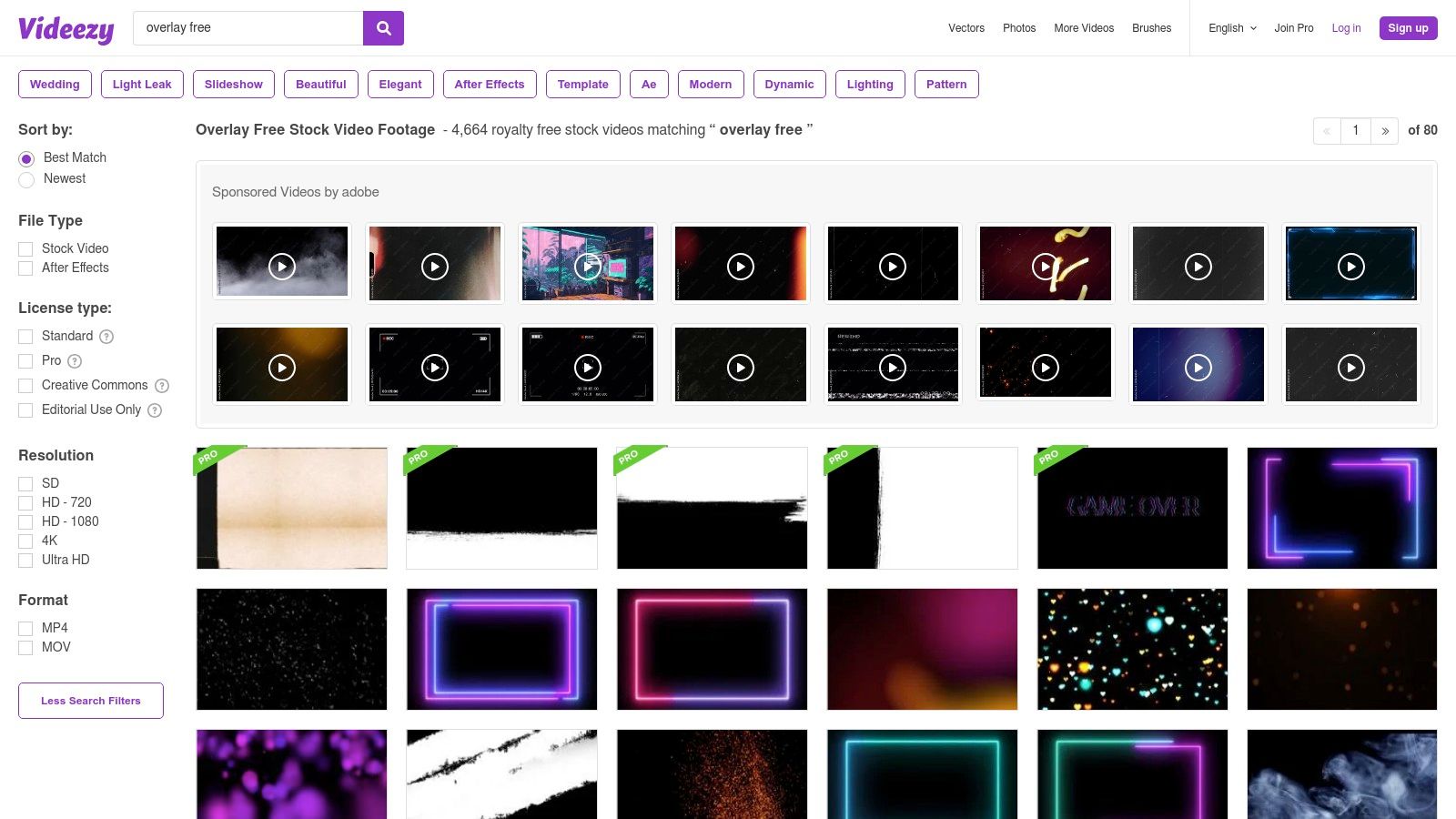
The platform's strength lies in its straightforward filtering system, which allows users to quickly sort by license type, resolution, and file format (MP4/MOV). This makes it easy to isolate the truly free assets from the "Pro" ones and find clips that fit your technical requirements. However, it’s crucial to check the licensing for each download, as some free files require attribution.
Key Features & Limitations
Videezy offers a mix of free and premium assets, with the free tier being quite extensive but variable in quality. The user experience is generally straightforward, though the site does include ads and sponsored results which can sometimes be distracting.
- Free Tier: A large selection of HD footage and effects, with many files available for free download. Some clips require attribution, so always check the license.
- Pro Subscription: Provides access to the entire 4K library, removes attribution requirements, and offers unlimited downloads.
- Compatibility: Assets are typically provided in MP4 and MOV formats, ensuring they can be used in virtually any video editing software like Adobe Premiere Pro, Final Cut Pro, or DaVinci Resolve.
Best Use Case: Ideal for content creators and editors who need specific, high-quality background textures or free effects for video, such as lens flares, smoke, or film grain overlays. It's a go-to source when you need a simple, aesthetic element to layer into your edit without the complexity of a dedicated VFX pack.
9. MotionElements
MotionElements is an extensive stock media marketplace that stands out with its generous and consistently updated "Free Downloads" program. While primarily a paid platform, it offers a rotating selection of high-quality assets each week, including motion graphics, After Effects templates, Premiere Pro presets, and video overlays, making it a valuable stop for creators on a budget.
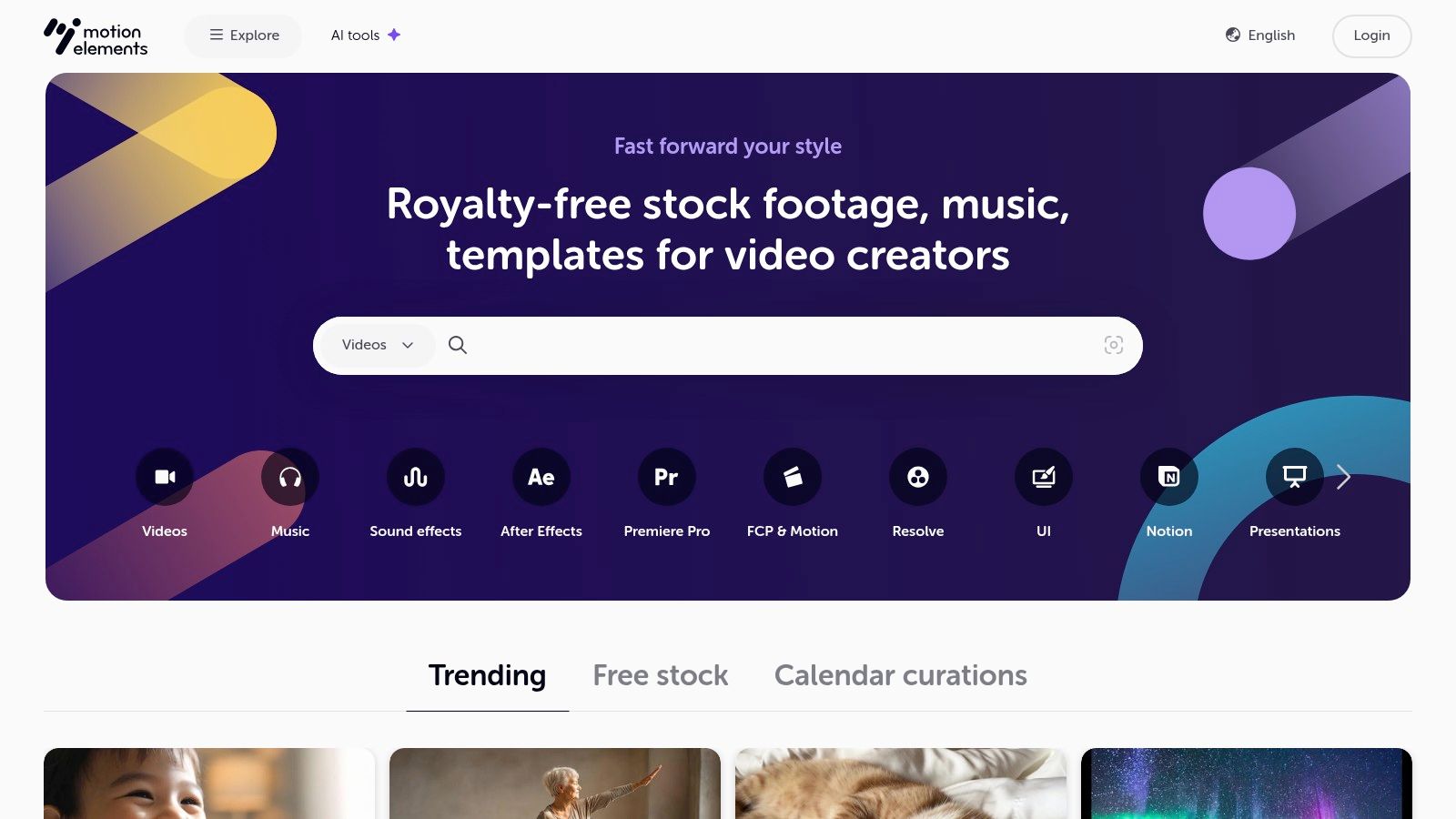
The platform is designed to be accessible. Members receive a weekly quota of free downloads, which encourages regular visits to see what new assets have been added. This model provides access to premium-quality effects that would otherwise be costly, all under a straightforward royalty-free license that covers commercial use.
Key Features & Limitations
The core of MotionElements' free offering is its time-gated quota system, which resets weekly. You must create a free account to access these downloads. The quality is consistently high, often matching the paid assets on the site.
- Free Tier: Requires account registration. Members receive a base of 5 free downloads per week. This quota can be increased to 30 per week through referrals.
- Paid Content: The vast majority of the library is available for individual purchase or via subscription plans, offering millions of premium assets.
- Compatibility: Assets are provided in industry-standard formats compatible with major editing software like Adobe Premiere Pro, After Effects, Final Cut Pro, and DaVinci Resolve.
Best Use Case: Excellent for video professionals and marketers who regularly need fresh, high-quality free effects for video like templates for intros, lower thirds, or data visualizations. Its weekly refresh makes it a great resource for keeping content modern without a recurring budget.
10. ActionVFX
ActionVFX is a goldmine for creators seeking cinema-grade visual effects elements, renowned for its commitment to realism and quality. While primarily a premium marketplace, it offers an incredible collection of free assets designed for both practice and professional use. The platform specializes in high-quality, real-world elements like explosions, fire, smoke, and weather, all captured on high-end cameras to ensure seamless integration into live-action footage.
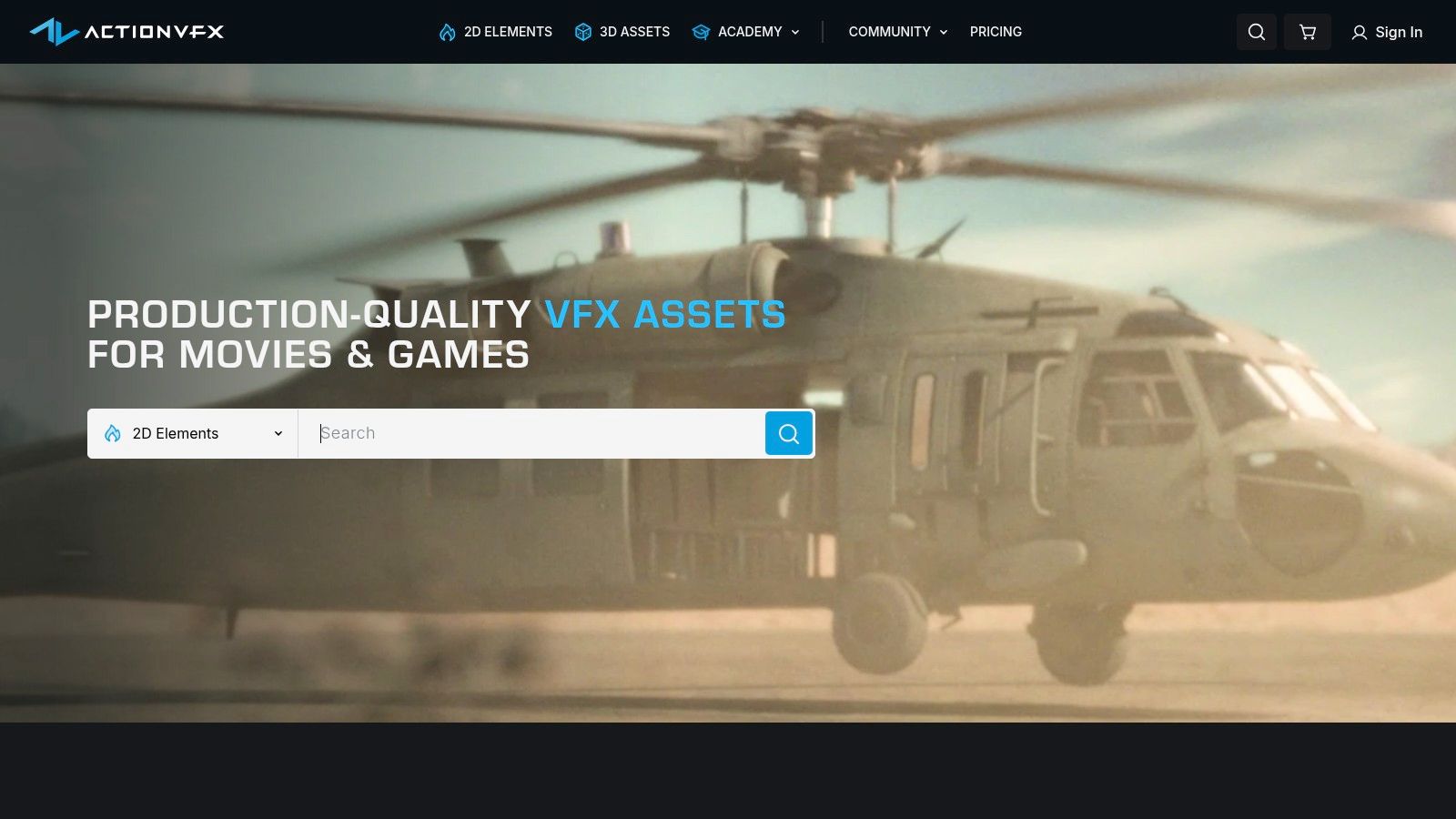
What makes ActionVFX stand out is its free Practice Footage Library, containing over 500 royalty-free clips. These aren't just low-resolution samples; many are delivered in 2K ProRes formats. This gives VFX artists and editors the perfect material to hone their compositing skills with industry-standard assets. They also periodically release free sample packs from their premium collections, offering a taste of their highest-quality content.
Key Features & Limitations
The value of ActionVFX's free offerings lies in their professional quality, making them suitable for serious projects, not just experiments. The main limitation is that the bulk of their extensive library remains behind a paywall, with free items serving as an entry point.
- Free Tier: A free account grants access to the Practice Footage Library (500+ clips) and other select free collections, with a limit of 5 downloads per day.
- Paid Collections: Premium assets are purchased in packs, unlocking higher resolutions (up to 6K) and more extensive element libraries.
- Compatibility: Clips are provided in professional-friendly formats like ProRes and OpenEXR, often with pre-keyed alpha channels, ensuring compatibility with software like After Effects, Nuke, and Fusion.
Best Use Case: Essential for aspiring VFX artists and filmmakers who need realistic, high-fidelity free effects for video to practice compositing. It’s also perfect for independent creators who need a specific, high-quality shot of smoke, blood, or debris to elevate a key scene without a budget for a full premium pack.
11. AEJuice – Free VFX Assets
AEJuice is well-known in the motion graphics community for its powerful plugins and asset packs, but its free offerings are a fantastic entry point. Their Free VFX Assets pack is a substantial starter bundle designed to give editors a taste of their ecosystem, delivering professional-grade elements without any cost. The pack is neatly organized and curated for immediate use in high-action scenes or for adding subtle dynamic flair.
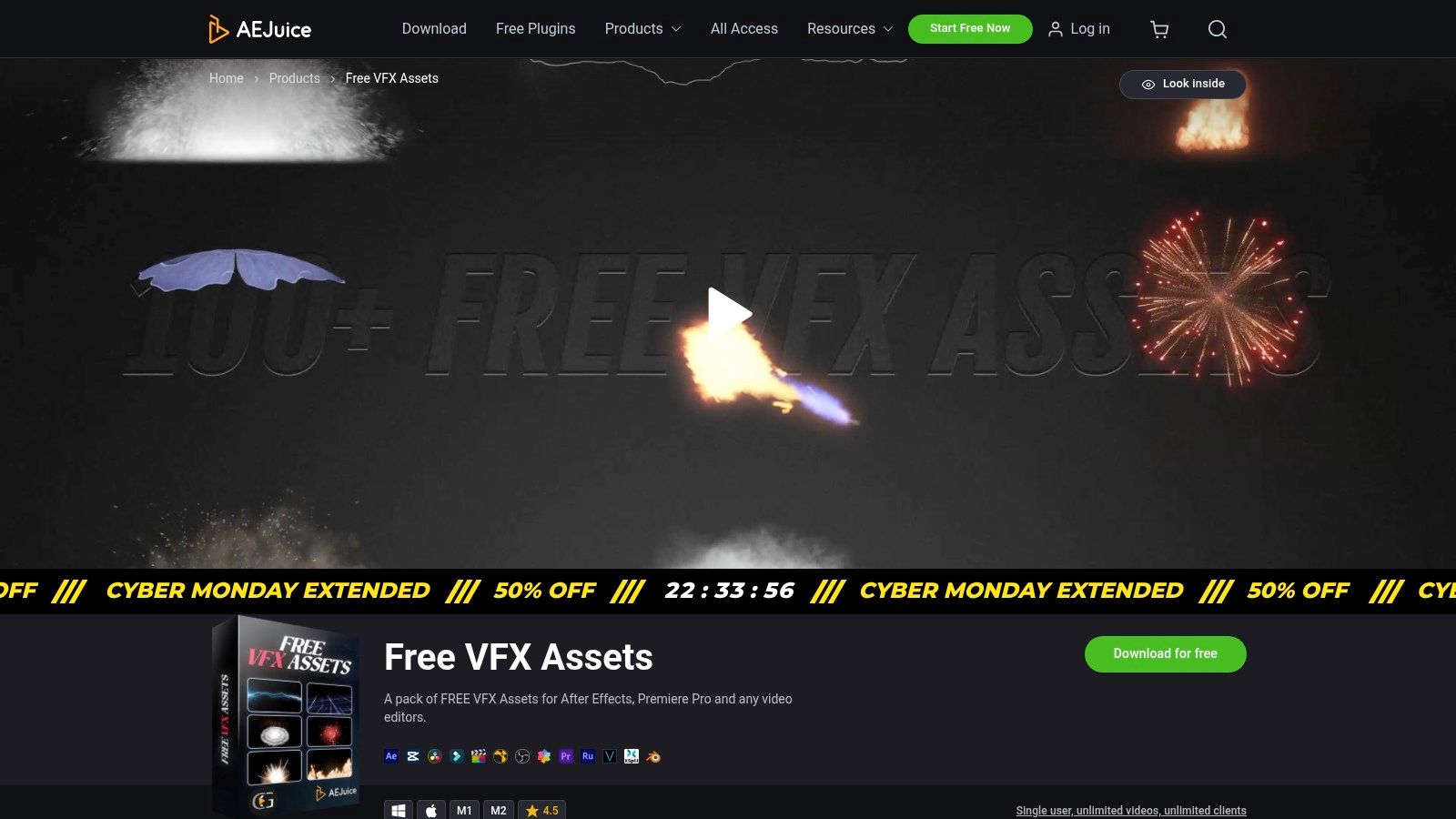
What makes AEJuice stand out is its focus on integration. While the assets are standard video files that can be used in any editor via blend modes, they are best experienced within the AEJuice Pack Manager for Adobe After Effects and Premiere Pro. This plugin creates a seamless drag-and-drop workflow, which is a massive time-saver for editors working on tight deadlines.
Key Features & Limitations
The free bundle is a one-time download and comes with a generous single-user license that permits use in unlimited client projects. The primary limitation is that the most advanced features and largest asset collections are reserved for their paid products.
- Free Tier: The Free VFX Assets pack includes elements across 27 diverse categories, from muzzle flashes and explosions to water splashes and energy effects.
- Paid Options: Unlocks extensive premium packs like "Liquid Elements," "Cyberpunk HUD," and more, all integrated within the same Pack Manager plugin.
- Compatibility: Designed primarily for After Effects and Premiere Pro. However, the video files can be manually imported and composited in any NLE using screen or additive blend modes. If you want to learn more about asset integration, you can explore this guide on how to create animated videos.
Best Use Case: Ideal for motion graphics artists and video editors already working within the Adobe ecosystem. It's perfect for quickly adding polished, pre-made free effects for video, such as cartoon energy bursts or realistic fire, without leaving the editing timeline.
12. Enchanted Media
Enchanted Media is a boutique resource specializing in high-quality, stylized overlays and motion graphics. While it offers premium paid packs, its dedicated "Free VFX Overlays" section provides a curated taste of their professional assets, focusing on elements that add an immediate filmic or atmospheric quality to any project. It’s an excellent choice for creators looking for practical, easy-to-use visual enhancements.
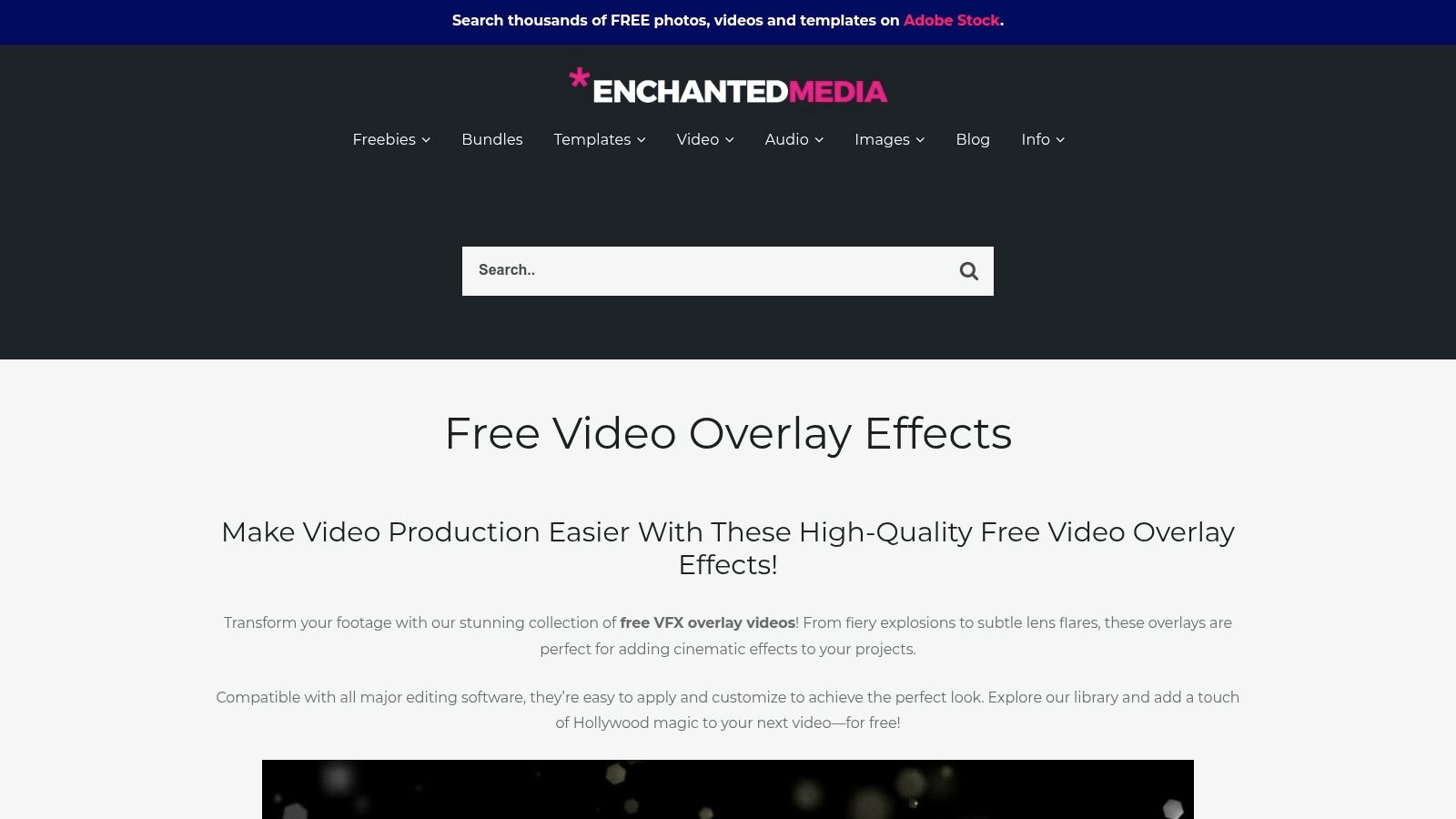
What makes Enchanted Media stand out is its focused approach. Instead of a massive, overwhelming library, it offers thoughtfully designed packs like lens flares, light leaks, and particles. These assets are built for drag-and-drop simplicity, working seamlessly in any editing software that supports blend modes like "Screen" or "Add," making them accessible even for beginners.
Key Features & Limitations
The free offerings are high quality, though the selection is smaller compared to larger marketplaces. To access the free downloads, you typically need to provide an email address.
- Free Tier: A curated collection of free effects for video, including lens flares, light leaks, and particle overlays, often requiring an email signup.
- Paid Products: Offers affordable premium packs like 4K Cineburns in high-quality ProRes formats for professional workflows.
- Compatibility: Overlays are delivered as standard video files (MP4/MOV) and are compatible with all major NLEs, including Premiere Pro, Final Cut Pro, DaVinci Resolve, and VEGAS Pro.
Best Use Case: Ideal for wedding videographers, travel vloggers, and social media creators who want to quickly add a warm, cinematic, or dreamy aesthetic to their footage. The overlays are perfect for enhancing transitions, title sequences, or adding subtle texture to a scene without complex effects work.
12 Free Video Effects Resources — Comparison
| Product | Core features | Quality ★ | Price / Value 💰 | Target 👥 | Unique selling points ✨ |
|---|---|---|---|---|---|
| Veo3 AI 🏆 | Text→video & image→video; multi-model (Veo3, Seedance, Sora2…); adjustable resolution; rapid renders | ★★★★☆ | 💰 Free core; paid tiers/details not fully listed | 👥 Social creators, marketers, educators, indie artists | ✨ All-in-one multi-model pipeline; fast renders; creator-owned licensing |
| ProductionCrate | 1,000s VFX overlays, plugins, alpha assets, organized crates | ★★★★☆ | 💰 Free limited; Pro for 4K & larger library | 👥 YouTubers, indie studios, VFX artists | ✨ Production-grade catalog + plugin/script support |
| Mixkit (Envato) | Free MOGRTs/templates & overlays for major NLEs; no signup | ★★★☆☆ | 💰 Completely free (no signup) | 👥 Quick social/promo creators, beginners | ✨ Truly free templates & overlays for editors |
| Motion Array | 1M+ assets (templates, overlays, SFX) + free section & tutorials | ★★★★☆ | 💰 Subscription for full access; selected free assets | 👥 Editors, agencies, freelancers | ✨ Pro-quality marketplace with tutorials & filters |
| Videvo | Stock VFX & overlays with per-item license filters (RF, CC‑BY) | ★★★☆☆ | 💰 Free + premium; some require attribution | 👥 Editors needing license clarity & variety | ✨ Clear per-item licensing & resolution filters |
| Adobe Stock – Free collection | Curated free MOGRTs & HD/4K clips; in-app Premiere/AE access | ★★★★☆ | 💰 Free collection (Adobe ID required) | 👥 Adobe Premiere/After Effects users, pros | ✨ Seamless Adobe integration and reliable licensing |
| Pixabay Videos | Large free stock clips & overlays, CC0-style permissive license | ★★★☆☆ | 💰 Free (very permissive, no attribution) | 👥 Budget creators, quick-overlay needs | ✨ CC0-like license for wide commercial use |
| Videezy | Free + Pro overlay/effects library; filter by license/resolution | ★★★☆☆ | 💰 Free + Pro; some watermarks/attribution on free items | 👥 Editors seeking textures, light leaks | ✨ Wide free results and simple filtering |
| MotionElements | Free Downloads program (weekly quota) + royalty-free assets | ★★★☆☆ | 💰 Free weekly quota; paid marketplace items | 👥 Members, small studios, content creators | ✨ Regularly refreshed freebies & clear free-filtering |
| ActionVFX | High-end filmed VFX (explosions, smoke); Practice Footage Library | ★★★★☆ | 💰 Mostly paid; free practice library (limited) | 👥 Professional VFX/compositors, studios | ✨ Cinema-grade filmed elements (ProRes/2K+) |
| AEJuice | Free VFX Assets pack (27 categories) + plugins for AE/PR | ★★★★☆ | 💰 Free starter bundle; paid plugins/packs | 👥 Motion designers, After Effects / Premiere users | ✨ Large curated free bundle + AEJuice ecosystem |
| Enchanted Media | Curated free overlays + affordable paid 4K cineburn packs | ★★★☆☆ | 💰 Free section + low-cost paid packs | 👥 Stylized creators, indie filmmakers | ✨ Filmic overlays & focused, easy-to-use packs |
Choosing the Right Free Effects for Your Next Project
Navigating the world of free effects for video can transform your creative process, turning ambitious ideas into polished, professional content without breaking the bank. As we've explored, the landscape is rich and varied, offering everything from drag-and-drop overlays to complex, AI-generated visuals. The key takeaway is that no single resource is a one-size-fits-all solution; the best approach is to build a versatile toolkit by strategically selecting assets from different platforms.
Your project's specific needs should be the ultimate guide. For a social media manager churning out daily TikToks or Instagram Reels, the ready-to-use templates and transitions from Mixkit and Videezy are invaluable for speed and impact. An independent filmmaker, on the other hand, might lean on the high-fidelity, production-quality elements from ActionVFX and ProductionCrate to add cinematic realism to their scenes. The vast libraries ensure that whether you need subtle light leaks or explosive VFX, a free option is likely available.
Making the Right Choice: A Practical Framework
Choosing the right asset isn't just about aesthetics; it's about efficiency and compatibility. Before downloading, always consider these crucial factors:
- Project Demands: Are you creating a quick, trendy social post or a detailed educational video? Your answer will dictate whether you need a simple overlay or a customizable After Effects template. Match the complexity of the effect to the scope of your project.
- Software Compatibility: Nothing stalls creativity faster than an incompatible file. Double-check if an asset is a standalone video file (.MP4, .MOV), a project file for specific software (.MOGRT for Premiere Pro, .AEP for After Effects), or a plugin that requires installation. This simple step saves immense frustration.
- Licensing and Attribution: "Free" often comes with conditions. Always review the license associated with each asset. Can you use it for commercial projects? Is attribution required? Understanding these rules protects you and your work, especially for monetized content on platforms like YouTube.
- Aesthetic Cohesion: While it's tempting to use the most dramatic effects, the best visuals serve the story. Ensure the chosen effects align with your brand's style and the video's overall tone. A gritty, cinematic LUT won't fit a bright, cheerful product ad.
The New Frontier: AI-Generated Effects
The most significant shift in creating free effects for video is the rise of AI. While traditional asset libraries provide pre-made solutions, tools like Veo3 AI represent a paradigm shift towards creative co-creation. Instead of searching for an effect that almost fits your vision, you can now generate one that is perfectly tailored to it from a simple text description.
This technology is a game-changer for creators seeking true originality. It empowers you to experiment with abstract concepts, unique visual styles, and effects that simply don't exist in conventional stock libraries. The future of video effects is not just about finding assets; it's about creating them on demand. By integrating both high-quality curated libraries and innovative AI tools into your workflow, you unlock a nearly limitless creative potential, ensuring every video you produce is dynamic, engaging, and uniquely yours.
Ready to move beyond searching for the perfect effect and start creating it instead? Explore Veo3 AI and discover how easy it is to generate custom, high-quality video effects from simple text prompts, completely free. Unleash your unique vision and bring your most imaginative ideas to life by visiting Veo3 AI today.
Conclusion: Our Final Recommendation on Free Effects For Video
After reviewing all available options and strategies, our verdict is clear: the best approach to free effects for video in 2025 combines AI-powered tools like Veo 3 with proven content strategies.
We recommend:
- Start with free tools to test and learn
- Focus on quality and consistency over volume
- Use AI to accelerate production, not replace creative direction
Bottom line: Free Effects For Video is more accessible than ever in 2025. The tools and strategies in this guide are tested and proven — start applying them today for immediate results.
Related Articles
Continue with more blog posts in the same locale.
Veo 3 Gratis: How to Access and Use Free AI Video
Learn how to access Veo 3 gratis and generate AI videos. This guide covers account setup, prompt strategies, rendering settings, and free tier limits.
Read article
10 Générateur De Vidéo Gratuit Tools Worth Trying
Compare 10 générateur de vidéo gratuit tools, including Veo3 AI, with features, free-tier limits, pros, cons, and picks for every use case.
Read article
Gemini Omni vs MiniMax H3: Which AI Video Model Wins?
Gemini Omni vs MiniMax H3: compare video quality, architecture, and costs. Find the best AI video model for your creative workflow.
Read article