
AI Reels Generator: 7 Tools to Make Vertical Video Fast
Compare the 7 best AI reels generator tools for 2026, with workflows, 9:16 presets, quick production recipes and tips for Japanese and Korean creators.
Veo3 AI · 13 min read · Nov 6, 2026
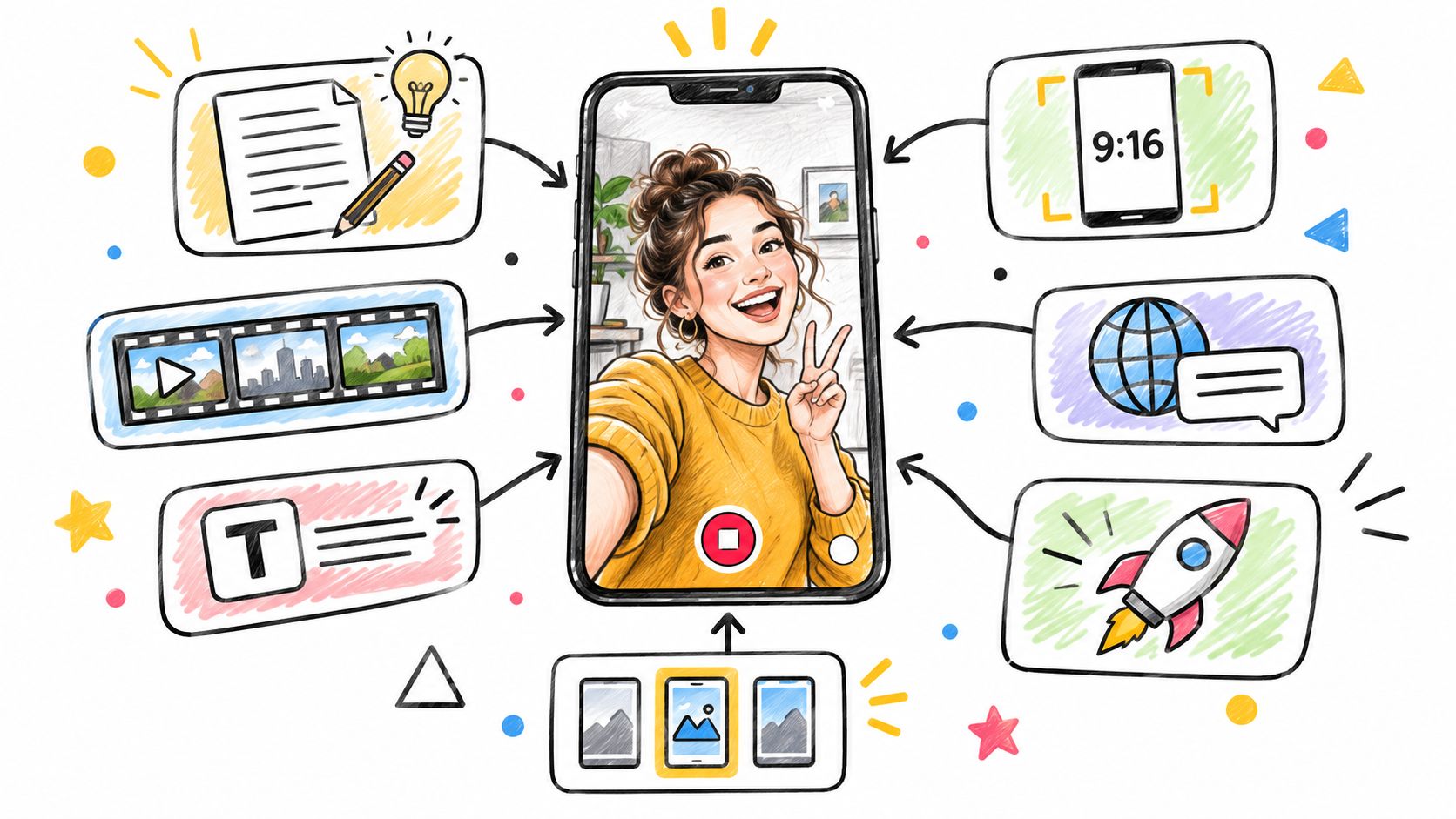
The most popular advice about an AI Reels generator is to find the “best” one and let it make your videos. That advice misses the genuine production problem: prompt-to-draft tools, shot generators, design-led editors, and publishing automations do different jobs. A tool that quickly turns a topic into a narrated draft may be the wrong choice for a carefully directed product shot, while a strong visual generator may leave you with all the editing and posting still to do.
This roundup organizes seven tools by where they fit in a Reel workflow, so you can choose based on the work you need done. Whichever tool you use, start with a 9:16 vertical frame for mobile-first publishing and keep captions and important details away from the edges where interface elements can cover them. Japanese and Korean creators should also check font support, subtitle breaks, voice naturalness, and the pacing of translated hooks before publishing. AI can support using AI for Instagram growth, but it can't replace a clear idea or a purposeful edit.
Table of Contents
- 1. Veo3 AI
- 2. InVideo AI
- 3. VEED
- 4. CapCut
- 5. Canva
- 6. Revid AI
- 7. Runway
- 7 AI Reels Generators Compared
- Build Your Own Reels Pipeline With Recipes, Monetization and a Fast Start
<a id="1-veo3-ai"></a>
1. Veo3 AI
Veo3 AI earns its place in a Reel pipeline at the shot level. The free browser-based generator turns prompts or still images into clips, with workflows for text-to-video, image-to-video, reference-to-video, and product ads. It brings Veo3, Seedance, and Hailuo into one workspace, so you can test several visual approaches before committing to one look for a Reel.
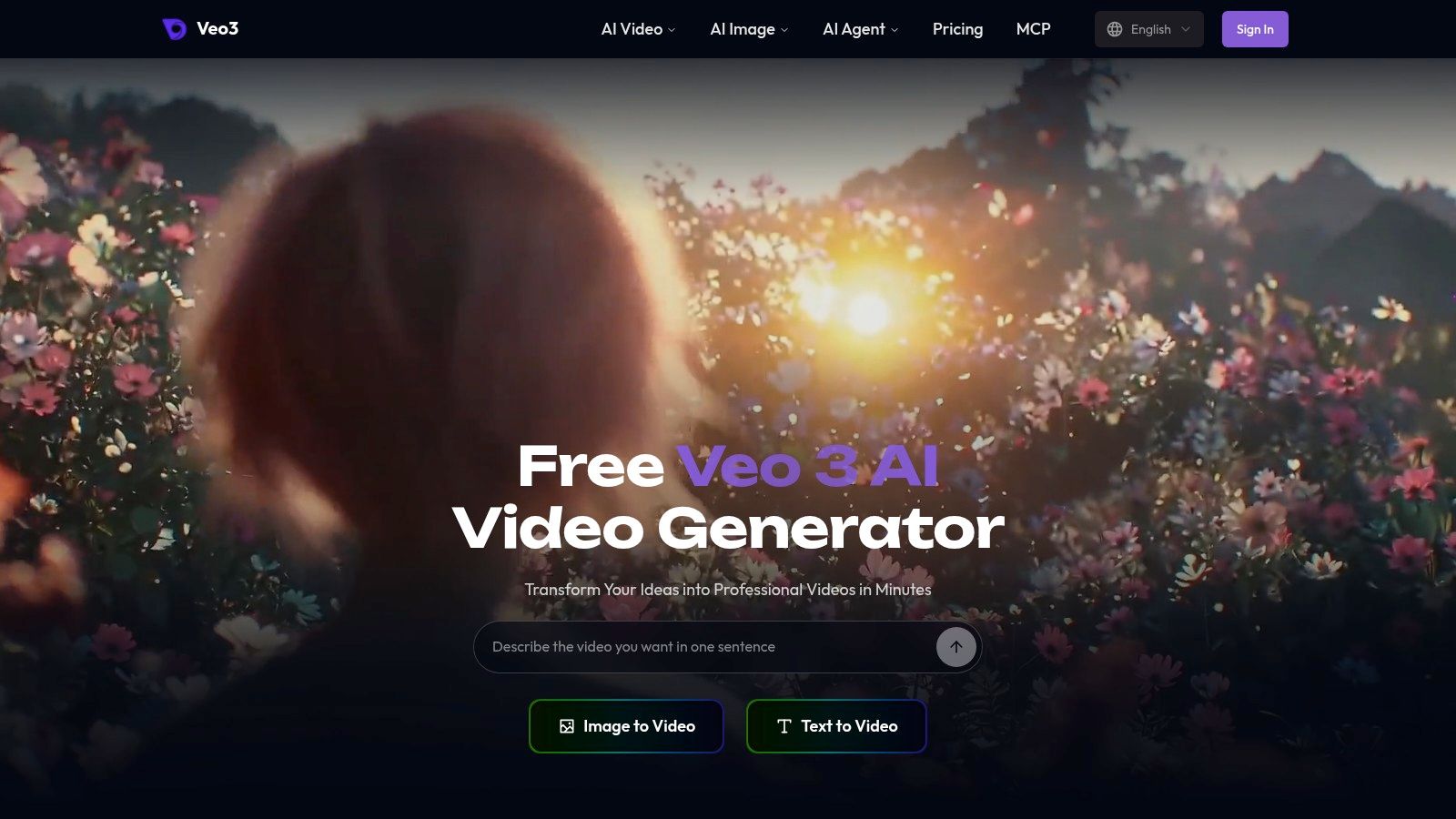
For directed moments, the Veo 3.1 page lists first-and-last-frame control and output up to 4K. Veo 3 can generate short clips with synchronized audio. Google's documentation describes using up to three reference images to guide a character, object, or scene, and using first and last images to shape a transition with audio (Google's Veo 3.1 API announcement). Those controls suit a product beat, a character close-up, or a transition between scenes. They do not replace the edit that turns the clips into a finished Reel.
Production rule: Treat generated footage as shots to edit, not as a finished social video. You'll still need to shape the hook, captions, pacing, and call to action.
The platform also covers text-to-image, photo animation, music generation, and product advertising. Creators retain the rights to generated videos for personal or commercial use. A generated clip can be short, so a longer Reel may need several shots assembled in an editor. Output quality and available controls vary by model and workflow. For a closer look at Reels-focused options, see AI video generators for Instagram Reels.
<a id="2-invideo-ai"></a>
2. InVideo AI
InVideo AI is built for the idea-to-draft stage. Give it a topic or prompt and it can put together a script, scenes, voiceover, subtitles, and music in an editable video draft. That's a practical starting point for a narrated explainer or themed Reel when you have the message but don't want to assemble every scene from scratch.
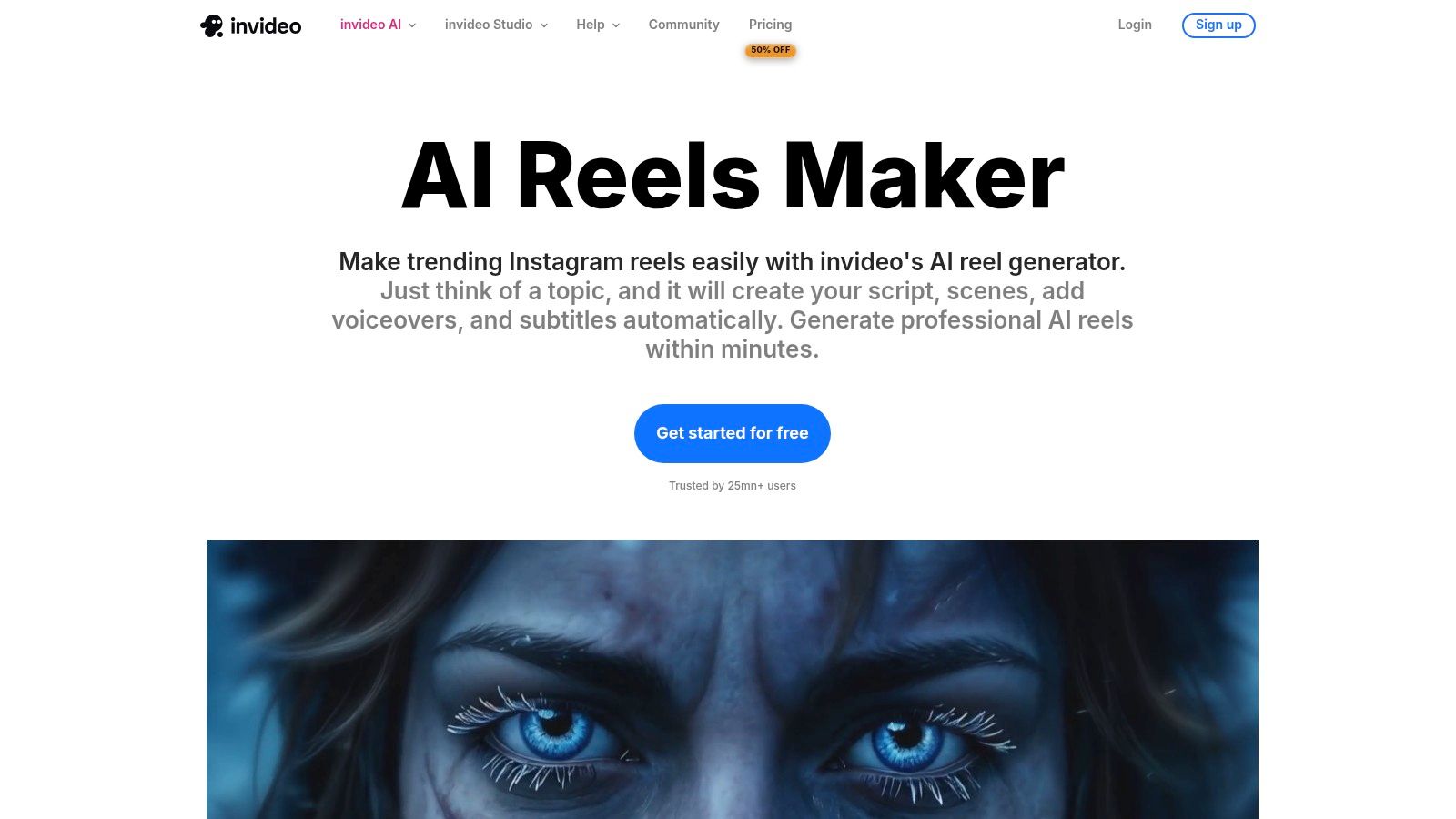
The workflow is most useful when the story can be told through a voiceover and supporting visuals. For example, a marketer could start with a product benefit, ask for a short explainer, then replace generic scenes with product images or footage that proves the point. The Instagram Reels maker includes guided workflows for different Reel styles and an editor for revising the generated result. For more on the platform's broader role, see this InVideo AI video creation tool overview.
The trade-off is editorial control. A first draft can save assembly time, but its script and scenes may sound familiar until you rewrite the opening, tighten the claims, and choose visuals that suit your brand. It's also less suited to creating one highly controlled cinematic shot; use a shot generator for that, then bring the clip into your edit. AI generation uses credits, so check the current plan and model details before you build a high-volume process around repeated renders.
<a id="3-veed"></a>
3. VEED
A generated clip becomes a Reel when the captions, overlays, pacing, and branding are locked. VEED's role in the workflow is the browser tab where that finishing work happens. Start from a prompt or a checked script, then edit narration, avatars, music, captions, and uploaded or stock footage in the same timeline.
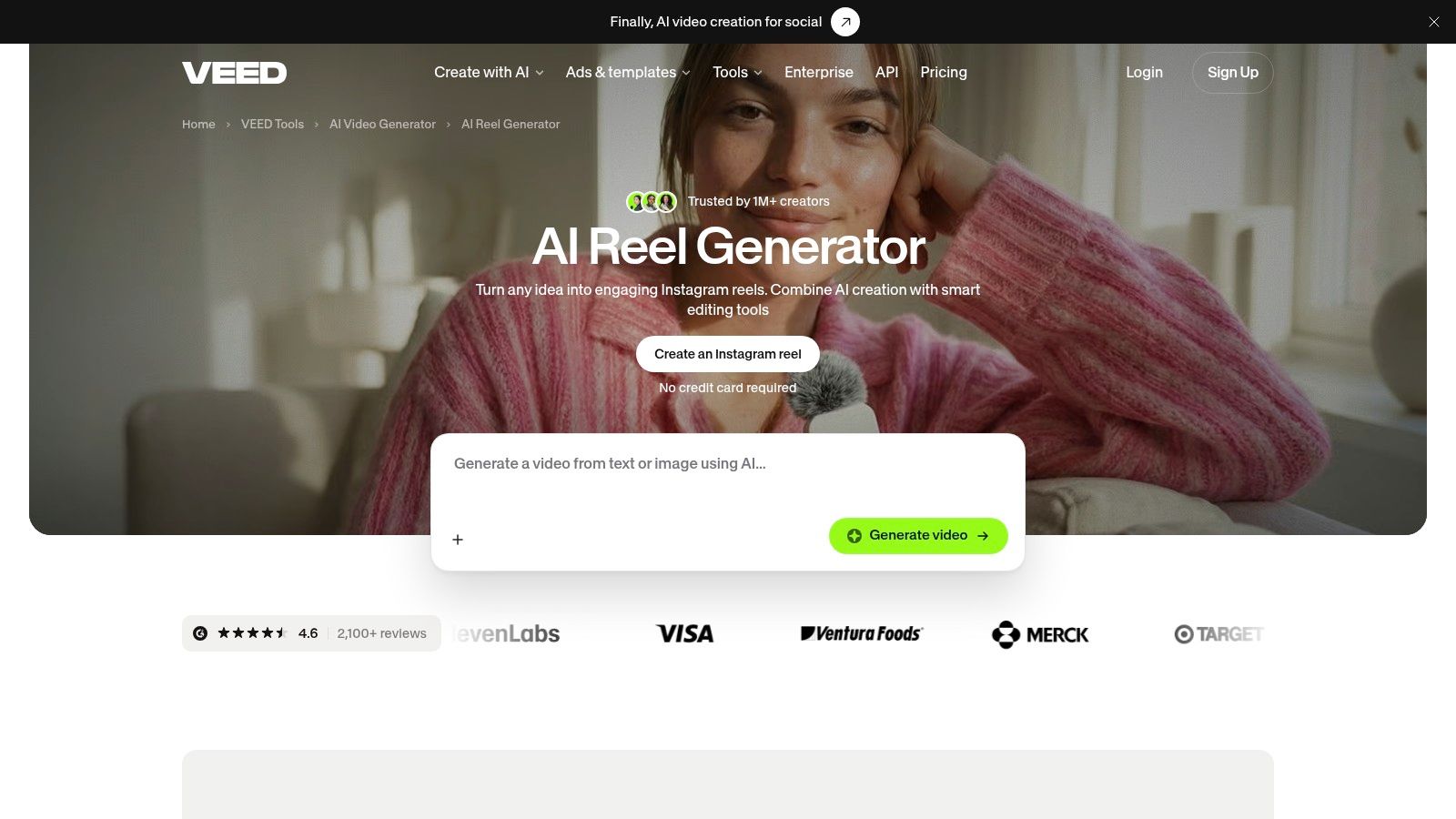
VEED fits a team that needs branded captions and reviewable revisions as much as a visual draft. Bring in a script you have already checked, generate or select supporting visuals, then adjust subtitle style and branding inside the editor. The AI Reel generator is a production workspace for assembling the Reel, so the visual draft and the caption pass stay in one place. Use a dedicated shot generator when you need one controlled cinematic clip; bring that footage here for the caption and brand pass.
The trade-off is generic output. Stock footage and templates can flatten a Reel into something that looks like every other template unless you rewrite, recut, and restyle it. Credit costs also climb with repeated renders and revisions, and plan limits vary, so high-volume testing needs a budget check before you build a weekly schedule around it. Test the tasks you expect to repeat, especially caption corrections and brand updates, before you commit. A rating badge does not tell you whether the editing workflow fits your team's caption, branding, and approval process.
<a id="4-capcut"></a>
4. CapCut
CapCut fits the generate, then edit stage. Its AI video workflow supports text and image inputs, and its short-form editing tools can help you finish generated footage with voice, sound, captions, and other edits. It's particularly useful when your Reel combines AI-made shots with clips you filmed yourself or already have in a content library.
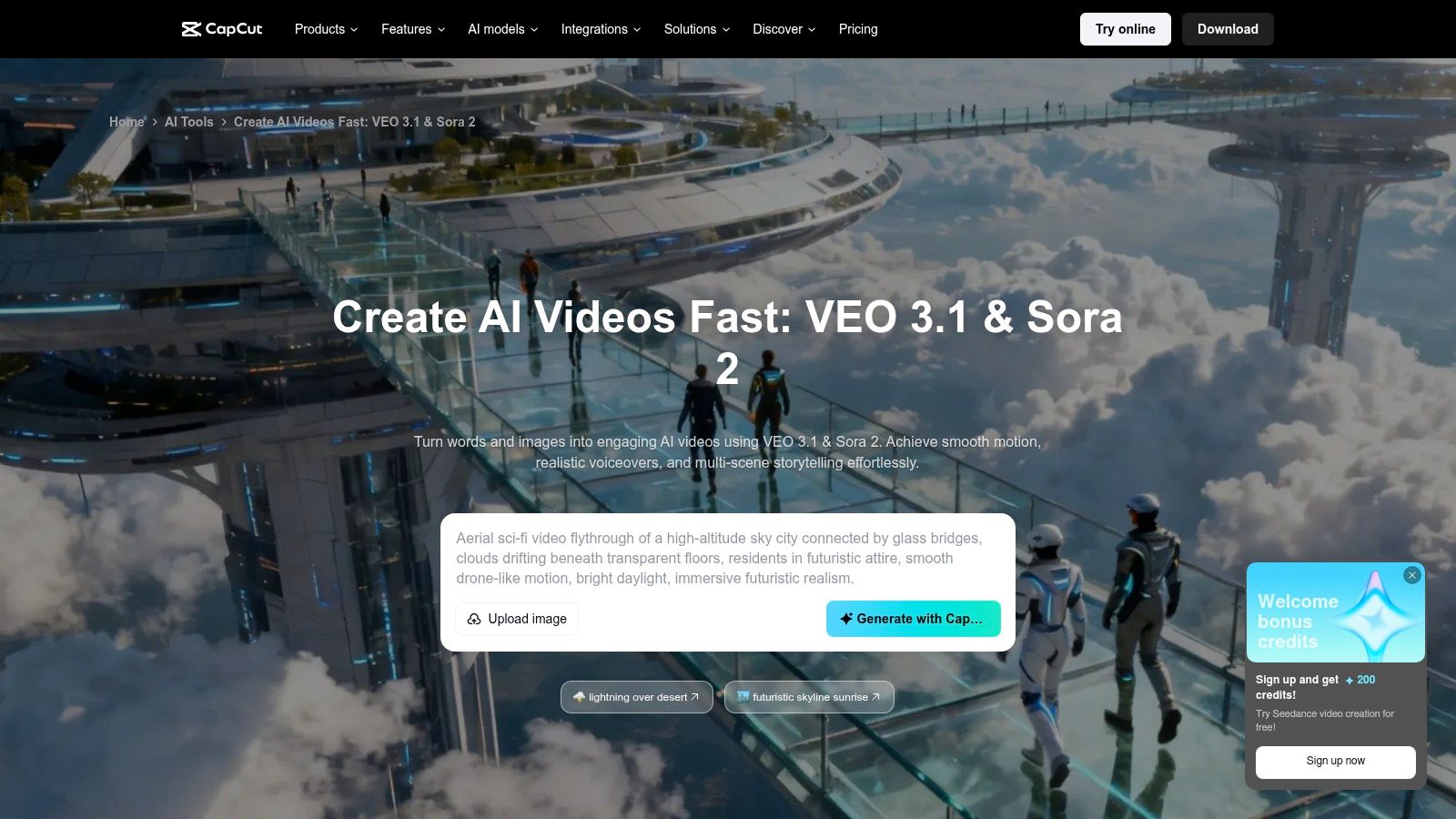
This editor-first approach gives you a place to control the finished sequence. Generate a visual for the opening, add a real demonstration or product detail, then use captions and sound to connect the two. CapCut's AI video page lists Veo 3.1 and Sora 2 among the available models, though model and feature access may depend on account, region, or plan.
Don't assume a generated clip is automatically a complete Reel. Some outputs are short shots that still need an opening, a clear middle, and an ending. Advanced controls or generation may also require paid access or credits, so factor revisions into your workflow rather than budgeting only for a first attempt. CapCut is a better fit for creators willing to make hands-on edits than for anyone expecting a single prompt to produce a polished, ready-to-publish story.
<a id="5-canva"></a>
5. Canva
Canva is the design-led choice. Its Reel templates, drag-and-drop editor, AI content tools, animation, and resizing features work well when visual consistency matters more than cinematic generation. Think product announcements, recurring tips, event promotions, and other content where the brand colors, type, and layout need to stay recognizable.
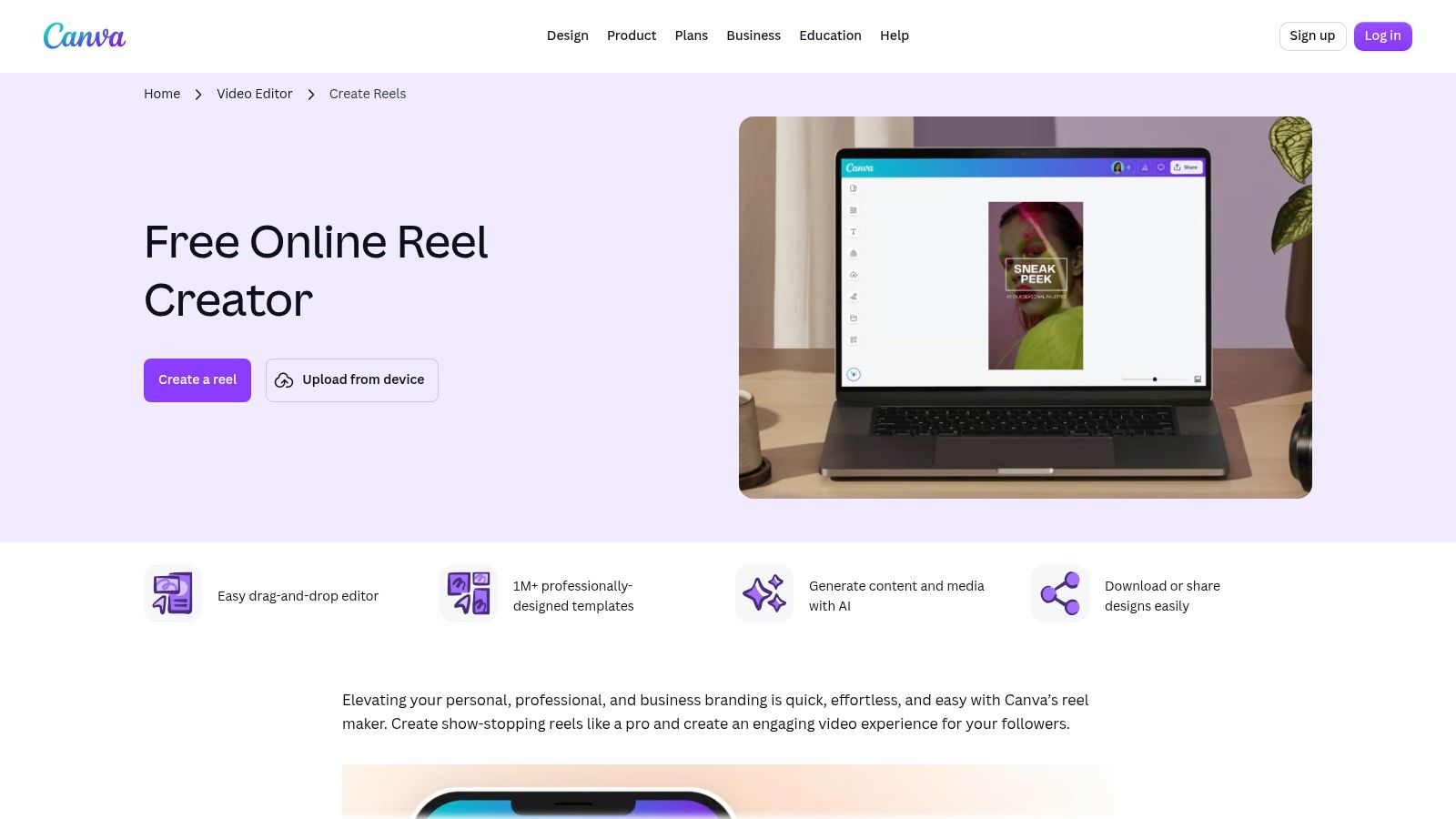
A repeatable template can make recurring content easier to produce: keep the logo and caption treatment consistent, then swap the footage, message, and call to action. Canva also includes a text-prompt video feature, but video generation is one part of a wider design tool. It's not the first pick when the main job is to create a tightly directed, realistic shot.
The risk is template sameness. If you use the default layout and stock elements without tailoring them, your promo may look like a dozen others in the same category. Change the opening frame, adjust the typography hierarchy, and use product or creator-specific imagery so the design supports the message instead of becoming the message. Canva offers a free plan, while some AI and premium-content features have plan limits. Check that the tools and export options you need are available in your account before setting up a batch workflow.
<a id="6-revid-ai"></a>
6. Revid AI
Revid AI combines short-form creation with publishing automation. Its workflow can start from a text idea, link, or viral-format reference, then bring together visuals, voiceover, captions, and editing. It also supports direct publishing to TikTok, Instagram, and YouTube, which makes it a candidate for teams that want fewer handoffs between creation and distribution.
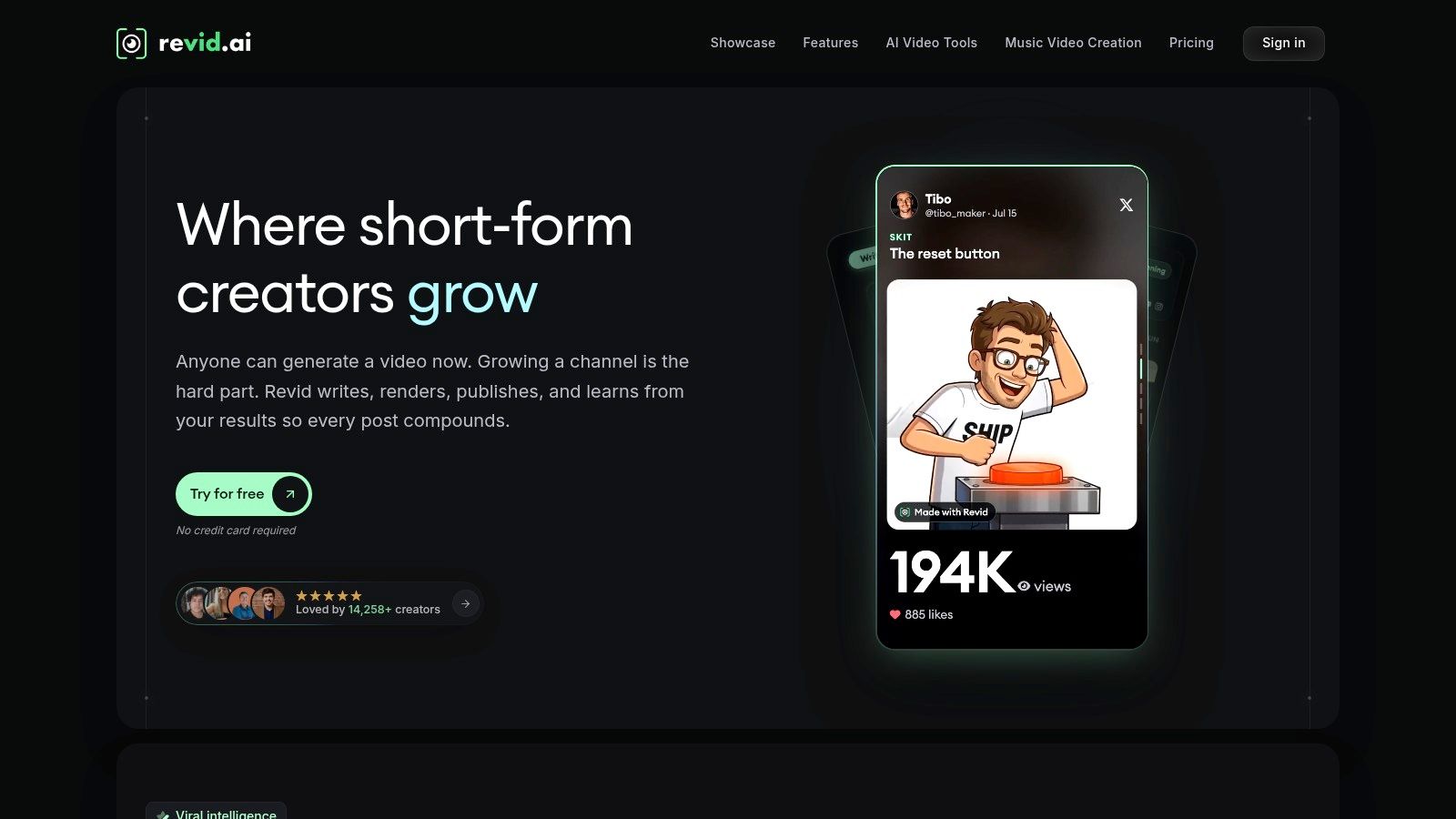
That automation is most helpful when the format is already defined. For example, a recurring educational series can use the same broad structure while changing the topic, supporting visuals, and final prompt to the viewer. Revid's short-form video platform offers multiple visual-generation models, so you can also compare different treatments within that process.
Automation doesn't make review optional. Check whether each video's claims are accurate, whether the voice fits your brand, and whether the selected visuals add meaning rather than filling the frame. Credit costs depend on the assets and models used, and high-volume production can become expensive if each draft needs several re-renders. Revid AI offers free sign-up with trial credits according to its pricing page, but plan your workflow around the actual cost of creating, revising, and exporting the videos you need.
<a id="7-runway"></a>
7. Runway
Runway is a shot-level generation tool, not a complete prompt-to-published-Reel pipeline. It supports text-to-video and image-to-video generation, and some models support portrait output. That makes it useful when you want to experiment with one striking visual, animate a still image, or develop a transition before assembling the full Reel elsewhere.
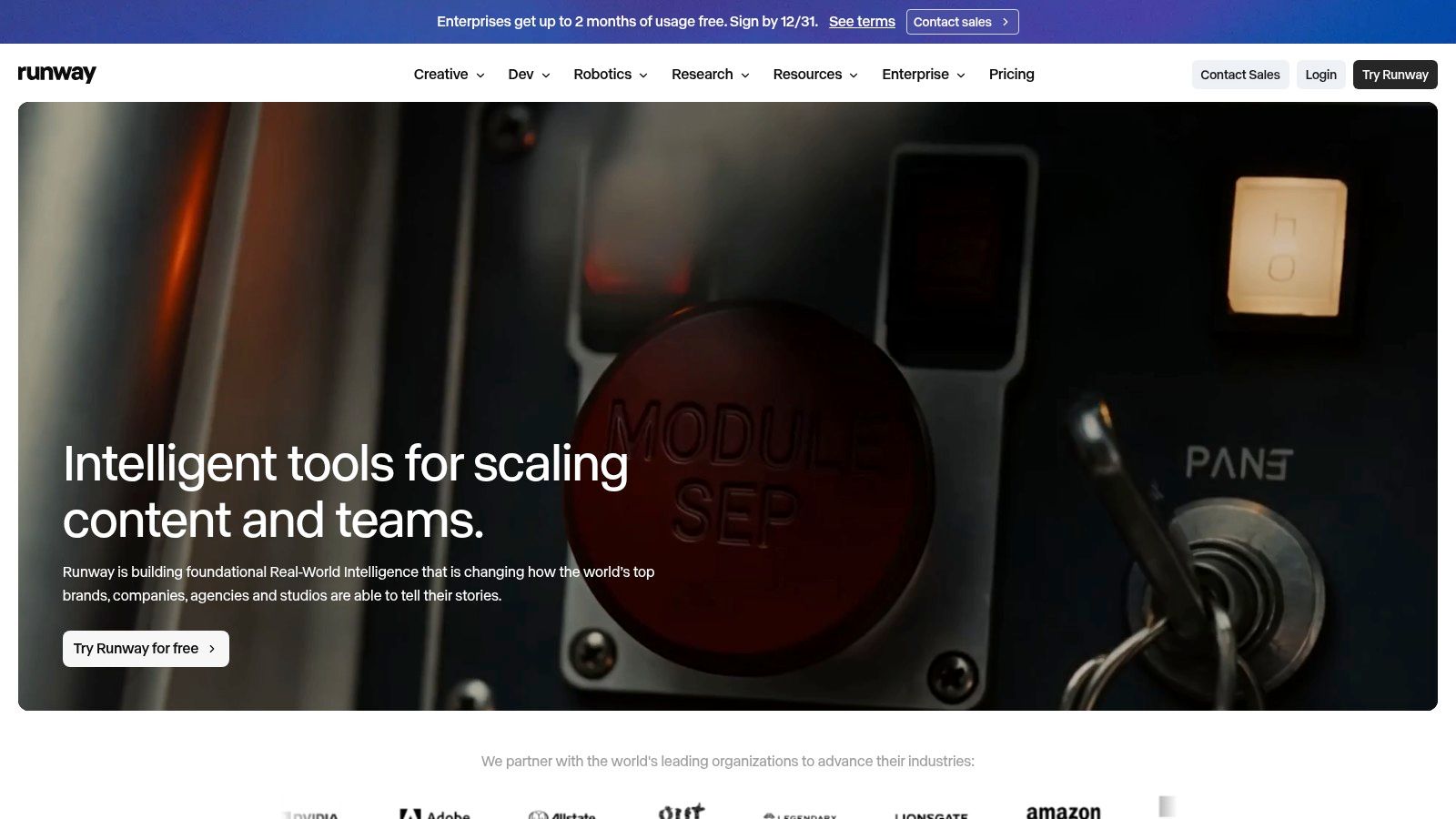
Treat the output like footage for an edit. Generate a shot that supports the hook, then move it into an editor to set the pacing, add captions and music, and build the rest of the story. Runway provides multiple models and creative tools, with access depending on plan. Its video generation platform uses credits for generating and iterating on clips, so repeated prompt changes can consume them quickly, particularly with higher-cost models.
The limitation is the additional assembly work. If you need a script, subtitles, a complete sequence, and direct publishing in one workflow, another tool on this list may suit you better. Runway makes more sense when visual experimentation is the hard part and you're comfortable finishing the Reel in a separate editor.
<a id="7-ai-reels-generators-compared"></a>
7 AI Reels Generators Compared
| Tool | Best workflow role | Standout strength | Main limitation |
|---|---|---|---|
| Veo3 AI | Comparing models and creating short AI video assets | Multiple video models and media tools in one workspace | Pricing, usage limits, and model access are unclear |
| InVideo AI | Turning a topic into an editable narrated Reel draft | Generates scripts, scenes, voiceovers, and subtitles | Drafts may need substantial editing; uses credits |
| VEED | Creating and polishing Reels in a browser editor | Combines AI generation with captions, branding, and editing | Credit limits and template-driven results may constrain output |
| CapCut | Generating and finishing short-form video | Pairs text- and image-to-video tools with editing features | Model access and advanced usage may depend on plan or region |
| Canva | Designing branded and recurring social content | Templates and drag-and-drop tools support consistent branding | Template-led results can look familiar; some features are limited by plan |
| Revid AI | Creating and publishing short-form social videos | Combines idea-to-video workflows with direct social publishing | Credit costs can rise; automated content needs review |
| Runway | Generating and iterating on individual video shots | Supports visual experimentation and portrait output on some models | Requires another editor for complete Reel assembly and publishing |
<a id="build-your-own-reels-pipeline-with-recipes-monetization-and-a-fast-start"></a>
Build Your Own Reels Pipeline With Recipes, Monetization and a Fast Start
Pick tools by production job, then connect them with a consistent review process. For an explainer, start with a script or prompt in InVideo AI or VEED, edit the opening so it makes one clear promise, and check every caption against the narration. For a cinematic hook, generate a shot in Veo3 AI or Runway, then assemble it with real footage, sound, and an ending in an editor. For branded promotions and ad variations, create a reusable Canva layout and change the offer, product image, and opening treatment without rebuilding the design each time.
Short-form video is now a high-volume production format: Metricool's 2025 study analyzed 5,696,685 videos published by 582,456 connected accounts across TikTok, Instagram, YouTube Shorts, and Facebook. The tracked video count increased by 71.20% compared with 2024, while the number of accounts using the format rose by 51.03%, according to the Metricool State of Short Video Report 2025. More output doesn't guarantee better reach, so test each platform's version rather than reposting one master export everywhere. Use the same offer and audience while you compare hooks, watch time, completion, shares, saves, and comments.
For monetization, make the Reel match the ad destination and the viewer's next step. A product Reel should show the item clearly, support its claims with a real demonstration or relevant detail, and use one direct call to action. Veo3 AI's product photo generator creates showcase images and videos that help ecommerce listings feel more complete, premium, and conversion-ready. For ideas on turning a product link into a video concept, use this AI Video Detector conversion guide.
Japanese and Korean creators should review more than literal translation. Check whether the chosen font renders each character cleanly, whether captions break at natural phrase boundaries, and whether the voice sounds believable in the target language. A translated hook can be grammatically correct yet feel stiff; rewrite it for the market, then confirm that the first visual and spoken line work together.
Start this week with three steps:
- Choose one outcome: Teach one useful idea, demonstrate one product benefit, or invite one action.
- Generate one draft and one alternative: Change the hook or visual approach, not everything at once.
- Review and publish: Check claims, pronunciation, caption placement, and pacing, then compare audience response before making the next version.
Veo3 AI offers a free Veo 3 AI video generator, and its Reels tools export in 9:16 at up to 1080p. Make one focused Reel first, keep a note of what you changed, and use that result to decide which part of the workflow deserves automation.
Veo3 AI brings multiple video-generation models and creative tools into one browser-based workspace, with options for prompt-led and image-led creation. If you're building a faster AI Reels workflow, visit Veo3 AI to explore how its tools fit your next vertical video.
Related Articles
Continue with more blog posts in the same locale.
Gemini Omni 1.2 Flash: What's New Compared With 1.1
Gemini Omni 1.2 Flash adds 15-second clips, multi-turn editing and a 30% lower API price. Here is what changed from 1.1 and what to test first.
Read article
Gemini Omni 1.2 Flash vs Veo 3.1: Which Google Model Should You Use?
Gemini Omni 1.2 Flash or Veo 3.1? Compare clip length, editing, references and access, then see which Google video model fits your project.
Read article
Is GPT Image 2.6 Free? Every Way to Try GPT 2.6
Is GPT Image 2.6 free? See how GPT 2.6 access works in ChatGPT, the API and third-party sites, what it costs per image, and what no subscription really means.
Read article