
Veo 3.1 vs Sora 2: Which AI Video Model Wins in 2026
Veo 3.1 vs Sora 2 compared side by side on quality, speed, pricing, and workflows. Find out which AI video model fits your creator needs.
Veo3 AI · 18 min read · Oct 1, 2026
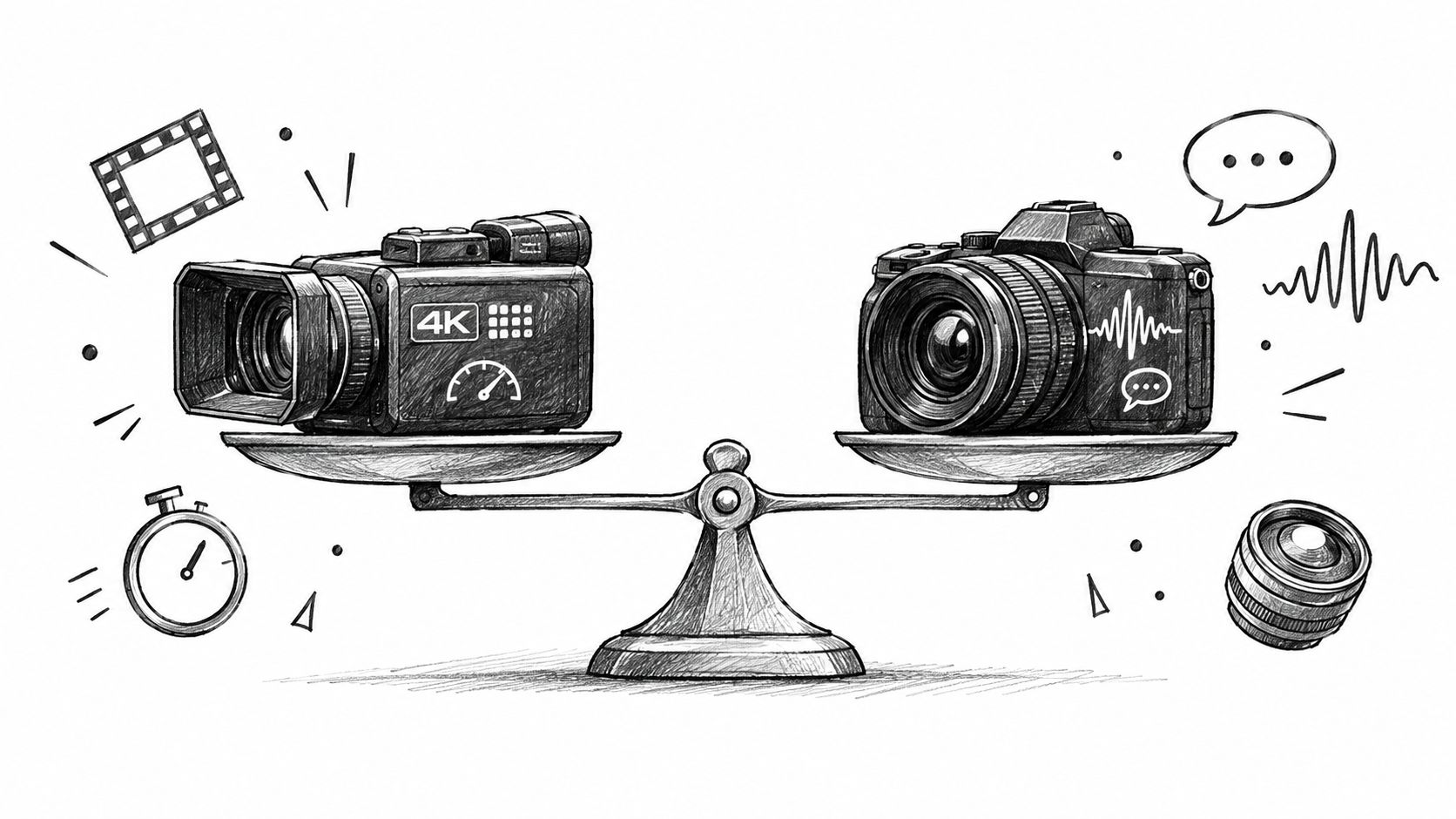
A creator with three client deadlines doesn't need the model that wins a demo. They need the model that turns a brief into a publishable clip with the fewest failed generations, continuity fixes, and post-production compromises. That distinction changes the answer to Veo 3.1 vs Sora 2.
The practical decision comes down to four filters: output quality, generation speed, creative control, and cost per usable result. Veo 3.1 tends to make the stronger production-system case, while Sora 2 remains compelling for single shots, cinematic motion, and dialogue-led scenes. The right winner depends on whether your bottleneck is resolution, continuity, audio realism, or iteration time.
Table of Contents
- Two Flagship Video Models And Why Creators Are Comparing Them
- What Veo 3.1 And Sora 2 Are Under The Hood
- Side By Side On Quality Speed And Specs
- Production Pipelines And Creative Control
- Prompt Tests That Reveal Real Behavior
- Cost Per Publishable Clip Not Per Generation
- Which Model Fits Which Use Case
<a id="two-flagship-video-models-and-why-creators-are-comparing-them"></a>
Two Flagship Video Models And Why Creators Are Comparing Them
A social video creator might begin with the same brief for both systems: a short product scene, a vertical crop, a spoken line, and a final shot that can move directly into an edit. The first generation may look impressive in either tool. The true test begins when the creator needs a second shot with the same product, a continuation from the first frame, or a version with different dialogue.
That is why this comparison isn't really about which model produces the prettier isolated frame. It asks which system supports a repeatable workflow for Reels, TikTok videos, Shorts, and paid ads. A polished generation that needs extensive audio replacement, continuity repair, or reframing may cost more in labor than a slightly less striking clip that arrives ready for editing.
OpenAI launched Sora 2 on September 30, 2025, describing it as a flagship video and audio generation model with improved controllability for intricate multi-shot instructions and preserved world state, as stated in the Sora 2 launch announcement. Google describes Veo 3.1 as its latest video generation line, with native audio and multiple output resolutions in the Gemini API documentation.
<a id="the-four-filters-that-matter"></a>
The four filters that matter
- Output quality: Does the clip hold up in motion, lighting, materials, and faces?
- Speed: Can you test enough variations before the edit deadline?
- Creative control: Can you direct camera movement, audio, continuity, and shot transitions?
- Cost per usable output: How many generations survive the edit, rather than how cheap one request appears?
Practical rule: A generation is only valuable when it reduces the distance between a prompt and a clip you can actually publish.
Veo 3.1 appears stronger on broader preference testing and longer-form continuity. Google says it performed best on overall preference in MovieGenBench, which evaluated 1,003 prompts and videos, while independent testing reported Veo 3.1 winning five of seven audio-prompt categories against Sora 2. Those findings don't make Veo 3.1 the universal winner. They do make it the more defensible default for creators building a system rather than collecting one-off shots.
<a id="what-veo-31-and-sora-2-are-under-the-hood"></a>
What Veo 3.1 And Sora 2 Are Under The Hood
Veo 3.1 is Google's video generation model for turning text and image references into short clips with synchronized audio. The Gemini API documentation describes 8-second videos at 720p, 1080p, or 4K, with audio generated natively. Google's prompting guidance also lists 4, 6, or 8 seconds, 16:9 or 9:16 aspect ratios, and synchronized audio or dialogue as production settings in the Veo 3.1 prompting guide.
That spec matters for short-form work. Native 9:16 output reduces the need to build a horizontal shot first and fix the crop later. Google also says Veo 3.1 can create vertical videos for platforms such as YouTube Shorts and upscale them to 1080p or 4K in its Ingredients to Video update. Its first-and-last-frame workflows, clip extensions, and image-reference controls matter most when several shots need to stay inside the same visual world.
Sora 2 is OpenAI's second-generation video and audio model. OpenAI positions it around more controllable multi-shot instructions and preservation of world state. Independent comparisons generally place Sora 2 around 1080p, with shorter native clips than Veo 3.1 in many workflows, although some reports describe support for longer generations and extensions.
For creators, that difference shows up in pipeline fit, not just in polished demo clips. Veo 3.1 is built to support more of the steps that turn a prompt into a publishable vertical asset, while Sora 2 is often framed around scene behavior, audio realism, and shot-level control.
<a id="the-spec-that-changes-short-form-production"></a>
The spec that changes short-form production
A creator publishing vertical content gets more operational value from Veo 3.1's combination of 4K output, native 9:16 framing, and synchronized audio than from a higher-end look alone. It lets the editor target the final format at generation time instead of treating social cropping as a cleanup step. That lowers friction in Reels, TikTok, and ad workflows where the usable clip matters more than the raw render count.
Sora 2's strongest counterpoint is audio realism in dialogue-heavy scenes. It is often the more convincing choice when the shot depends on natural spoken interaction, environmental sound, or cinematic physical behavior rather than a chain of controlled clips.
| Attribute | Veo 3.1 | Sora 2 |
|---|---|---|
| Primary strength | Resolution, continuity, control, and native audio | Cinematic single shots, narrative logic, and audio realism |
| Native output described in verified sources | 720p, 1080p, or 4K, with 8-second generations | Commonly reported around 1080p, with shorter native clip limits in many comparisons |
| Vertical workflow | Native 9:16 support and vertical video generation | Portrait output is reported, but the production advantage is less pronounced |
| Audio | Native synchronized audio, dialogue, and sound effects | Strong synchronized dialogue and environmental audio |
| Continuity tools | First-and-last-frame control, image references, and clip extension | Multi-shot instruction following and preserved world state |
| Best starting point | Reels, Shorts, ads, and chained visual workflows | Hero shots, narrative scenes, and dialogue-led concepts |
The Veo 3.1 model page gives a second reference point before a team commits to a production workflow. The practical test is simple, which model leaves fewer clips on the cutting-room floor after editing, timing, and format conversion.
<a id="side-by-side-on-quality-speed-and-specs"></a>
Side By Side On Quality Speed And Specs
The most useful head-to-head test separates five dimensions that creators often collapse into one vague idea of “quality.” A clip can have excellent visual detail but poor audio. Another can look cinematic but fail when a product needs to remain in the same position across connected shots.
Google's Veo documentation confirms native 8-second generations with output at 720p, 1080p, or 4K. Independent comparison coverage reports that Veo 3.1 can reach higher output ceilings, support clip extensions and first-and-last-frame bridging, and often finish 1080p work faster than Sora 2 under comparable test conditions. One comparison estimated approximately 128 seconds for a 1080p, 30fps, 20-second Sora 2 clip versus 185 seconds for Veo 3.1, with average times of roughly 2.13 minutes versus 3.08 minutes in that test. Those results are benchmark-specific, so treat them as directional rather than as a service-level promise. The underlying comparison is documented by Context Studios.
Sora 2's advantage appears in scenes where sound and physical performance carry the meaning. Dialogue, ambient room tone, and cinematic movement can matter more than a higher resolution ceiling when the final video will be viewed on a phone. Veo 3.1's advantage grows when the creator needs several related shots, a vertical-first composition, or a clean transition from one generated segment to another.
<a id="what-the-trade-off-looks-like-in-practice"></a>
What the trade-off looks like in practice
For a single atmospheric opener, Sora 2 may deliver the stronger emotional result with less direction. For a product sequence that needs a consistent object, controlled framing, and a usable vertical export, Veo 3.1 offers more production handles.
| Dimension | Veo 3.1 | Sora 2 | Winner |
|---|---|---|---|
| Preference testing | Google reports best overall preference on MovieGenBench | Not shown as the overall winner in the cited test | Veo 3.1 |
| Resolution ceiling | Up to 4K in the Gemini API documentation | Commonly reported around 1080p | Veo 3.1 |
| 1080p throughput | Independent testing reported faster generation in one matched comparison | Faster in some generation-time reports, but slower in the cited 1080p comparison | Veo 3.1 in the cited test |
| Audio realism | Native synchronized audio and directed sound | Particularly strong dialogue and ambient audio realism | Sora 2 for dialogue-led scenes |
| Continuity control | First-and-last-frame bridging, extensions, and image references | Multi-shot instruction following and preserved world state | Veo 3.1 for chained production |
| Single-shot cinematic behavior | Polished and controllable | Strong physical and narrative performance | Sora 2 for selected hero shots |
The result isn't a clean sweep. Veo 3.1 wins the production specifications, especially resolution and continuity. Sora 2 wins when raw audio realism or a self-contained cinematic moment matters more than downstream control.
<a id="production-pipelines-and-creative-control"></a>
Production Pipelines And Creative Control
A real workflow rarely ends when the model returns a file. The creator still needs to place shots on a timeline, match camera direction, preserve product identity, replace weak dialogue, and deliver the correct aspect ratio. That makes continuity control more valuable than a feature list suggests.
Veo 3.1's first-and-last-frame workflow lets a creator define how one generated segment should connect to the next. Clip extension can also reduce the need to cut around an abrupt ending. Google's release materials describe richer audio, stronger prompt adherence, and more narrative control than the earlier Veo generation in the Veo updates announcement.
Sora 2 takes a different route. Its multi-shot instruction following and preserved world state are useful when the prompt describes a sequence with evolving action. Its native audio can also reduce the need to rebuild a dialogue or atmosphere layer in Premiere Pro or DaVinci Resolve.
<a id="where-post-production-time-appears"></a>
Where post-production time appears
The gap isn't just “Veo has control” and “Sora has sound.” Each model creates a different kind of cleanup:
- Connected scenes: Veo 3.1's frame-bridging tools can reduce manual matching between clips. Sora 2 may require more editorial conform work when a sequence must align precisely from shot to shot.
- Dialogue scenes: Sora 2's audio realism can reduce replacement work when the scene depends on natural conversation. Veo 3.1 gives the director more explicit control over timed dialogue and sound cues.
- Locked references: Veo 3.1's ingredients and image-reference workflows support repeatable visual elements, but scenes that require a perfectly locked face may still need reference preparation and selective regeneration.
- Short-form delivery: Native 9:16 generation and vertical upscaling make Veo 3.1 easier to route into social formats without rebuilding the composition.
| Pipeline feature | Veo 3.1 | Sora 2 |
|---|---|---|
| First-and-last-frame workflow | Supported in comparison coverage | Not identified as the primary advantage in the verified data |
| Clip extension | Supported | Longer or extended generations are reported, but the continuity workflow differs |
| Native audio | Synchronized audio, dialogue, and sound effects | Strong synchronized dialogue and ambient audio |
| Reference-driven production | Image references and ingredients-based workflows | Image and multi-shot direction are useful for narrative scenes |
| Best editorial fit | Chained ads, Shorts, product sequences | Self-contained narrative and dialogue shots |
Teams planning influencer video marketing for growth teams should judge the models by the number of usable assets they can deliver from one creative brief. A solo creator shipping weekly will usually value Veo 3.1's controlled continuity and vertical workflow. An agency running multi-asset campaigns may use Sora 2 for a high-impact opener, then route repeatable product and variation work through Veo 3.1.
<a id="prompt-tests-that-reveal-real-behavior"></a>
Prompt Tests That Reveal Real Behavior
A fair comparison uses matched prompts, identical reference material, and the same delivery target. The goal isn't to ask which model makes the most beautiful clip. It is to identify which instruction each model follows reliably enough to survive an edit.
<a id="four-matched-tests"></a>
Four matched tests
-
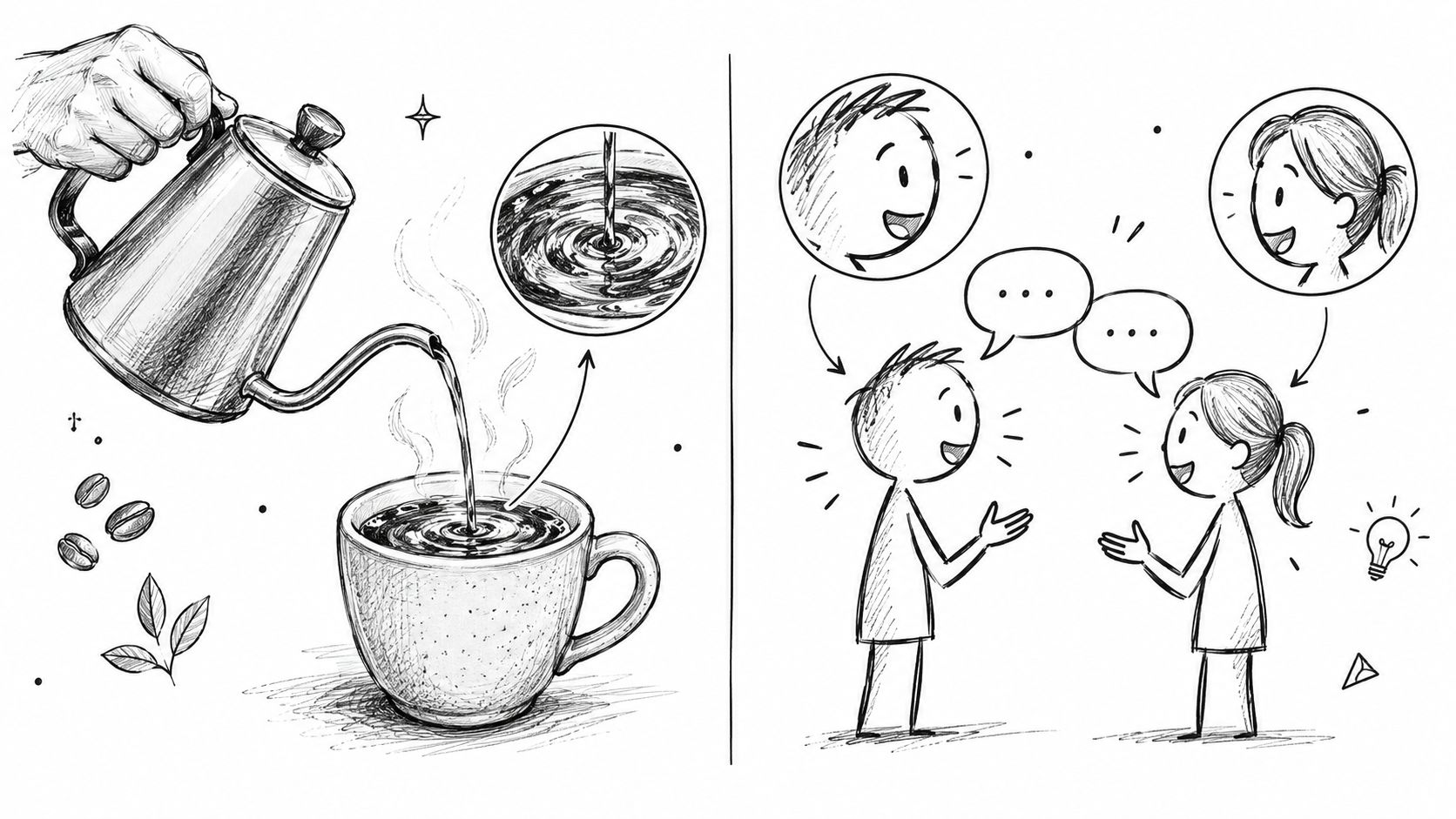
Coffee-pour physics: Prompt a 6-second handheld shot of coffee entering a cup, specifying the liquid stream, steam, hand movement, and camera shake. Score whether the stream remains coherent, whether the cup and hand stay stable, and whether the sound matches the action. Sora 2 is the candidate to watch for fluid physical behavior and environmental realism, while Veo 3.1 gives the creator more room to specify sound cues and continuity requirements.
-
Two-person conversation: Request a short exchange between two characters in a café, including a defined line, lip movement, room tone, and a passing background action. Score dialogue timing, mouth movement, speaker identity, and ambient sound. Sora 2 deserves priority when believable conversational audio is the deciding factor. Veo 3.1 becomes more attractive when the scene will be extended or connected to additional shots.
-
Sneaker beauty shot: Place a sneaker on reflective concrete and specify material texture, logo placement, light direction, lens behavior, and a controlled camera move. Score product identity and reflections separately. The key prompting lesson is to describe the object, surface, and light as separate constraints instead of burying them in one long aesthetic paragraph.
-
Locked cityscape move: Ask for a wide city view with a fixed camera path, stable architecture, and a defined ending frame. Score motion stability, distant detail, and whether the final frame can become the starting reference for another generation. Veo 3.1's frame-based continuity tools make this the more operationally relevant test for a sequence.
The valuable output isn't a vague winner. Record adherence, motion coherence, audio behavior, and regeneration burden for every prompt. A model that looks slightly better on the first attempt may lose once the editor needs a clean variation with the same product, framing, and sound.
The strongest prompt is the one that exposes a production constraint, not the one that produces the most dramatic screenshot.
<a id="cost-per-publishable-clip-not-per-generation"></a>
Cost Per Publishable Clip Not Per Generation
A per-generation price doesn't answer the question a creator faces. The useful metric is cost per publishable clip, which includes failed generations, reference preparation, audio replacement, editorial conforming, and the time required to make the result fit a client brief.
The verified comparison data doesn't establish a consistent cross-platform price table for Veo 3.1 and Sora 2. It also doesn't verify a universal average number of generations required to produce a usable clip. That means any precise estimate based on fixed assumptions would create false confidence, especially because access tiers, resolution, speed modes, credit systems, and commercial terms can change.
<a id="build-the-calculation-from-your-own-edit-log"></a>
Build the calculation from your own edit log
Track every attempt by deliverable rather than by prompt. A useful internal sheet should record:
- Generation inputs: Model, duration, resolution, aspect ratio, and whether audio was required.
- Failure type: Motion, identity, lip sync, composition, continuity, or sound.
- Post-production work: Trimming, conforming, audio replacement, reframing, and reference preparation.
- Final outcome: Published, client-approved but unused, or rejected.
- Commercial status: Confirm the current license terms and likeness permissions before delivery.
| Model | Per-generation cost | Average generations per usable clip | Effective cost per clip | Commercial license |
|---|---|---|---|---|
| Veo 3.1 | Depends on the access route and current plan | Must be measured by the creator's prompt suite | Per-generation cost multiplied by measured usable-output rate | Verify current terms before commercial delivery |
| Sora 2 | Depends on the access route and current plan | Must be measured by the creator's prompt suite | Per-generation cost multiplied by measured usable-output rate | Verify current terms before commercial delivery |
The business case for Veo 3.1 comes from its potential to reduce waste in workflows that need native vertical output, image-to-video control, audio direction, and connected shots. Sora 2 can still be more efficient when its first result supplies the exact cinematic or dialogue moment the edit needs.
Don't hide commercial use, likeness rights, or platform restrictions inside a cost comparison. A cheap generation that requires legal review or replacement footage isn't cheap at the point of publication.
<a id="which-model-fits-which-use-case"></a>
Which Model Fits Which Use Case
The practical choice depends on which clips survive review and reach publication with the least extra work. That shifts the comparison away from demo quality and toward cost per publishable clip, edit burden, and how well each model fits a real Reels, TikTok, or ad pipeline.
Short-form creators usually need vertical framing, product consistency, fast variation, and clips that slot into an edit without a rebuild. For that workflow, Veo 3.1 is the cleaner default. Its native 9:16 support, synchronized audio, and frame-based continuity fit modular social output, and the 8-second native generation format matches the way short clips are often tested and recombined, as noted in the Veo 3.1 prompting guidance linked earlier.
Performance marketers face a different filter. The strongest option is the model that reduces the number of near-misses, not the one that looks best in isolation. Veo 3.1 fits repeated product-shot testing because image references, native vertical output, and clip extension help a team iterate on the same asset until it is usable in paid media. When a concept moves from social testing into a larger placement, the higher resolution ceiling adds room for adaptation.
Narrative filmmakers and music video directors often care more about a single shot that holds together emotionally and visually. Sora 2 is the better fit when the brief depends on cinematic motion, physical behavior, natural lighting, or dialogue-led performance. In that case, one strong take can be worth more than several controllable variations, because the production goal is a publishable hero shot, not a batch of derivatives.
Indie creators and budget experimenters usually need breadth before refinement. Veo 3.1 is the better starting point because it gives more production control in one workflow, including vertical concepts, references, audio, and continuity. Sora 2 belongs in the mix when a shot specifically needs its cinematic motion or audio realism to pass review.
Agency teams with mixed deliverables should split the work by function. Use Veo 3.1 for the repeatable asset pipeline, then reserve Sora 2 for selected hero shots. That is not a split between equal tools. It is a way to assign each model to the stage where it removes the most downstream labor.
| Creator profile | Primary need | Recommended model | Key reason |
|---|---|---|---|
| Reels, TikTok, and Shorts creator | Fast vertical variations | Veo 3.1 | Native 9:16 workflow and continuity controls |
| Performance advertising team | Product-led creative testing | Veo 3.1 | Reference workflows, audio direction, and high-resolution output |
| Narrative filmmaker | Cinematic single-shot realism | Sora 2 | Strong physical and narrative behavior |
| Music video director | Atmospheric movement and dialogue | Sora 2 | Audio and cinematic scene strengths |
| Indie experimenter | Broad testing with controlled outputs | Veo 3.1 | Flexible production settings and efficient workflow fit |
| Multi-asset agency | Repeatable campaigns plus hero shots | Veo 3.1 as the workhorse | Better operational fit for connected deliverables |
The working rule is simple. Choose the model that gives you the lowest cost per publishable clip for the job at hand, not the one with the prettier demo. Commercial use, likeness rights, and platform restrictions still need to be checked before anything ships, because a cheap generation that needs legal review or replacement footage is not cheap at publication.
Veo3 AI puts Veo3, Seedance, and Hailuo in one workspace, so you can run the matched prompt tests above across models without switching tools. If you want to measure cost per publishable clip on your own briefs, visit Veo3 AI and run the same prompt suite against each model.
Related Articles
Continue with more blog posts in the same locale.

Veo 3.1 vs Kling 3.0: Which AI Video Model Wins in 2026
Veo 3.1 vs Kling 3.0 compared side by side on quality, speed, pricing, and use cases. Find out which AI video model fits your workflow in 2026.
Read article
Veo 4 Explained: What It Is and How to Use It
Understand Veo 4 and how it changes AI video creation. Learn about features, workflow, and practical tips for making better videos.
Read article
Gemini Omni Flash 1.1 Explained
Master Gemini Omni Flash 1.1 with our guide to its 10-second scene extension, 4K upscaling, and multilingual limits. Learn how to integrate it into your
Read article