Motion Control

Prompt
Reference Materials
Reference Video
Consistent with Video
Character Image
Consistent with Image

Ensure the upper body is clearly visible in both the image and video. Image: JPG/PNG, max 10MB. Video: MP4/MOV, 3-30s.

Settings
Credits: -
Cost: 0 ⚑
Explore Examples

Kling 3.0 Motion Control: Animate Your Characters with Reference Videos

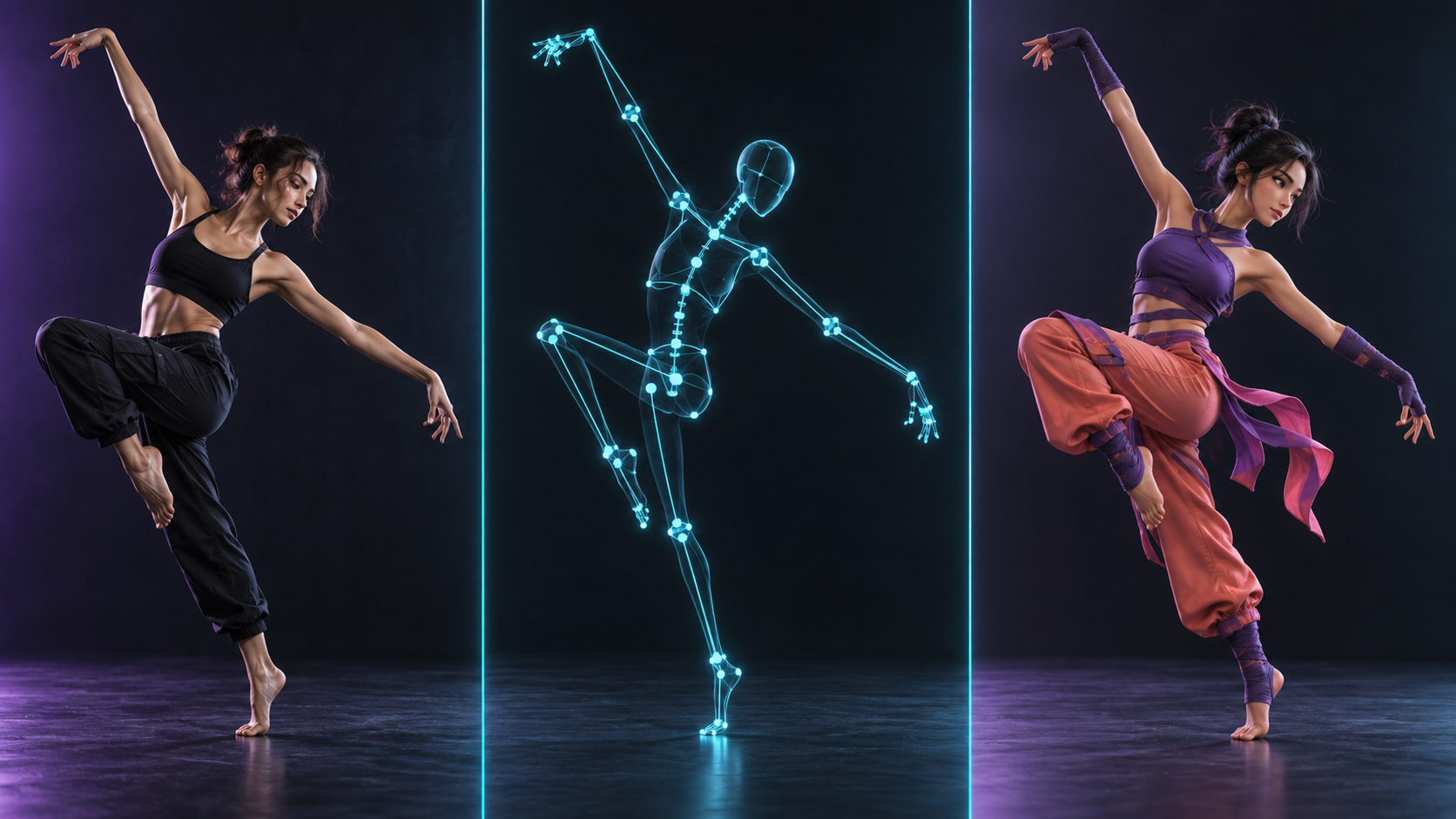
Transform character images into dynamic animations using reference videos. Powered by Kling 3.0 Motion Control for realistic movement and perfect character consistency.

Why Choose Kling 3.0 Motion Control?

Realistic Motion Transfer

Precisely map the movement from a reference video onto your character image. Whether it's dancing, walking, or complex actions, Kling 3.0 captures every detail with fluid, realistic physics.

Superior Identity Preservation

Maintain your character's facial features, clothing, and unique style while they perform new actions. Our AI ensures that your character remains recognizable and consistent throughout the animation.

Up to 30s Animations

Generate long-form character animations. Refer to video orientation for up to 30 seconds of consistent movement, or use image orientation for high-quality 10-second clips.

1080p Professional Quality

Support for both Standard (720p) and Professional (1080p) modes. Get crisp, clear video output suitable for professional projects, social media, and cinematic storytelling.

How to Use Kling Motion Control?

Follow these simple steps to bring your character to life with Kling 3.0

1

Upload Character Image

Upload a clear image of the character you want to animate. PNG/JPG, max 10MB.

2

Upload Reference Video

Upload a video containing the motion you want to mimic. MP4/MOV, max 100MB.

3

Generate Animation

Choose orientation and quality, then click generate. Get your result in minutes.

Kling Motion Control FAQs

Common questions about animating characters with reference videos


Ready to Animate Your Characters?