
Gemini Omni API: Availability, Pricing, and Developer Access
Gemini Omni API availability explained: what Google officially confirmed, what is still unknown, pricing signals, developer access, and safe migration steps.
Emma Chen · 13 min read · May 20, 2026

Short answer (updated July 20, 2026): Gemini Omni Flash is now available to developers in public preview through Google AI Studio and the Gemini API. Google documents the model ID as gemini-omni-flash-preview and prices video output at $0.10 per second, the same published rate as Veo 3.1 Fast. It supports 10-second video generation plus conversational editing from text, image and video inputs. Public preview is not the same as general availability, and Google has not published a universal Veo-to-Omni migration requirement.
“Can I use the API?” and “Should I migrate production?” are now different questions. Developers can prototype against the public-preview model today, but should validate quotas, regions, safety behavior, reference-input limitations, latency and preview-model change risk before routing production traffic.
Official sources checked for this guide:
- Google Gemini video generation page, which says Gemini Omni will replace Veo in the Gemini app and describes availability for Google AI Plus, Pro and Ultra users where Gemini app is available.
- Google Blog: Introducing Gemini Omni, the May 2026 launch context for Gemini Omni Flash across Gemini, Flow and YouTube surfaces.
- Google Blog: Gemini Omni Flash for developers, updated June 30, 2026, confirming public-preview access in Google AI Studio and the Gemini API, model ID
gemini-omni-flash-preview, and pricing of $0.10 per second of video output. - Google AI subscriptions page, which lists Free, Google AI Plus, Google AI Pro and Google AI Ultra plan access, Flow credits and Gemini Omni Flash availability by plan.
- Google DeepMind: Gemini Omni, which documents Omni's multimodal video creation, editing, SynthID and C2PA context.
- Google DeepMind: Veo 3.1, which remains live; therefore this article does not claim that Veo is globally discontinued.
Related veo3ai.io guides:
- Gemini Omni hub
- What Happened to Veo? Gemini Omni Replaces Veo in the Gemini App
- Gemini Omni vs Veo 3.1: What Changed?
- Best Gemini Omni Alternatives: Veo Replacement Guide
- Veo 3 pricing
- Google Veo 3 pricing and free access
- Best free AI video generators
- Image-to-video tools
- Text-to-video AI tools
Current status: what is officially confirmed
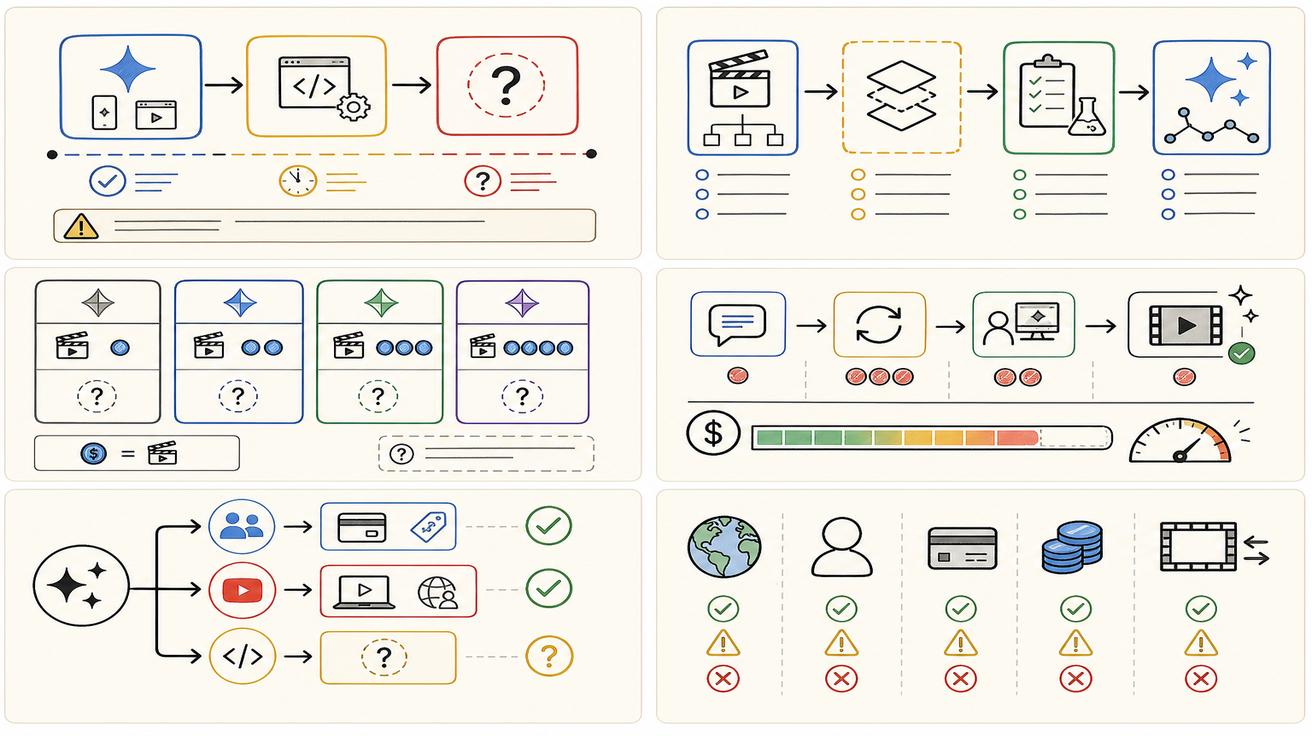
The May launch announcement described a staged rollout. Google’s June 30 developer update completed the next step: Gemini Omni Flash is available in public preview through Google AI Studio and the Gemini API under model ID gemini-omni-flash-preview. Google lists the price as $0.10 per second of generated video, matching Veo 3.1 Fast.
Consumer access and developer access remain separate product surfaces. Gemini app and Flow eligibility can depend on plan, age and region; API users should follow Gemini API documentation, billing settings and regional limitations instead of treating consumer-plan access as an API entitlement.
The Google AI subscriptions page adds consumer and Flow plan context, while the June 30 developer release provides the API-specific status and price. Flow credits should not be treated as interchangeable with Gemini API billing.
What is confirmed now—and what remains unconfirmed
Confirmed as of July 20, 2026: public-preview access in Google AI Studio and the Gemini API; model ID gemini-omni-flash-preview; $0.10 per second of video output; 10-second generations; conversational editing; and text, image and video inputs. Google also documents current preview limitations: audio-reference upload and scene extension are not supported in the Gemini API, video references up to three seconds may be accepted by the schema but are not processed correctly, and character consistency can weaken across scene changes or pans.
What remains unconfirmed is a general-availability date, a universal Veo-to-Omni migration rule, stable long-term quotas, enterprise SLAs, and whether preview limitations or pricing will change. The accurate developer framing is: Gemini Omni Flash API is live in public preview; production migration still requires workload-specific validation.
Developer access checklist
Before building with Gemini Omni in production, check the following official surfaces:
- Google AI Studio model list and documentation.
- Gemini API documentation and model IDs.
- Vertex AI release notes if your company uses Google Cloud.
- Google Flow documentation if your workflow is creative-studio oriented.
- Google AI plan and enterprise subscription pages.
- Safety, watermarking and content credentials requirements.
- Rate limits, quotas, regional availability and data policies.
- Billing units: credits, tokens, seconds, clips or enterprise pricing.
Use the API documentation and AI Studio model picker as the developer source of truth. Consumer-app visibility does not define API quota, billing or regional eligibility.
API pricing signals versus confirmed pricing
The pricing picture is split. Consumer and creative users can learn something from the Google AI subscriptions page. It shows that Free, Plus, Pro and Ultra have different access levels, and that Flow credits are part of paid plan value. It also lists higher usage limits for paid tiers and significantly higher access for Ultra.
Developer pricing is now explicit for the preview model: Google lists $0.10 per second of video output. A 10-second generated clip therefore has a published output charge of $1.00 before accounting for retries or other workflow costs. Consumer subscriptions and Flow credits remain separate billing contexts.
For a more consumer-focused breakdown, see Gemini Omni Price: Is It Free or Paid? and Is Gemini Omni Free?.
Does Gemini Omni API replace Veo API?
Not officially confirmed. Google says Gemini Omni will replace Veo in the Gemini app. The app qualifier is essential. A Gemini app replacement does not automatically mean every Veo API or every Veo-based workflow is replaced on the same day.
Veo 3.1 documentation remains available on Google DeepMind. That does not guarantee every old route stays unchanged forever, but it does mean developers should wait for a proper migration announcement before changing production code. If Google later publishes a migration guide from Veo to Gemini Omni, that would be the time to update integrations, docs and customer-facing claims.
Safe architecture during public preview
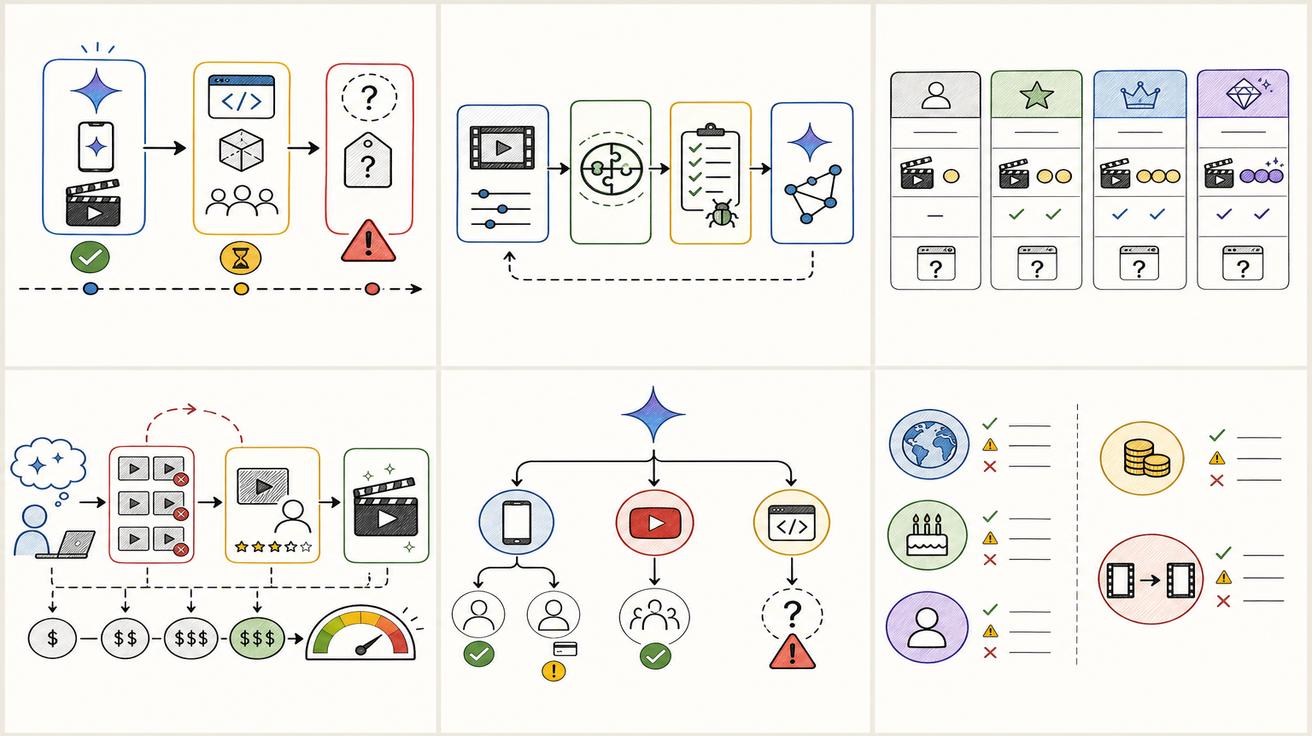
Developers can prepare now without overcommitting. Create a provider abstraction layer for video generation. Store model names, prompt templates, output metadata, safety flags and cost data separately from application logic. Keep retry logic and moderation logic provider-agnostic. Build a benchmark set of prompts that represent your real use cases: product demo, app preview, testimonial, explainer, image-to-video and editing an existing clip.
Before shipping the preview model to customers, run that benchmark against your existing provider. Compare quality, latency, failure rate, policy behavior, audio, editing control, cost per usable clip and watermarking. A new model is not automatically better for every workflow.
Migration plan for teams using Veo today
First, identify your current dependency. Are you using a Gemini app workflow, Google Flow, a Google Cloud API, a third-party tool that mentions Veo, or only Veo-related prompts and tutorials? The answer determines the risk.
Second, document current behavior. Save model names, prompt formats, input types, output lengths, resolution, cost assumptions and acceptance criteria. Without a baseline, you will not know whether Omni is actually an improvement.
Third, separate consumer messaging from developer messaging. Developer docs should state that gemini-omni-flash-preview is available in public preview at $0.10 per output second and clearly label preview limitations.
Fourth, keep old Veo pages and docs live with update notes. Do not delete high-ranking Veo content just because Omni is the new headline. Users will search both names for months.
What to watch next
The next important signals are general availability, stable quota and region documentation, production SLAs, support for audio references and scene extension, reliable video-reference processing, and any formal Veo-to-Omni migration guidance.
Until those signals appear, treat Gemini Omni Flash as a testable public-preview integration rather than an automatic production replacement.
Bottom line
Gemini Omni Flash API access is now a current developer option, not merely an upcoming announcement. Google has published public-preview access, model ID gemini-omni-flash-preview, a $0.10-per-output-second price, 10-second output and current reference/editing limitations. Prototype now, but complete production validation before migrating customer workloads.
Sample API readiness questions for product teams
Before a product manager signs off on a Gemini Omni API roadmap, the team should answer a concrete list of questions. What input types will be supported at launch: text, images, video, audio, or only a subset? What output durations and aspect ratios will be allowed? Will native audio be available through the same endpoint or a separate route? Will multi-turn editing be exposed through an API, or only through the Gemini app and Flow interfaces? How will safety refusals, partial failures and moderation callbacks be returned?
Pricing is now partly answered: Google lists $0.10 per second of video output for Gemini Omni Flash public preview. Teams still need to measure retry cost, failed-generation handling, budget controls and whether preview pricing changes at general availability.
Operational questions are equally important. Can the API be used in every region? What are the rate limits? Are outputs stored by Google, and for how long? Can enterprises opt into different data handling terms? Are SynthID or C2PA credentials mandatory? Can developers retrieve metadata proving how the clip was generated? Those questions turn a model announcement into an engineering decision.
Example public-preview implementation plan
Start with a sandbox integration against gemini-omni-flash-preview. Do not connect customer traffic immediately. Build a small internal tool that calls the API with repeatable test prompts and stores latency, errors, output duration and estimated cost.
Next, compare Omni against your existing provider or Veo workflow. Use a blind review if possible. Score visual quality, prompt adherence, product fidelity, text rendering, audio quality, safety behavior, retry rate and cost per usable output. The winning model should be the one that performs best on your real production tasks, not the one with the newest launch name.
Finally, design a fallback path. Video models can fail because of policy, quota, outage, regional restrictions or prompt ambiguity. A robust product should be able to retry, switch providers, shorten prompts, ask the user for a safer input, or queue work for later. Gemini Omni may become a strong option, but no single provider should be the only path for a production feature.
How this affects SEO pages and docs
Developer-focused SEO pages should distinguish public preview from general availability. Explain what developers can call today, the price and model ID, current limitations, and what remains preview-stage.
For internal documentation, use: “Omni Flash API: public preview; $0.10/output second; production validation required.” Link to official Google sources and record the date checked.
Developer FAQ expansion
Developers also ask whether Gemini Omni supports batch generation, webhooks, asynchronous jobs and signed media URLs. The public-preview release confirms API access but not every production orchestration detail; verify current behavior in Google documentation.
Another open question is asset ownership and retention. Teams should read terms carefully when they become available. If a workflow involves customer images, product footage, faces, voices or copyrighted media, data handling and consent are just as important as model quality.
The final open question is compatibility with existing Veo prompts. Some prompts may transfer well, but Omni's conversational editing model may reward different prompt structures. Treat prompt migration as testing work, not a copy-paste task.
Public-preview test matrix
Treat the first Gemini Omni Flash integration as an experiment with measurable acceptance criteria. Start with at least five representative jobs: text-to-video, image-to-video, a simple edit to an uploaded clip, readable on-screen text, and a shot that needs subject consistency across camera motion. Run the same prompt more than once because a single strong output does not prove repeatability.
For every run, record the prompt, input type, output duration, queue time, total latency, success or refusal status, retry count, output quality score and published cost. At the documented $0.10 per output second, one successful 10-second clip has a $1.00 output charge. If a usable result takes four attempts, the effective generation cost can approach $4.00 before storage, review or editing time. Cost per usable clip is therefore more useful than list price alone.
The current public-preview limitations should be represented directly in the test plan. Do not design a required workflow around audio-reference upload or scene extension because Google says those are not yet supported in the Gemini API. Avoid assuming that a video reference will work merely because the schema accepts a clip of up to three seconds; Google says that input is not processed correctly at present. Include pans and scene changes in consistency tests because Google also identifies those as weak points.
Set a release gate before production use. A practical gate can require a target success rate, maximum latency, maximum cost per accepted clip, acceptable policy-refusal rate, and a fallback when the preview model is unavailable. Keep the model ID configurable so a later preview or generally available version does not require an application release. Log enough metadata to reproduce failures without retaining private customer media longer than necessary.
Finally, compare Omni Flash with Veo 3.1 Fast or the provider already in production. The identical published output rate does not imply identical total cost. A model that needs fewer retries, preserves references better or completes edits more reliably can be cheaper even at the same per-second price. Conversely, a preview model with higher variance may cost more in review time. Make migration decisions from workload evidence, not launch language.
Editorial note for fast-moving Google launches
This page was factually refreshed on July 20, 2026 after Google’s June 30 developer release. Treat official Gemini API documentation and Google pricing pages as the source of truth because preview model IDs, limits and prices can change.
<script type="application/ld+json"> { "@context": "https://schema.org", "@type": "Article", "headline": "Gemini Omni API: Availability, Pricing, and Developer Access", "description": "Gemini Omni API availability explained: what Google officially confirmed, what is still unknown, pricing signals, developer access, and safe migration steps.", "author": { "@type": "Person", "name": "Emma Chen" }, "publisher": { "@type": "Organization", "name": "Veo3AI", "url": "https://www.veo3ai.io" }, "mainEntityOfPage": { "@type": "WebPage", "@id": "https://www.veo3ai.io/blog/gemini-omni-api-availability-pricing-developer-access" }, "datePublished": "2026-05-20", "dateModified": "2026-07-20" } </script>
<script type="application/ld+json"> { "@context": "https://schema.org", "@type": "FAQPage", "mainEntity": [ { "@type": "Question", "name": "Is there a Gemini Omni API?", "acceptedAnswer": { "@type": "Answer", "text": "Yes. Gemini Omni Flash is available in public preview through Google AI Studio and the Gemini API under model ID gemini-omni-flash-preview." } }, { "@type": "Question", "name": "Can developers use Gemini Omni today?", "acceptedAnswer": { "@type": "Answer", "text": "Yes, through the public-preview model gemini-omni-flash-preview. Validate quotas, regions and preview limitations before production use." } }, { "@type": "Question", "name": "What will Gemini Omni API pricing be?", "acceptedAnswer": { "@type": "Answer", "text": "Google lists Gemini Omni Flash at $0.10 per second of video output in public preview, the same published rate as Veo 3.1 Fast." } }, { "@type": "Question", "name": "Does Gemini Omni API replace Veo API?", "acceptedAnswer": { "@type": "Answer", "text": "Not officially confirmed. Google says Omni replaces Veo in the Gemini app; broader API replacement or migration details require separate official documentation." } }, { "@type": "Question", "name": "What should teams do before API access is confirmed?", "acceptedAnswer": { "@type": "Answer", "text": "Prototype with the public-preview model, benchmark it against current workflows, and migrate only after quality, cost, quota and reliability checks pass." } } ] } </script>
Related Articles
Continue with more blog posts in the same locale.

How to Make Sports Highlight Videos with Veo 3 AI (2026)
Create stunning sports highlight videos with Veo 3 AI. Generate dynamic action shots, slow-motion sequences, and dramatic replays using AI prompts.
Read article
How to Make a Short Film with Veo 3 AI (2026 Guide)
Learn how to create professional short films using Veo 3 AI. Step-by-step guide with prompts, workflow tips, and cinematic techniques.
Read article
How to Make Documentary Videos with Veo 3 AI (2026 Guide)
Create compelling documentary videos with Veo 3 AI. Learn prompting techniques, narrative structure, realistic footage generation, and post-production tips.
Read article