
Gemini Omni vs Seedance 2.0: The Creator's Guide
Gemini Omni vs Seedance 2.0: which AI video model wins for your workflow? Compare speed, quality, pricing, and find the best tool for short-form creators.
Veo3 AI · 13 min read · Oct 4, 2026
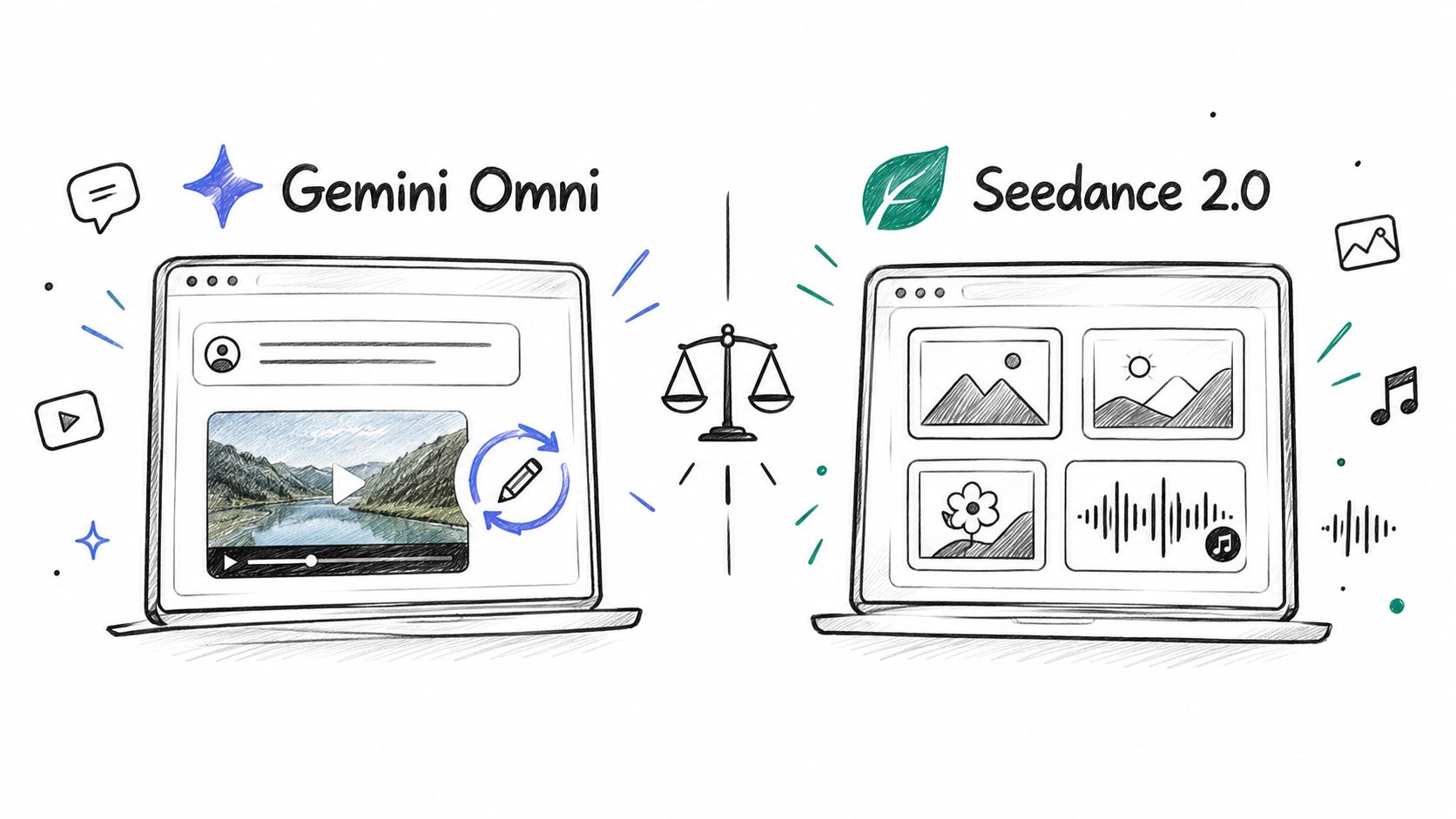
Seedance 2.0 edges out Gemini Omni on raw visual quality and multi-reference fidelity. Gemini Omni is the stronger workflow tool for fast edits and conversational iteration, so the right choice comes down to whether you care more about final-frame polish or turnaround speed.
| Category | Gemini Omni | Seedance 2.0 |
|---|---|---|
| Best at | Conversational edits, fast iteration | Reference-heavy shots, motion detail |
| Input style | Text, images, audio, video | Up to 9 images, 3 video clips, 3 audio clips |
| Clip behavior | Strong for process-over-time scenes | Strong for physics, dynamics, fantasy, and in-video text |
| Production feel | Faster to steer | Better when the frame itself has to carry the shot |
| Typical workflow | Edit what's already there | Build from strong references |
| Practical risk | Slightly less polished frames | Slower generation and heavier iteration |
gemini omni vs seedance 2.0 is often framed as a beauty contest. That's the wrong starting point for anyone shipping ads, shorts, or client work on a schedule. A model that looks better in a single demo can still lose badly if it takes too many loops to land the shot you need.
Practical rule: pick the model that gets you to an export with the fewest painful retries, not the one that wins a screenshot comparison.
Table of Contents
- Why Raw Quality Is the Wrong Starting Point
- Architecture and Input Strengths Compared
- Output Quality by Scene Type
- Speed, Latency, and Real Production Costs
- Prompt Engineering Strategies for Each Model
- Using Seedance Inside Veo 3 AI
- Which Model Fits Your Creator Persona
<a id="why-raw-quality-is-the-wrong-starting-point"></a>
Why Raw Quality Is the Wrong Starting Point
Quality matters, but production teams don't ship still frames. They ship usable clips, and usable clips depend on how quickly a prompt turns into something a client can approve. A gorgeous result that needs five rounds of cleanup burns time, burns attention, and often costs more than it should.
That's why iteration cost beats abstract visual score in real pipelines. If a short-form creator can steer a model through conversation and land the change in one or two messages, that workflow usually wins over a model that starts prettier but forces a full regenerate every time the timing, pose, or framing is off.
<a id="what-actually-hurts-production"></a>
What actually hurts production
The hidden tax isn't only generation time. It's the overhead of reviewing near-misses, rewriting prompts, and rescuing almost-right outputs with more credits or another session. Seedance 2.0 may win benchmark-style comparisons, but Gemini Omni can still be the better operational choice if your team values quick edits more than final-frame perfection.
This is especially true for paid content teams. They care less about whether a clip is the absolute best-looking sample and more about whether it's fast enough, editable, and cheap enough to reuse across variants. When the deadline is the bottleneck, polish alone doesn't close the gap.
A model that saves one round-trip per asset often beats a model that looks 5% nicer on the first render.
The smart way to think about Gemini Omni vs Seedance 2.0 is simple. Seedance tends to shine when the shot itself needs to be strong on first principles. Gemini Omni tends to shine when the shot is part of a conversation, where the actual work is refining direction after the first draft. That distinction matters more than most “which is better” posts admit.
<a id="architecture-and-input-strengths-compared"></a>
Architecture and Input Strengths Compared
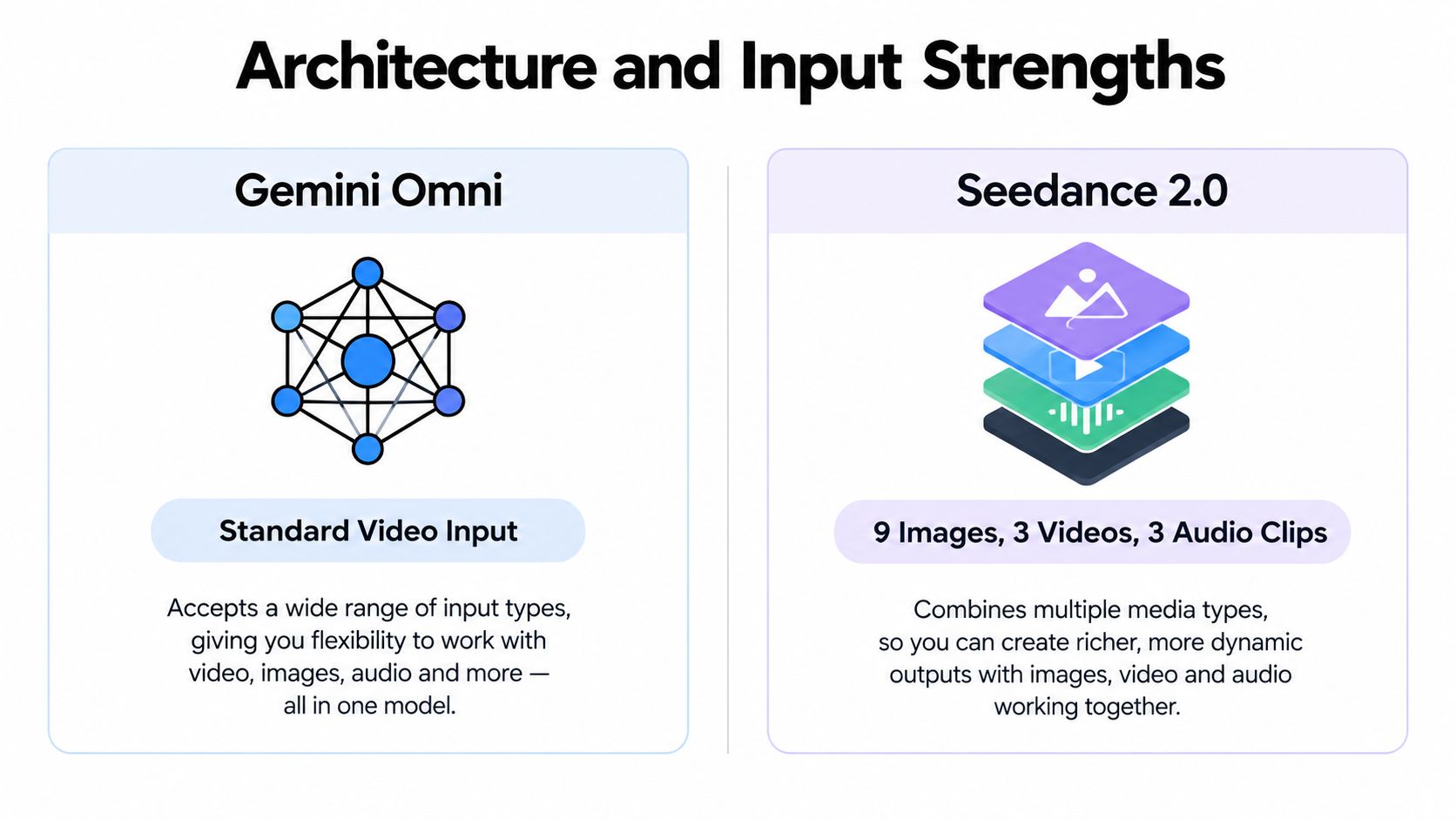
The input list is not the workflow. Gemini Omni and Seedance 2.0 both handle multimodal references, but they reward different production habits. Google positions Gemini Omni around conversational editing and iterative refinement. ByteDance presents Seedance 2.0 around broad benchmark coverage and multi-input grounding. In practice, that difference affects prompt setup, review time, and whether an asset needs a new render or a targeted revision.
Seedance 2.0 accepts up to 9 images, 3 video clips, and 3 audio clips in one request. It generates clips from 4 to 15 seconds, with native output at 480p and 720p. Its technical profile describes evaluation across more than 50 image-based and 24 video-based benchmarks, including reference, editing, extension, and combination tasks. The same profile reports a 1.36-point improvement in motion quality over Seedance 1.5 in T2V evaluation (Seedance 2.0 technical profile).
That input capacity suits multi-asset work. A product team can provide several views, a motion reference, and sound direction in one setup, then ask for a controlled composite. The trade-off is prompt and reference management. More inputs give you more control, but they also create more opportunities for conflicting instructions or inconsistent priorities.
Gemini Omni accepts text, images, audio, and video, then supports continued refinement through conversation. That structure is useful for local-language creators and distributed teams. Direction, corrections, and version notes can stay in the working language instead of being translated into a rigid prompt format. Google also says Gemini Omni is replacing the previous Gemini Veo 3.1 model in the Gemini app, a relevant detail for teams migrating an existing Veo 3 AI workflow (Gemini Omni overview, Veo 3.1 product page).
<a id="how-that-changes-the-job"></a>
How that changes the job
Seedance is the stronger fit when reference discipline matters across several assets. Gemini is the stronger fit when revision discipline matters after the first draft. Teams comparing both should test the full handoff, including local-language instructions, version changes, and reuse across formats, not just a single showcase prompt. The guide to AI in production offers useful context for building that kind of workflow.
<a id="output-quality-by-scene-type"></a>
Output Quality by Scene Type
Comparisons that flatten every shot into one quality score miss the point. Scene type changes the winner. A model that handles physics well can still struggle with process sequences, and a model that moves smoothly through a timeline can still look weaker on fantasy or text-heavy shots.
A June 2026 head-to-head test found Seedance 2.0 ahead of Gemini Omni in 5 of 9 categories, while Gemini Omni won 1 and 3 were draws. The same test said Seedance performed better in physics, dynamics, fantasy, and in-video text, while Gemini Omni was stronger on process-over-time scenes (June 2026 comparison).
<a id="scene-type-matters-more-than-brand-loyalty"></a>
Scene type matters more than brand loyalty
That split is the part most creators should care about. If you're making a product reveal, a motion-heavy fantasy cut, or a text-in-frame promo, Seedance is the safer first try. If you're showing a process, a sequence of actions, or a clip where the viewer needs to understand change over time, Gemini Omni often gives you a cleaner starting point.
| Scene Type | Recommended Model | Key Strength |
|---|---|---|
| Physics-heavy action | Seedance 2.0 | Better motion plausibility |
| Fantasy visuals | Seedance 2.0 | Stronger stylistic execution |
| In-video text | Seedance 2.0 | More stable rendered text |
| Process-over-time scenes | Gemini Omni | Clearer chronological flow |
| Iterative edits on an existing shot | Gemini Omni | Easier conversational refinement |
For Seedance, the advantage is scene density. It tends to carry more visual weight in shots where texture, movement, and grounding matter. For Gemini Omni, the advantage is narrative continuity inside a sequence. That matters when the task is less about a perfect frame and more about a believable transition from one moment to the next.
<a id="speed-latency-and-real-production-costs"></a>
Speed, Latency, and Real Production Costs
Render speed rarely decides a model in isolation. It decides how many usable assets a team can finish before review, revisions, and client feedback consume the day.
Independent reviews estimate Gemini Omni can render a 10-second clip in about 25 to 40 seconds in Flow tests, while Seedance 2.0 takes roughly 35 to 60 seconds (production comparison). The gap becomes practical at scale. Across 20 variants, a 15-second difference per render adds about 5 minutes of waiting, before anyone reviews the near-misses and submits another round.
Gemini Omni often shortens turnaround through quicker conversational edits. A usable first output can stay in the iteration loop instead of being discarded and regenerated. Seedance may produce the stronger visual result for a demanding shot, but reference-heavy generation and higher-resolution sessions can require more patience. The relevant cost is the number of attempts required to reach an approved asset, not the duration of one successful render.
<a id="what-cost-really-means-in-a-client-pipeline"></a>
What cost really means in a client pipeline
Per-asset cost includes subscription access, render time, review time, failed generations, and the handoffs between creative and approval. A model that reduces those steps can outperform a model that delivers a slightly better frame but needs more correction.
At 20 variants, the difference between 25 to 40 seconds and 35 to 60 seconds is only part of the calculation. Each output still needs checks for continuity, text, framing, and brand details. For multilingual campaigns, teams also need to assess whether prompts, on-screen copy, and revisions behave reliably in the target language. That makes local-language production a throughput question, not only a quality question.
Google states that Gemini Omni is available to users 18+ with a Google AI Plus, Pro, or Ultra plan in markets and languages where the Gemini app is available (Gemini Omni availability). The Veo 3.1 workflow also supports vertical video and output upscaling to 1080p or 4K, which can reduce format changes when one concept becomes a multi-platform asset set.
For teams producing many cutdowns, language versions, or reference-led variations, Seedance can justify slower renders when visual fidelity prevents expensive rework. For short-lived social assets, Gemini Omni's faster iteration may produce more approved deliverables per working session. sora veo for brand video offers a useful comparison for teams evaluating brand output rather than isolated benchmark frames.
<a id="prompt-engineering-strategies-for-each-model"></a>
Prompt Engineering Strategies for Each Model
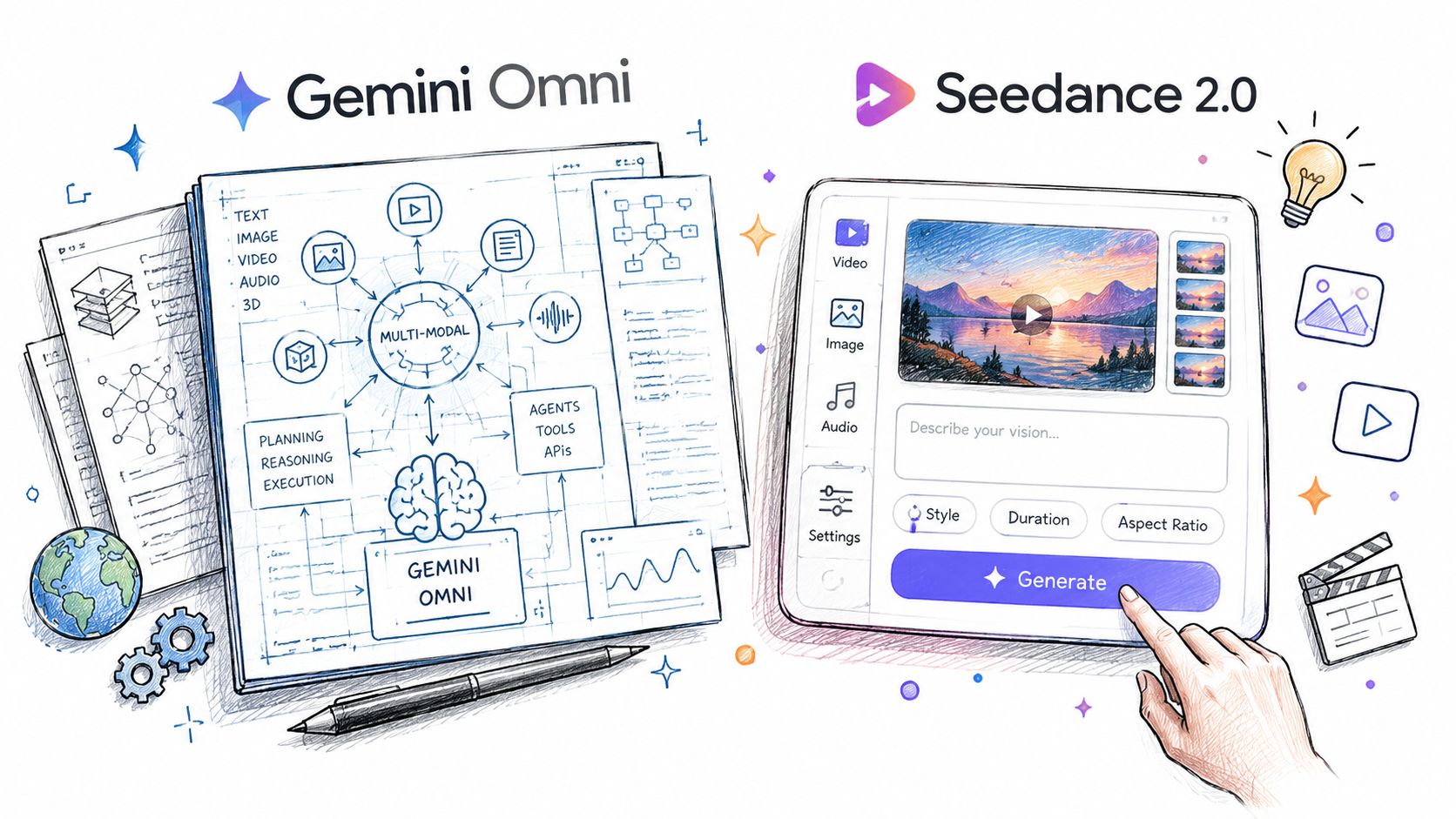
Seedance 2.0 rewards precision with references. Gemini Omni rewards precision through conversation. If you prompt them the same way, you're leaving performance on the table.
<a id="seedance-prompts-that-work"></a>
Seedance prompts that work
For Seedance, front-load the visual facts that matter most. Reference images should be explicit about subject, wardrobe, environment, and framing, because the model is built to use multi-input grounding rather than guess what you meant. A useful pattern is to name the anchor elements first, then describe motion, then define what must stay unchanged.
Practical rule: with Seedance, treat the reference bundle like a shot brief, not like optional inspiration.
For example, a Seedance prompt should say what must remain consistent across the clip, what can move, and where the camera should feel stable. If you're using multiple assets, make the relationship between them obvious. The model does better when the references are organized by purpose, not dumped into a vague style request.
<a id="gemini-prompts-that-work"></a>
Gemini prompts that work
Gemini Omni works better when you ask for an edit, not a restart. Instead of rewriting the full scene every time, describe the change in plain language, then preserve what's already working. That makes it ideal for client review loops, where you need to keep the core composition but adjust timing, mood, or transitions.
A strong Gemini workflow is to start with a clean first pass, then issue follow-ups like “keep the camera movement, but slow the subject's exit,” or “retain the lighting, but make the background feel less busy.” The conversational loop is the feature, so use it. Don't fight it by pretending it's a reference-assembly tool.
<a id="using-seedance-inside-veo-3-ai"></a>
Using Seedance Inside Veo 3 AI
If you want a single place to test multiple video models, Veo3 AI combines Seedance with other generation options in one interface, so you can move from prompt to render without bouncing between separate tools. The practical value is workflow compression, especially when you're comparing outputs under the same creative brief.
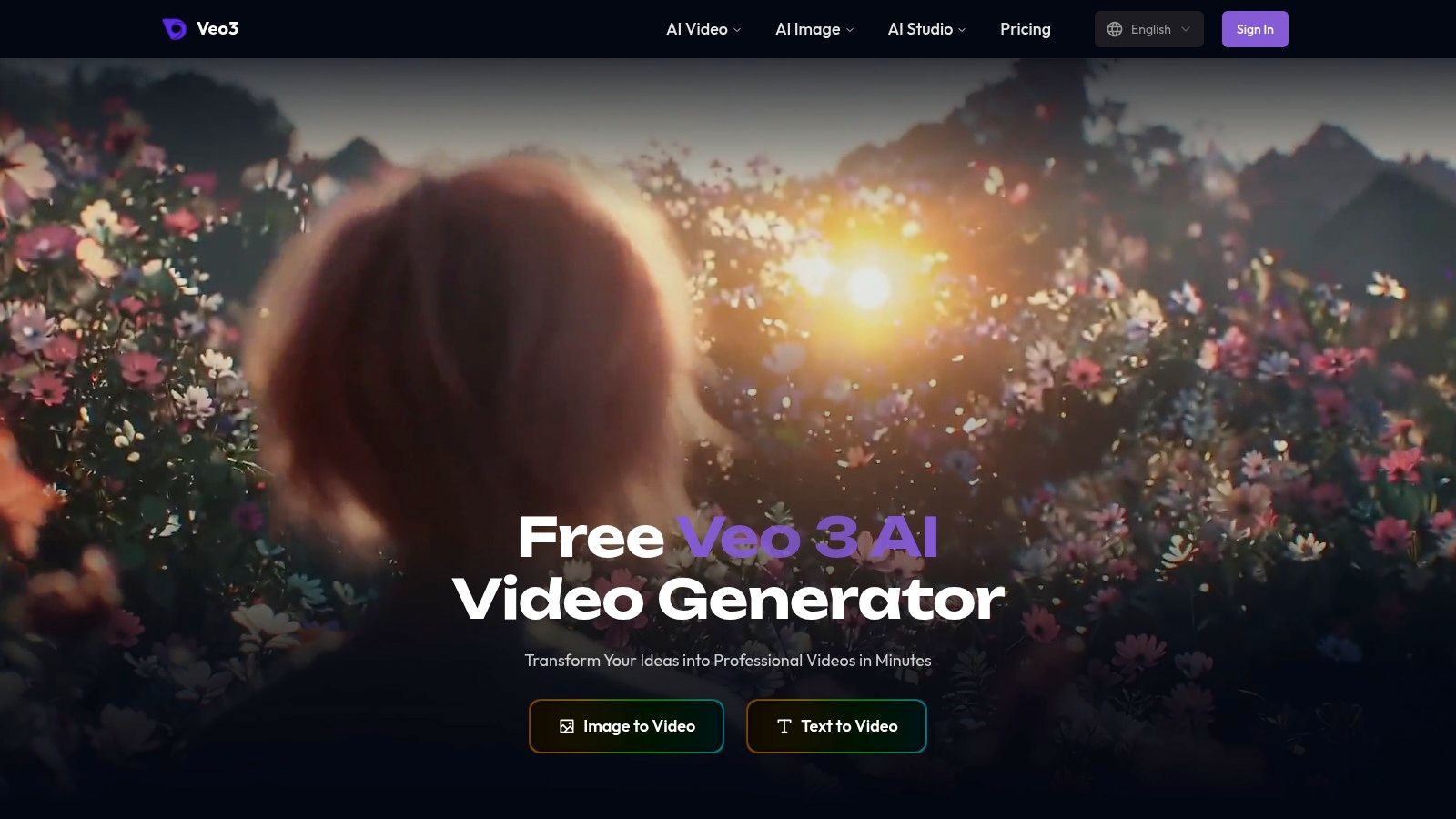
In a Seedance-style workflow, you start with text or an image, choose a style, then adjust resolution and format before rendering. That's enough for fast concepting, but it also works for more polished production passes when the brief is already tight. The important part is that you're not juggling separate accounts, which keeps the comparison honest because the surrounding workflow stays consistent.
The best way to test it is to keep your prompt stable and vary only the model choice. That reveals whether the bottleneck is the model or the way you're directing the shot. Veo 3 AI's Seedance path is documented at its Seedance 2.0 page, which is the right place to look if you want the model inside a broader creation flow.
<iframe width="100%" style="aspect-ratio: 16 / 9;" src="https://www.youtube.com/embed/RdpGkAOSC4g" frameborder="0" allow="autoplay; encrypted-media" allowfullscreen></iframe>
The model still matters, but the system around it matters too. If your team needs quick validation runs, a centralized interface can save real time by reducing tool-switching. That doesn't change the underlying trade-offs between Gemini Omni and Seedance 2.0, but it does make side-by-side testing easier to manage.
<a id="which-model-fits-your-creator-persona"></a>
Which Model Fits Your Creator Persona
Creators who ship ads, shorts, and social clips at scale should lean toward Gemini Omni first. The reason isn't that it always looks better. It's that the conversational editing loop shortens the path from rough idea to usable export, which is exactly what busy production teams need.
Seedance 2.0 is the stronger pick for reference-heavy work, fantasy scenes, and multi-language campaigns. Its ability to take multiple images, multiple video clips, and audio in one request makes it better suited to brand consistency, localized variants, and shots where the source material matters as much as the prompt. That's especially relevant for Japanese and Korean creators working on subtitle-heavy or culturally specific output.
If you're building a broader model shortlist, Contesimal top LLMs for creators is a useful companion list because it helps you think in workflows, not isolated tools. The best choice isn't the flashiest model, it's the one that reduces friction in your actual production lane.
<a id="simple-decision-logic"></a>
Simple decision logic
- Choose Gemini Omni if you need faster iteration, conversational edits, and a cleaner workflow for process-driven clips.
- Choose Seedance 2.0 if you need stronger reference fidelity, more multi-input grounding, and more convincing motion in visually demanding scenes.
- Use both if your pipeline splits concepting from final asset generation, because each model solves a different production problem.
The wrong model choice usually shows up as endless revision, not obvious failure.
If your work depends on shipping video quickly, test your next brief in Veo3 AI and compare the outputs with the same prompt, the same references, and the same review standard. That's the fastest way to see whether your bottleneck is visual quality, editability, or simple turnaround.
Related Articles
Continue with more blog posts in the same locale.
Seedance 2.0 Price Guide 2026: Plans, Costs, and Savings
Seedance 2.0 price varies by plan and provider. Compare subscriptions, per-second rates, and token costs with this complete 2026 guide to find the best deal.
Read article
Gemini Omni vs Kling 3.0: The Full 2026 Comparison
Gemini Omni vs Kling 3.0 compared on quality, speed, pricing, multi-shot control, and workflows — plus recommendations and sample prompts for creators.
Read article
Veo 3.1 vs Sora 2: Which AI Video Model Wins in 2026
Veo 3.1 vs Sora 2 compared side by side on quality, speed, pricing, and workflows. Find out which AI video model fits your creator needs.
Read article