
How to Create an Animated Cartoon: Step-by-Step Guide
Learn how to create an animated cartoon with easy AI tools. Discover the key steps from story ideas to final export in our helpful guide.
Veo3 AI · 18 min read · Sep 3, 2025
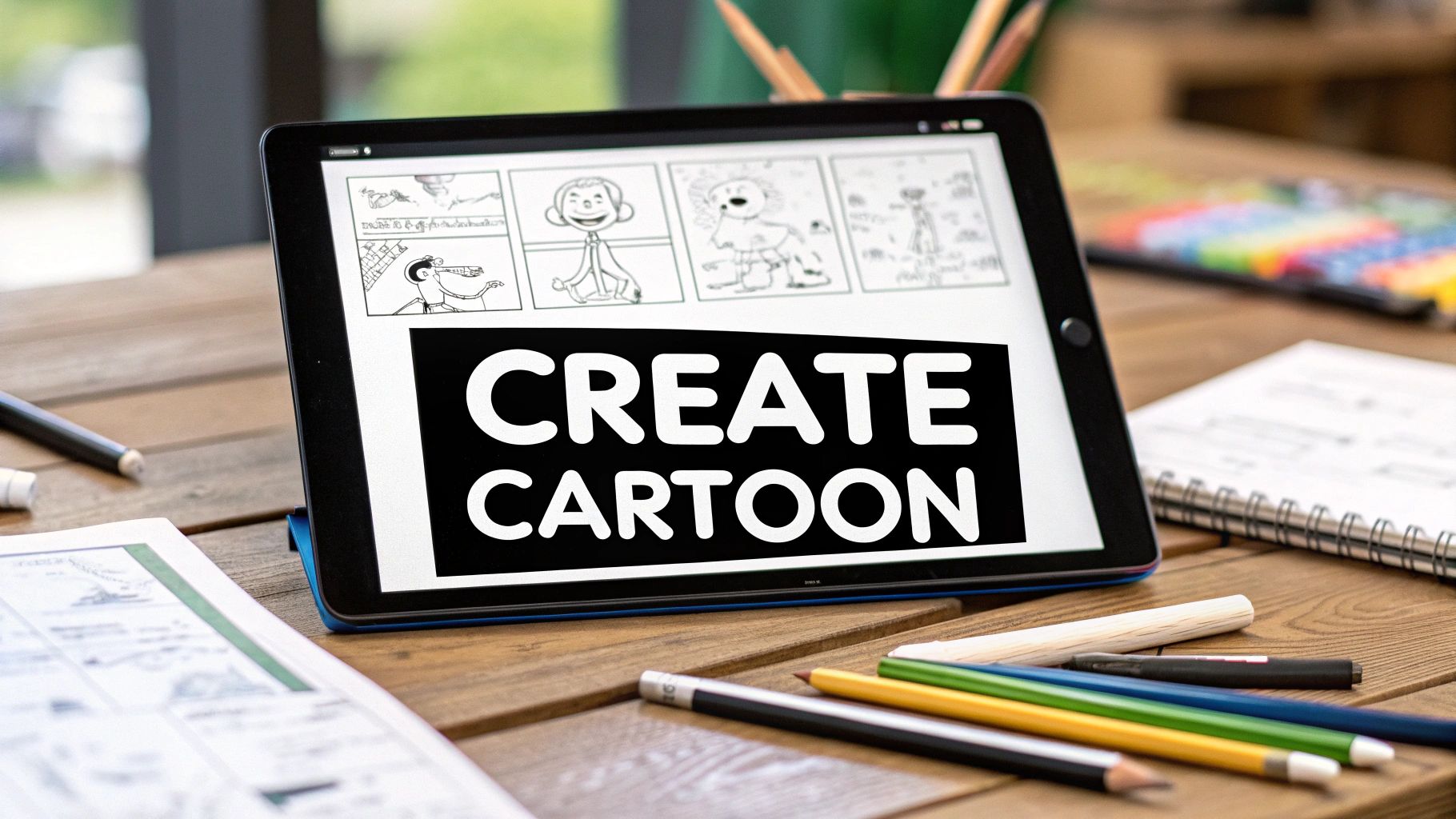
Ever thought that making your own animated cartoon was a dream reserved for big studios with huge budgets and teams of artists? For a long time, that was pretty much true. Traditional animation meant tedious frame-by-frame drawing, wrestling with complicated software, and sinking a massive amount of time into a single project.
Thankfully, that old barrier is crumbling.
Today, anyone with a spark of an idea can figure out how to create an animated cartoon. This is almost entirely thanks to the rise of user-friendly AI animation generators. These tools take on the heavy lifting—the actual motion generation—freeing you up to focus on what really counts: the story, the characters, and your unique vision.
Why You Can Start Animating Your Cartoon Today
The Animation Boom
The appetite for animated content is absolutely exploding right now. The global animation market is on track to hit a staggering $462 billion by 2025, a huge leap from its $371.85 billion valuation in 2024. This isn't just a number; it represents a massive audience hungry for new and engaging cartoons, opening up a golden opportunity for independent creators to jump in. If you're curious about the data, you can dig deeper into this industry growth with a report from Kasra Design.
Take a look at what's possible. This is a still from Google's Veo AI model, showing off its power to create incredibly detailed, cinematic video from simple text prompts.
This image is a perfect example of how advanced these tools have become. They can produce professional-grade visuals that, just a few years ago, would have been completely out of reach for a solo creator.
Your Creative Toolkit Has Changed
Modern AI has completely changed the animation game. You no longer need to be an expert in drawing, character rigging, or keyframing. Instead, your most important skill is creative direction. You're the storyteller, the one guiding the AI to bring the visuals in your head to life.
You no longer need to be a master illustrator to be an animator. Your most powerful tool is your imagination and your ability to describe it clearly.
This fundamental shift means you can create and iterate faster than ever before. A concept that might have taken a small team weeks to animate can now be roughed out in an afternoon. This new accessibility gives you the power to:
- Test ideas rapidly without pouring in tons of time or money.
- Develop a unique visual style by playing with different AI models and prompt techniques.
- Produce consistent content for platforms like YouTube, TikTok, or Instagram, keeping your audience engaged.
The technical roadblocks have been dramatically lowered. Your journey into animation is less about mastering software and more about honing your ability to tell a great story.
Laying the Groundwork for Your Animated Story
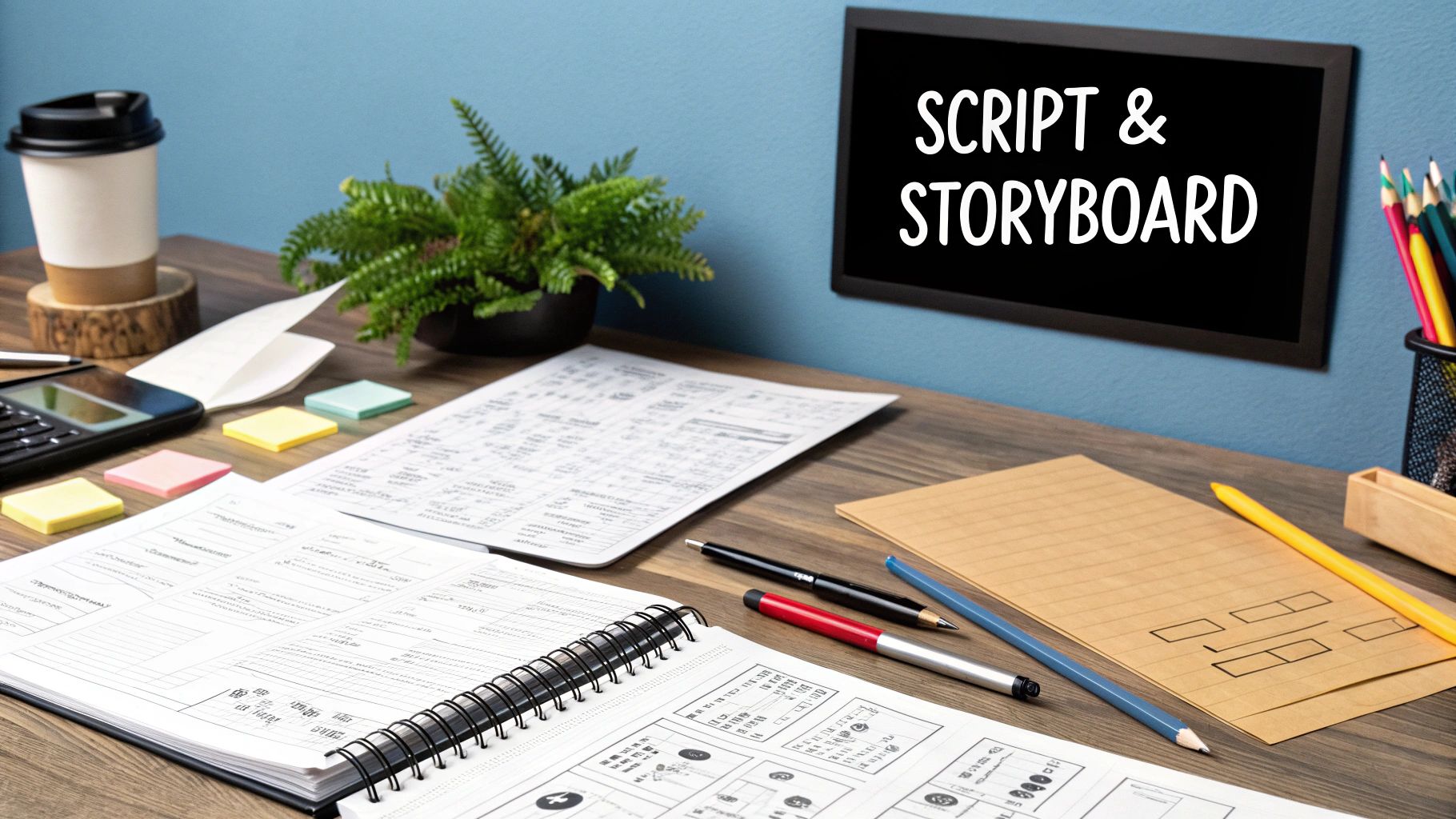
Before you even think about firing up the AI, the most important work happens away from the keyboard. A solid plan is what makes the difference between a polished, memorable cartoon and a jumble of cool-looking but disconnected scenes. It’s tempting to jump right in, but trust me, skipping this step is a mistake I’ve seen even experienced creators make.
At the heart of any great cartoon is a simple, core concept. What's the one idea you're trying to get across? It doesn’t have to be some grand, epic saga. A story about a character trying to bake a cake for the first time or a mischievous squirrel plotting to steal all the garden gnomes can be fantastic if you nail the execution.
With that core idea in mind, map out a basic plot. Every story that has ever hooked an audience, whether it’s a six-second short or a feature film, has a clear beginning, middle, and end.
- Beginning: Set the scene. Introduce us to your character and their world, then show us the event that kicks everything off.
- Middle: Here’s where the fun (and the conflict) happens. Your character hits obstacles and struggles to reach their goal, leading to all the drama or comedy.
- End: Wrap it up. Does the character get what they want? More importantly, how have they changed?
Breathing Life into Your Characters
Your character is who the audience connects with. You don't need to be a professional artist to start designing them—just think in terms of simple shapes and colors. Is your hero soft and round, or are they all sharp angles? Bright, poppy colors can signal a high-energy personality, while a more muted palette might suggest someone serious or shy.
Jot down a few words that define their personality. Are they clumsy but brave? A genius who's incredibly lazy? These traits will guide every action they take and every expression they make. For a deeper dive into this, our guide on https://www.veo3ai.io/blog/how-to-create-animated-videos offers some great strategies for visual storytelling.
The secret to a great character isn't how complex they look; it's how much personality they have. A simple stick figure with a clear goal will always be more engaging than a beautifully drawn but boring character.
Once you have a story and a character, it's a good idea to put it into a proper script. A solid screenplay formatting guide can help you structure your ideas clearly. This isn't just for big studios; it helps you stay organized, even when you're the one telling the AI what to do.
Sketching Out Your Vision with a Storyboard
Think of a storyboard as your cartoon's roadmap. It's just a sequence of rough sketches that plan out each shot, showing where characters are, what they’re doing, and how the camera sees them. And no, you don't need to be an artist. Stick figures work perfectly.
The whole point is to visualize the flow and pacing of your story before you commit to animation. It also helps you think like a director. What kind of shots will tell your story best?
| Shot Type | Description | Why You'd Use It |
|---|---|---|
| Wide Shot | Shows the character and their entire environment. | Great for establishing a new location or showing how small a character is in a big world. |
| Medium Shot | Usually frames the character from the waist up. | The workhorse for dialogue scenes. You get expressions and some body language. |
| Close-Up | Fills the screen with the character's face. | Perfect for hitting an emotional beat or showing a critical detail. |
Putting in this work upfront is a game-changer. When you finally move on to generating the animation, you’re not just guessing—you’re executing a clear vision. It saves a ton of time and frustration down the line and leads to a much more powerful final cartoon.
Getting Your Creative Assets Ready for AI
Okay, you've got your story planned out. Now for the fun part: gathering the actual building blocks for your AI animation. The way you provide this raw material to the AI will make or break your final cartoon, directly impacting its quality and consistency.
You really have two main avenues to go down. You can either write out incredibly detailed text prompts to guide the AI, or you can start with your own visual assets, like character designs and background art. Neither is necessarily better than the other; the right choice really boils down to the specific scene you're creating, your own artistic skills, and how much hands-on control you want over the final look.
Crafting Powerful Text Prompts
Think of a text prompt as giving very specific directions to an AI artist. If you're vague, you'll get a vague, generic result. The trick is to be so descriptive that you paint a vivid picture with your words.
Don't just say "a sad character." That's not enough. Instead, try something much more evocative, like: "a small, round robot with droopy antennae, sitting slumped on a park bench under a single streetlamp, rain streaking down its metallic face." See the difference?
To really get the hang of writing great prompts, I always focus on a few key ingredients:
- The Subject: Be crystal clear about your character. What’s their size, shape, and color? Are there any unique details that make them stand out?
- The Action: What is the character doing? Don't just say "running." Is the character "sprinting frantically" or "jogging leisurely"? The verb choice matters.
- The Environment: Set the scene. Describe the background, the time of day, the weather, and any important objects. This builds the world around your character.
- The Style: This is your art direction. Tell the AI what you're going for. Use phrases like "in the style of early 2000s Disney Channel animation," "claymation style," or "vibrant anime aesthetic."
A well-crafted prompt is the difference between getting a random animation and getting the exact scene you imagined. Specificity is your best friend when communicating with an AI.
Preparing Your Visual Assets
Sometimes, just showing the AI what you want is far more effective. Using your own images—especially for characters—gives you an incredible amount of control and ensures your designs stay consistent from one scene to the next. This is a game-changer if your character needs to appear in multiple shots.
This simple infographic gives you a great visual of the typical workflow for designing a character before it ever gets near an AI.
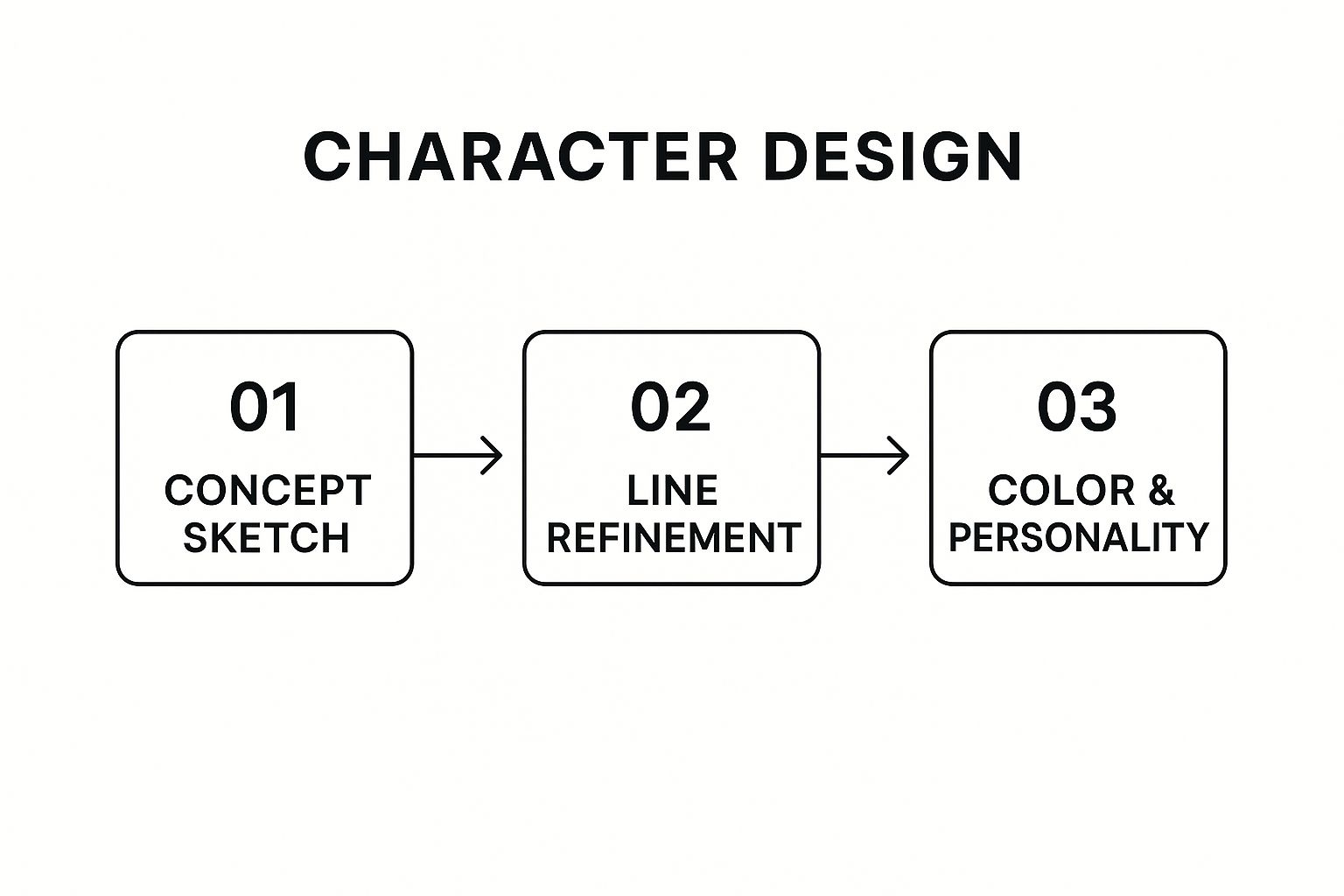
As you can see, it’s a clear path from a rough idea to a polished, colored character. That final design is the perfect asset to feed into the AI to get consistent animations.
For animating characters, you'll want to have a library of different poses and expressions on hand. I’ve found that using an AI character sprite sheet generator can be a massive time-saver. It can quickly spin up multiple variations of your character from a single design, giving you what you need for believable movement and emotion without drawing every frame yourself.
Text Prompts vs Image Uploads for AI Animation
Deciding between text and images can be tricky. Both have their strengths. This table breaks down the main differences to help you choose the right method for your project.
| Attribute | Text Prompts | Image Uploads |
|---|---|---|
| Control | Offers high-level creative direction but leaves details to the AI. | Provides precise control over character design and style. |
| Consistency | Can be challenging to maintain a consistent look across scenes. | Excellent for ensuring characters and backgrounds look the same. |
| Speed | Very fast for generating initial ideas and concepts. | Slower, as it requires you to create or find assets first. |
| Skill Requirement | Requires strong descriptive writing skills. | Requires some design or illustration skills (or good source images). |
| Best For | Quick experiments, abstract scenes, or when you want the AI to surprise you. | Character-driven stories, brand-specific content, and consistent series. |
Ultimately, many projects benefit from a hybrid approach—using image uploads for your main characters but relying on text prompts to generate unique backgrounds or special effects. Experiment to see what works best for your vision.
Bringing Your Vision to Life With AI Generation
With your assets and plan locked in, it’s time to step into the director’s chair. This is where the real fun begins, turning your static ideas into fluid, living scenes. Forget the intimidating dashboards of old-school animation software; tools like Veo3 AI are built to get your ideas on screen fast.
The process kicks off when you feed the AI your creative instructions. Whether you’re using a detailed text prompt you’ve agonized over or a polished character image, this is where all your preparation pays off. That initial output is your first look at how the AI sees your vision.
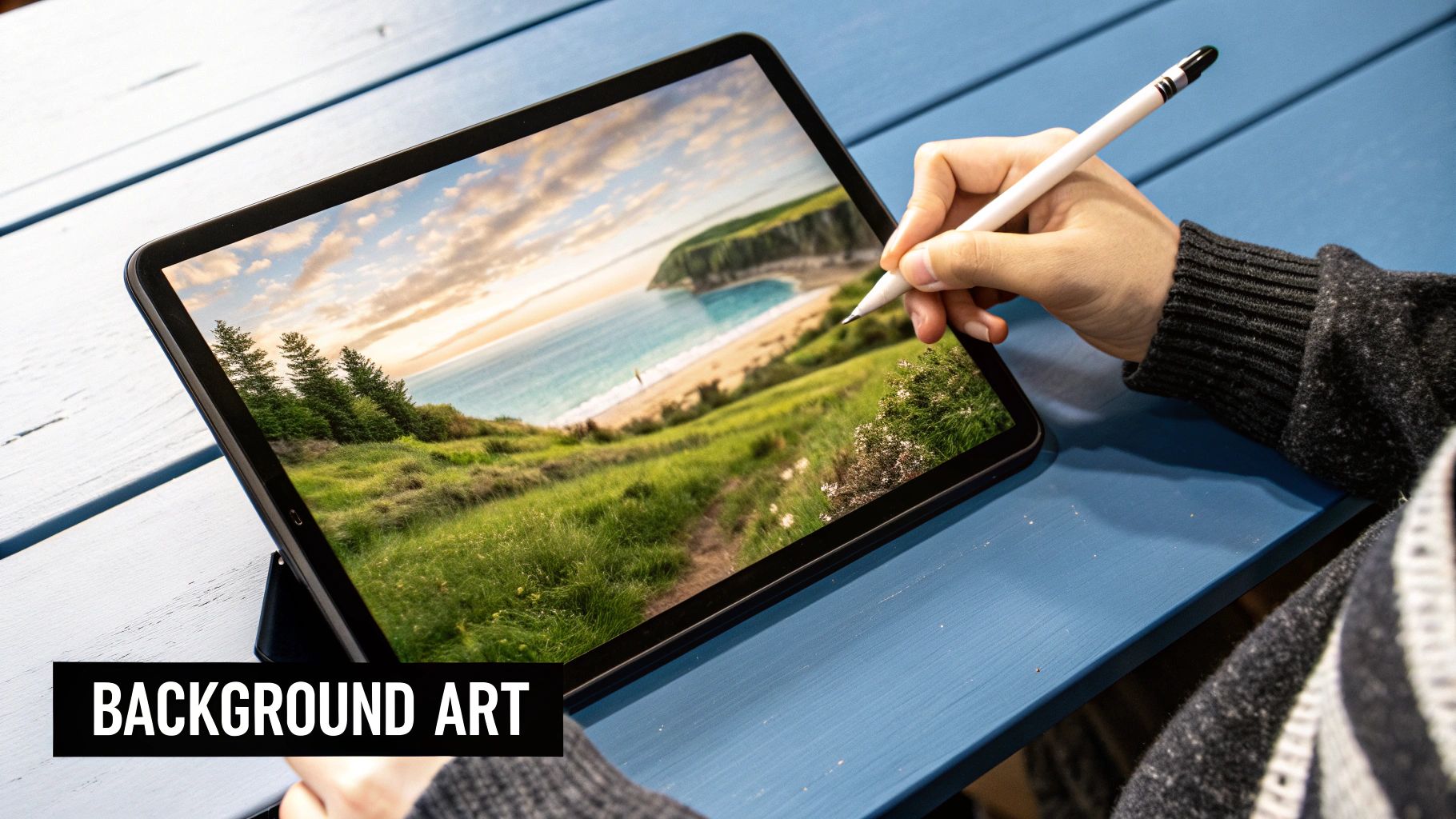
From First Draft to Dynamic Scene
Let’s be real: your first generated clip is rarely the final version. Think of it as a rough sketch. The secret to crafting a truly compelling cartoon is all about iteration. You’ll generate a scene, see what works and what doesn't, and then go back to tweak your inputs to get closer to what's in your head.
It's a creative feedback loop. Maybe the character's movement feels a bit sluggish, or the camera angle just isn't hitting with the drama you wanted. Every little adjustment gets you one step closer to the scene you mapped out on your storyboard.
Let’s walk through a real-world example. Imagine you're animating a character exploring a futuristic city.
- Initial Prompt: "A robot walks through a neon city." The result is pretty generic—a basic walk cycle with a simple background. It’s a start, but it has no soul.
- Refined Prompt: "A small, curious robot with large blue eyes slowly wanders down a rain-slicked alley in a futuristic cyberpunk city. Close-up shot, low angle, focusing on the robot's cautious steps through puddles reflecting neon signs."
See the difference? The second prompt gives the AI so much more to chew on. It defines not just the action but the mood, the camera work, and the emotional tone. That level of detail is what turns a simple idea into powerful visual storytelling. For a deeper dive, check out our guide on how to https://www.veo3ai.io/blog/create-ai-videos from scratch.
Selecting Your Animation Style
One of the most powerful aspects of AI generation is the ability to instantly test-drive different visual styles. The style you land on has a massive impact on your audience’s experience. A gritty, noir-style cartoon tells a completely different story than one done up in a bright, bubbly, Saturday-morning-cartoon aesthetic.
Don't be afraid to play around. Generate the same exact scene in three different styles—maybe claymation, 2D hand-drawn, and a polished 3D render—just to see which one truly captures the spirit of your story. You might be surprised by what clicks.
This flexibility means you can perfectly match the visuals to your narrative. A whimsical fantasy might cry out for a soft, watercolor look, while a hard sci-fi adventure could demand sharp, cel-shaded graphics. Your choice of style is just as critical as your character's dialogue or the story's plot.
Fine-Tuning Motion and Pacing
Once you've nailed the look, it’s time to focus on the movement. Pacing is everything in animation. It sets the energy of a scene and guides the viewer's emotions. A frantic action sequence needs quick cuts and dynamic motion. A quiet, reflective moment, on the other hand, calls for slower, more deliberate movements and longer takes.
With an AI tool, you can often control these elements directly or by simply refining your prompts. For instance, adding terms like "slow-motion," "fast-paced chase," or "lingering camera pan" can radically change the feel of the final output.
And when you're ready to bring in audio, an AI voice over generator can be a game-changer for creating dialogue and narration. The key is to sync the timing of your animation with the vocal performance to make the character feel truly alive. Getting that synergy right is what separates a good cartoon from a great one.
Assembling and Polishing Your Final Cut
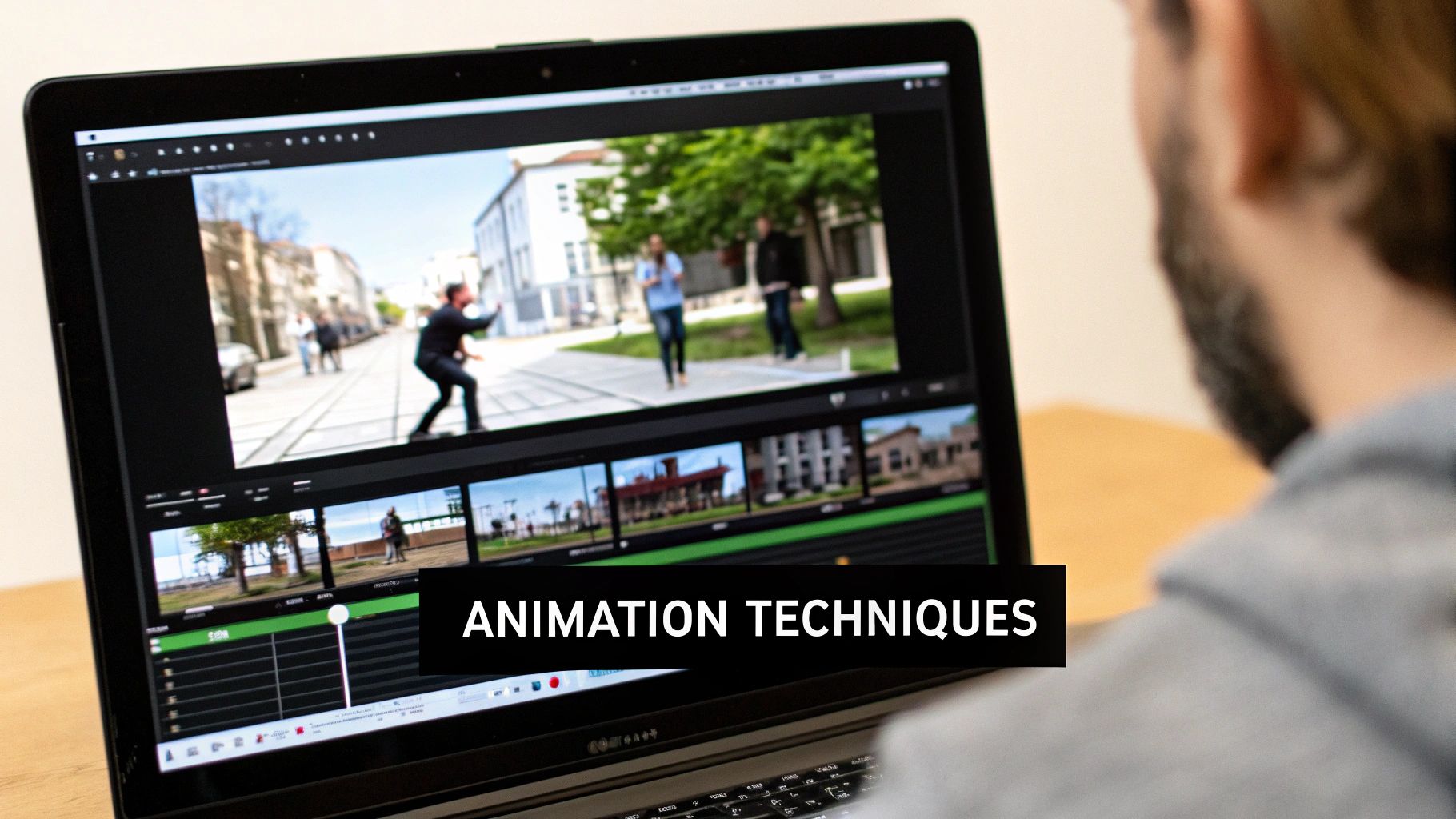
Getting all your individual scenes generated is a fantastic feeling, but the real storytelling magic happens in the edit. This is where you take a folder full of animated clips and weave them into a cartoon that actually connects with an audience. You're shifting from a prompt engineer to a director, and it’s time to shape the final narrative.
First things first, you need to get all your AI-generated clips into a video editor. You don't need anything crazy expensive; powerful free tools like CapCut or DaVinci Resolve are more than capable. Just drop your clips onto the timeline, arranging them according to your storyboard. Now's the time to get picky—tweak the timing, cut out any weird pauses, and make sure every transition feels deliberate and smooth.
Elevating Your Cartoon with Sound Design
Okay, let's talk about audio. This is the one thing that can single-handedly make your project feel amateur or professional. Sound design isn't just about throwing a music track underneath everything; it’s about building a believable world for your viewers. A cartoon without sound just feels empty and lifeless.
To do this right, you really need to think about three layers of sound:
- Voice-Overs: If you have characters speaking or a narrator, this is the backbone of your story.
- Sound Effects (SFX): These are the little things that sell the reality of a scene. Footsteps, a door creaking, a magical whoosh—they all add texture.
- Music: The score is your emotional shortcut. It tells the audience how to feel, whether a moment is exciting, sad, or suspenseful.
I can't stress this enough: don't sleep on good sound effects. The subtle clink of a teacup or the rustle of leaves can make an animated world feel tangible. It pulls the audience deeper into your story in a way visuals alone can't.
Finding great audio has gotten so much easier. There are tons of online libraries with royalty-free music and sound effects. By layering these three audio elements, you create a rich soundscape that makes your animation a hundred times more engaging.
Final Touches and Exporting Your Masterpiece
With your video and audio locked in, it's time for the final polish. An easy win here is doing some basic color correction. You're not trying to become a professional colorist overnight; the main goal is just consistency. Make sure the brightness, contrast, and colors look the same from one shot to the next. This creates a unified visual style that makes the whole cartoon feel more intentional.
Once you’re happy with how everything looks and sounds, it's time to export. The settings you choose will depend entirely on where you plan to post your video. For almost any use case, MP4 is the way to go. It gives you great quality without a massive file size.
Here are a few go-to export settings for the most common platforms:
| Platform | Recommended Resolution | Frame Rate |
|---|---|---|
| YouTube | 1920x1080 (1080p) or higher | 24 or 30 FPS |
| TikTok/Instagram Reels | 1080x1920 (Vertical) | 30 or 60 FPS |
Just make sure your final video is at least three seconds long, since that's the minimum for most social platforms. Once you have that MP4 file, you're ready to get it on your phone and share it with the world. You can even take some of this polished footage and use it with an AI video generator from an image to quickly create some cool promotional stills or teasers for social media.
Common Questions About Making Cartoons With AI
https://www.youtube.com/embed/lO1_cQWgPj0
Diving into AI animation for the first time brings up a lot of questions. It's a whole new way of working, so it’s smart to get a few things cleared up before you jump in. I’ve rounded up some of the most common questions I hear from other creators to give you the lay of the land.
How Much Does It Actually Cost?
This is usually the first thing people ask. Professional animation software can cost a small fortune, but the good news is that many AI tools, including Veo3 AI, have free options. This means you can actually create a complete cartoon from start to finish without spending a dime, which is a huge deal for independent creators.
How Do I Keep My Characters Looking the Same?
Character consistency is a classic challenge in AI animation. How do you stop your hero from looking like a totally different person from one scene to the next?
The secret is a seed image. By uploading the exact same reference image of your character for every new shot you generate, you give the AI a consistent anchor point. This one trick makes a massive difference in keeping your characters recognizable throughout the story.
Can I Use My Own Voice for the Characters?
Yes, and you probably should! While the built-in AI voices are getting better, nothing beats the personality of a real human voice. You can record your own dialogue—even just using your phone's voice memo app—and import that audio file into your video editor. From there, it's just a matter of syncing it up with your character's animation.
What About Making a Full-Length Cartoon?
Most AI video generators produce short clips, usually just a few seconds at a time. So how do you turn that into a longer story? You simply stitch the clips together.
Think of it like building with LEGOs. You generate each scene individually, then drop them into a video editor like CapCut or Adobe Premiere. Arrange them in order, trim them up, and you’ve built a complete narrative piece by piece. This method actually gives you more control.
Who Owns the Final Video?
This is a big one. With Veo3 AI, you keep 100% of the rights to anything you create. That means your finished cartoon is yours to use however you want—for fun, for your social media channels, or even for commercial projects.
Ready to see what you can make? Veo3 AI has everything you need to turn that idea in your head into a fully animated cartoon. Start creating for free today!
Related Articles
Continue with more blog posts in the same locale.
Google Veo 無料
Google veo 無料. Find out if Google Veo is really free, what limits apply, and how to start using it today. A clear guide for creators comparing free options.
Read article
Veo 3 Kostenlos: Your Free Video Generation Guide
Learn how to use Veo 3 AI video generator for free. Step-by-step guide to creating videos with Veo 3 kostenlos, including tips and limitations of the free plan.
Read article
Gemini Omni Image to Video: The Complete Guide
Master Gemini Omni image to video workflows. Learn prompt templates, Veo 3.1 settings, resolution options, and practical tips for social and marketing videos.
Read article