
Veo 3 Fast vs Quality: Which Mode Should You Use?
Veo 3 Fast vs Quality compared on speed, cost, and output, with a clear decision checklist for when to pick each mode.
Emma Chen · 15 min read · Jun 23, 2026
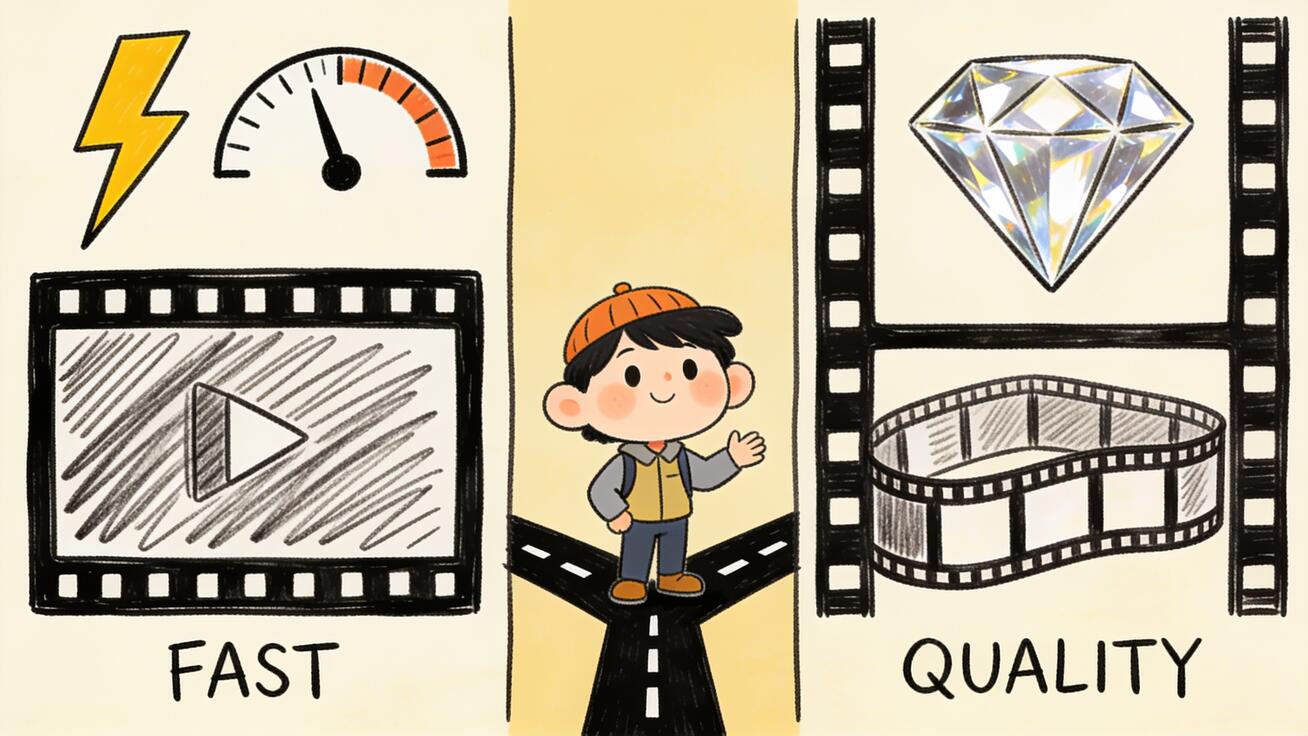
If you have opened Veo 3 in Google Flow, the Gemini app, or the Gemini API, you have run into the same fork in the road: do you generate in Veo 3 Fast or Veo 3 Quality? The two modes use the same underlying model family, accept the same prompts, and produce video with native audio — but they cost different amounts, take different lengths of time, and deliver different levels of polish. Picking the wrong one wastes either money or quality.
This guide breaks down the Veo 3 Fast vs Quality decision the way a working creator actually faces it: what each mode is, the real difference between Veo 3 Fast and Quality on speed, cost, and output, exactly when to pick one over the other, how to use Veo 3 Fast for cheap iteration before committing to a Quality final render, and a copy-ready decision checklist. The same logic applies to Veo 3.1 Fast vs Quality, so you will not have to relearn anything when you move to the newer model.
Quick Answer: Fast for Drafts, Quality for Finals
Use Veo 3 Fast when you are iterating — testing prompts, blocking out a scene, generating social drafts, or producing high volume on a budget. Use Veo 3 Quality when the clip is going in front of a client, a paying audience, or a brand channel and needs the cleanest motion, sharpest detail, and best prompt adherence you can get.
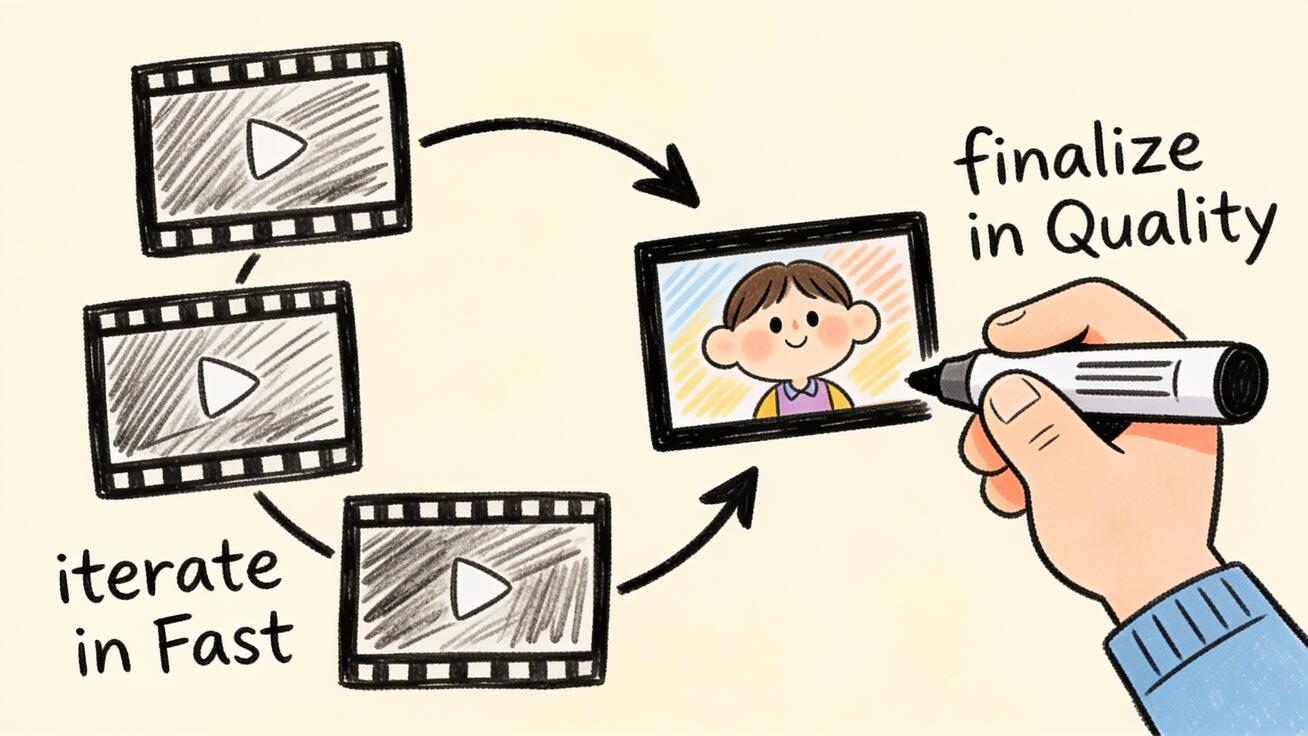
A practical rule that holds for most teams: draft with Fast, finalize with Quality. Fast is cheap enough to run ten variations to find the shot you want; Quality is where you spend the extra budget once, on the version you are actually shipping. If you only remember one thing from this article, remember that workflow — it gets you the best output per dollar.
That said, Fast is not "the bad mode." For a lot of straightforward shots, Fast output is good enough to publish as-is, and the gap only becomes obvious in complex scenes. Below, the tradeoffs in detail.
What Veo 3 Fast and Quality Actually Are
Veo 3 is Google's text-to-video and image-to-video model, and one of its headline features is native audio — it generates synchronized sound and dialogue inside the same pass, not as a separate step. Google ships the model in two generation tiers:
- Veo 3 Quality (the standard tier) — the flagship configuration. It produces the highest-fidelity output: sharper motion, better scene coherence, finer texture and lighting detail, and the most accurate interpretation of your prompt.
- Veo 3 Fast — a lighter, faster, cheaper configuration of the same model. It trades a measure of fidelity and prompt precision for noticeably quicker turnaround and a much lower price per second.
Both tiers accept the same prompts, support text-to-video and image-to-video, generate native audio, and output the same resolutions and aspect ratios (including vertical 9:16 for mobile-first platforms). The difference is not what they can do — it is how well and how expensively they do it.
You will meet this Fast/Quality choice in three places:
- Google Flow (Google's filmmaking tool) — a "Fast" toggle that uses fewer credits per generation versus the higher-quality default.
- The Gemini app — Fast generations return quicker and consume less of your plan's allotment.
- The Gemini API / Vertex AI — separate model IDs (a
...-fast-generate...variant versus the standard one), billed per second of output.
Wherever you are, the underlying tradeoff is identical. If you want a deeper look at how the paid plans and credits map to these tiers, our Veo 3 free vs paid pricing guide covers the subscription side.
The Real Difference Between Veo 3 Fast and Quality
Here is how the two modes compare on the dimensions that actually change your decision.
| Dimension | Veo 3 Fast | Veo 3 Quality |
|---|---|---|
| Generation speed | Faster turnaround | Slower — more compute per clip |
| Output fidelity | Good; softer on complex motion/detail | Highest; sharpest motion and texture |
| Prompt adherence | Solid for simple prompts | Best for precise, multi-element prompts |
| Cost per second (Gemini API) | ~$0.10–$0.15 (with audio) | $0.40 (with audio) |
| Native audio | Yes | Yes |
| Resolution | 720p / 1080p | 720p / 1080p (4K on Veo 3.1) |
| Best for | Drafts, iteration, volume, social | Finals, client work, hero shots |
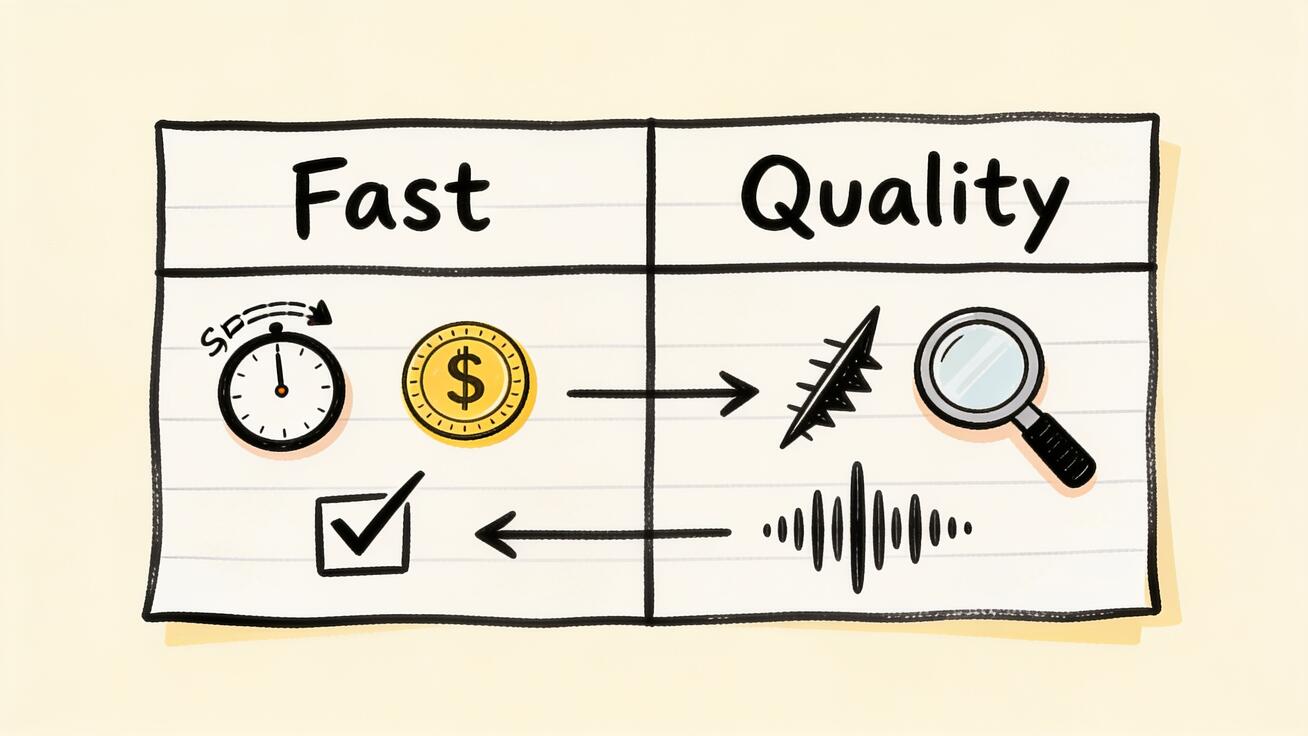
A few things worth calling out:
The quality gap is scene-dependent. On a simple shot — one subject, clean camera move, uncluttered background — Fast output often looks nearly indistinguishable from Quality. The difference shows up in hard scenes: multiple moving subjects, fast action, complex physics, fine text, reflective surfaces, or prompts with many specific requirements. The more your prompt asks for, the more Quality earns its premium.
Speed compounds when you iterate. A single clip's time difference may feel minor, but generating video is a trial-and-error craft. When you run a prompt eight or ten times to dial it in, Fast's quicker turnaround saves real working time and keeps you in flow.
Audio comes with both. You do not lose Veo 3's native audio by choosing Fast. On the API, disabling audio can shave the per-second cost further if you only need the visuals.
Veo 3 Fast Cost: What You Actually Pay
Cost is usually the deciding factor, so let's be precise about Veo 3 Fast cost versus Quality. The clearest reference point is Google's Gemini API per-second pricing, which bills by the second of generated video:
- Veo 3 Quality (standard): about $0.40 per second, audio included. (Google cut this from an earlier $0.75/second.)
- Veo 3 Fast: roughly $0.10–$0.15 per second depending on resolution (720p is cheapest, 1080p slightly more), audio included. Turning audio off lowers it a little further.
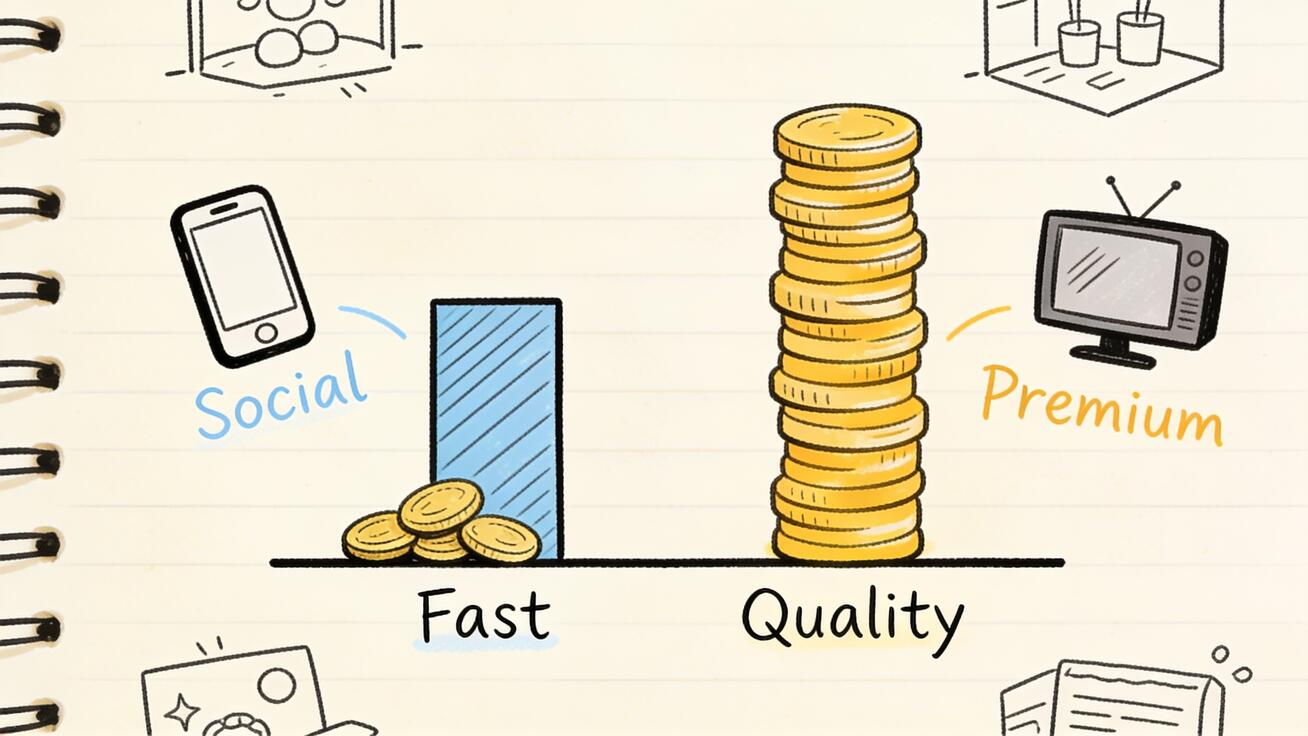
In round numbers, Fast is roughly 3–4x cheaper than Quality. An 8-second clip costs you somewhere around $0.80–$1.20 on Fast versus about $3.20 on Quality. Across a project where you generate dozens of takes to find a handful of keepers, that ratio is the difference between a small bill and a large one.
A note on where you are buying: the figures above are developer (API) rates. In the consumer products — the Gemini app and Flow — you are not billed per second directly; you spend credits or draw from a monthly plan allotment, and Fast simply consumes fewer credits per generation than Quality. The relative economics are the same: Fast lets you generate far more for the same budget.
Two more cost notes that matter for planning:
- Veo 3 is being retired. Google has scheduled the original Veo 3 models for shutdown on June 30, 2026, with Veo 3.1 as the recommended successor. If you are starting fresh, build on Veo 3.1 — the Fast vs Quality split works identically there.
- Veo 3.1 adds a Lite tier. On Veo 3.1 the ladder is Lite (~$0.05/sec) → Fast (~$0.10–$0.15/sec) → Quality ($0.40/sec), so you get an even cheaper rung for rough drafts. More on that in our Veo 3.1 Lite pricing guide and the Veo 3.1 vs Veo 3 comparison.
Because pricing changes, treat these numbers as a reliable snapshot rather than a permanent quote — always confirm the current rate on Google's pricing page before you budget a large run.
When to Use Veo 3 Fast
Choose Veo 3 Fast when speed, volume, or budget outweigh maximum polish:
- Prompt iteration. You are still figuring out the shot. Run many cheap variations, compare, and lock the prompt before spending on a final.
- Drafts and previews. Internal review, storyboards, animatics, "does this idea even work" tests.
- High-volume social content. Daily TikToks, Reels, Shorts, and ad variants where you need quantity and the platform compresses video anyway — viewers will not notice the fidelity gap on a phone screen.
- A/B testing creative. Generate five hooks or five visual treatments cheaply, see which performs, then optionally re-render the winner in Quality.
- Tight budgets and side projects. When the math of $0.40/second simply does not fit, Fast keeps you producing.
- Simple shots. Single subject, clean motion, plain background — Fast often nails these well enough to publish directly.
If your distribution is mostly mobile and social, Fast can reasonably be your default, with Quality reserved for the occasional flagship piece. For a broader view of where Veo fits among lightweight options, see our roundup of the best free AI video generators.
When to Use Veo 3 Quality
Choose Veo 3 Quality when the output represents you and has to hold up to scrutiny:
- Client and commercial deliverables. Paid work where the customer expects a premium result and re-rendering is awkward.
- Brand hero content. Homepage hero videos, launch films, brand channels — the pieces people judge your brand by.
- Complex scenes. Multiple interacting subjects, fast action, intricate physics, crowds, reflective or transparent materials, fine detail. This is exactly where Quality's advantage is most visible.
- Prompt-precise shots. When the brief is specific — exact camera move, exact staging, exact mood — Quality follows instructions more faithfully.
- Large-screen viewing. Anything shown on a TV, monitor, or projector, where softness and artifacts are obvious.
- The final cut of a winning draft. You found the shot in Fast; now render the keeper once in Quality.
The honest framing: Quality is not for everything, it is for the things worth paying for. Spending Quality rates on throwaway drafts is as wasteful as shipping Fast output for a paying client.
Veo 3.1 Fast vs Quality: Does the Newer Model Change the Decision?
If you are weighing Veo 3.1 Fast vs Quality, the good news is the decision framework is unchanged. Veo 3.1 keeps the same two-tier logic — Fast for iteration and volume, Quality (standard) for finals — at the same headline per-second rates ($0.40 for Quality, roughly $0.10–$0.15 for Fast). What's new:
- A Lite tier sits below Fast at about $0.05/second for the roughest drafts, giving you a three-rung ladder: Lite → Fast → Quality.
- Higher-resolution output (up to 4K on the standard tier) for premium deliverables.
- Improved coherence and prompt handling across the board.
So the muscle memory transfers directly: draft cheap, finalize on Quality. Because Veo 3 retires on June 30, 2026, new projects should default to Veo 3.1 — you keep the identical Fast/Quality habits with a cheaper draft option and a sharper top end. The Veo 3.1 vs Veo 3 comparison and Veo 3 Lite vs Pro guide go deeper on the tiers.
How to Use Veo 3 Fast (and Switch to Quality)
Here is the practical workflow, whether you are in the consumer apps or the API.
In Google Flow or the Gemini app
- Start a new generation and write your prompt — describe the subject, action, camera movement, setting, lighting, and mood in one clear paragraph.
- Select the Fast option (a Fast toggle in Flow, or the faster generation setting in the Gemini app). This spends fewer credits per run.
- Generate 2–4 variations of the same prompt and compare. Adjust wording where the result drifts from your intent.
- Lock the winning prompt once a variation matches your vision.
- Switch to Quality and re-render that final prompt for the version you will publish.
- Review and export at the resolution and aspect ratio your platform needs.
On the Gemini API or Vertex AI
- Call the Fast model variant (the
...-fast-generate...model ID) for iteration runs. - Pass your prompt and parameters — resolution, aspect ratio, and whether audio is on (turning it off on Fast trims cost if you only need visuals).
- Iterate cheaply until the prompt is dialed in.
- Swap to the standard (Quality) model ID for the final render, keeping the same prompt.
- Budget by the second — multiply expected clip length by the per-second rate so a large batch does not surprise you.
This draft-Fast / finalize-Quality loop is the single highest-leverage habit for getting good Veo 3 output without overspending.
A Prompt Workflow That Saves Money
The reason Fast pays off is that prompting is iterative, and most of your generations are exploratory, not final. Structure your prompts so iteration is cheap and the final render is decisive:
Iteration prompt (run on Fast):
"Medium tracking shot of a barista latte-art pour in a sunlit café, steam rising, shallow depth of field, warm morning light, gentle slow camera push-in, ambient café sound."
Run that three or four times on Fast. Notice what's off — maybe the camera move is too aggressive or the lighting is flat — and tighten the wording:
Refined prompt (still on Fast, until it's right):
"Slow, steady medium push-in on a barista pouring latte art, soft diffused morning window light from the left, fine steam detail, shallow depth of field, quiet café ambience with low chatter."
Once a Fast variation matches your intent, render that exact prompt once on Quality for the publishable clip. You spent pennies finding the shot and the premium rate only on the keeper.
A few prompt habits that help both tiers:
- Lead with the shot type and camera move (medium shot, slow push-in, orbit, static).
- Name the lighting explicitly (golden hour, soft window light, neon).
- Specify the audio you want (ambient sound, specific dialogue, music feel).
- Keep one idea per clip — Veo handles a clean single scene better than a crowded one, and this is especially true on Fast.
Veo 3 Fast vs Quality: Decision Checklist
Run through these questions and the answer falls out:
- Is this a final, published piece? Yes → lean Quality. No → Fast.
- Will a paying client or brand audience see it? Yes → Quality. No → Fast.
- Is the scene complex (multiple subjects, fast action, fine detail, reflections)? Yes → Quality. Simple → Fast is likely fine.
- Am I still testing prompts or ideas? Yes → Fast, every time.
- Will it be viewed mainly on phones / social feeds? Yes → Fast usually holds up.
- Will it play on a large screen? Yes → Quality.
- Is budget the binding constraint? Yes → Fast, and reserve Quality for the few clips that truly need it.
- Did I just find a winning draft in Fast? Yes → re-render that one in Quality.
If you answered "Fast" to most of these, generate in Fast and move on — you are not leaving meaningful quality on the table. If "Quality" dominates, pay for the polish.
Common Mistakes to Avoid
- Rendering every test in Quality. This is the most expensive mistake. Explore in Fast; only finals deserve Quality rates.
- Shipping Fast output for premium deliverables. The opposite error — a client hero shot is exactly where the fidelity gap shows.
- Ignoring resolution settings. Both tiers do 720p and 1080p; generating 1080p when the platform downscales to a phone feed wastes cost on Fast and time on Quality.
- Forgetting audio is billable. On the API, native audio is included by default; switch it off on Fast iteration runs where you only care about the visuals.
- Building new work on Veo 3. With shutdown set for June 30, 2026, start fresh projects on Veo 3.1 to avoid a migration later.
FAQ
Is Veo 3 Fast worse than Quality? Not exactly — it is a lighter configuration. On simple shots the difference is small; on complex scenes Quality is clearly sharper and more faithful to the prompt. For drafts, social content, and iteration, Fast is the smart choice.
How much cheaper is Veo 3 Fast? Roughly 3–4x cheaper. On the Gemini API, Fast runs about $0.10–$0.15 per second versus $0.40 per second for Quality, audio included for both.
Does Veo 3 Fast include audio? Yes. Both Fast and Quality generate Veo 3's native synchronized audio. On the API you can disable audio on Fast to trim cost further.
What is the difference between Veo 3 Fast and Quality on resolution? Both support 720p and 1080p with the same aspect ratios. Veo 3.1's standard (Quality) tier adds higher resolutions up to 4K for premium output.
Should I use Veo 3 or Veo 3.1? Use Veo 3.1 for new work — Veo 3 is scheduled to shut down on June 30, 2026. The Fast vs Quality decision is identical, and Veo 3.1 adds an even cheaper Lite draft tier.
Can I switch from Fast to Quality mid-project? Yes. The recommended workflow is to iterate on Fast, then re-render your final, locked prompt on Quality. The prompt carries over directly.
Conclusion
The Veo 3 Fast vs Quality choice is not about which mode is "better" — it is about matching the mode to the job. Fast is your iteration and volume engine: cheap, quick, and good enough to publish for most simple and social content. Quality is your finishing tier: the sharpest motion, best detail, and tightest prompt adherence for client work, brand hero shots, and complex scenes. The workflow that wins is the same one most production teams land on — draft in Fast, finalize in Quality — so you spend pennies finding the shot and the premium rate only on the take you ship. The exact same logic carries to Veo 3.1 Fast vs Quality, now with a Lite tier for the roughest drafts.
Ready to put it into practice? Open Veo 3 on veo3ai.io, iterate a few prompts in Fast, and render your keeper in Quality — then compare the two so you can feel where the line is for your own content. For more on tooling and budgets, browse our guides to the best AI video generator apps and the Veo 3 free vs paid pricing breakdown.
Related Articles
Continue with more blog posts in the same locale.

Veo 3 vs HeyGen 2026: AI Video Generation vs AI Avatar Studio
Veo 3 vs HeyGen 2026: compare AI video generation and AI avatar studio workflows, see where each excels, and decide which belongs in your video production stack.
Read article
Veo 3 vs InVideo AI: Which Should You Use in 2026?
Veo 3 vs InVideo AI: understand the core difference between AI video generation and AI-assisted production, see how each excels, and decide which fits your workflow in 2026.
Read article
Veo 3 vs Pollo AI: Which AI Video Generator Should You Choose in 2026?
Compare Veo 3 and Pollo AI across video quality, native audio generation, pricing, and use cases. Find out which AI video generator is right for your workflow in 2026.
Read article