
Veo 3 vs HeyGen 2026: Generación de video con IA vs Estudio de avatares con IA
Veo 3 vs HeyGen 2026: compara los flujos de trabajo de generación de video con IA y estudio de avatares con IA, observa dónde sobresale cada uno y decide cuál pertenece a tu stack de producción de video.
Emma Chen · 17 min read · Jul 7, 2026
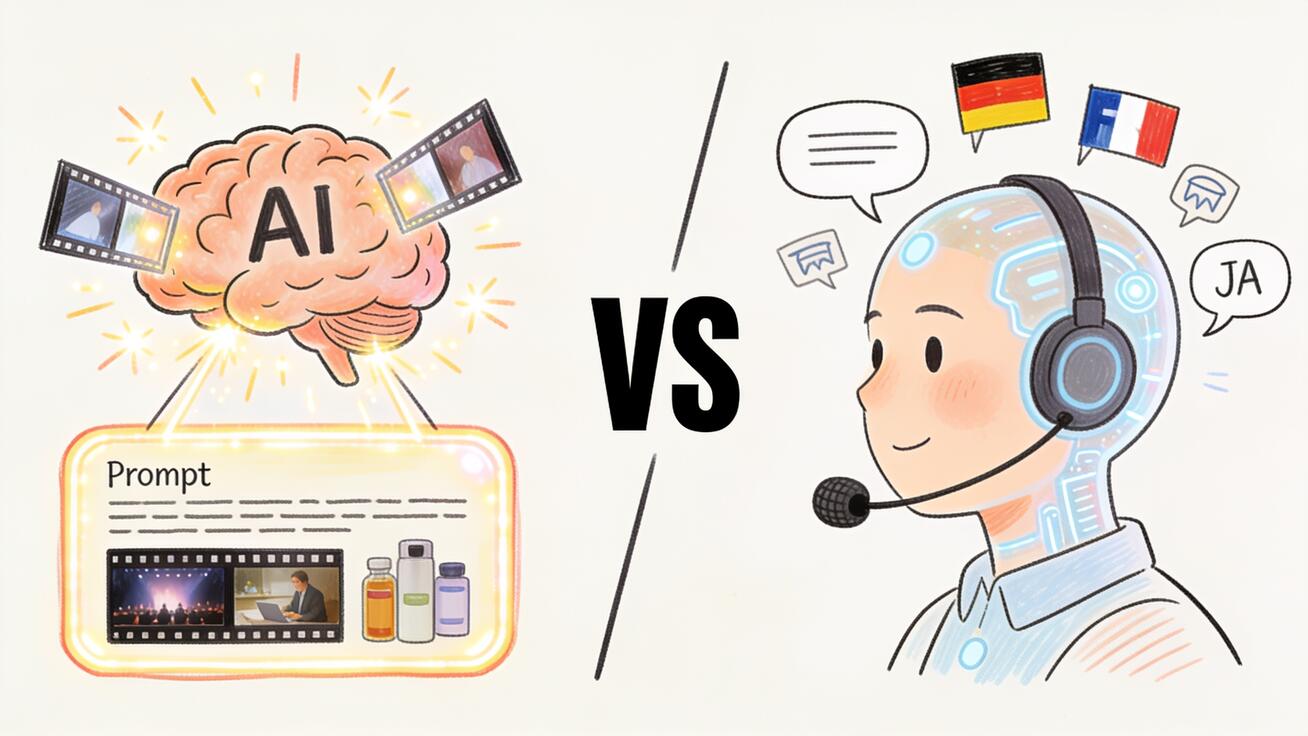
Veo 3 y HeyGen son herramientas de video IA con grandes bases de usuarios en 2026, pero resuelven problemas fundamentalmente diferentes. Veo 3 genera escenas de video originales a partir de indicaciones de texto o imágenes fijas — sin metraje, sin presentador, sin estudio requerido. HeyGen es una plataforma de producción de video y avatares IA: tú aportas un guion y un presentador humano digital lo entrega en pantalla. La herramienta adecuada depende completamente del tipo de video que necesitas crear.
Esta comparación cubre lo que hace cada herramienta, dónde sobresale cada una, cómo se comparan los precios y qué flujos de trabajo pertenecen a cada plataforma.
Respuesta Rápida
Elige Veo 3 cuando necesites generar metraje original que no existe — escenas cinematográficas, tomas de producto, visuales conceptuales, material de archivo con audio nativo, o cualquier video que comience desde una indicación en lugar de un presentador o guion.
Elige HeyGen cuando necesites un video basado en presentador — contenido de portavoz, comunicaciones corporativas, materiales de capacitación, explicaciones de productos entregadas por un rostro humano, o cuando necesites localizar el mismo video en varios idiomas usando clonación de voz.
Ambas herramientas son genuinamente útiles. La pregunta es si tu formato de video requiere un presentador humano o metraje generado original.
¿Qué es Veo 3?
Veo 3 es el modelo de generación de video IA de Google DeepMind, ofreciendo la salida más cercana a la cinematografía real disponible en cualquier herramienta de video de consumo en 2026. Su ventaja definitoria sobre modelos anteriores es la generación de audio nativo: sonidos ambientales, efectos de sonido y diálogo se producen junto con el video en la misma pasada de generación, haciendo que los clips sean inmediatamente utilizables sin un paso separado de obtención de audio.
Veo 3 es accesible a través de Google AI Studio (acceso API y para desarrolladores), Google Flow (flujos de trabajo orientados al cine) y veo3ai.io (una plataforma dedicada centrada en creadores).
Lo que Veo 3 genera bien:
- Metraje de escenas cinematográficas: entornos, objetos, personajes en movimiento
- Visuales de producto y marca: tomas de producto, escenas de estilo de vida, momentos abstractos de marca
- Clips sociales con audio nativo: Reels, contenido de TikTok, B-roll de YouTube
- Metraje de concepto y storyboard: prueba visual de concepto antes de una grabación real
- Metraje de naturaleza y entornos: paisajes, clima, efectos de luz
Lo que Veo 3 no hace:
- Video basado en presentador: sin avatar de IA, sin generación de cabeza parlante
- Clonación de voz o narración TTS
- Montaje basado en plantillas
- Contenido de formato largo más allá de 8 segundos por clip
¿Qué es HeyGen?
HeyGen es una plataforma de video con IA centrada en la creación de videos impulsados por avatares. Su producto principal es una biblioteca de avatares de IA — humanos digitales fotorrealistas — que entregan guiones hablados con expresiones faciales naturales y sincronización de labios. La posición de HeyGen en el mercado se basa en la calidad de sus avatares, la fidelidad de la clonación de voz y su canal de traducción multilingüe.
Los casos de uso principales de HeyGen:
- Comunicaciones corporativas: anuncios de la empresa, mensajes del CEO, resúmenes para toda la empresa entregados por un avatar de IA
- Explicadores de ventas y marketing: recorridos de productos, aspectos destacados de funciones, secuencias de incorporación
- Capacitación y e-learning: narración de cursos, capacitación en cumplimiento, contenido instructivo
- Video localizado a escala: grabe una vez en inglés, traduzca y vuelva a sincronizar los labios a más de 40 idiomas automáticamente
- Divulgación personalizada: mensajes de video personalizados generados por IA utilizando datos del cliente
Lo que HeyGen hace bien:
- Avatares de IA de alta calidad con movimiento facial realista
- Clonación de voz a partir de una muestra corta
- Traducción automática multilingüe con sincronización de labios
- Producción de video basada en plantillas
- Rápida respuesta para flujos de trabajo de guion a video
Lo que HeyGen no hace:
- Generar metraje de escena original a partir de indicaciones
- Crear contenido ambiental, cinematográfico o de naturaleza
- Producir audio nativo junto con imágenes generadas
Comparación de características
| Dimensión | Veo 3 | HeyGen |
|---|---|---|
| Tecnología central | Modelo de generación de video con IA | Avatar de IA + síntesis de voz |
| Fuente de video | Generado por IA a partir de un prompt | Avatar de IA leyendo un guion |
| Generación de audio nativa | Sí | No (TTS y clonación de voz) |
| Avatar / presentador de IA | No | Sí |
| Clonación de voz | No | Sí |
| Traducción multilingüe | No | Sí (más de 40 idiomas) |
| Duración máxima del clip | 8 segundos | Ilimitado (ensamblado) |
| Biblioteca de plantillas | No | Sí |
| Acceso a API | Sí | Sí |
| Ideal para | Generación de metraje original | Videos con presentador a escala |
Calidad de video: Categorías diferentes
Comparar Veo 3 y HeyGen en "calidad de video" requiere entender que producen diferentes categorías de contenido.
La calidad de Veo 3 se evalúa según lo realista que se ve el metraje de escenas generado por IA. En 2026, Veo 3 marca el estándar: las simulaciones físicas (agua, tela, partículas) son convincentes, la iluminación se maneja con matices, y el movimiento de cámara es suave y controlable. El límite de 8 segundos por clip es la principal restricción para los usuarios que necesitan metraje ininterrumpido más largo.
La calidad del avatar de HeyGen se evalúa según lo realista que se ve y suena el presentador de IA. HeyGen ha realizado mejoras sustanciales en 2025–2026: sus avatares premium muestran movimiento ocular natural, movimiento muscular facial realista durante el habla y gestos con las manos convincentes. La calidad de la clonación de voz es lo suficientemente alta como para que muchas empresas hayan implementado HeyGen para contenido dirigido a clientes. Con una inspección minuciosa, aún persisten sutilezas en la sincronización de labios y en el momento de las microexpresiones. Para la mayoría de los contenidos de presentación y explicación, la calidad es suficiente.
Ninguna herramienta pretende competir con la otra en calidad. Operan en categorías de producción separadas.
Precios
Veo 3 se puede probar gratis a través de Google AI Studio dentro de los límites de uso. El acceso de pago en veo3ai.io proporciona cuotas de generación más altas y una interfaz optimizada para creadores, con suscripciones a precios accesibles.
HeyGen ofrece un nivel gratuito con salida con marca de agua y acceso limitado a avatares y voces. Los planes de pago comienzan alrededor de $24–29/mes para creadores individuales; los precios empresariales para organizaciones escalan según el volumen de video, número de asientos y acceso a funciones (avatares personalizados, API, soporte prioritario).
Para casos de uso de alto volumen — un equipo que produce 50+ videos con presentadores al mes — el precio de HeyGen escala proporcionalmente. Para creadores individuales o equipos con flujos de trabajo mixtos, el precio basado en generación de Veo 3 puede ser más predecible.
Casos de uso por plataforma
Veo 3 es la herramienta adecuada para:
Metraje de escenas y B-roll generado por IA. Equipos de documentales, creadores de redes sociales y equipos de marca utilizan Veo 3 para producir metraje original bajo demanda. Un lanzamiento de producto que necesita 4–6 clips diferentes para ambientar escenas, cada uno de 6–8 segundos, puede generarse en una tarde sin necesidad de un equipo de filmación.
Contenido social con audio nativo. Un clip de Veo 3 de una escena de café al aire libre incluye sonido ambiental del café. Ese clip con audio incluido puede publicarse directamente en Instagram o TikTok sin un paso de audio separado — una ventaja de flujo de trabajo significativa para la producción de contenido social de alto volumen.
Visualización creativa y de conceptos. Los directores creativos utilizan Veo 3 para probar conceptos visuales antes de comprometerse con la producción. Una generación aproximada de Veo 3 responde "¿funciona esta idea visualmente?" más rápido que un storyboard.
HeyGen es la herramienta adecuada para:
Comunicaciones corporativas localizadas. Una empresa con oficinas en 15 países graba un mensaje ejecutivo y HeyGen lo traduce y re-sincroniza los labios en 15 idiomas. El mismo presentador parece hablar de forma nativa en cada versión. Esta es la capacidad más distintiva de HeyGen y no tiene equivalente en ninguna otra herramienta de video con IA.
Divulgación de video personalizada. Los equipos de ventas generan miles de mensajes de video cortos y personalizados donde el avatar se dirige a cada destinatario por su nombre, haciendo referencia a información específica. Este caso de uso es específico del video basado en avatares y no tiene equivalente en Veo 3.
Presentador de marca consistente en todo el contenido. Una marca crea un avatar personalizado que se convierte en el rostro visual de todo el marketing, la formación y el contenido de soporte. El mismo rostro, voz y estilo de presentación aparecen de forma consistente en toda la biblioteca de contenido.
¿Pueden trabajar juntos Veo 3 y HeyGen?
Sí: cumplen funciones complementarias en un flujo de trabajo integral de producción de video:
- Generar imágenes de escenas y material B-roll con Veo 3 (tomas de producto, escenas ambientales, secuencias de títulos)
- Grabar secciones explicativas basadas en un presentador usando HeyGen
- Combinar ambos en un editor de video, usando el material de Veo 3 como transiciones visuales y establecimiento de escenas entre los segmentos del presentador de HeyGen
- Exportar un video terminado que combina imágenes generadas por IA de calidad cinematográfica con narración de un presentador generado por IA
Esta combinación es utilizada por equipos de marketing que necesitan tanto la riqueza visual de las imágenes generadas como la autoridad de un formato de presentación basado en un presentador.
Preguntas frecuentes: Veo 3 vs HeyGen
¿HeyGen utiliza Veo 3 para generar sus videos? No. El video de avatar de HeyGen se produce mediante sus propios sistemas de síntesis de IA, no por Veo 3 ni por ningún modelo de Google. HeyGen y Veo 3 son plataformas independientes con IAs subyacentes separadas.
¿Puede Veo 3 producir un video de una persona hablando o contenido de portavoz? No. Veo 3 puede generar un personaje que parece hablar, pero no puede tomar un guion y producir un video donde un avatar específico lo recite con precisión. Para contenido controlado basado en un presentador, HeyGen es la herramienta adecuada.
¿Cuál es mejor para YouTube? Para canales de explicación sin rostro o contenido de YouTube basado en presentadores, HeyGen es más adecuado. Para contenido cinematográfico de formato corto en YouTube, contenido de viajes o cualquier formato de YouTube donde las imágenes sean el contenido principal en lugar de un presentador, Veo 3 es la herramienta adecuada. Muchos creadores de YouTube utilizan ambas.
¿Veo 3 admite clonación de voz? No. Veo 3 genera audio ambiental y contextualmente apropiado, pero no clona ni reproduce una voz específica a partir de una muestra.
Conclusión
Veo 3 y HeyGen son herramientas maduras de video con IA en 2026, pero no compiten por el mismo flujo de trabajo. Veo 3 genera metraje original a partir de indicaciones; HeyGen entrega contenido guionizado a través de avatares de IA. La elección correcta se determina dependiendo de si tu video necesita escenas originales generadas o un presentador digital.
Para equipos que producen ambos tipos de contenido — una marca que necesita metraje de escenas de producto y también videos explicativos localizados con un presentador consistente — usar ambas herramientas en paralelo es la respuesta correcta. Para creadores que eligen una, la pregunta es simple: ¿el formato de tu contenido requiere un rostro frente a la cámara? Sí significa HeyGen. No significa Veo 3.
Prueba Veo 3 en veo3ai.io y mira la comparación Veo 3 vs InVideo AI para otra perspectiva sobre Veo 3 frente a alternativas de plataformas de producción.
Ejemplos prácticos de flujo de trabajo
Ejemplo 1: Campaña de lanzamiento de producto SaaS
Una empresa B2B SaaS está lanzando un nuevo panel de análisis. Necesitan:
- Un video de descripción general del producto de 60 segundos para el sitio web
- 5 clips cortos para LinkedIn (de 15 a 30 segundos cada uno)
- Un video explicativo de incorporación para nuevos usuarios
HeyGen maneja el video de descripción general del sitio web de 60 segundos (un avatar de IA explica las funciones, traducido a DE/FR para el mercado europeo) y el video explicativo de incorporación. Veo 3 maneja los clips cortos de LinkedIn — escenas abstractas de visualización de datos, momentos de revelación de la interfaz de usuario, material B-roll del panel — todo con audio ambiental tecnológico nativo. La campaña combina ambas herramientas, cada una haciendo lo que mejor sabe hacer.
Ejemplo 2: Contenido de marca de comercio electrónico a gran escala
Una marca de bienes de consumo vende en 8 países y produce 20 videos de producto al mes. Sus necesidades de contenido:
- Videos de demostración de productos en 8 idiomas
- Contenido de escenas de estilo de vida para redes sociales
- Metraje de campañas estacionales
HeyGen produce los videos de demostración del producto — el mismo avatar de marca en cada idioma, voz y estilo de presentación consistentes. Veo 3 produce el metraje de escenas de estilo de vida — tomas al aire libre estacionales, imágenes del producto en su entorno, momentos abstractos de marca — que se reproduce junto o entre los segmentos del presentador de HeyGen en el contenido de cada mercado regional.
Ejemplo 3: Creador de cursos en línea
Un educador independiente vende cursos sobre finanzas personales. Su formato de contenido es:
- Lecciones con presentador y diapositivas
- Videos de introducción para cada módulo
- Clips cortos para redes sociales para promocionar el curso
HeyGen maneja las lecciones con presentador — graba una vez, ajusta el ritmo y la claridad, clona su voz para contenido futuro sin necesidad de volver a grabar. Veo 3 maneja los clips cortos para redes sociales que promocionan temas específicos del curso: visualizaciones abstractas de conceptos como el interés compuesto o cronogramas de inversión que no requieren un presentador.
Elección según el tamaño de tu equipo
Creador individual: Si eres una sola persona construyendo una operación de contenido, la herramienta que maneja tu formato de contenido principal es la que gana. Los presentadores individuales que publican de 3 a 5 videos por semana se benefician más del flujo de trabajo integral con presentador de HeyGen. Los creadores individuales que producen contenido visual original (viajes, estilo de vida, marca) se benefician más del pipeline de generación de Veo 3.
Equipo pequeño (2–5 personas): Suficiente capacidad para usar ambas. Un productor de video maneja Veo 3 para la generación de metraje; un redactor de contenido maneja HeyGen para el contenido basado en presentador. Personas diferentes, herramientas diferentes, resultados unificados.
Empresa/agencia: Ambas herramientas tienen acceso a API, lo que permite la automatización a escala. La API de HeyGen es ampliamente utilizada para pipelines de divulgación personalizados. La API de Veo 3 permite la generación automatizada de metraje integrada en pipelines de producción más grandes. A escala empresarial, la pregunta pasa de "qué herramienta" a "cómo encajan estas herramientas en nuestra infraestructura de producción".
La ventaja de la localización: por qué es importante la función multilingüe de HeyGen
La traducción automática multilingüe de HeyGen es su capacidad más diferenciada. El flujo de trabajo típico de localización de video empresarial sin IA implica traducir el guion, volver a grabar la voz en off en un estudio con un actor de voz, resincronizar el audio con el video y repetir todo el proceso para cada idioma — costo multiplicado por mercado.
HeyGen reduce esto a un solo paso: subir el video original, seleccionar los idiomas de destino, y HeyGen devuelve versiones redobladas con los labios del presentador resincronizados con el audio traducido. Para contenido explicativo y corporativo estándar, la calidad es lo suficientemente buena como para implementarse en la mayoría de los casos de uso.
Esta capacidad es más valiosa para:
- Equipos globales donde las oficinas regionales necesitan el mismo mensaje en idiomas locales
- Contenido de e-learning que necesita servir a múltiples mercados desde una sola producción
- Marketing de productos para lanzamientos multinacionales que ocurren simultáneamente en varias regiones
Veo 3 no tiene una capacidad equivalente. El metraje de escenas generadas es independiente del idioma — una cafetería o una toma de producto no tienen idioma. Pero cuando tu video requiere narración hablada en varios idiomas, el pipeline de traducción de HeyGen tiene una ventaja sustancial en velocidad y costo sobre la localización tradicional.
Basado en Instrucciones vs. Basado en Plantillas: La Diferencia Fundamental en la Entrada
La diferencia operativa más fundamental entre estas herramientas es cómo las instruyes.
Veo 3 se basa en instrucciones. Describes una escena en lenguaje natural y el modelo la genera. Esto te da una alta libertad creativa a costa de una curva de aprendizaje. La calidad de las instrucciones determina directamente la calidad del resultado, y los usuarios que invierten en aprender la estructura de instrucciones de seis partes producen consistentemente mejores resultados.
HeyGen se basa en plantillas. Seleccionas un avatar, pegas un guion, eliges una voz y haces clic en generar. El flujo de trabajo minimiza las decisiones y maximiza la velocidad para un formato de contenido bien definido. Menos libertad creativa, pero un camino mucho más rápido desde cero hasta un clip listo para publicar en videos con presentador.
Para equipos que saben exactamente lo que quieren decir y quién lo dice, el flujo de trabajo estructurado de HeyGen gana en velocidad. Para equipos que necesitan generar metraje que no podría filmarse de forma convencional, el enfoque basado en instrucciones de Veo 3 es la única vía viable.
Tomar la Decisión Correcta para tu Flujo de Trabajo de Video en 2026
Para resumir el marco de decisión:
Comience con Veo 3 si se aplica alguno de estos casos:
- Su contenido no requiere un rostro humano o presentador
- Necesita material de archivo generado originalmente para redes sociales, campañas de marca o trabajos cinematográficos
- Trabaja con fotografía de producto que necesita convertirse en video
- Desea incluir audio nativo con el material generado
- Necesita acceso a la API para pipelines de generación automatizada de material
Comience con HeyGen si se aplica alguno de estos casos:
- El formato de su contenido está basado en un presentador: explicativos, capacitaciones, anuncios, demostraciones de producto
- Necesita localizar el mismo contenido de video en más de 10 idiomas de manera eficiente
- Está construyendo campañas de divulgación personalizadas a gran escala
- Necesita un presentador de marca consistente en una gran biblioteca de contenido
- Desea clonar su propia voz para futuras narraciones sin tener que volver a grabar
Para equipos donde ambos casos se aplican, ejecutar ambas herramientas en paralelo es la respuesta correcta. Veo 3 maneja el material de archivo. HeyGen maneja el presentador. Un editor de video los combina en el resultado final. Las herramientas no son competidoras, sino componentes complementarios de un stack completo de producción de video moderno.
El panorama del video con IA en 2026 recompensa la especialización sobre la generalización. Elegir la herramienta diseñada específicamente para su formato produce mejores resultados que elegir una herramienta que dice hacerlo todo con calidad media. Veo 3 es el mejor modelo de generación de video disponible; HeyGen es una de las mejores plataformas de presentadores con IA disponibles. Ninguna de las dos afirma ser la otra.
Comenzar con Veo 3 es sencillo: visite veo3ai.io para acceder al modelo a través de una interfaz centrada en creadores. El nivel gratuito le permite probar la calidad de generación y comprender cómo maneja la herramienta su tipo de contenido específico antes de comprometerse con un plan de pago. Para conocer las capacidades completas del modelo y el estado de acceso, consulte la descripción general del modelo Veo 3 o la comparación de Veo 3 vs InVideo AI para un marco similar aplicado a otra alternativa de plataforma de producción.
Related Articles
Continue with more blog posts in the same locale.
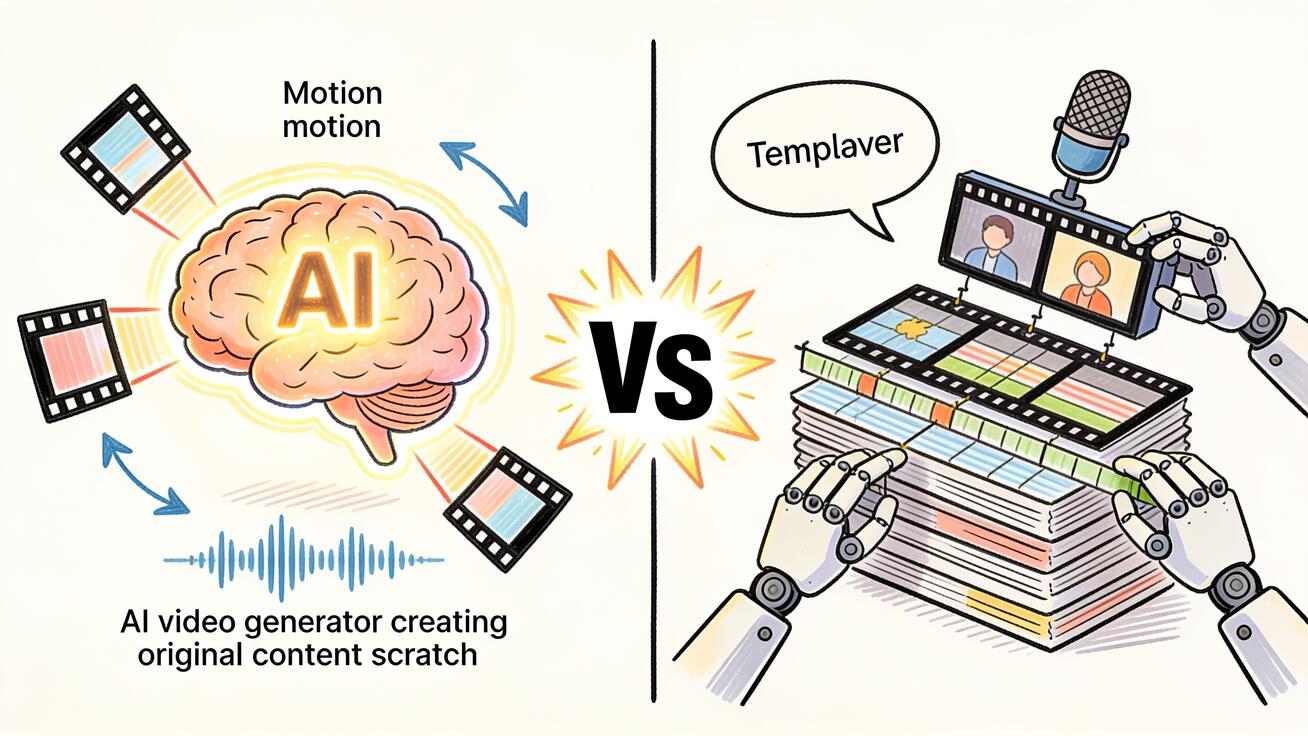
Veo 3 frente a InVideo IA 2026: generación frente a producción, ¿cuál necesitas?
Veo 3 frente a InVideo IA 2026: compara la generación de vídeo con IA frente a una plataforma de producción, escenarios de flujo de trabajo, precios y qué herramienta se adapta a tus necesidades de contenido.
Read article
Veo 3 vs Pollo AI: ¿Qué generador de video con IA deberías elegir en 2026?
Compara Veo 3 y Pollo AI en calidad de video, generación nativa de audio, precios y casos de uso. Descubre qué generador de video con IA se adapta mejor a tu flujo de trabajo en 2026.
Read article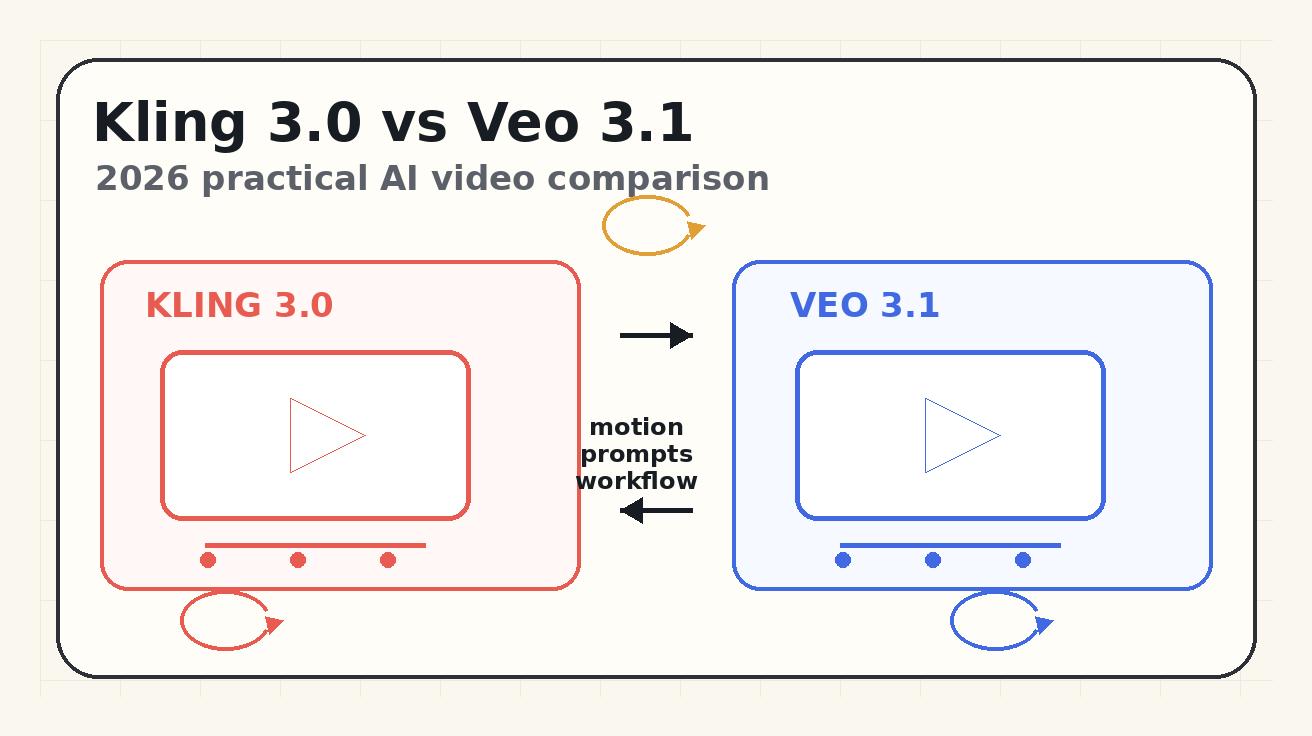
Kling 3.0 vs Veo 3.1 2026: calidad de movimiento, control de prompts y ajuste al flujo de trabajo
Una comparación práctica de 2026 entre Kling 3.0 y Veo 3.1 sobre calidad de movimiento, control de prompts, ajuste al flujo de trabajo, límites gratuitos y casos de uso de video con IA.
Read article