
Master an AI Video Generator for YouTube: 2026 Guide
Master an AI video generator for YouTube with our 2026 guide. Scripting, Veo3 AI generation, editing for retention, and SEO secrets covered.
Veo3 AI · 13 min read · Jun 21, 2026

You've probably hit the same wall most YouTube creators hit. You have more ideas than finished videos, and the gap isn't creativity. It's production. Scripting takes time, editing drags, thumbnails get rushed, and Shorts multiply the pressure because the platform rewards consistency more than occasional bursts.
That's why an AI video generator for YouTube matters now. Not because it magically replaces the work, but because it removes the slowest parts of the workflow if you use it correctly. The mistake is treating AI video as a one-click publishing button. The creators getting useful results treat it as a production system for ideation, scripting, scene creation, editing, packaging, and iteration.
Beyond Generation The New Creator Workflow
Most creators don't need another flashy demo clip. They need a repeatable way to get from idea to published video without burning a week on each upload.
That shift is already happening. A 2025 study of YouTube creators found that generative AI was being used across the full publishing workflow, including topic identification, script generation, visual production, and title suggestions in a sample of 274 YouTube how-to videos (research on GenAI across the YouTube workflow). One specific planning behavior in that study showed AI being used to identify niches or topics in 15 cases, or 5.5% of the sample in the same source.
What that looks like in practice
A practical creator workflow now looks more like this:
- Planning: Use AI to pressure-test ideas, angle options, and hooks before writing.
- Production: Generate rough scenes, B-roll, or visual concepts instead of starting from a blank timeline.
- Editing: Fix pacing, add subtitles, re-sequence scenes, and tighten weak moments.
- Publishing: Draft title options, subtitle variants, and alternate packaging for Shorts versus long-form.
That's why the category has changed. AI video isn't just “type prompt, get clip.” It's part of a broader content system.
Practical rule: If your AI workflow only starts at video rendering, you're leaving most of the time savings on the table.
Creators working alone especially feel this. If you're comparing your setup against a small media team, it helps to think in terms of a compact stack instead of one miracle app. That's also why roundups like best AI tools for solopreneurs are useful. They frame AI as an operations layer, not just a creative toy.
A strong workflow also has to scale. If you're producing tutorials, explainers, or faceless Shorts every week, the primary advantage comes from reducing tool switching and reusing the same process repeatedly. That's the difference between occasional experimentation and a system you can sustain. A useful reference point is this guide on how to scale content creation, which reflects the same operational mindset.
From Idea to AI-Ready Script
Most AI-generated YouTube videos fail before generation starts. The problem isn't the model. The input is weak. A generic prompt produces generic footage, and generic footage almost never carries a video on its own.
For YouTube, the script has to do two jobs at once. It has to communicate the story to the viewer, and it has to communicate scene intent to the generator.

Write for scenes, not paragraphs
High-ranking content often skips the part that matters for faceless AI videos: scene structure built for retention. Luma's faceless video workflow highlights a practical sequence of a hook-driven script, scene breakdown, pacing sync, and subtitle formatting for YouTube and vertical content (Luma's faceless YouTube workflow example).
That matches what works in practice. Don't write one block of narration and hope the tool “figures it out.” Break the script into visual beats.
Use this sequence instead:
-
Hook first Open with tension, contrast, or a strong claim. Your first lines should create a reason to stay.
-
One idea per scene Each scene should represent one visual thought. If the narration shifts topic, the shot should shift too.
-
Describe visible action “Success mindset” is too abstract. “A person deleting distracting apps, clearing a desk, and opening a notebook in a quiet room” gives the generator something concrete.
-
Add format notes Specify whether the scene is for Shorts, long-form, horizontal, or vertical. This affects framing and visual density.
A script template that works better
For each scene, include:
- Narration line
- Visual description
- Camera or framing note
- On-screen text
- Duration intention
- Transition intention
A practical example:
| Script Element | Example |
|---|---|
| Narration | “Most YouTube videos lose viewers because the opening takes too long.” |
| Visual | Fast cuts of a creator trimming a timeline, deleting an intro, and rewriting a first line |
| Framing | Tight close-ups, vertical-safe composition |
| On-screen text | “Weak hook = weak retention” |
| Duration | Short opening beat |
| Transition | Hard cut into next example |
Your script should tell the AI what the viewer sees, not just what the creator wants to say.
Build faceless videos around movement
Faceless channels depend on motion and sequence more than personality footage does. That means every few scenes should introduce a visual change: setting, perspective, object movement, text emphasis, or pacing shift.
A useful checklist before generation:
- Can the first scene stop a scroll?
- Does each scene show a different visual idea?
- Will subtitles help or clutter the frame?
- Does the script create curiosity before explanation?
- Can the viewer understand the point even with sound low?
If the answer is no, fix the script first. Rendering bad inputs faster doesn't solve the underlying problem.
Generating Your First Video with Veo3 AI
Once the script is clean, generation gets much easier because you're no longer asking the model to invent structure for you. You're giving it scene instructions.
Start with one short segment, not the full video. Generate the first hook sequence, review how the tool handles motion and framing, then move through the rest scene by scene.

Set up the generation properly
When using an AI video generator for YouTube, I recommend making these decisions before you hit render:
- Aspect ratio: choose based on destination first. Shorts need vertical framing. Standard YouTube videos need horizontal framing.
- Prompt scope: generate scene by scene instead of one giant prompt.
- Model choice: use the model that matches the style you need, whether that's cinematic motion, image-to-video continuity, or quick short-form output.
- Visual consistency: reuse the same descriptors for setting, mood, and subject across related scenes.
Veo3 AI is one option here. It lets you create video from text prompts or static images and supports multiple models, including Veo3, Seedance, and Hailuo, in one interface. That setup is useful when you want to test different generation behavior without rebuilding your workflow from scratch. If you want a basic walkthrough before building your first sequence, this guide on creating AI videos is a useful starting point.
Prompting for YouTube formats
Different YouTube formats need different prompt logic. A listicle Short needs visual punch. A tutorial clip needs clearer continuity. A faceless explainer needs readable visual storytelling.
Here's a practical prompt table to adapt.
| Video Type | Prompt Template Example |
|---|---|
| Tutorial | “Create a clean instructional scene showing [subject] step by step, with clear object focus, simple background, readable motion, and framing suitable for YouTube educational content.” |
| Listicle | “Generate a fast-paced sequence introducing [topic] with bold visual contrast, dynamic camera movement, strong opening energy, and space for large captions in a YouTube Shorts format.” |
| Faceless explainer | “Create a professional faceless explainer scene about [topic], using symbolic visuals, smooth transitions, modern lighting, and clear composition for subtitles.” |
| Product promo | “Show a polished product-focused scene featuring [product], close-up details, lifestyle context, and clean commercial-style movement suitable for YouTube promotional video use.” |
| Motivational Short | “Generate an emotionally charged vertical video scene with cinematic lighting, subject movement, dramatic pacing, and space for bold text overlays designed for YouTube Shorts.” |
The biggest prompt mistake is asking for too much in one generation. If you cram hook, explanation, proof, and conclusion into one prompt, the scene usually comes back muddy.
Review before you stack more clips
After each output, check three things:
- Is the subject readable immediately?
- Does the motion support the narration or distract from it?
- Will this scene cut cleanly into the next one?
If not, regenerate with tighter instructions. It's faster to fix scene intent now than to patch confusion in editing.
Here's a video example if you want to see AI video generation in action before building your own workflow:
<iframe width="100%" style="aspect-ratio: 16 / 9;" src="https://www.youtube.com/embed/IjF5Uun2jrM" frameborder="0" allow="autoplay; encrypted-media" allowfullscreen></iframe>
Editing and Refining for YouTube Retention
Raw AI output is not a finished YouTube video. It's source material.
That distinction matters because many creators overvalue speed and undervalue retention. The platform doesn't reward you for how quickly a clip was generated. It rewards whether people keep watching.
A YouTube growth training example recommends keeping more than 50% of viewers watching after the 30-second mark and using analytics to find outlier content, generate similar ideas, and improve by about 1% per upload (YouTube retention benchmark and iteration workflow). That's the benchmark worth caring about.

What to fix after generation
Most AI clips need the same corrections before they're publishable:
- Trim slow starts: the first seconds can't drift.
- Tighten scene length: if a visual has already delivered its point, cut it.
- Add text with intent: captions should reinforce the point, not narrate every word.
- Layer sound carefully: music and effects help pace, but they can also clutter weak scenes.
- Replace repetitive shots: if two scenes feel visually similar, one of them should go.
Treat AI footage like B-roll. The edit decides whether it becomes a YouTube video or just a moving background.
Edit for retention, not completeness
A common mistake is keeping every generated clip because it took time to make. That's backwards. If a scene slows the video down, cut it, even if the output looks good on its own.
I'd rather publish a tighter video with fewer generated shots than a “complete” one padded with dead space. Viewers don't reward effort they can't feel. They react to pacing.
A simple retention-focused pass usually looks like this:
-
Watch the first 30 seconds cold If the opening drags, the rest won't matter.
-
Mute the video once If the story becomes confusing without narration, your visuals aren't carrying enough weight.
-
Read only the subtitles If they feel dense or repetitive, reduce them.
-
Check scene-to-scene energy Similar rhythm across too many shots causes viewer fatigue.
Faster generation helps production. Better editing helps performance.
There's also a compliance piece here. YouTube requires disclosure when AI is used to edit or generate realistic content, so that check should be part of your publishing workflow, not an afterthought.
Finalizing Formats and Publishing for SEO
Once the edit is strong, packaging decides whether the video gets clicked and whether it fits the feed correctly.
By late 2025, more than 1 million YouTube channels were using the platform's built-in AI creation tools every day according to industry reporting summarized by Zebracat, which also noted major platform-level AI adoption around Shorts and translation (YouTube AI adoption data). That matters because AI-assisted publishing is no longer unusual. It's becoming normal operational behavior.

Export for the format you're actually publishing
Before upload, match the file to the destination:
- Shorts: vertical framing and larger on-screen text margins
- Long-form: horizontal framing with room for lower-thirds and wider composition
- Tutorials: prioritize readability over flashy motion
- Promos: keep branding and product focus consistent from thumbnail through first scene
If you're publishing at volume or integrating uploads into a broader workflow, operational details matter. Teams handling multiple channels should review 2026 YouTube API best practices to avoid messy automation and metadata handoffs.
Package for click and clarity
AI can help create title drafts, description variants, and thumbnail concepts, but the same rule still applies. Don't publish the first output just because it exists.
Use this packaging filter:
- Title: does it create a clear reason to click?
- Thumbnail: does it communicate the idea without relying on tiny text?
- Description: does the opening sentence support the topic cleanly?
- Disclosure: if the video includes realistic AI-generated or AI-edited content, label it correctly
- Localization: if the topic can travel, consider translated versions or dubbed support where appropriate
A practical publishing reference is this guide on how to use Veo 3 for YouTube in 2026, especially if you're aligning generation choices with YouTube-native behavior.
Don't let SEO become generic
YouTube SEO isn't stuffing keywords into every field. It's alignment. The title, opening hook, thumbnail promise, and actual video should all describe the same idea.
If they don't match, click-through might hold briefly, but viewer satisfaction drops. That hurts more than a slightly less aggressive title ever will.
Advanced Tips for AI Video Brand Consistency
Getting one AI video to look good is manageable. Getting twenty videos to look like they belong to the same channel is harder.
Creators run into this when characters shift, backgrounds change, camera angles drift, or one episode looks polished and the next looks like it came from a different brand entirely. Recent creator tutorials reflect that problem directly, especially around keeping the same background across multiple shots and using workarounds such as panoramic source images and camera-mode control. They also show rising demand for keyframes, motion settings, and scene-level precision for repeatable YouTube production (creator discussion of AI video consistency challenges).
Build a repeatable visual system
Brand consistency starts before generation. Keep a simple style guide for every recurring series:
- Core environment: define the background, lighting mood, and color tone
- Camera language: decide whether your series uses close-ups, slow push-ins, or static compositions
- Subject description: reuse the same descriptors every time
- Text treatment: keep subtitle style and placement stable
- Scene rhythm: match the pacing expectations of the series
This matters more than chasing “better prompts.” Prompt quality helps, but consistency comes from repeated constraints.
Use references, not memory
If you want the same world across multiple uploads, use image-to-video inputs or recurring visual references whenever possible. Don't rely on rewriting the same scene from memory each time. AI tools interpret language with variation. Reference assets reduce drift.
A channel brand isn't just your logo. It's the repeated visual behavior viewers learn to recognize.
If your strategy also includes search visibility and channel-level discoverability, it's worth pairing visual consistency with stronger metadata habits. This resource on how to enhance YouTube presence with Typist is useful for tightening that side of the system.
The practical test is simple. If a returning viewer sees one frame from your video with the sound off, they should still have a good chance of recognizing the series. If that's not happening yet, your AI workflow isn't a brand system. It's still a collection of experiments.
If you want a simpler way to turn prompts or images into YouTube-ready visuals without juggling multiple tools, Veo3 AI is worth trying as part of that workflow. Use it the way strong creators use AI now: for faster scene production, cleaner iteration, and a tighter path from idea to published video.
Related Articles
Continue with more blog posts in the same locale.
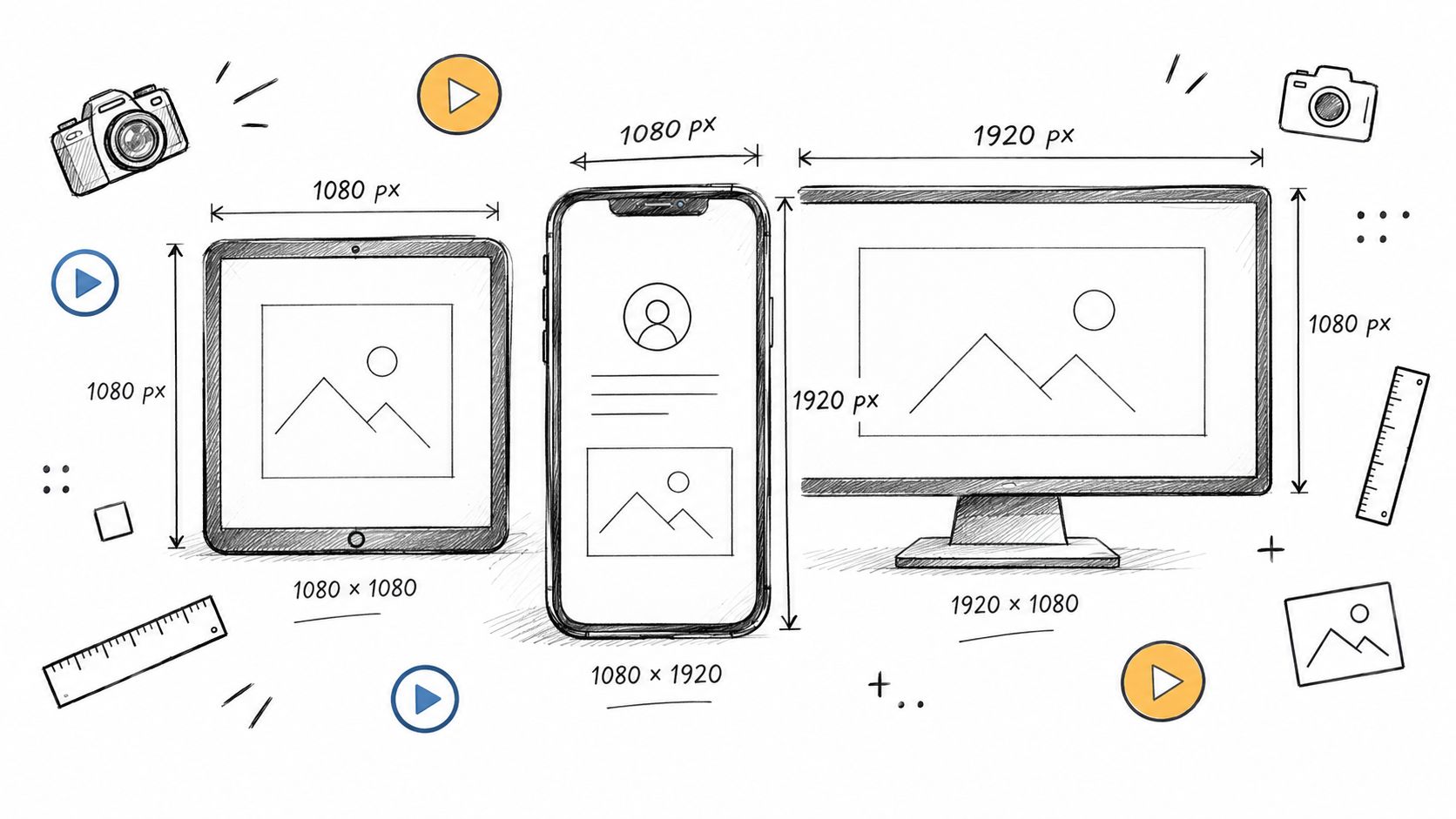
Social Media Video Sizes: The 2026 Spec Sheet
Master social media video sizes in 2026 with platform-by-platform specs, aspect ratios, export presets, and safe-area tips for every major network.
Read article
How to Replace a Face in a Photo Without Photoshop Skills
Learn how to replace a face in a photo with Photoshop, free tools, mobile apps and AI. Get blending tips, ethical checks and export ideas.
Read article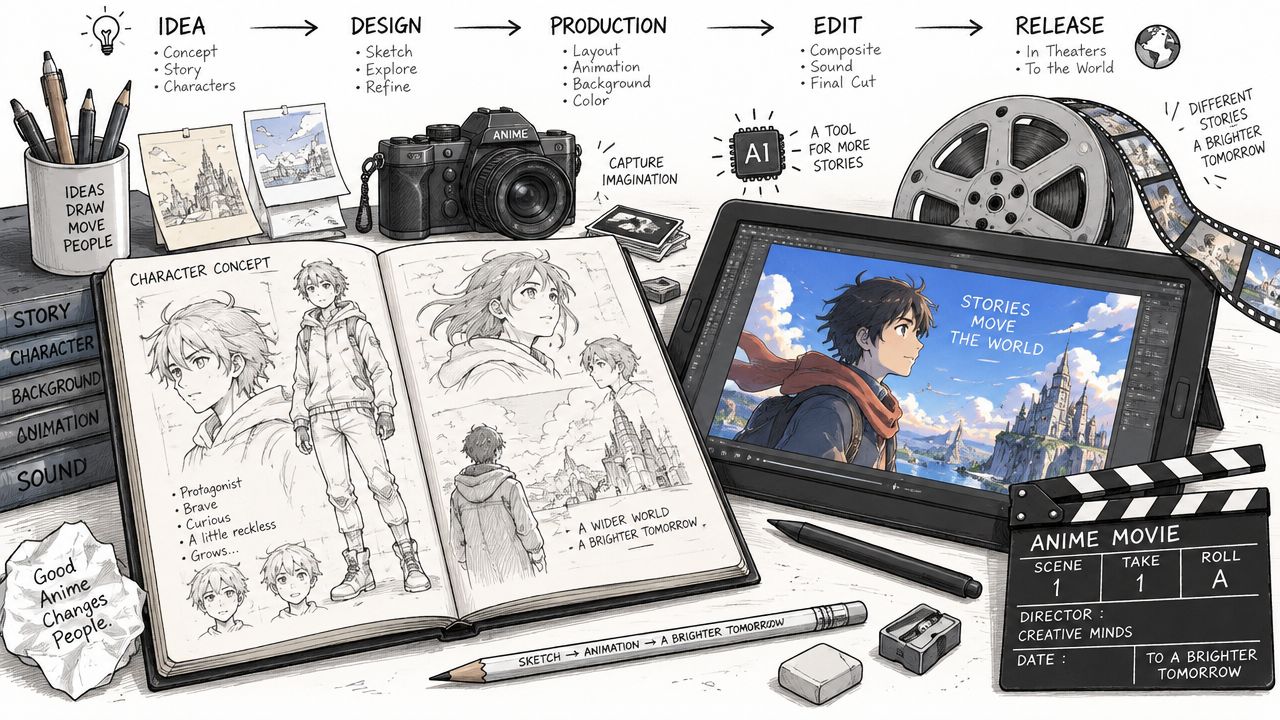
How to Make Anime Movies from Idea to Release
Learn how to make anime movies from concept to distribution with AI workflows, Veo3 prompts, and pro pipeline tips for indie creators.
Read article