
Best Free AI Avatar Video Generators: Top Picks for 2026
Discover the best free AI avatar video generators for 2026. Our guide reviews 10 top tools, with honest pros, cons, and limits to help you create videos from
Veo3 AI · 20 min read · Aug 5, 2026

Create Talking Avatars in Minutes, No Camera Needed. If you need a polished presenter video today, but you don't have a studio, a camera, or the patience to learn a complex editor, free AI avatar tools are the fastest way to get something usable on screen. The catch is that “free” usually means limited exports, watermarks, or tight quotas, so the job is picking the tool that lets you test your script without wasting time on dead-end output. For a quick starting point, you can also visit the blog for related workflow ideas.
The best free AI avatar video generators are not all trying to solve the same problem. Some are built for cinematic text-to-video clips, some are avatar-first business tools, and some are better thought of as editors with AI features layered in. If you test them like a practitioner, the differences show up fast, especially in lip-sync, avatar variety, export limits, and how painful the free tier becomes once you try to make more than one or two real videos.
1. Veo3 AI

Veo3 AI works better as a fast video test bed than as a narrow avatar generator. The platform is presented as free, and the workflow is simple enough that you can move from prompt or image to a rendered clip without stitching together separate apps. That is useful if you are checking hooks for social ads, product explainers, or training snippets and you want to see usable motion quickly.
The main practical advantage is the model-agnostic workflow. Veo3 AI says it brings multiple generative models into one interface, including Veo3, Sora 2, Seedance, and Hailuo, so you can compare styles without getting locked into one rendering approach or one UI. The platform also says creators retain full rights for personal and commercial use, which matters if you prototype content now and later adapt it for a paid campaign. For a broader look at avatar workflows, see the AI Video Avatar Generation guide at revid.ai.
Where it works best
Veo3 AI fits quick iteration. It supports text-to-video, image-to-video, reference-driven clips, and logo animation, so you can test a hook, animate a static visual, or turn a product shot into a short motion piece without opening a full editing suite. The examples on the site point to cinematic motion and stylized visuals, which helps when the first draft only needs to look clean enough for internal review.
Practical rule: Use Veo3 AI when you want speed and visual range, not frame-perfect manual control.
The trade-off is the free positioning. The site says free, but the available material does not spell out export caps, resolution limits, or usage constraints, so there is still a strong chance that the free tier will feel tight once you move past a single test render. That makes Veo3 AI better as a fast prototype layer than as a replacement for a full postproduction workflow.
For a direct comparison of how it stacks up against avatar-first tools, see Veo 3 versus HeyGen in 2026.
Website: Veo3 AI
2. HeyGen

HeyGen is one of the clearest choices when your priority is a believable talking presenter. In 2026 comparisons, it was identified as the best overall free AI video generator, with full studio access on the free plan, 3 videos per month, AI avatars, voice cloning, and support for 175+ languages in the broader review context (Atlas Cloud guide). That combination is valuable because language coverage and avatar automation are the core reasons teams pick this category in the first place.
The output quality also gets a strong satisfaction signal. One comparison table places HeyGen at 4.8/5 on G2 and calls out its strength in hyper-realistic marketing video with strong lip-sync and photo-to-avatar capabilities (Guideflow comparison). In practice, that's the part that matters most. If the mouth movement feels off, customer-facing videos look cheap no matter how good the script is.
What the free tier is good for
The free plan is best used as a proof-of-concept layer. You can test the scene editor, see how your script sounds with an avatar, and decide whether the platform is good enough before paying for volume. That's the right way to approach HeyGen because the free allowance is tight, and comparison coverage notes that free plans across AI video tools usually come with limited credits, watermarks, or restricted workflows (HeyGen free-tier coverage).
A practical workflow looks like this.
- Test your hardest script first. Short demo scripts can flatter weak tools.
- Check lip-sync on proper nouns. Product names and unusual words reveal quality fast.
- Watch for plan friction. If you hit the quota after a few iterations, the free tier is only useful for a one-off test.
For a deeper hands-on comparison against another avatar option, use the internal guide on Veo 3 versus HeyGen in 2026.
Website: HeyGen
3. Synthesia

Synthesia is the safe pick when the video has to feel like business infrastructure, not a flashy experiment. The platform reports 1M+ users, 20M+ avatar videos generated, and adoption by 90% of Fortune 100 companies (Synthesia avatars page). That scale matters because it signals durability, trust, and a product that has already survived real enterprise use cases, not just consumer trial traffic.
The free experience is narrower than the company's enterprise pitch, but that's normal for this category. A 2026 review notes Synthesia as a leading free-tier avatar tool with a free allowance of 3 minutes per month and watermarking on the free plan (Atlas Cloud guide). The practical upside is that it's still enough to test whether your training content, onboarding clip, or internal update holds together in presenter format before you open a budget request.
Where Synthesia wins and where it stalls
Synthesia works best for repeatable training content. The interface is polished, the avatar workflow is structured, and the business-friendly feel makes it easier to standardize scripts across departments. If you're making internal comms, compliance explainers, or onboarding videos, that consistency is worth more than experimental flair.
Use Synthesia when the video needs to look approved, not inventive.
It stalls when you want freedom. Free access is limited, custom avatars cost extra, and the strongest workflow advantage is really on the paid side. That means the free plan should be treated as a validation path, not a production engine. If your team needs a polished presenter model to test messaging before scaling to a larger rollout, Synthesia fits well. If you need flexible experimentation with aggressive visual variety, another tool will feel less boxed in.
For an adjacent perspective on talking-head video workflows, the internal guide on Veo 3 talking head video in 2026 is worth a look.
Website: Synthesia
4. D-ID Creative Reality Studio

D-ID is the simplest answer when you already have a face and just need it to talk. The appeal is straightforward. You upload a still image, add text-to-speech, and get a talking video without recording a presenter or building a scene from scratch. For quick spokesperson-style clips, that low barrier is hard to beat.
The platform also offers a presenter library, a web and mobile app, API access, and up to 1080p output on supported presenters or plans, according to the brief. That combination makes it useful for testing avatar videos on the move, especially if you want to iterate from a phone before committing to a desktop workflow. The mobile angle is a real advantage when you need a fast proof and don't want to wait until you're back at a workstation.
Best use case and limits
D-ID shines when the source material is already decided. If you've got a founder photo, a team headshot, or a branded character image, the tool can convert it into a presenter fast. That makes it good for small businesses, one-off announcements, and internal updates where the goal is to speak through a face.
The trade-off is licensing and plan friction. Some presenters and higher resolutions require paid tiers, and the provided notes explicitly warn that terms and plan limits affect commercial usage, so you should review licensing before publishing. If you're making a video for a paid campaign or client work, that's not a minor detail. It's the difference between a quick proof and a usable deliverable.
A good test here is to run the same script through D-ID and one other avatar tool, then compare how much re-editing each version needs. If D-ID wins on speed but loses on realism or flexibility, it may still be the better tool for rapid internal previews.
Website: D-ID
5. Colossyan

Colossyan feels built for training teams that hate rework. Its value is in the script-to-scene workflow, where the platform automatically breaks a script into scenes and turns that into a structured presenter video. That matters in onboarding, SOPs, and e-learning because business training usually needs clarity more than cinematic polish.
The feature set is oriented around business use, with stock avatars, custom avatars on paid tiers, multi-language TTS, training templates, and minute-based quotas on higher plans. The free trial or free plan is there to let you test the core workflow before you commit. If your workflow often starts from a policy, process doc, or lesson outline, Colossyan is designed around that kind of input.
Why it can save time
The main advantage is the reduction in assembly work. A lot of avatar tools make you manage too much manually, but Colossyan's default structure helps keep scenes organized. That can save real time when you're trying to turn a messy internal brief into something employees can follow.
The main limitation is also clear. Minute quotas can get tight fast, and the advanced features you'll eventually want, like custom avatars or larger usage, live behind upgrades. So the free tier is ideal if you're asking, “Will this workflow work for our training content?” It's less useful if you already know you need repeated production at scale.
Colossyan is strongest when the script is the product.
That's the lens to use. If your team values consistency, simple scene management, and business-friendly output, Colossyan belongs near the top of the list. If you want experimental avatar performance or highly stylized visuals, it won't feel as flexible as a more general video studio.
Website: Colossyan
6. Elai.io

Elai.io lands in the middle ground between marketing videos and training content. The platform supports text-to-video with stock and custom avatars, offers 70+ languages, and includes stock templates for business use. It also mentions SCORM-friendly exports and workspace features, which makes it especially relevant if your content needs to live inside a learning environment.
That mix is useful because a lot of teams don't need a cinematic generator. They need a tool that can make a presenter video, fit into a course, and survive the boring practical stuff like exports and team workflows. Elai.io is built around that reality.
What to watch on the free path
The site positions the product with a free plan available to evaluate the workflow, but the valuable features are not evenly distributed. Voice cloning and custom avatar creation sit on plan-dependent or higher-tier paths, so the free tier is best understood as a test bench. Use it to see whether the editor feels smooth and whether the language coverage matches your audience, not to assume the free tier can scale indefinitely.
The other strength is clarity. The product's positioning is easier to understand than some heavily marketed freemium tools, and that helps when you're comparing platforms for a team. If you need one tool for both marketing explainers and course modules, Elai.io gives you a relatively flexible path.
The key weakness is that the most impressive options are not all free, so the best practice is to test with a script that reflects your real use case. If the first clip looks fine but the export or avatar options disappoint later, you'll know quickly whether it belongs in your stack.
Website: Elai.io
7. DeepBrain AI, AI Studios

DeepBrain AI, through AI Studios, is the option to check when you want enterprise-grade avatar video with room for interactivity. The platform includes stock presenters, custom avatar creation, interactive avatar options, and real-time conversation paths. That combination pushes it beyond basic talking-head generation and into use cases where a company wants an avatar that does more than recite a script.
The free tier is useful because it lets you experiment with sample avatars before you decide whether the broader platform makes sense. For organizations that care about deployment, documentation, and eventually more advanced use, that kind of trial path is valuable. The product's pricing and usage mechanics are also described clearly enough to understand the split between creation minutes and real-time usage.
Where it fits in a real workflow
This is not the right place to start if you just need a one-off social clip. It's better for teams that already know they may need interactive or enterprise deployment features later. If you're testing presenter-based onboarding, customer education, or support-style interactions, AI Studios gives you a broader surface area to evaluate.
The trade-off is cost complexity. Some interactive features are priced separately, and the best value only shows up at larger business scale. That means the free tier is most useful as a product fit test. If the sample avatars and interface feel too rigid, you'll know early. If your team wants a path toward interactive avatar experiences, it's one of the more serious options on the list.
Website: DeepBrain AI
8. Vidnoz AI

Vidnoz AI is the budget-first choice that tries to give you a lot of surface area quickly. It ships with a large catalog of avatars and voices, a text-to-video scene builder, and extra features like talking photo, face swap, and translation. If you like to experiment with adjacent tools inside the same ecosystem, Vidnoz makes that easy.
The pitch is broad, maybe even a little too broad. That's fine if you're exploring options for social content, quick explainers, or localized clips. It's less ideal if you want a focused product with a very clean message. The free or trial onramp is meant to get you moving fast, and in that sense, it succeeds.
What works and what gets noisy
The biggest strength is accessibility. You can test ideas without spending much time learning the platform, and the combination of templates and voice options makes it easy to get to a first draft. That can be helpful for solo creators or marketers trying multiple hooks in one sitting.
The downside is that higher-quality features and better avatars are often behind paid tiers, and the site can feel marketing-heavy at first. That means you'll need to be disciplined when testing. Focus on whether the output looks reusable for your audience, not whether the page promises endless possibilities.
A useful benchmark is to compare your first Vidnoz clip against a more restrained tool like HeyGen or Synthesia. If Vidnoz wins on speed but loses on realism or polish, it's still useful for experimentation. If the free experience starts to feel cluttered before you even publish, move on.
Website: Vidnoz AI
9. VEED, AI Avatars

VEED is easiest to think of as a browser-based video workspace that happens to include AI avatars. That distinction matters. If you already need subtitles, dubbing, translation, text or image-to-video, and editing in one place, VEED gives you a single environment to do the whole job instead of stitching tools together afterward.
The free plan is useful for testing because you can explore the editor before scaling. But it comes with the usual catch, including watermarked exports and credit consumption for avatar generation. That's fine for validation, less fine if you're expecting free to function as a production lane.
Why editors like it
VEED is a strong fit when the avatar is only one part of a bigger workflow. If you need to trim clips, add subtitles, layer in dubbing, and export from the same browser tab, the platform saves time. That convenience is especially useful for social teams that already work inside browser editors and don't want to manage separate generation and postproduction tools.
The limitation is obvious once you push volume. Heavy use requires higher tiers, and the free plan is not meant to carry a recurring content pipeline. So the best test is to upload one realistic script, build the avatar sequence, then see whether the surrounding editing features save enough time to justify the tool.
For builders, the platform's API options also make it interesting, but that's only useful if you're integrating at a product level. For most creators, the appeal is simpler. It keeps generation and editing under one roof.
Website: VEED
10. CapCut, AI Avatar and Talking Avatar

CapCut is the easiest sell for creators who already live in short-form video. Its AI Avatar and Talking Avatar tools sit inside the broader CapCut editor, so the workflow feels familiar if you cut TikToks, Shorts, or Reels there already. The platform even markets the feature as something like “Generate your first AI video for free,” which is exactly the kind of low-friction entry point a social creator wants.
CapCut's strength is integration, not depth. You can generate a presenter-style clip with TTS and lip-sync, then immediately push it into the rest of the editor for effects, templates, and finishing. That matters because many creators don't want a separate avatar tool. They want a short, usable clip they can post without leaving the app.
For a practical walkthrough of how CapCut's AI video workflow is evolving, the internal guide on Seedance 2.0 in CapCut gives useful context.
Where CapCut fits best
CapCut is strongest for quick social promos. If you need to test a talking-head script, build a fast ad variation, or animate a short announcement for mobile-first distribution, it fits that rhythm well. The combination of editor familiarity and avatar automation reduces friction for solo creators and small teams.
The downside is that some features are gated behind Pro or credit packs, and the documentation on avatar limits isn't always obvious. That means CapCut is best when you're already comfortable inside the ecosystem and just want a fast, native route to AI video. If you need deeper control over avatar realism or stricter production planning, a more focused avatar platform will be easier to manage.
Website: CapCut
Top 10 AI Avatar Video Generators, Features & Free Plan Comparison
| Product | Core features | Quality & UX (★) | Price & Value (💰) | Target audience (👥) | Unique selling points (✨) |
|---|---|---|---|---|---|
| Veo3 AI 🏆 | Text→video, image→video; multi-model studio (Veo3, Sora2, Seedance, Hailuo); adjustable outputs | ★★★★☆ Fast renders; cinematic camera moves; intuitive UI | 💰 Free (site-listed); usage caps unclear | 👥 Creators, marketers, SMBs, educators | ✨ Model-agnostic all-in-one studio; IP retained for creators |
| HeyGen | Stock & custom avatars; multi-lang dubbing; scene editor | ★★★★ Strong lip-sync; easy templates | 💰 Free tier + credits; can scale in cost | 👥 Marketers, localization teams, SMBs | ✨ Realistic lip-sync; 40+ languages |
| Synthesia | 100+ avatars; scene editor; enterprise integrations | ★★★★☆ Polished, repeatable presenter UX | 💰 Enterprise pricing; limited free access | 👥 Enterprises, L&D and training teams | ✨ Brand kits, SSO, LMS/SCORM support |
| D-ID Creative Reality Studio | Animate single photo → talking avatar; TTS; presenters | ★★★ Fast, low-friction outputs | 💰 Freemium; some presenters/resolutions paid | 👥 Marketers, social creators needing spokesperson clips | ✨ Quick photo→talking-video workflow |
| Colossyan | Script→auto scenes; stock avatars; multi-lang TTS | ★★★★ Efficient for e-learning & SOPs | 💰 Free trial/plan; minute quotas on paid tiers | 👥 HR, training, e-learning teams | ✨ Automatic script-to-scene generation |
| Elai.io | Text→video; 70+ languages; SCORM-friendly exports | ★★★★ Flexible for courses & marketing | 💰 Free plan; paid tiers for custom avatars/voice clone | 👥 Course creators, educators, marketers | ✨ SCORM export & broad language/voice options |
| DeepBrain AI, AI Studios | Stock/custom presenters; interactive & real-time avatars | ★★★★ Strong enterprise & interactive UX | 💰 Hybrid pricing (creation minutes + real-time); free samples | 👥 Enterprises, interactive/real-time use cases | ✨ Real-time conversation & interactive avatars |
| Vidnoz AI | Large template/avatar library; talking-photo, face-swap | ★★★ Good for social experiments | 💰 Freemium + credits/promos; paywalled premium assets | 👥 Social creators, budget-first testers | ✨ Extras (face-swap, talking-photo) and frequent promos |
| VEED, AI Avatars (Fabric) | Editor + avatar gen; subtitles, dubbing, text/image→video | ★★★★ All-in-one editing workspace; watermarked free exports | 💰 Free-forever (watermarked); credits for heavy use | 👥 Creators seeking editing + AI in one tool | ✨ Integrated editor with full AI toolset |
| CapCut, AI Avatar | AI avatar + TTS + lip-sync inside short-form editor | ★★★ Fast, social-native outputs | 💰 Mostly free; Pro/credit features gated | 👥 TikTok/Shorts creators and social editors | ✨ Seamless short-form workflow & effects integration |
How to Choose the Right Free AI Avatar Generator
The right pick depends on what you're making, not on which homepage looks most impressive. If you want all-in-one cinematic freedom from text or images, Veo3 AI is a strong place to start because it blends prompt-to-video and image-to-video in one workflow. If your work is closer to corporate learning or internal communication, Synthesia and Colossyan make more sense because they're built around repeatable presenter videos rather than visual experimentation.
If you're starting from a single photo, D-ID is the quickest route to a talking avatar. If you care most about lip-sync realism and multilingual output, HeyGen is still one of the most practical tools to test first, especially because the free plan lets you validate the core experience before paying. If you need a browser-based workspace that combines generation and editing, VEED or CapCut can be more efficient than using separate tools.
The biggest trap is treating “free” as if it means “usable forever.” The market context makes that clear, even outside avatar tools. One 2026 review notes the wider AI video market at $847 million in 2026 with 18.8% annual growth (Atlas Cloud guide), while established platforms like Synthesia report 1M+ users, 20M+ avatar videos generated, and adoption by 90% of Fortune 100 companies (Synthesia avatars page). That's a mature category now, and the free tiers are mostly designed to let you evaluate a workflow, not replace one.
So test with your real script. Check how the avatar handles names, pauses, and product terms. Look at export quality, watermark behavior, and whether the free quota dies after one round of revision. The best free AI avatar video generator is the one that gives you a clean proof, not the one that promises unlimited output it can't deliver.
If you want the fastest path from script to polished avatar video, start with Veo3 AI. It gives you a free, all-in-one workflow for turning text or images into video without juggling multiple tools, which makes it a strong fit for testing this whole category in one place. Visit Veo3 AI and see whether it matches the way you create.
Related Articles
Continue with more blog posts in the same locale.
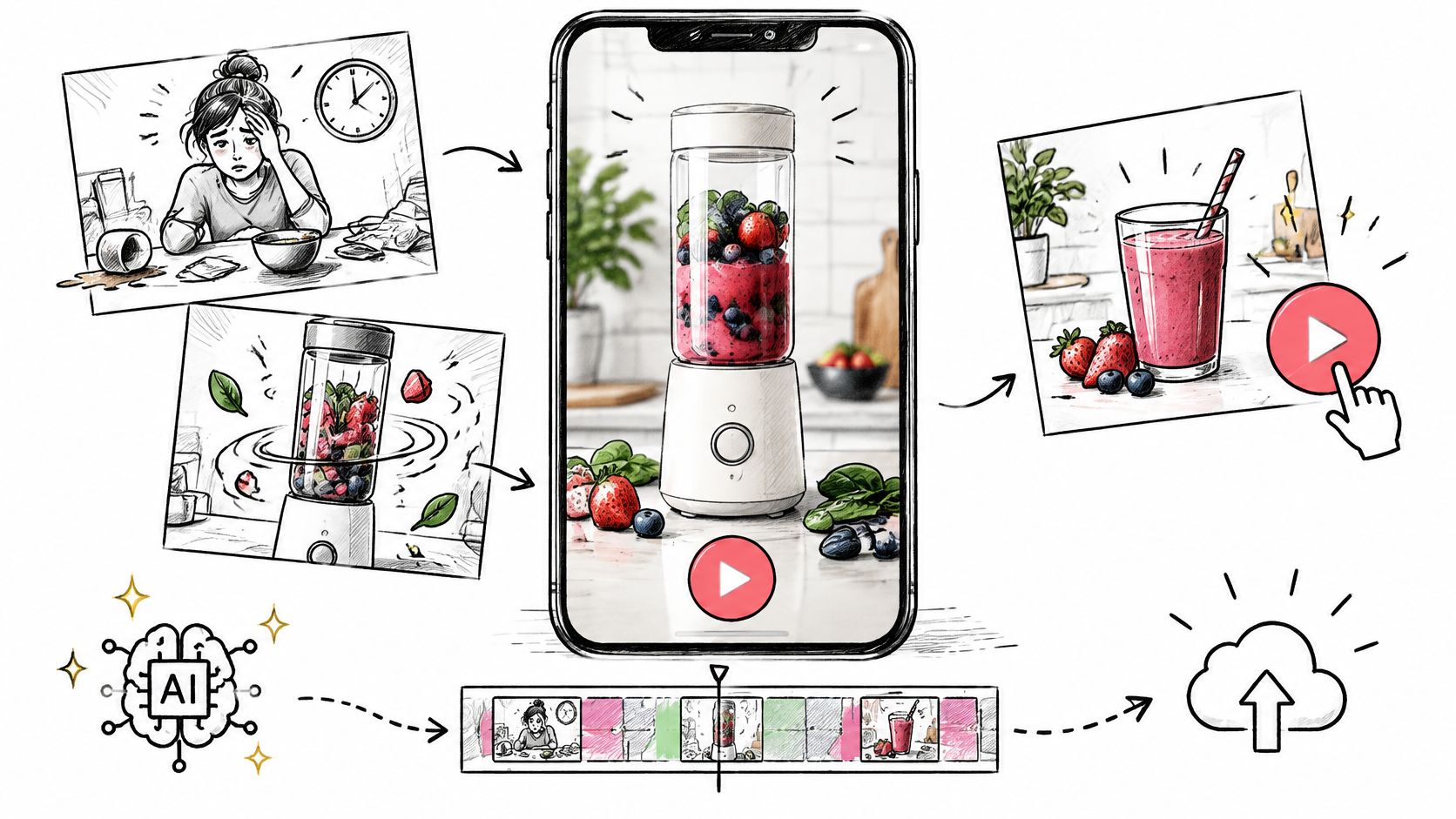
AI Video Ads Maker: From Brief to Publish
Plan AI video ads maker clips for TikTok, Reels, and Shorts: brief, prompt, 9:16 export, disclosure, and a one-variable test.
Read article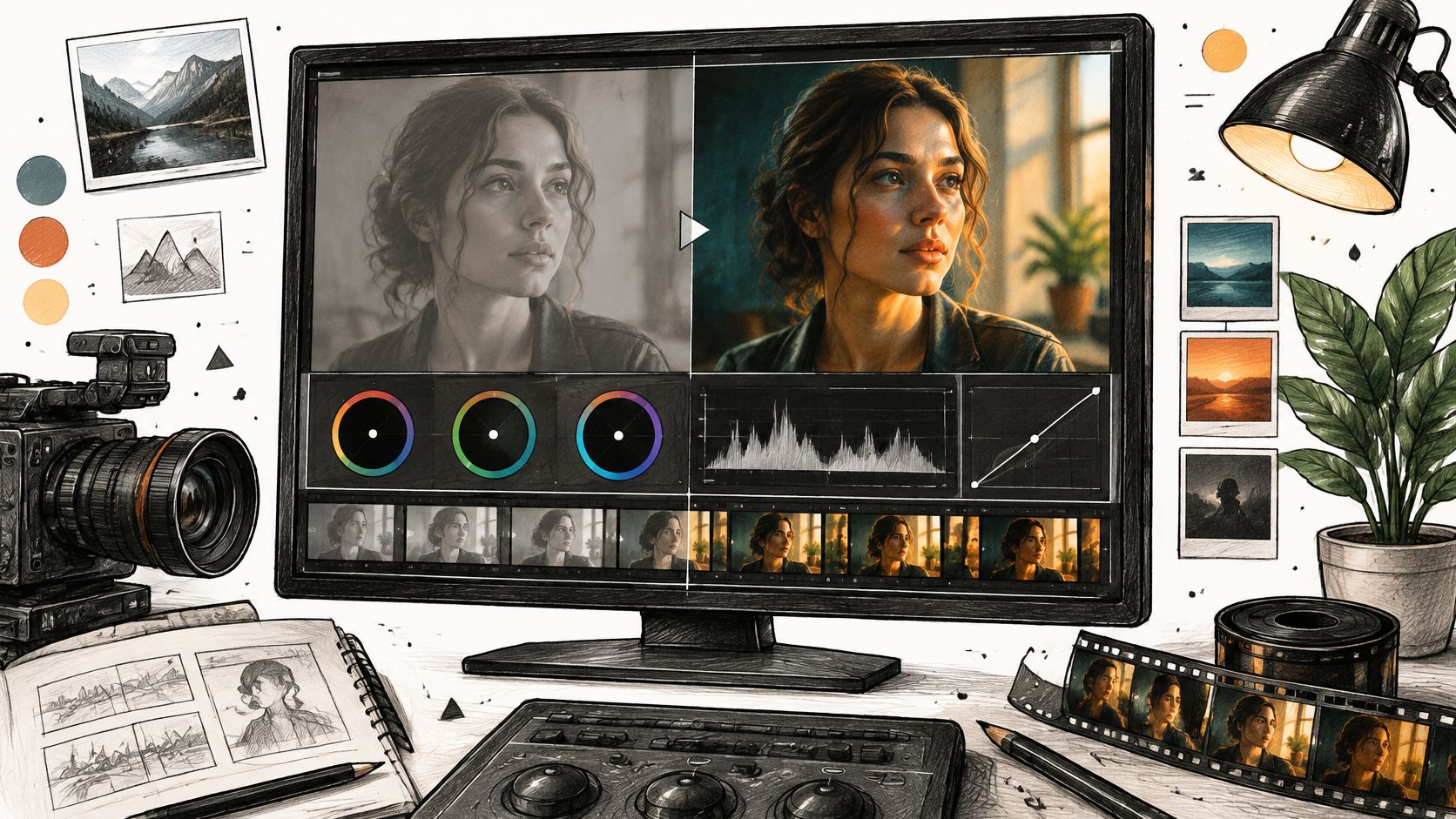
Filmic Color Grading for Camera and AI Video
Learn filmic color grading with log, Rec.709, LUTs, and secondaries, then apply the same look to AI-generated footage.
Read article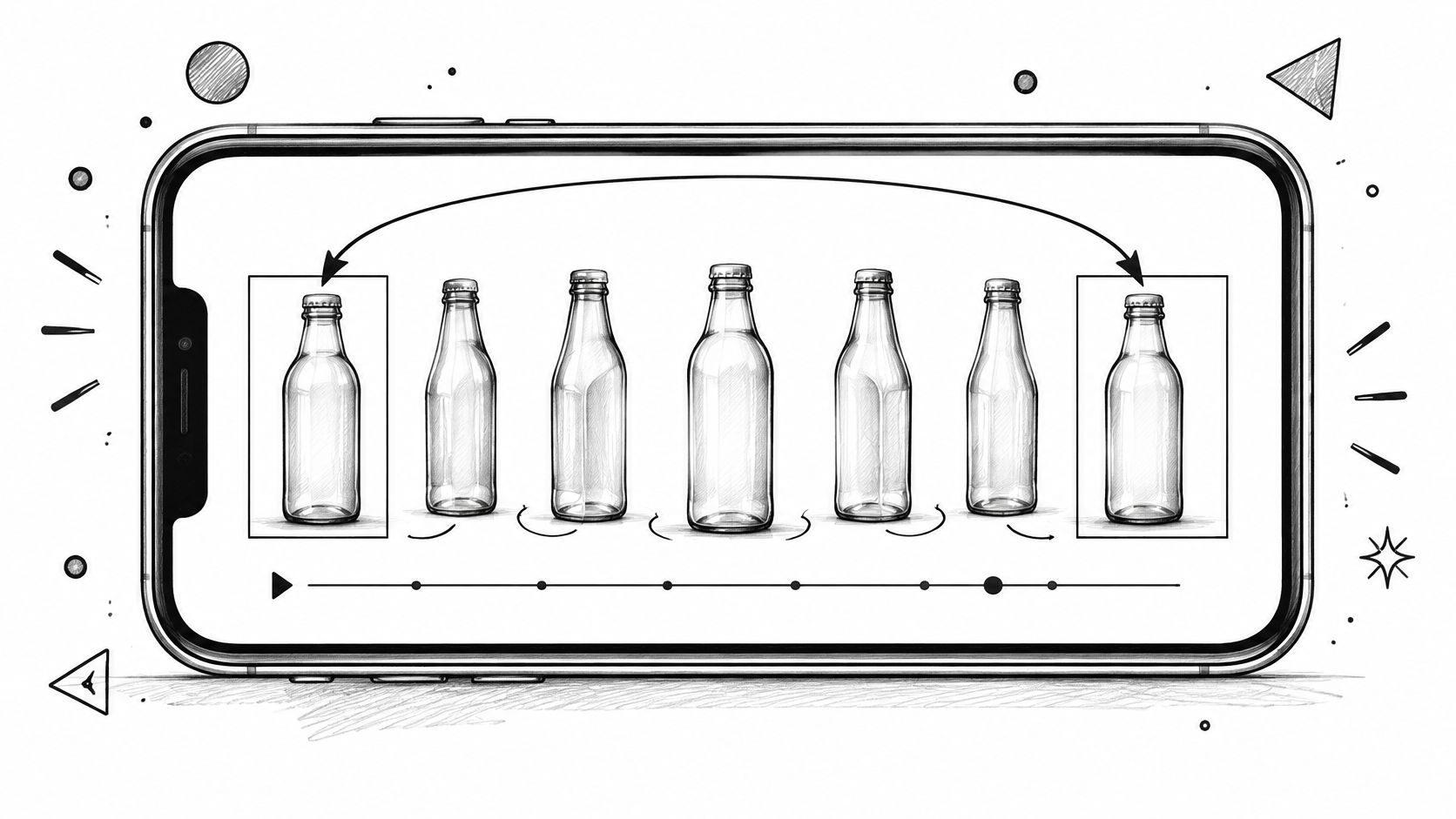
Creating Video Loops That Restart Without a Jump
Creating video loops that restart cleanly, with frame matching, export settings for Shorts and backgrounds, and a replay test.
Read article