
Short Form Video Production: From Script to Publish
Master short form video production for TikTok, Reels and Shorts: scripts, edits, 9:16 export specs and retention checks from idea to publish.
Veo3 AI · 13 min read · Nov 28, 2026
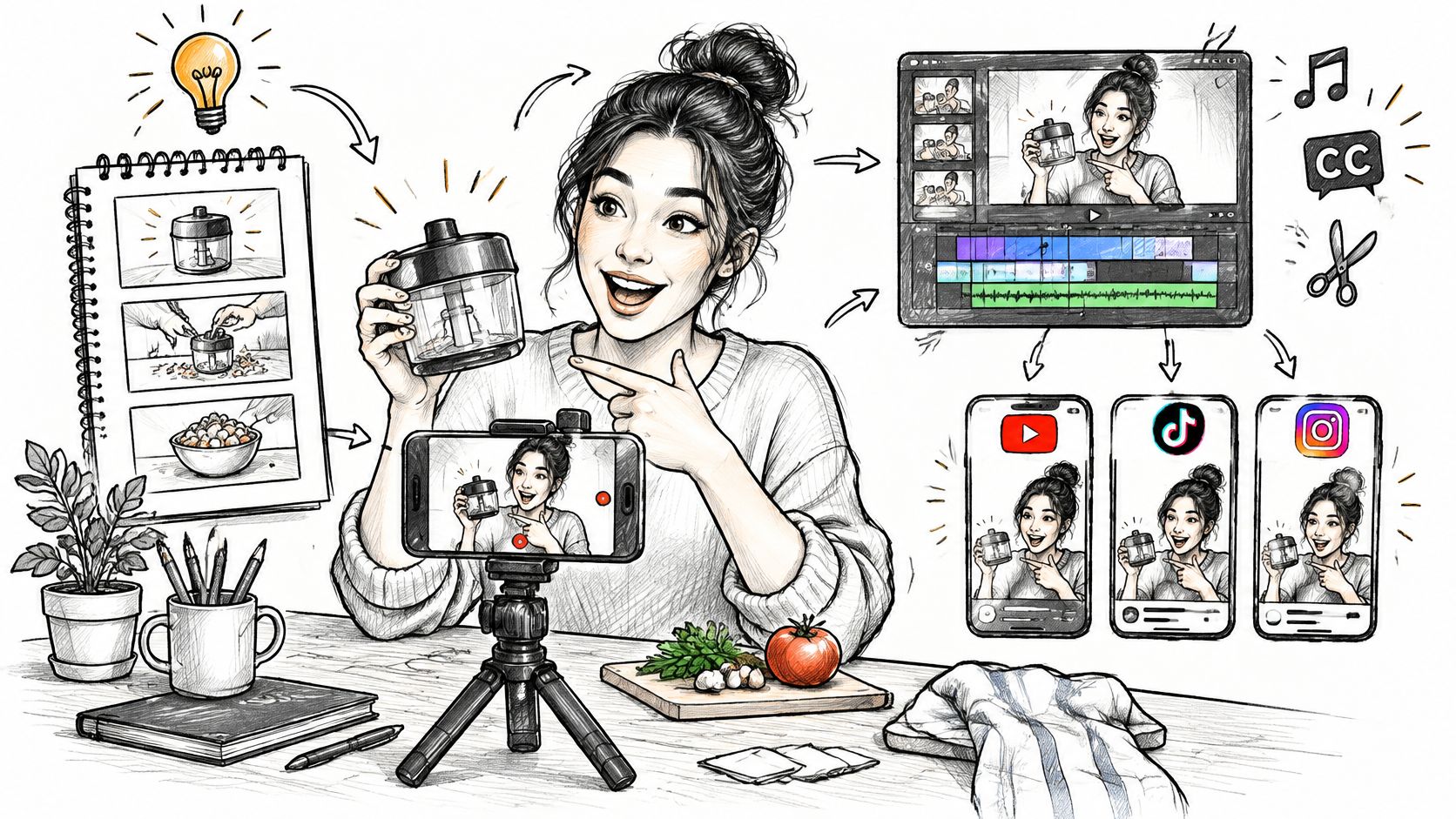
You've got a 90-minute window, a good idea, and a folder full of footage or generated clips. Then the unfinished jobs appear: choose the usable takes, fix the captions, rebuild the crop, find cleared music, and write the post. The idea was ready. The production plan wasn't.
Short form video production works best as a sequence of checked handoffs, not a race to finish an edit. A small team needs to know what each stage must deliver, who approves it, and what would force a return to the previous stage.
Table of Contents
- The Production Workflow at a Glance
- Plan Ideas and Scripts That Hold Attention
- Shoot or Generate Clips You Can Actually Use
- Edit for Pace, Captions and Sound
- Format Every Clip for Each Platform
- Publish, Measure Retention and Run Your Next Batch
<a id="the-production-workflow-at-a-glance"></a>
The Production Workflow at a Glance
Start with the viewer's question, then move through scripting, visuals, editing, platform formatting, and publishing and review. Don't approve a stage because someone spent time on it. Approve it because its output is usable by the person doing the next job.
Short form video production stages, outputs and checks
| Stage | Output | Check before moving on |
|---|---|---|
| Ideation | One viewer question and a promised payoff | Can you state the payoff in one sentence? |
| Scripting | Shot list with a hook in the first 3 seconds | Does the promise appear before second 5? |
| Visuals | Selected takes or generated clips | Do faces, products and style stay consistent across clips? |
| Editing | Paced cut with captions | Does the cut still make sense with sound off? |
| Platform formatting | 9:16 master and per-platform exports | Are captions and key subjects inside the safe area? |
| Publishing and review | Scheduled post and retention check | Where do viewers leave, and why? |
Treat the timing checks as production targets, not platform requirements. Their purpose is to catch a slow opening before you spend time polishing it.
Most avoidable work happens between stages. An editor receives attractive clips that don't demonstrate the claim. A finished desktop edit crops badly on a phone. A scheduled post needs replacement because nobody checked the product label.
For commerce content, decide the destination during ideation. FLYP LTD's resource to compare shoppable video platforms is useful when choosing how viewers will move from a demonstration to a product page.
<a id="record-the-handoffs"></a>
Record the handoffs
Keep a shared sheet with the current owner, approved asset, and outstanding issue for each stage. Record active work separately from waiting and revisions.
The need for disciplined testing is growing: Metricool's 2025 study examined 5,696,685 short-form videos and found publishing volume increased 71% year over year, according to its study announcement. More output means more competing material, not a guarantee of attention.
Find the stage where your last video stalled. That's the first handoff to repair.
<a id="plan-ideas-and-scripts-that-hold-attention"></a>
Plan Ideas and Scripts That Hold Attention
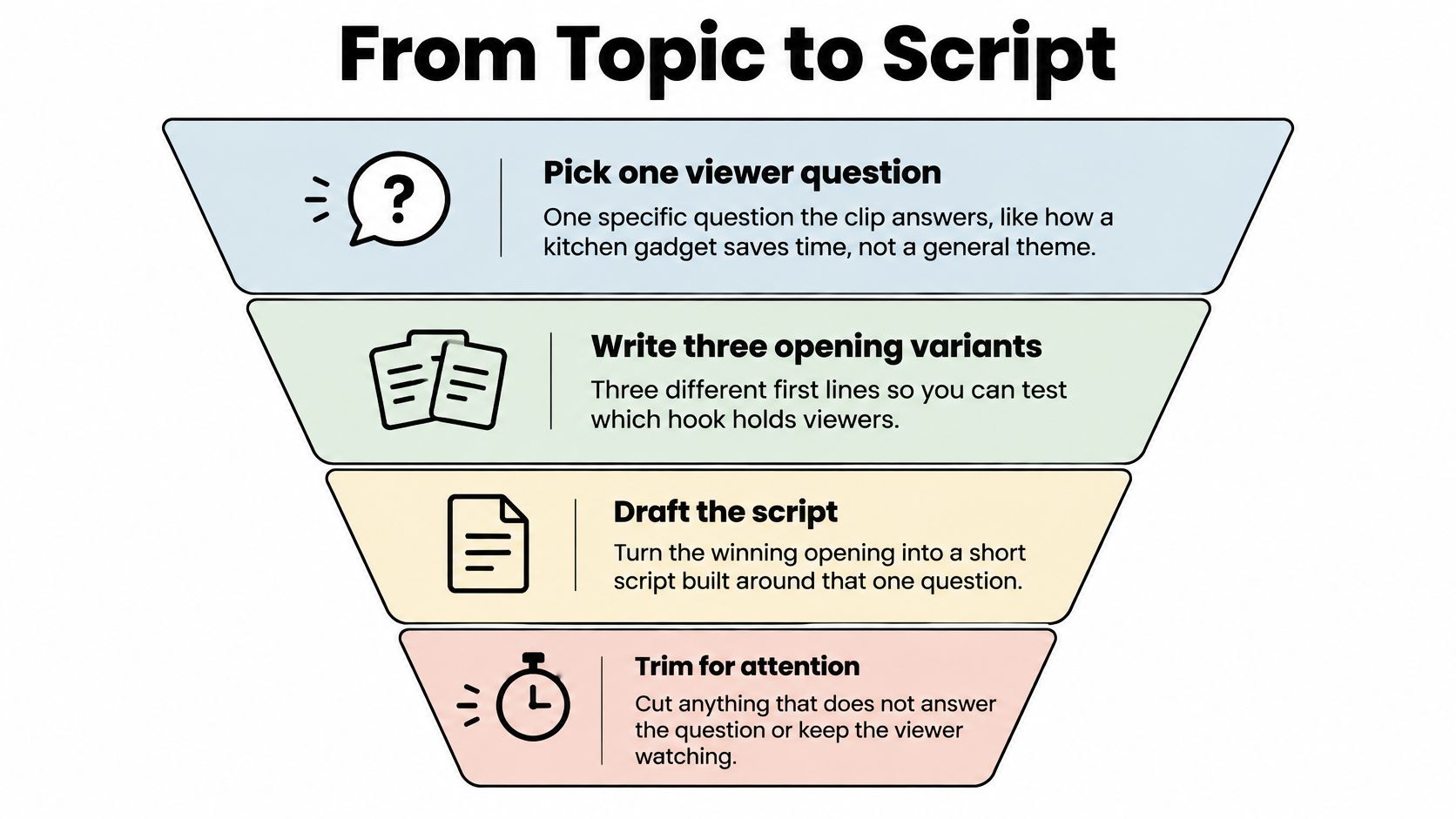
A topic isn't a script. Kitchen gadgets is a topic; whether a chopper can handle a slippery tomato is a question with a visible answer. Write for the latter.
-
Pick one viewer question. Name the person, the problem, and the answer you can show. Remove secondary benefits unless they're necessary to understand that answer.
-
Write three opening variants. Try a surprising result, a direct claim, and a problem shown in motion. Adwave's guide to writing hooks for Reels and Shorts can help you develop different openings rather than rewording the same sentence.
-
Put the payoff early. Make showing the result before second 5 your drafting target. Use the remaining time to prove the result, explain the limitation, or demonstrate the method.
-
Plan changes through the middle. As an editing exercise, mark a possible visual or motion change every two to three seconds. Don't insert arbitrary cuts where a continuous shot provides stronger evidence.
-
Trim the close. Finish with one relevant action or a return to the opening image. Don't add a spoken summary that repeats what the viewer just watched.
Use a video script template to put narration, visuals, and on-screen text beside each other. Empty visual cells reveal sections that depend too heavily on explanation.
The planning sequence should narrow the idea before you produce assets.
<a id="use-benchmarks-as-diagnostic-targets"></a>
Use benchmarks as diagnostic targets
Grow-it's retention benchmark analysis, covering more than 50,000 short-form assets, reports the following targets and stagnant profiles for diagnosing attention problems, not universal platform thresholds.
Retention benchmarks for a 30-second short
| Metric | Benchmark target | Stagnant profile |
|---|---|---|
| 3-second hold | At least 60% | Below 40% |
| Midpoint retention | At least 45% | Below 22% |
| Completion on a 30-second video | Roughly 25-35% | Below 10% |
Say you're scripting a 30-second kitchen-gadget clip. The original spends 10 seconds introducing the tool; the revision shows the chopped tomato in second 2, then demonstrates loading, cutting, and cleaning.
That change reduces the planned wait for the result by eight seconds. It doesn't justify predicting a retention lift. You'll need published performance to find out whether the opening earned attention.
The script is finished only when every beat has a visual that works without audio.
<a id="shoot-or-generate-clips-you-can-actually-use"></a>
Shoot or Generate Clips You Can Actually Use
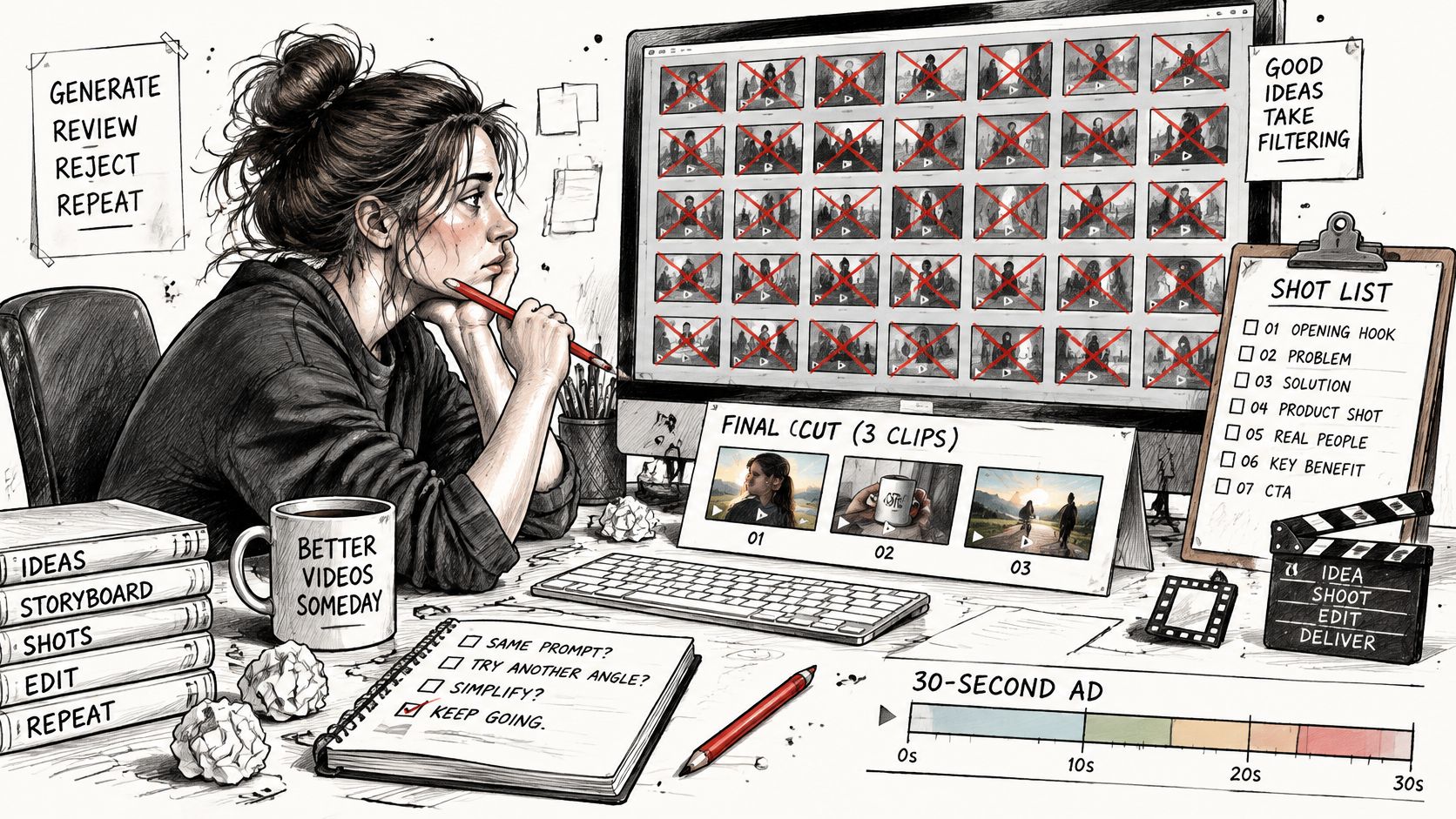
Say a creator generates 40 clips for a 30-second ad and keeps three. The prompts produced attractive footage, but none specified which shot would prove the product benefit. More generation won't fix a missing shot plan.
Review the intended sequence before producing another batch.
-
Build a shot list from the script. Give each beat a row containing framing, action, and required evidence. For a product demonstration, distinguish a beauty shot from a proof shot: a slow camera move around a gadget doesn't show whether it works.
-
Get a safe version first. Film a clean, stable demonstration before trying dramatic movement or unusual angles. For generated footage, secure a simple action that reads clearly before adding elaborate camera instructions.
-
Keep prompts in a consistent order. Use subject, action, camera movement, lighting, then style. For example: a red countertop chopper, lid pressing downward, locked close-up, soft window light, realistic product demonstration.
-
Generate short, editable actions. Ask each clip to accomplish one beat and join the beats in the edit. Leave room to cut into the action instead of requiring every generated opening and ending to survive.
-
Control continuity deliberately. Reuse approved reference images when identity, packaging, or wardrobe must match. With the Veo 3 AI video generator, the tool-relevant choice is whether text, an original image, or a reference best defines the shot; Veo 3.1 also offers first and last frame control.
<a id="compare-usable-output-not-render-speed"></a>
Compare usable output, not render speed
A faster model can create more selection work if it repeatedly changes a face or distorts a label. A slower option may finish the job sooner when its outputs need fewer replacements.
Kompozy's analysis of AI video production workflows identifies selection, consistency, adaptation, and distribution as operational bottlenecks. Test models against the same shot list and record prompt-to-publish time, rejected outputs, continuity failures, and corrective edits.
For a production reference, watch with your shot requirements beside the screen.
<iframe width="100%" style="aspect-ratio: 16 / 9;" src="https://www.youtube.com/embed/xpS3jKLN3RI" frameborder="0" allow="autoplay; encrypted-media" allowfullscreen></iframe>
Before accepting a clip, inspect hands, faces, product geometry, and action completion at normal playback speed. Log every take with its prompt, seed when available, reference asset, and whether it matched the shot list. Keep rejected takes labeled so nobody selects them again during a rushed revision.
<a id="edit-for-pace-captions-and-sound"></a>
Edit for Pace, Captions and Sound
A cut can feel sharp and still fail when muted. It can also look finished while an automatic caption misspells the product name throughout. Picture lock isn't approval to publish until the message and transcript have been checked.
Start by removing dead air, repeated setup, and filler words that don't contribute meaning. Keep natural pauses where viewers need time to understand a demonstration. Cutting every breath can make a useful explanation harder to follow.
Cut on motion when adjoining shots support the same action. Don't hide an important product operation behind a transition, and don't speed up a demonstration so aggressively that viewers can't judge the result.
<a id="review-captions-as-editorial-content"></a>
Review captions as editorial content
Generate the transcript, then compare it with the actual voice track. Check names, product terms, measurements, prices, and negatives by hand. Missing the word not can reverse the claim.
Wistia's 2025 video reporting analyzed 14 million videos from 100,000 businesses and surveyed 1,300 professionals. Its accessibility coverage reinforces a practical distinction: adding captions is a starting point, not proof that the finished video is accessible.
Time text to meaningful phrases and leave it visible long enough to read. Use high-contrast lettering with a solid or sufficiently opaque backing when footage changes brightness. Keep text away from the upper and lower interface zones, then check the actual destination preview.
Localization needs a separate review. A literal translation can preserve every word while losing the joke, tone, or product explanation. Have a native reviewer check idioms, cultural references, generated visuals, and the length of translated captions.
Review rule: Approve what viewers will understand, not merely what the transcription tool produced.
<a id="balance-sound-before-export"></a>
Balance sound before export
Keep music beneath the voice and listen through ordinary phone speakers, not only studio headphones. Check for clipped syllables, abrupt music endings, and sound effects that obscure instructions. Resolve music permissions before creating an extended YouTube version.
Finish with these checks:
- Muted playback: The action, essential claim, and next step remain understandable.
- Caption accuracy: Names, terminology, and localized phrasing match the intended meaning.
- Listening pass: Speech stays clear, edits sound natural, and music permissions are documented.
<a id="format-every-clip-for-each-platform"></a>
Format Every Clip for Each Platform
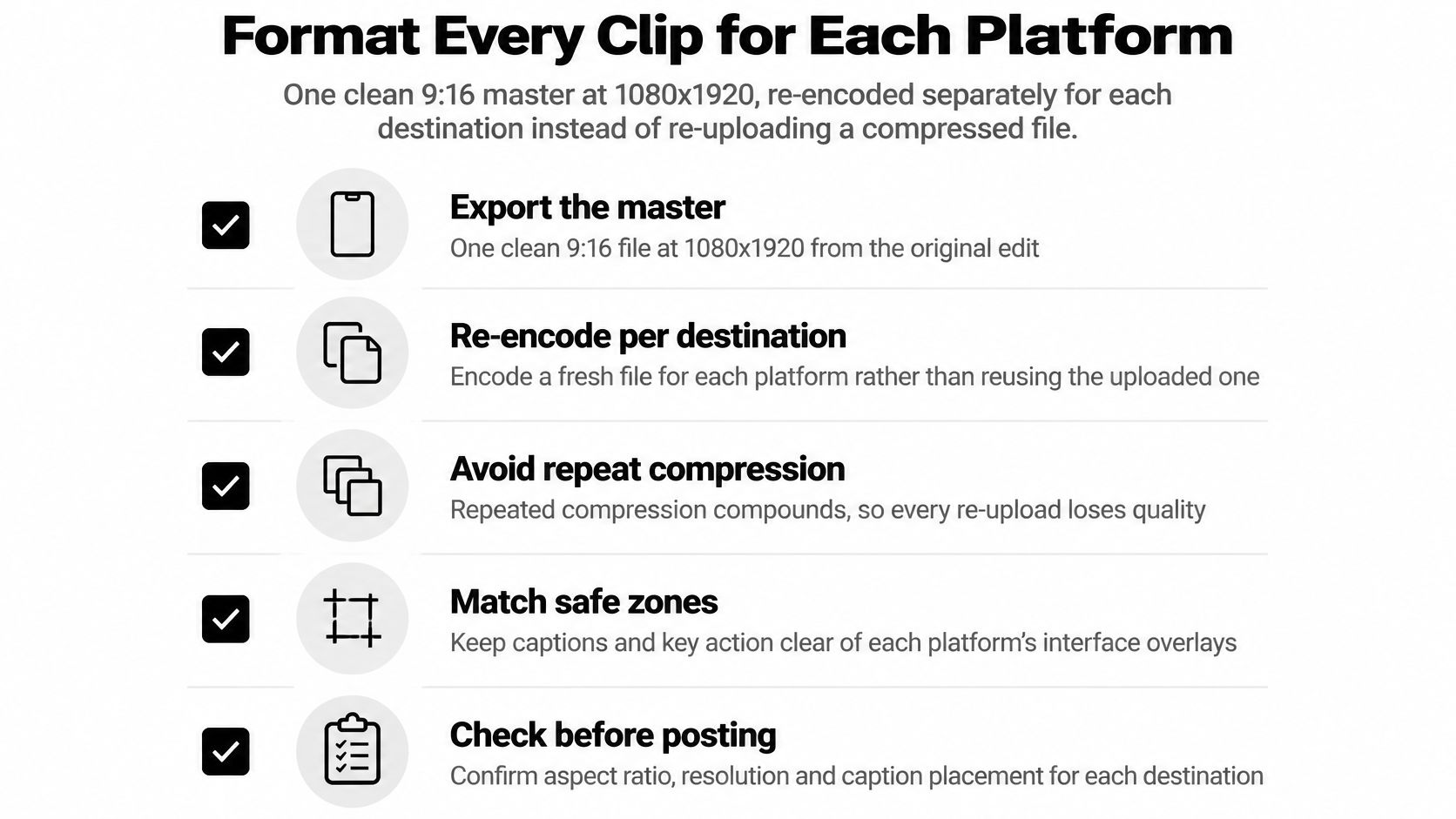
Produce one clean master, then encode fresh destination files from the original edit. Don't download a published copy to create the next platform's version. Repeated compression damages text edges, gradients, and generated details.
OpenNolan's video specification guide recommends a 9:16, 1080x1920 master, H.264 or HEVC encoding, and a 30 fps default, with approximately 23-60 fps available according to the delivery requirement. Use the higher frame rate when fast motion benefits from it, not because the export menu offers it.
Export specs by platform
| Platform | Aspect ratio | Resolution | Duration and file limits |
|---|---|---|---|
| Production master | 9:16 | 1080x1920 | H.264 or HEVC, 4:2:0, 30 fps default, 23-60 fps range |
| TikTok in-feed ads | 9:16, also 16:9 and 1:1 | At least 540x960 | 5-60 seconds, 15 seconds recommended |
| Instagram Reels | 1.91:1 to 9:16, 9:16 recommended | At least 720 px, 1080x1920 practical | 3 seconds to 15 minutes, max 300 MB, max 25 Mbps |
| YouTube Shorts | Square or vertical | 1080x1920 master; confirm current upload guidance for minimums | Up to 3 minutes; blocked globally if over 1 minute with an active copyright claim |
The advertising-specific TikTok row follows TikTok's in-feed specifications, including its 5-60-second range and 15-second recommendation. The Instagram row combines the supplied upload constraints with Instagram's Reels guidance; ordinary Reels guidance specifies at least 30 fps, so don't assume every technical upload route has identical requirements.
YouTube's Shorts rules classify eligible square or vertical videos up to three minutes as Shorts and state that an active copyright claim blocks Shorts longer than one minute globally. Clear claimed material before extending the edit.
Use the export checklist to prevent last-minute replacements.
<a id="check-the-destination-preview"></a>
Check the destination preview
Compose faces, labels, and essential action centrally, leaving room for interface overlays. Keep a master without destination-specific text so you can reposition captions without rebuilding the edit. Studio Liddell's reels production guide for brands is a useful companion when planning branded deliverables.
- Phone inspection: View the export at normal brightness and confirm that labels remain readable.
- Subtitle inspection: Replay fast speech and check text timing against the voice.
- Preset inspection: Upload a short private test whenever the codec or export preset changes.
<a id="publish-measure-retention-and-run-your-next-batch"></a>
Publish, Measure Retention and Run Your Next Batch
You've published three clips, and each has a different view count. That doesn't tell you which production decision to change. Start with the retention graph and the question the video was meant to answer.
Set an initial review reminder for about 48 hours after publishing. Treat that as a working cadence, not a platform guarantee that performance has settled. If the audience sample is still small, keep collecting evidence rather than rebuilding the entire concept.
Retention drop-off and the matching fix
| Symptom | Fix |
|---|---|
| Viewers leave before 3 seconds | Revise the premise or the first frame |
| Midpoint retention collapses | Shorten the setup, add shot or motion variation, or move the demonstration earlier |
| Completion weak but early retention strong | Tighten the ending and test a loop |
Change the part implicated by the drop-off. Replacing the music won't answer a confusing premise, and rewriting the final call to action won't repair an opening nobody watches.
<a id="keep-performance-and-production-records-together"></a>
Keep performance and production records together
Record the opening used, destination, audience response, and revision alongside the production log. Track where your team spent time: selecting footage, correcting captions, adapting layouts, or replacing exports. That tells you whether the next improvement should be creative or operational.
For monetization, YouTube's eligibility and channel policy guidance requires 1,000 subscribers plus either 4,000 valid public long-form watch hours during the previous 365 days or 10 million valid public Shorts views during the previous 90 days for the relevant ad-revenue route, alongside required monetization agreements and advertiser-friendly compliance. YouTube also expects original, authentic content rather than mass-produced, repetitive material. Meaningful scripting, narration, editing, and creative transformation matter more than uploading near-identical variations.
For the next test, plan five opening variants for one concept as a manageable production exercise. Change the opening premise or visual evidence, while keeping the core demonstration comparable.
Our generated clips run up to 8 seconds on all plans, so build longer sequences from planned beats rather than expecting a complete finished story from one generation. Customers can use generated videos commercially. Check current plans and pricing before allocating a generation budget.
Build that batch, publish it on a deliberate schedule, and check retention after your review interval. Keep the strongest opening, revise the weakest handoff, and repeat.
Veo3 AI offers text-to-video and image-to-video tools for creating the individual shots in a planned short-form sequence. Visit Veo3 AI with a finished shot list, generate your opening variants, and judge them by usable footage and total time to publish.
Related Articles
Continue with more blog posts in the same locale.

Short Form Video Creator: How to Ship Polished Clips
Learn how to use a short form video creator to turn prompts and images into polished vertical clips, from output specs to retention checks and testing.
Read article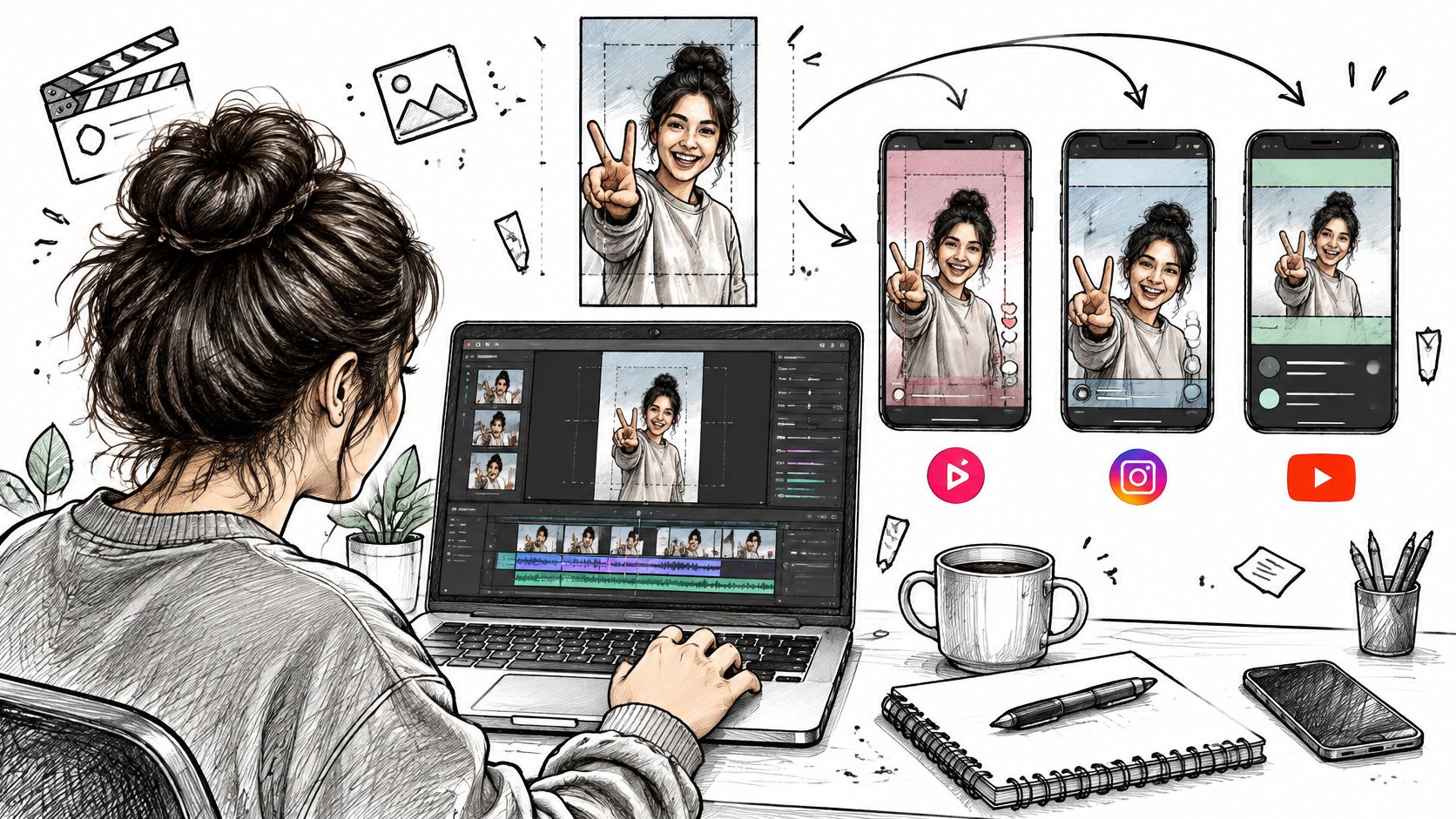
Short Videos for Social Media: A 2026 Platform Workflow
Learn how to create short videos for social media once, then adapt them for TikTok, Reels and Shorts with the right specs, length and captions.
Read article
Short Videos for Instagram: A 2026 Step-by-Step Guide
Learn how to make short videos for Instagram in 2026: exact Reel specs, length benchmarks, a step-by-step production workflow, music rights and fixes.
Read article