
Veo 3 Pitch Deck Video Generator 2026: Startup Demo Clips for Investors
A practical 2026 workflow for using Veo 3 as a pitch deck video generator: startup demo clips, investor storytelling, safe prompts, QA, and slide-by-slide video planning.
Emma Chen · 15 min read · May 2, 2026
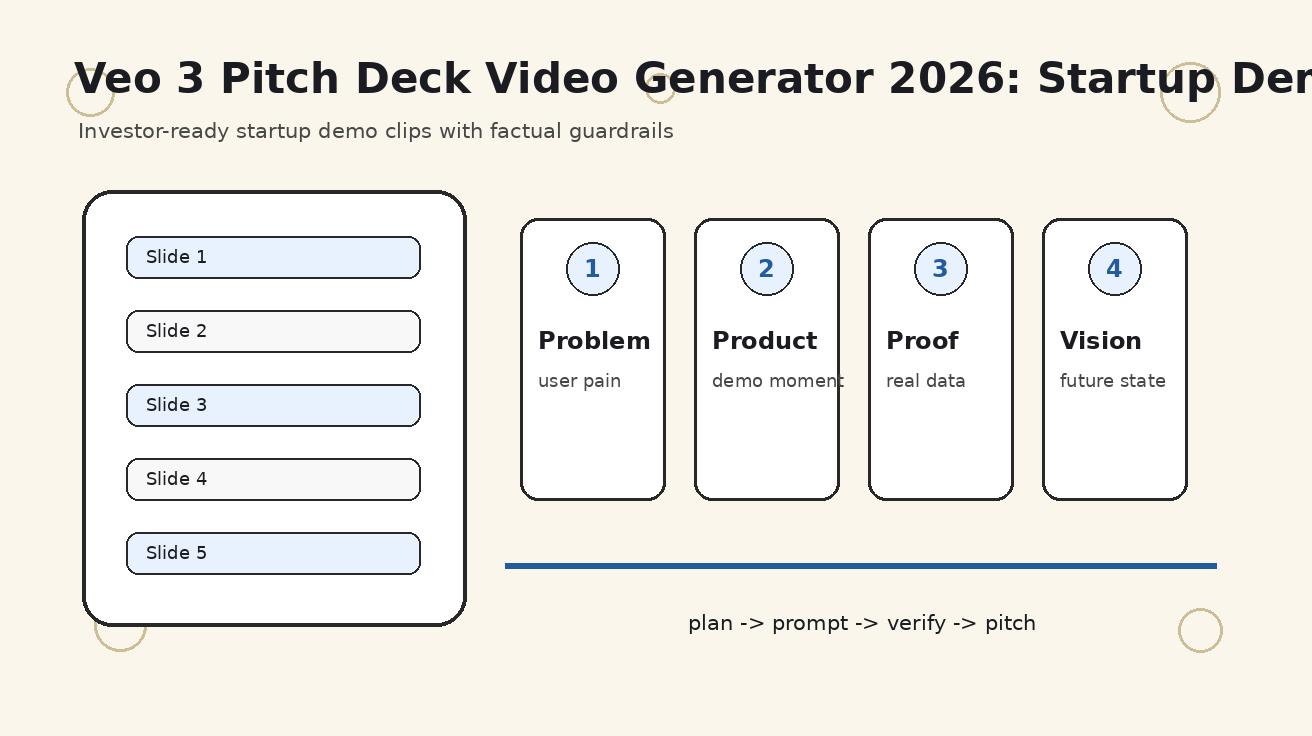
A Veo 3 pitch deck video generator workflow is useful when a founder needs short investor-ready visuals, not when a founder wants to hide weak strategy behind cinematic clips. Investors still judge the market, product, traction, team, and ask. Video should make those ideas easier to understand. It should not invent proof, replace numbers, or turn the deck into a movie trailer with no business logic.
This guide explains how to use Veo 3 for startup demo clips, investor deck visuals, fundraising update videos, and founder presentation assets in 2026. The practical goal is simple: create short, factual, edit-ready scenes that support the pitch without creating legal, trust, or compliance risk. That means planning one clip per slide, anchoring the scene in approved source material, and reviewing every generation as if it will be seen by a skeptical investor who notices exaggeration quickly.
The keyword set behind this topic includes pitch deck video generator, startup demo video, investor deck video, AI fundraising video, and Veo 3 pitch deck video generator. These searches are commercial and urgent because founders often need better demo assets before a pitch meeting, demo day, accelerator interview, or investor update. A controlled Veo 3 workflow can help, but only if the founder uses it as production support rather than as evidence.
Quick answer
Use Veo 3 for the parts of a pitch deck that benefit from motion: problem scenes, product context, customer journeys, short demo moments, category vision, and social proof context. Do not use it to fabricate traction, logos, testimonials, market data, or product capabilities. The safest structure is a slide-by-slide shot plan where each generated clip has one job, one factual source, one motion instruction, and one review checklist.
A strong investor clip usually lasts three to eight seconds. It must communicate fast because the deck is still the center of attention. If the clip requires a long explanation, it probably belongs in a product demo page, not in a pitch deck. If the clip looks impressive but does not support the slide argument, remove it. Investors reward clarity more than spectacle.
Where video actually helps in a pitch deck
| Pitch deck moment | Use Veo 3 for | Keep outside the model |
|---|---|---|
| Problem slide | A short visual of the painful workflow or market friction | Exact market numbers, citations, and customer claims |
| Product slide | A controlled demo-style clip or interface-adjacent product story | Real UI text, pricing, roadmap promises, compliance language |
| Use case slide | A customer journey scene that makes the outcome concrete | Real customer names unless approved |
| Traction slide | Background motion, product context, or category momentum visuals | Revenue, retention, logos, and growth metrics |
| Vision slide | A future-state scene showing how the world changes if the startup wins | Claims that imply guaranteed adoption or unsupported forecasts |
The table shows the most important distinction: Veo 3 is good at visualizing context, motion, and product stories. It is not the place to generate the numbers that make the company fundable. Keep financial proof, customer proof, market proof, and legal language in controlled deck elements where every word can be checked.
A slide-by-slide Veo 3 workflow
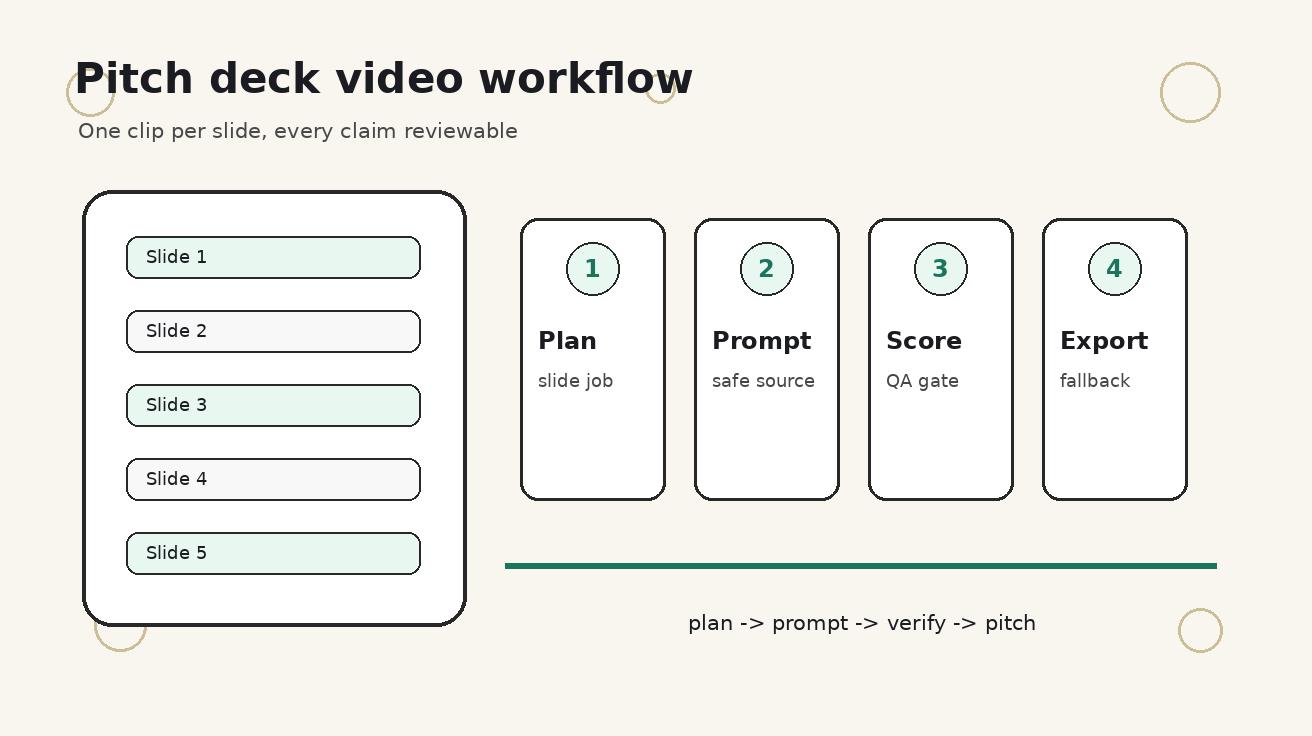
- Audit the current deck and mark slides where motion would improve comprehension.
- Write a one-line job for each clip, such as explain the user pain or show the product action.
- Collect source material: screenshots, mockups, sanitized UI, product photos, storyboard notes, and brand colors.
- Write one constrained prompt per clip instead of one giant deck prompt.
- Generate two or three versions, score them, and keep the most accurate rather than the most dramatic.
- Edit clips into the deck with captions, fallbacks, and silent playback in mind.
- Run a factual review before sending the deck to investors.
This workflow is intentionally conservative. A fundraising deck is a trust document. If an investor sees a generated scene that implies the product already does something it cannot do, the clip can damage the founder’s credibility. The better approach is to use video for comprehension: show the pain, show the workflow, show the before-and-after context, and let the real deck carry the factual claim.
Step 1: decide whether the slide deserves motion
Not every pitch deck slide needs video. In fact, most slides should stay static. Motion works best when it reduces explanation time. A problem slide can show the old workflow in one glance. A product slide can show a user action. A use case slide can show how a customer moves from confusion to outcome. A vision slide can show category transformation without claiming it has already happened.
Avoid adding video to slides that already require close reading. Financials, market sizing, unit economics, cap table, fundraising ask, hiring plan, and roadmap slides usually need precision, not motion. If you add background video to those slides, it may distract from the numbers. The rule is simple: video should increase investor understanding in less time than a static visual. If it does not, leave it out.
Step 2: create a factual source packet
Before writing prompts, collect the materials that define what is true. This packet can include approved product screenshots, a short product positioning note, brand colors, a list of claims that are allowed, a list of claims that are forbidden, and sanitized customer examples. Keep sensitive data out of the packet. Replace names, emails, revenue figures, internal IDs, and unreleased roadmap items before generating anything.
For product clips, use image-to-video or reference-based prompting whenever exact appearance matters. For problem and vision clips, text-to-video can be enough because the scene is conceptual. The founder should label each clip clearly: concept visual, product reference, simulated workflow, or real UI. That label helps avoid confusion later when the deck is reused in due diligence, investor updates, or public launch material.
Step 3: write investor-safe prompts
Good prompts for a fundraising deck are narrower than general marketing prompts. They should define the audience, scene, action, camera, style, and forbidden elements. They should also state what must not appear. The forbidden section is especially important because investor material has a lower tolerance for exaggeration than social ads.
Template 1:
Create a short investor-deck support clip for a startup that helps [audience] solve [problem]. Show the current painful workflow in a realistic setting. Keep it factual, no logos, no fake numbers, no readable invented text, stable camera, clean lighting.
Template 2:
Animate this approved product reference for a pitch deck product slide. Preserve layout, colors, and product shape. Add subtle camera motion and a clear user action toward [feature]. Do not invent UI text, metrics, testimonials, or unsupported capabilities.
Template 3:
Create a future-state vision clip for [startup category] where [user] achieves [outcome]. Make it aspirational but realistic, modern product-marketing style, no exaggerated claims, no fake customer logos, caption-safe composition.
Use these templates as starting points. Do not paste them blindly. Replace the bracketed fields with a specific user, pain, feature, outcome, and category. Then remove anything that is not needed. Prompt discipline matters because a pitch deck clip should be easy to review and easy to explain.
Step 4: score clips before editing
Create a scorecard with seven columns: slide fit, factual safety, product accuracy, visual clarity, editability, investor tone, and fallback readiness. Score each column from one to five. A clip with high visual quality but low factual safety should be rejected. A clip with medium cinematic polish but strong slide fit and factual accuracy may be the better investor asset.
The most common founder mistake is approving the clip that looks most expensive. That is the wrong standard. A fundraising deck is not an award submission. The right clip makes the slide easier to understand, does not overclaim, and can be removed if the investor opens the PDF in an environment that blocks video playback.
Step 5: design for silent playback and static fallbacks
Many investor decks are viewed in email, PDF viewers, meeting rooms, mobile screens, and data rooms where embedded video may not autoplay. Every clip needs a strong first frame. Export a static fallback image from the best frame and place it behind or beside the video. If the video fails to play, the slide should still work.
Captions should be added during editing, not generated as critical text inside the video. Generated text can distort, flicker, or imply a claim you did not intend. Use the editor for labels such as Problem, Workflow, Result, or Demo Concept. Keep the words short and reviewable. Investors should understand the visual even with audio muted.
Step 6: avoid fundraising-specific risks
- Do not show fake customer logos, even as background decoration.
- Do not show fake app store ratings, revenue charts, or growth dashboards.
- Do not imply signed partnerships that do not exist.
- Do not present concept UI as launched product without a label.
- Do not generate scenes that reveal private customer data or internal roadmaps.
- Do not use celebrity likeness, trademarked brand assets, or competitor logos as if they endorse the product.
These rules may feel strict, but they protect the startup. A deck can circulate far beyond the first meeting. A careless generated asset can become a diligence question, a trust issue, or a compliance problem. The best investor videos are impressive because they are clear and accurate, not because they exaggerate.
Example shot plan for a seed-stage SaaS startup
A seed-stage SaaS company might use five clips across the deck. Clip one supports the problem slide: a team manually reconciling information across messy tools. Clip two supports the product slide: a sanitized interface reference with a simple action that shows the workflow becoming shorter. Clip three supports the use case slide: a customer role finishing a task faster. Clip four supports the go-to-market slide: a generic category workflow, not fake customer logos. Clip five supports the vision slide: a calm future-state scene showing the category with less operational friction.
Each clip should be generated separately. The prompt for clip two should include a product reference. The prompt for clip one can be text-only because it is a problem context. The prompt for clip five can be more aspirational, but it should still avoid claims that the company has not earned. This shot plan gives the founder visual momentum without turning the deck into fiction.
How to use Veo 3 with the rest of the production stack
Veo 3 should sit inside a normal creative pipeline. Plan the slide, generate the clip, edit in a video editor, add captions, export a compressed version, test playback, and create a fallback. If the deck is hosted online, verify page speed. If it is sent as a PDF, verify file size. If it is presented live, test the room, display, and offline backup.
For deeper prompt control, read Veo 3 Camera Control Prompts 2026. For product reference consistency, read Veo 3 Image Reference Workflow 2026. For longer investor narratives, read Veo 3 Longform Storyboard Workflow 2026. These related workflows help founders move from one useful clip to a repeatable investor video system.
QA checklist
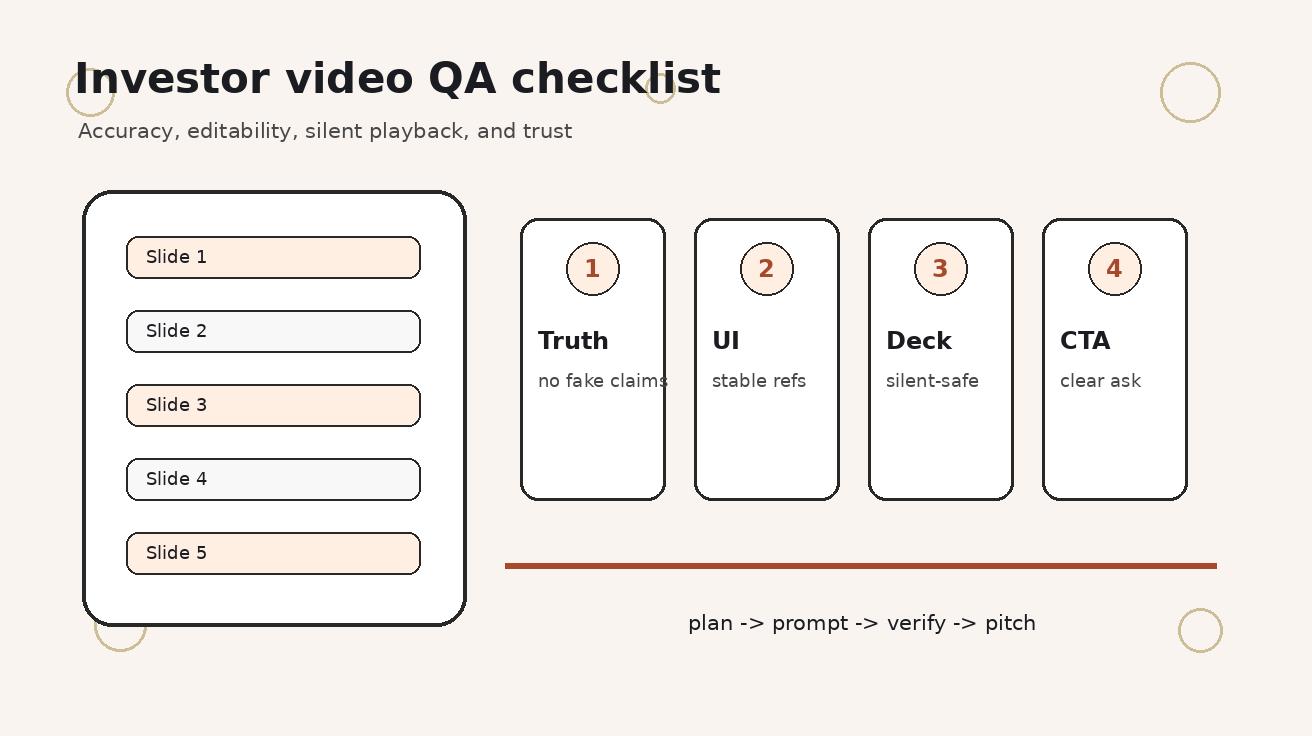
- One slide owns one clip
- Every clip has a factual source of truth
- No fake metrics or invented testimonials
- Real screenshots are sanitized
- Captions are added in editing, not generated as critical text
- The opening frame works as a silent thumbnail
- The clip can be removed without breaking the deck
- The final export has a static fallback for PDF sharing
Run this checklist before every investor send. If one item fails, fix the clip or remove it. A fundraising asset should never create more questions than it answers.
FAQ
Can Veo 3 create videos for a pitch deck?
Yes. Veo 3 can help create short product demo clips, market problem scenes, founder vision moments, and investor update visuals when you keep each clip factual, short, and tied to one slide.
Should a startup replace its pitch deck with an AI video?
No. The deck should still carry the business logic, traction, market, and ask. Use AI video as supporting visual proof, not as a substitute for clear numbers and a strong story.
What type of pitch deck slide benefits most from video?
Product demo, problem, use case, customer journey, and vision slides usually benefit most. Financials, market sizing, and cap table slides should remain precise and text or chart based.
How long should each investor demo clip be?
Most clips should be three to eight seconds. They should add context quickly, then get out of the way so the investor can focus on the slide argument.
Can I use generated UI or fake customer results in a fundraising deck?
Avoid it. Use approved mockups, real screenshots, or clearly labeled concept visuals. Do not show fabricated metrics, fake testimonials, or unsupported product capabilities.
What is the safest Veo 3 workflow for investor videos?
Create a slide-by-slide shot plan, use reference images for product accuracy, generate one clip per slide, add captions in editing, and run a factual review before sending the deck.
Production handoff notes
A founder should not hand an editor a folder of random generations and ask for a fundraising video. The handoff should include the deck version, slide numbers, approved claims, forbidden claims, reference assets, prompt versions, selected clips, rejected clips, and the reason each selected clip belongs on a specific slide. This handoff turns AI output into production material instead of a confusing asset pile.
Use a small naming convention. For example: slide-03-product-v01-keep, slide-03-product-v02-reject-ui-drift, and slide-06-vision-v03-static-fallback. That convention helps the founder, designer, editor, and reviewer understand what changed. It also prevents the wrong version from being pasted into the investor deck five minutes before a meeting.
If the deck will be sent as a PDF, keep each video clip outside the PDF as a backup link or create a static fallback frame. If the deck will be presented live, test the video on the actual machine, projector, browser, and internet connection. A clip that plays perfectly in the editor can fail in a conference room if the file is too large, the codec is unsupported, or autoplay is blocked.
Metrics to watch after the pitch
Video in a pitch deck should be measured by investor comprehension, not likes. After a meeting, track whether investors ask clearer product questions, understand the use case faster, request the demo link, or repeat the category framing back to you. If the clip creates confusion, it should be simplified or removed. If investors quote the visual moment when describing the startup, the clip is doing useful work.
For email sends, compare whether decks with video fallback frames earn more demo clicks or follow-up replies than decks without them. For live pitches, compare whether the video reduces the time needed to explain the problem and product. This is not perfect attribution, but it is better than judging the clip only by internal excitement.
The strongest signal is investor behavior. Did the clip lead to a more focused conversation? Did it help the investor understand the workflow without a long founder monologue? Did it support the product story while leaving the factual claims intact? If yes, keep using the workflow. If no, shorten the clip, make the source material more concrete, or return to static visuals.
Accessibility and international review
Investor decks often travel across languages, time zones, and viewing contexts. A Veo 3 clip should still make sense without sound, with captions, and as a still image. Avoid tiny UI details that only work on a large screen. Use high contrast, simple framing, and clear scene composition. If the deck targets international investors, avoid culturally narrow metaphors that require extra explanation.
Keep captions concise and translatable. A short label such as Manual workflow, Automated review, or Customer result is easier to localize than a full sentence baked into motion. If the video supports a global fundraising process, prepare captions and fallback text in the same language as the deck version. Do not assume that an English-only animation will work equally well in every investor conversation.
Final recommendation
Use a Veo 3 pitch deck video generator workflow when motion can make a startup story clearer, faster, and more memorable. Keep the business proof in the deck. Keep generated clips short, factual, caption-safe, and easy to remove. The best fundraising videos do not replace founder clarity. They amplify it by helping investors understand the product, market, and customer pain in seconds.
If you are preparing a deck today, start with one clip, not ten. Choose the slide where motion will reduce explanation time the most. Build the source packet, write a constrained prompt, generate two or three options, score them, and test the fallback. If that first clip improves the deck without adding risk, scale the same system to the next slide.
Related Articles
Continue with more blog posts in the same locale.

How to Make Sports Highlight Videos with Veo 3 AI (2026)
Create stunning sports highlight videos with Veo 3 AI. Generate dynamic action shots, slow-motion sequences, and dramatic replays using AI prompts.
Read article
How to Make a Short Film with Veo 3 AI (2026 Guide)
Learn how to create professional short films using Veo 3 AI. Step-by-step guide with prompts, workflow tips, and cinematic techniques.
Read article
How to Make Documentary Videos with Veo 3 AI (2026 Guide)
Create compelling documentary videos with Veo 3 AI. Learn prompting techniques, narrative structure, realistic footage generation, and post-production tips.
Read article