
Veo 3 vs PixVerse: Which AI Video Generator Wins in 2026?
Veo 3 vs PixVerse compared for 2026: Google's cinematic, native-audio video model versus PixVerse's fast, effects-driven creator platform. Which fits your workflow?
Emma Chen · 14 min read · Jun 24, 2026
If you are weighing Veo 3 vs PixVerse in 2026, you are choosing between two very different answers to the same question: how do you turn an idea into a finished video clip? Veo 3 is Google DeepMind's flagship cinematic video model, built around realistic motion, strong prompt adherence, and native audio generated in the same pass as the picture. PixVerse is a fast-moving, effects-driven creative platform from Aishi Technology that has grown to tens of millions of users by making viral, stylized clips easy to produce on the web and on mobile.
Both can take a text prompt or a still image and return a moving clip. But they pull in opposite directions — Veo 3 toward polished, believable, sound-on scenes, and PixVerse toward speed, templates, and shareable effects. This guide breaks down Veo 3 vs PixVerse across quality, audio, control, speed, pricing, and real use cases so you can pick the right tool for the job instead of guessing.
Quick Answer: Veo 3 vs PixVerse
Choose Veo 3 if your priority is finished, believable, sound-on video. Veo 3 is purpose-built for cinematic motion, coherent physics, character and scene consistency, and — the headline feature — native audio. It generates dialogue, ambient sound, and effects inside the same render as the visuals, so a clip already plays like a scene instead of a silent loop you have to score afterward. If you need an ad, a product shot, a dialogue moment, or anything that has to hold up at full screen, Veo 3 is the stronger starting point.
Choose PixVerse if your priority is speed, viral effects, and volume. PixVerse is an effects-and-templates engine. It ships trending one-click effects, multi-shot generation, keyframe control, and a polished mobile app, and it renders quickly. For creators who post daily, jump on trends, and want stylized or meme-friendly output without fussing over a prompt, PixVerse removes friction.
In short: Veo 3 wins on realism and audio; PixVerse wins on speed, effects, and mobile convenience. Many creators end up using both — PixVerse to riff on trends fast, Veo 3 when a clip has to look and sound professional. If you want both models plus others in a single workspace, you can also reach Veo 3 inside Veo3ai.io's image-to-video tool rather than juggling separate accounts.
What Veo 3 Is Built For
Veo 3 is Google DeepMind's dedicated video generation model. Its design goal is not "more effects" but believability: motion that obeys real-world physics, lighting that behaves consistently, subjects that stay coherent as the camera moves, and prompt adherence that actually respects what you asked for. When you describe a specific shot — "a slow dolly-in on a chef plating dessert, warm kitchen light, shallow depth of field" — Veo 3 tries to honor the camera move, the lighting, and the action together.
The defining capability is native audio. Veo 3 generates synchronized sound — dialogue with lip movement, footsteps, ambient room tone, weather, and effects — as part of the same generation, not as a separate step. That single feature collapses an entire post-production stage. Instead of exporting a silent clip and hunting for music and sound effects, you get a clip that already sounds like the moment it shows. For dialogue, ads, ASMR, and narrative work, this is the largest practical difference between Veo 3 and most competitors.
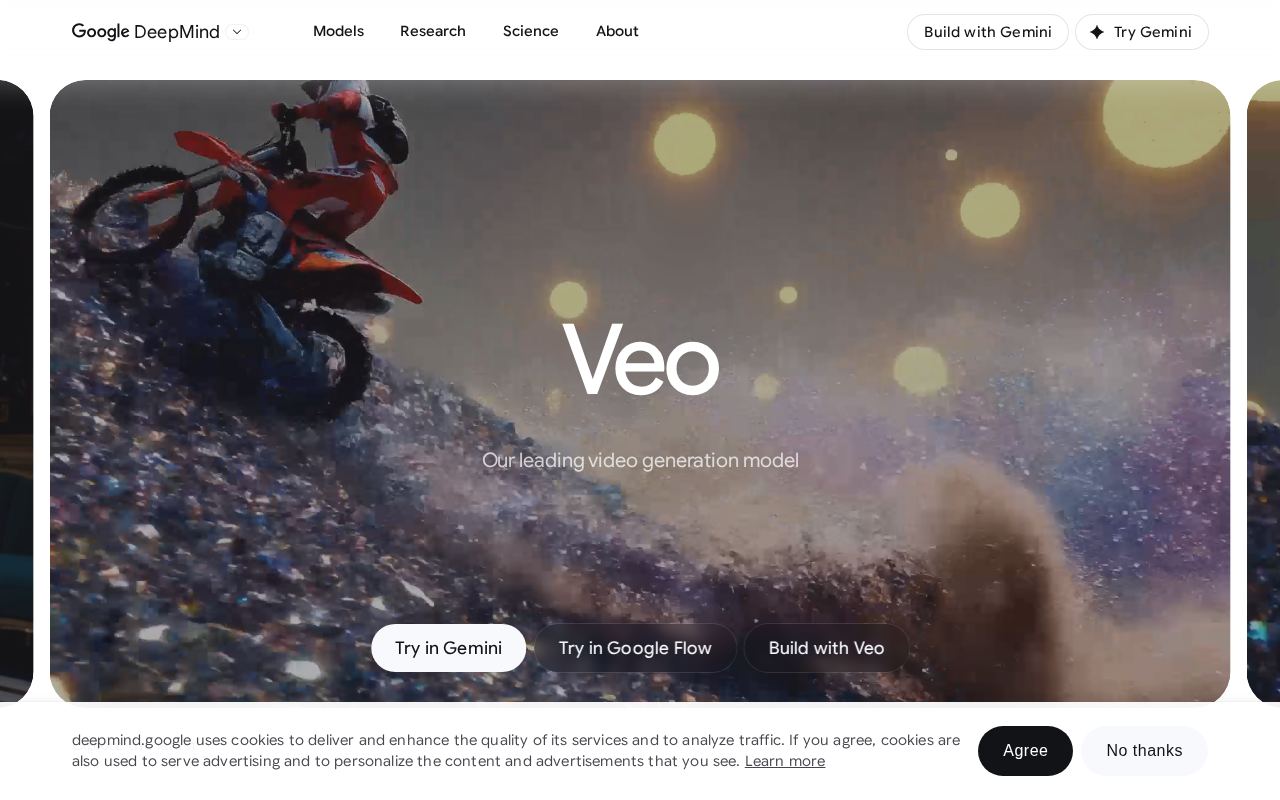 Google DeepMind's public Veo page — Veo 3 is positioned as a cinematic, audio-native video model.
Veo 3 is reachable through Google's ecosystem (the Gemini app, Google's filmmaking tools, and Vertex AI / API access for developers), and it carries SynthID provenance watermarking on output. Its native clips are short by design — built for tight, high-quality scenes you extend or stitch — which suits ad beats, hero shots, and dialogue moments more than long unbroken takes. To get the most out of it, lean on a real prompt structure: subject, action, camera, lighting, and audio cues. Our Veo 3 native audio prompt guide and Veo 3 camera control prompts walk through exactly how to phrase those.
What PixVerse Is Built For
PixVerse comes at video from the creator-and-trends angle. Built by Aishi Technology and used across 175+ countries, it has scaled fast by making AI video approachable: text-to-video, image-to-video, a deep library of templates, and a roster of model versions that have iterated quickly (the V5 line through the newer V6 release). Its calling card is the effects ecosystem — pre-packaged, viral-style templates like "Earth Zoom," photo-revival effects, and dance/transformation trends that turn a single still into a shareable clip with one click.
PixVerse also added multi-shot generation (automatic multi-angle sequences), keyframe control where you upload custom first and last frames, character-reference consistency, and — in its newer versions — native audio with lip-sync and music. It runs on the web and through a well-built mobile app, which matters a lot for creators who shoot, edit, and post from a phone. Generation is fast, and the template-first interface means you can produce something postable without writing a careful prompt at all.
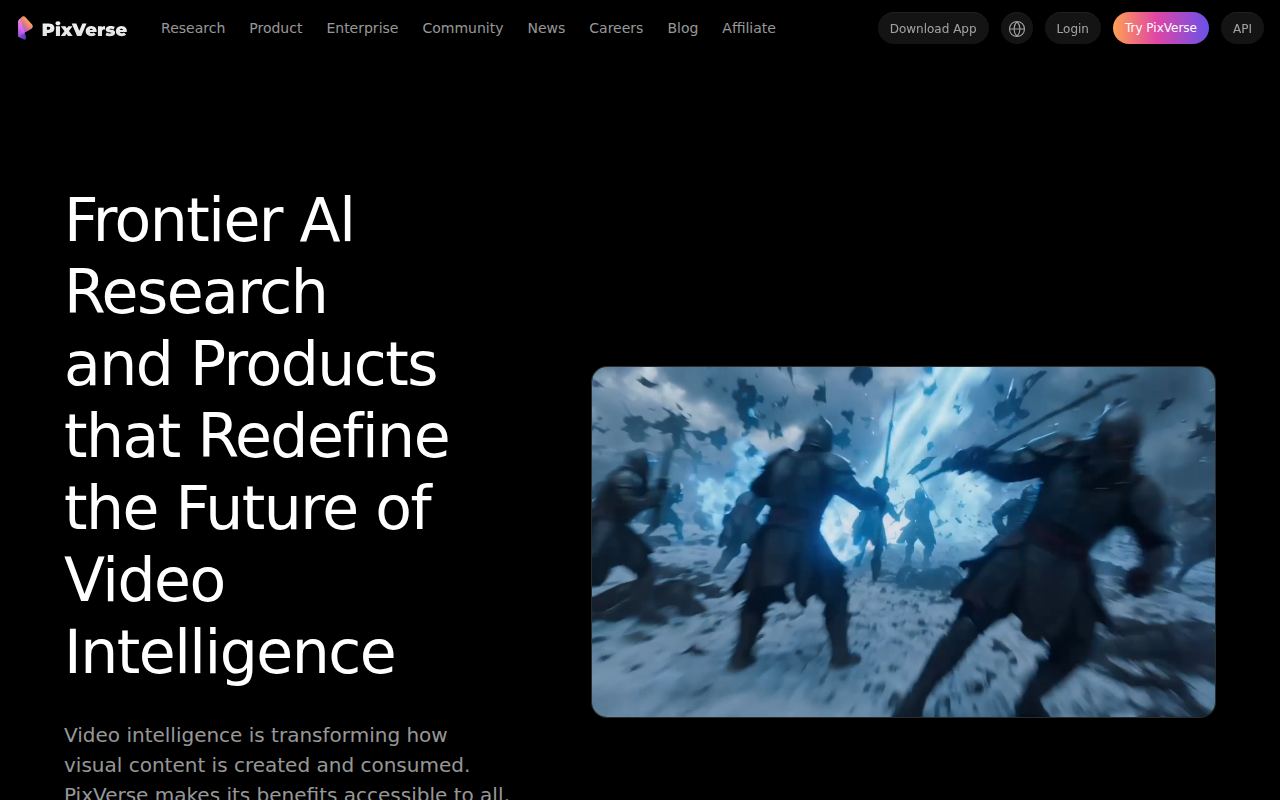 PixVerse's public site — a frontier-research framing wrapped around a fast, effects-driven creator product.
Where PixVerse is honestly strongest: speed-to-trend, stylized and anime-leaning aesthetics, one-tap effects, and mobile workflow. Where it is weaker than a dedicated cinematic model: hard photorealism, complex physics, and tightly directed multi-element scenes can drift, and audio — while present in newer versions — is not the all-purpose, dialogue-grade engine that Veo 3's native audio aims to be. None of that makes PixVerse "worse"; it makes it a different tool optimized for a different job.
Veo 3 vs PixVerse: Head-to-Head
Here is how the two compare on the dimensions that actually change your output. (PixVerse iterates frequently, so treat its specifics as direction-of-travel, not fixed spec.)
| Dimension | Veo 3 | PixVerse |
|---|---|---|
| Core strength | Cinematic realism, prompt adherence | Viral effects, speed, mobile |
| Native audio | Yes — dialogue, SFX, ambient in one pass | Yes in newer versions; effect/music-leaning |
| Physics & motion realism | Very strong | Good; can drift on complex scenes |
| Templates / one-click effects | Minimal — prompt-driven | Extensive, trend-driven library |
| Image-to-video | Yes | Yes |
| Keyframe (first/last frame) control | Limited | Yes |
| Mobile app | Via Google apps | Dedicated, polished app |
| Best for | Ads, dialogue, product, hero shots | Social trends, stylized clips, fast volume |
| Provenance watermark | SynthID | Platform-dependent |
The table makes the split clear. If a row about realism, audio fidelity, or directed shots matters most to your project, Veo 3 leads. If a row about effects, keyframe tricks, mobile, or trend speed matters most, PixVerse leads. Very few projects need everything in one column, which is why the right choice depends on the deliverable, not on which tool is "better" in the abstract.
When to Choose Veo 3
Reach for Veo 3 when the clip has to be convincing and sound-complete:
- Ads and product videos. A 6–8 second hero shot of a product with believable lighting, real motion, and matching audio reads as professional. Pair it with our Veo 3 TikTok ad workflow for ready-to-use ad prompts.
- Dialogue and talking-character scenes. Native lip-synced dialogue is Veo 3's signature. If a character needs to say something on screen, this is the path of least resistance.
- ASMR, ambience, and sound-driven content. Because audio is generated with the visuals, sound-first formats come out cohesive instead of dubbed.
- Cinematic and narrative beats. Directed camera moves, depth of field, and consistent subjects across a shot make Veo 3 suited to storytelling fragments you stitch into a sequence.
The trade-off: Veo 3 is prompt-driven, so you get the best results by describing the shot precisely rather than picking a template. It is also gated through paid Google access tiers, and clips are short by design. The payoff is output that needs far less rescue work in an editor.
When to Choose PixVerse
Reach for PixVerse when speed, style, and trends beat polish:
- Trend-jacking and viral formats. When an effect is blowing up this week, PixVerse's one-click templates let you ship a version in minutes instead of engineering a prompt.
- Stylized and anime-leaning looks. For non-photoreal aesthetics, the template library does a lot of the creative lifting.
- High-volume social posting. If you publish multiple clips a day across TikTok, Reels, and Shorts, fast renders and a mobile app keep you moving.
- Photo-to-motion effects. Turning a single still into a dynamic clip (zoom, revival, transformation) is exactly what the effects engine is for.
The trade-off: complex, tightly directed, or hard-photoreal scenes can drift, and you have less granular control than a prompt-first model gives. For meme-speed creation that is a fair exchange; for a client deliverable that has to look real, it may not be.
Can You Use Both? Yes — and Often Should
These tools are not mutually exclusive, and treating them as rivals misses the smarter play. A practical 2026 workflow uses each where it is strongest:
- Ideate and trend-test in PixVerse. Spin up fast, stylized variants to see what an idea looks like in motion and which trend format fits.
- Produce the keeper in Veo 3. Once a concept is validated, regenerate the money shot in Veo 3 for realism and native audio.
- Assemble and extend. Stitch Veo 3's short, high-quality beats into a sequence, and reuse PixVerse clips for B-roll or transitions.
If you would rather not maintain two subscriptions, a multi-model workspace lets you prompt Veo 3 directly alongside other models. You can start from a still using image to video, then compare modes with our Veo 3 fast vs quality guide to decide where to spend render time. For a sense of how Veo 3 stacks up against other contenders, our Veo 3 vs Krea AI comparison covers the all-in-one-suite angle the same way this piece covers the effects-engine angle.
How to Get a Veo 3 Clip That Beats a Template
Templates are convenient, but a well-structured Veo 3 prompt almost always produces a more usable, more original result. Use this structure:
[Subject] + [Action] + [Camera move] + [Setting & lighting] + [Audio cues]
Copy-ready examples:
- "A barista pours steamed milk into a latte, slow close-up push-in, warm morning café light, shallow depth of field. Audio: milk pouring, quiet espresso machine hiss, soft background chatter."
- "A young founder pitches to camera in a bright modern office, medium shot, natural window light, subtle handheld feel. Audio: confident spoken line 'This is how we cut your costs in half,' faint room tone."
- "A sneaker rotates on a pedestal under studio lighting, smooth orbit camera, clean white cyclorama. Audio: subtle whoosh as the shoe turns, light ambient pad."
Notice that each prompt names the camera move, the lighting, and the audio. That is where Veo 3 separates from an effect preset: you direct the shot. For deeper prompt patterns, the Veo 3 native audio prompt guide and camera control prompts are the fastest way to level up output.
Common Mistakes When Switching Between Veo 3 and PixVerse
Most disappointing results come from using one tool with the other tool's mindset. A few patterns to avoid:
- Prompting Veo 3 like a template picker. If you type a two-word idea and expect a viral effect, Veo 3 will give you something generic. It rewards direction. Name the subject, the action, the camera move, the lighting, and the audio, and the quality jumps immediately.
- Expecting PixVerse to nail hard photorealism. When you push an effects-first engine into a tightly directed, physically complex, realistic scene, motion can drift and details can wobble. That is not a defect — it is the wrong tool for that shot. Send those to Veo 3.
- Ignoring audio planning. Veo 3's biggest advantage evaporates if you never write audio cues. Always include what the scene should sound like; silence in the prompt often means a weak or mismatched soundtrack.
- Mismatching clip length to platform. Veo 3 favors short, high-quality beats you extend and stitch; PixVerse leans into longer template-driven pieces. Editing a 30-second story as one Veo 3 take fights the tool. Plan the cut around how each model generates.
- Skipping a quick QA pass. Whichever tool you use, watch the clip at full screen with sound on before posting: check subject consistency, hand and text rendering, lip-sync, and whether the motion reads naturally. A 20-second review saves a re-shoot.
Treat each model on its own terms and both get noticeably better. The teams that struggle are usually the ones expecting one tool to behave like the other.
Quality, Speed, and Pricing Realities
A few honest notes so you can plan:
- Speed. PixVerse is built for fast turnaround and renders stylized clips quickly, which is part of its appeal. Veo 3 prioritizes quality and audio, so a high-fidelity render is not instantaneous — but you save the time you would have spent adding sound and fixing motion later.
- Pricing. Both are paid products with entry tiers. PixVerse offers free credits (often via daily check-ins) plus Lite/Pro options and developer API pricing; Veo 3 is accessed through Google's paid AI subscriptions and cloud/API tiers. Costs and limits change often on both sides, so confirm current plans on each official site before committing budget.
- Output length. Veo 3 clips are short by design and meant to be extended or edited together. PixVerse's newer versions push longer single clips and multi-shot sequences. Plan your edit around the tool: short cinematic beats with Veo 3, longer template-driven pieces with PixVerse.
- Provenance. Veo 3 output carries SynthID watermarking. If provenance labeling matters for your platform or client, factor that in.
Veo 3 vs PixVerse FAQ
Is Veo 3 better than PixVerse? For realistic, sound-on, directed video, yes — Veo 3 leads on motion realism, prompt adherence, and native audio. For fast viral effects, stylized looks, and mobile-first volume, PixVerse is the more convenient tool. "Better" depends on the deliverable.
Does PixVerse have audio like Veo 3? Newer PixVerse versions include audio and lip-sync, but Veo 3's native audio is its central design feature and is generally the stronger choice for dialogue-grade, fully synchronized sound generated with the picture.
Which is cheaper, Veo 3 or PixVerse? PixVerse tends to have a lighter free/entry path (free credits and Lite tiers), while Veo 3 sits behind Google's paid AI access. Always check current pricing on each official site, since both update plans frequently.
Can I use Veo 3 and PixVerse together? Yes. A common workflow is fast ideation and trend clips in PixVerse, then producing the final realistic, sound-on shot in Veo 3 and editing the pieces together.
Where can I try Veo 3? Veo 3 is available through Google's apps and APIs, and through multi-model platforms like Veo3ai.io where you can generate from a prompt or a still image without managing separate tooling.
Conclusion
Veo 3 vs PixVerse is not a contest for one crown — it is a fork in the road based on what you are making. Veo 3 is the tool when a clip has to look real and sound finished: ads, dialogue, product shots, and cinematic beats where native audio and motion realism do the heavy lifting. PixVerse is the tool when speed, effects, and mobile-first volume matter more than polish: trend formats, stylized clips, and high-frequency social posting.
The most productive creators in 2026 stop treating these as enemies and start using each where it shines — PixVerse to move fast and test ideas, Veo 3 to land the shot that has to be believable. If you want to put Veo 3 to work right now, start with image to video, structure your prompt with camera and audio cues, and compare render modes with the Veo 3 fast vs quality guide. Pick the tool that fits the deliverable, and let Veo 3 carry the shots that have to be perfect.
Related Articles
Continue with more blog posts in the same locale.

Veo 3 vs HeyGen 2026: AI Video Generation vs AI Avatar Studio
Veo 3 vs HeyGen 2026: compare AI video generation and AI avatar studio workflows, see where each excels, and decide which belongs in your video production stack.
Read article
Veo 3 vs InVideo AI: Which Should You Use in 2026?
Veo 3 vs InVideo AI: understand the core difference between AI video generation and AI-assisted production, see how each excels, and decide which fits your workflow in 2026.
Read article
Veo 3 vs Pollo AI: Which AI Video Generator Should You Choose in 2026?
Compare Veo 3 and Pollo AI across video quality, native audio generation, pricing, and use cases. Find out which AI video generator is right for your workflow in 2026.
Read article