
Veo 4 Explained: What It Is and How to Use It
Understand Veo 4 and how it changes AI video creation. Learn about features, workflow, and practical tips for making better videos.
Veo3 AI · 12 min read · Sep 29, 2026

As of late 2026, there is no officially confirmed Google product called Veo 4, and Veo 3.1 remains the latest verified model in the official lineup. The practical choice today is to learn what Veo 3.1 can produce, then treat every Veo 4 specification or launch claim as speculation until Google publishes official documentation.
You may have arrived here after seeing a Veo 4 release date in a search result, a feature list on a video tool, or a social post promising longer scenes and better character consistency. That confusion is understandable. AI video names spread quickly, and unofficial pages often present predictions beside confirmed product information. For creators, the useful question isn't only “What might Veo 4 become?” It's what can you use reliably for production right now?
Table of Contents
- Understanding the Veo 4 Conversation Right Now
- What Veo 3.1 Can Actually Do for Your Videos
- How Veo's Technical Architecture Improves Video Quality
- Comparing Veo 3.1 with Other AI Video Generators
- Practical Prompt Templates for Social Media and Marketing
- Common Misconceptions and Pricing Questions About Veo 4
- Your Next Steps for AI Video Creation in 2026
<a id="understanding-the-veo-4-conversation-right-now"></a>
Understanding the Veo 4 Conversation Right Now
The phrase Veo 4 currently describes a public conversation more than a confirmed Google product. Multiple independent reports say Google hadn't announced, documented, or published a model card, API specification, or pricing sheet for Veo 4, while Veo 3.1 remained the latest confirmed model in Google's official lineup through at least September 2026. One overview of the Veo 4 status makes that distinction central.
That gives creators a simple test. A genuine release should appear through an official Google or Google DeepMind announcement, a public Gemini API or Vertex AI model page, a model card, release notes, or pricing documentation. A feature list on an independent page may be useful for understanding market expectations, but it isn't proof that the product exists or that the listed capabilities are available.
<a id="why-the-rumor-cycle-feels-convincing"></a>
Why the rumor cycle feels convincing
The Veo family has changed quickly, which makes a successor seem inevitable. Independent timeline coverage places Veo 3.1 in October 2025, and notes that the older May launch pattern stopped predicting the next release reliably. By May 2026, Google still hadn't published a Veo 4 roadmap, according to timeline analysis of the Veo releases.
The result is a dangerous middle ground. The name is familiar, the predicted features sound plausible, and creators want a tool that solves current limits. But plausible isn't confirmed. Until Google provides an official model identity and documentation, plan your workflow around Veo 3.1 and evaluate Veo 4 only if it becomes a real, documented release.
<a id="what-veo-31-can-actually-do-for-your-videos"></a>
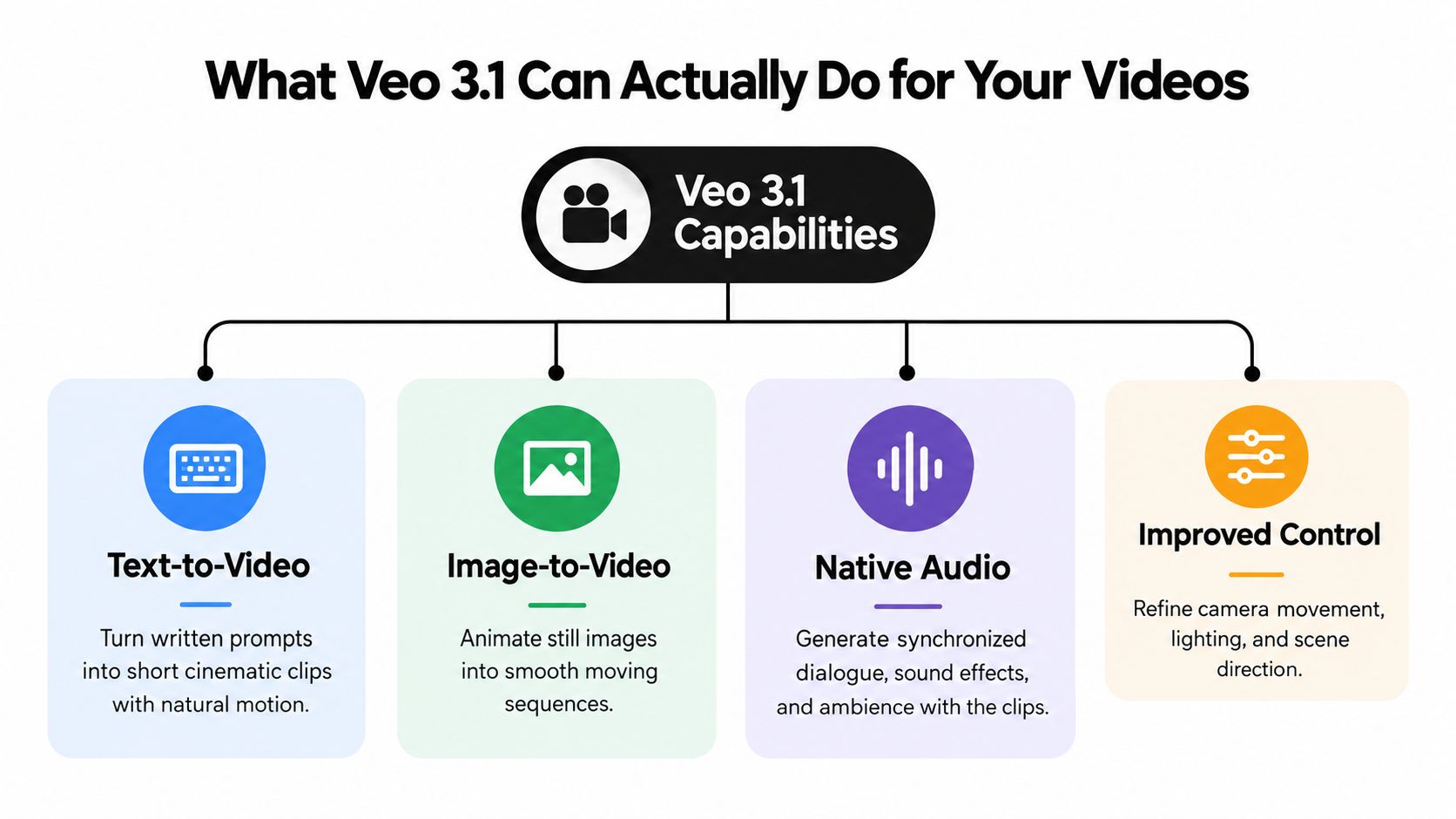
What Veo 3.1 Can Actually Do for Your Videos
Veo 3.1 gives creators a concrete baseline instead of a rumor. Google DeepMind's Veo model page documents generation at 720p, 1080p, and 4K. The important qualification is that 4K is limited to 8-second clips, with 24 FPS supported in the Gemini Enterprise documentation.
That makes Veo 3.1 useful for short scenes, product moments, visual tests, and social-first content. It doesn't mean you can create one uninterrupted feature-length 4K sequence. Longer projects need a workflow that joins clips, extends scenes, or edits separate shots together.
<a id="match-the-output-to-the-platform"></a>
Match the output to the platform
Standard generations use fixed duration options of 4, 6, or 8 seconds, and the Extend feature can continue a clip beyond its base length. An enterprise report says extended clips can reach 148 seconds in that workflow, as described in Google Cloud's Veo 3.1 prompting guide.
The supported 16:9 and 9:16 aspect ratios also matter. Use 9:16 for mobile-first TikTok, YouTube Shorts, and Instagram Reels concepts. Use 16:9 for conventional YouTube videos, presentations, and wide-format campaign assets. Treat each short generation as a shot rather than expecting the model to deliver a complete edit in one pass.
<iframe width="100%" style="aspect-ratio: 16 / 9;" src="https://www.youtube.com/embed/LgoJoMAdNC8" frameborder="0" allow="autoplay; encrypted-media" allowfullscreen></iframe>
For a practical way to explore the confirmed baseline, visit the Veo 3.1 video generator. Start with one clear subject, one action, and one camera movement. That makes it easier to identify whether a problem comes from the prompt, the scene design, or the model's limits.
<a id="how-veos-technical-architecture-improves-video-quality"></a>
How Veo's Technical Architecture Improves Video Quality
A video can look attractive and still feel wrong if its sound arrives late, a footstep misses the movement, or a spoken line doesn't match the speaker's mouth. Veo's technical approach addresses that problem at the generation stage rather than treating audio as an unrelated soundtrack added afterward.
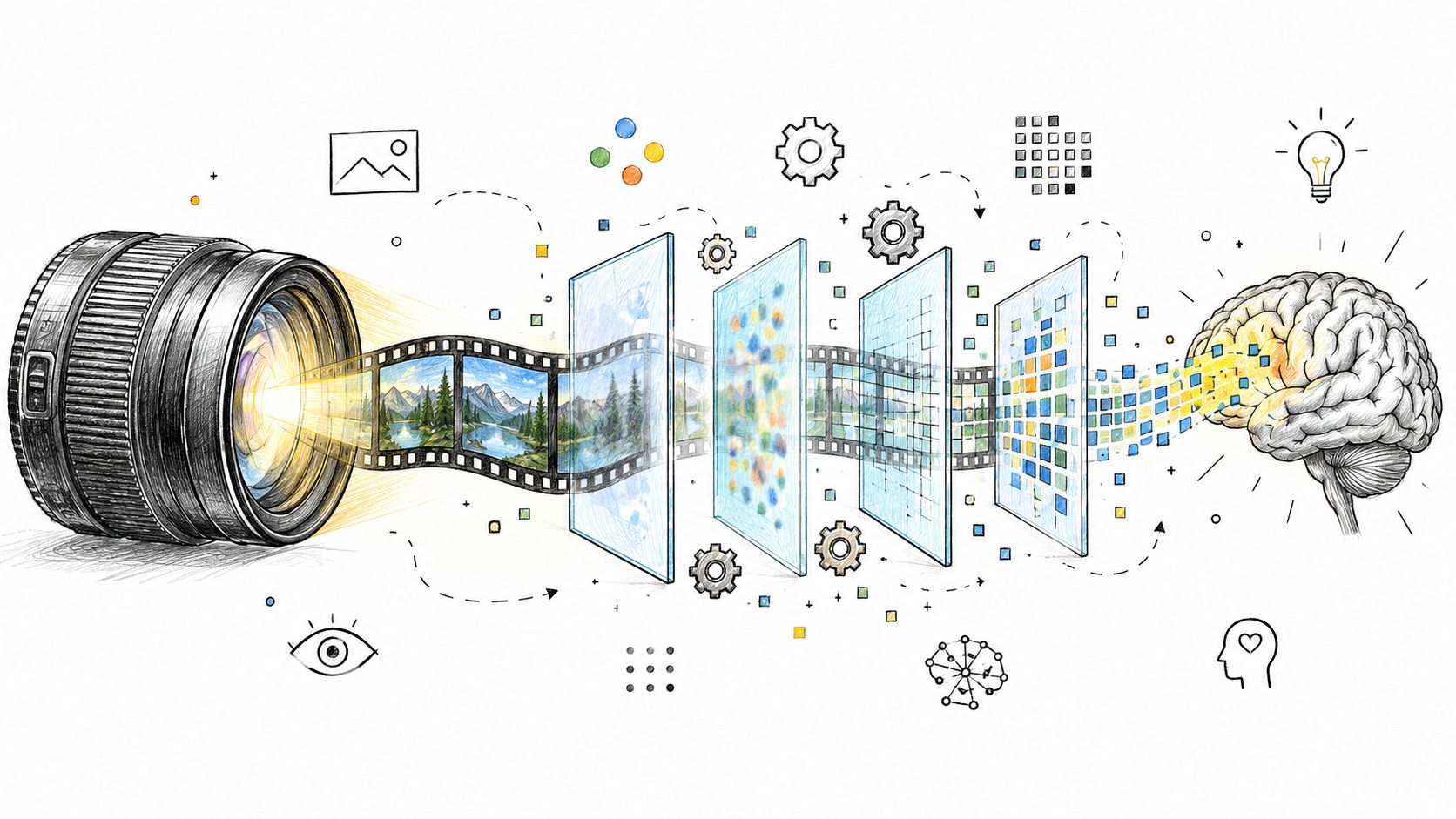
Google's Veo technical documentation explains that Veo 3 uses latent diffusion applied jointly across temporal audio latents and spatio-temporal video latents. In plain language, the system works with representations of sound and moving images together, including how they change over time.
<a id="a-simple-analogy"></a>
A simple analogy
Think of two filmmakers working on the same scene. In the first workflow, one person films the action and another adds footsteps and dialogue later. They can make the result work, but they must line up every sound manually. In the second workflow, the director plans the actor's movement, the camera, and the sound as one coordinated event.
Veo's coupled representation is closer to the second workflow. Audio and video aren't fully separate post-processing tasks, so the model has a stronger basis for coordinating motion, timing, ambience, and dialogue.
That doesn't make every generated clip perfect. A prompt can still be vague, a scene can still drift, and generated speech may need review. The architectural difference matters because synchronized sound is part of the model's coordinated output, not merely a soundtrack selected after the video has been rendered.
Practical rule: Describe the action and its sound together. “A cyclist brakes sharply as tires scrape wet pavement” gives the model a stronger audio-visual relationship than a visual description alone.
<a id="comparing-veo-31-with-other-ai-video-generators"></a>
Comparing Veo 3.1 with Other AI Video Generators
Creators rarely choose a model in isolation. They compare Veo 3.1 with tools such as Seedance, Hailuo, MiniMax H3, and Kling 3.0, then choose based on the job, the required format, and how much iteration the workflow can tolerate. A broader list of options is available in this guide to AI tools for content creators.
The table below keeps the comparison practical. Where the verified material doesn't establish a precise capability for an alternative, the entry avoids pretending that an exact specification is known.
<a id="ai-video-generator-comparison"></a>
AI Video Generator Comparison
| Tool | Max Resolution | Typical Clip Length | Best For |
|---|---|---|---|
| Veo 3.1 | 4K for 8-second clips | 4, 6, or 8 seconds, with Extend workflows | Audio-visual scenes, cinematic tests, and vertical or landscape social content |
| Seedance | Varies by product and route | Varies by workflow | Fast experimentation with generative video concepts |
| Hailuo | Varies by product and route | Varies by workflow | Accessible visual ideation and short clips |
| MiniMax H3 | Varies by product and route | Varies by workflow | Testing another model's motion and prompt behavior |
| Kling 3.0 | Varies by product and route | Varies by workflow | Comparing motion, visual style, and scene generation approaches |
Veo 3.1 stands out when native audio, documented resolution choices, and both 16:9 and 9:16 output matter. Another model may suit a creator who values a particular visual style or wants to test a different generation workflow. Benchmarks won't decide that for you. Generate the same short brief across the tools, then inspect motion, sound, identity, text, and editing effort.
An all-in-one platform such as Veo3 AI places multiple generative models, including Veo3, Seedance, and Hailuo, in one environment. That can reduce the need to switch services while you compare outputs. Review the Veo3 AI pricing page directly for current access details, because plan terms can change.
<a id="practical-prompt-templates-for-social-media-and-marketing"></a>
Practical Prompt Templates for Social Media and Marketing
Good prompts behave like compact shot directions. They identify the subject, action, setting, camera behavior, lighting, sound, aspect ratio, and intended mood. They don't need to sound technical, but they should remove avoidable ambiguity.

<a id="for-a-vertical-social-clip"></a>
For a vertical social clip
“9:16 vertical video. A ceramic coffee cup sits on a sunlit kitchen counter. Steam curls upward as a hand places a cinnamon stick beside it. Slow push-in camera movement, warm morning light, gentle room ambience, clean composition, no on-screen text.”
The aspect ratio tells the generator how to frame the shot. “Slow push-in” gives the camera a direction instead of leaving movement open-ended. The sound cue supports the scene without asking for a full soundtrack.
<a id="for-a-product-advertisement"></a>
For a product advertisement
“16:9 product showcase. A black running shoe rotates slowly on a matte stone pedestal. Soft studio lighting reveals the texture of the sole. Camera moves from a low angle to a close detail shot. Crisp fabric movement, restrained premium mood, no logos beyond the supplied product.”
This prompt separates the hero action from the visual treatment. For a real brand, add approved product references and verify every generated detail before publishing.
<a id="for-a-short-narrative"></a>
For a short narrative
“A young baker closes a small shop at dusk, hears rain begin outside, and smiles when a customer returns for one last loaf. Three connected shots, consistent clothing and appearance, gentle handheld camera, warm interior light shifting to cool street light, realistic rain ambience.”
Don't demand a complex story in one generation. Create the opening shot, review it, then use a continuation or a new prompt that repeats the character and setting details. Consistency improves when the creator treats the output as coverage for an edit rather than a finished film.
For a still photograph, start with: “Animate this image with a slow left-to-right camera move. Keep the subject's face, clothing, and background architecture unchanged. Add subtle wind in the trees and natural room ambience.” Generate a base clip first, then refine one detail at a time.
<a id="common-misconceptions-and-pricing-questions-about-veo-4"></a>
Common Misconceptions and Pricing Questions About Veo 4
The biggest misconception is that a page saying “Veo 4 launched” proves Google has released Veo 4. It doesn't. Recent independent coverage claims an April 2026 launch through Google Flow and Gemini Ultra on paid plans, while free users are directed toward Veo 3.1 through Google Vids. Those claims conflict with the broader verified record, which found no widely confirmed official Veo 4 release, model card, API specification, or pricing sheet through late 2026. Coverage of the claimed access model should therefore be read as unconfirmed reporting, not a purchasing guarantee.
That distinction matters because the practical buying questions remain unanswered. Public pages often don't explain what paid access includes, whether limits vary by route, how many generations a creator can make, or how often a repeated workflow produces a usable clip. Without those details, comparing subscription value or cost per finished asset is premature.
<a id="questions-creators-should-test"></a>
Questions creators should test
- Character consistency: Does the same person remain recognizable across separate cuts?
- Editing control: Can you change one object or line without regenerating the entire scene?
- Multi-shot storytelling: Can the workflow preserve props, wardrobe, and spatial relationships?
- Localization: Does it handle Japanese or Korean dialogue, subtitles, signage, and cultural context appropriately?
- Production reliability: How many iterations does a usable TikTok or Reels ad require?
These are workflow tests, not headline features. If you're also comparing costs for repeated visual production, keep video access separate from resources about pricing for batch image workflows, since image and video generation involve different production constraints.
A low access price doesn't automatically mean a low cost per usable clip. The failed generations and editing time belong in the calculation too.
<a id="your-next-steps-for-ai-video-creation-in-2026"></a>
Your Next Steps for AI Video Creation in 2026
Start with the tool that has a documented capability you can use, not the version name that appears most often in search results. For most creators evaluating Google's video family, that means testing Veo 3.1 with a small, repeatable brief and measuring the result by editing effort rather than visual novelty alone.
Use this checklist:
- Choose one format. Begin with 9:16 for a short-form campaign or 16:9 for a widescreen concept.
- Write one controlled prompt. Specify the subject, action, camera movement, lighting, sound, and duration.
- Generate several variations. Compare continuity, motion, audio timing, unwanted objects, and text rendering.
- Build an edit. Treat short outputs as shots, then assemble them in your normal editor.
- Test alternatives. Try Seedance, Hailuo, MiniMax H3, or Kling 3.0 when a different motion style or workflow may fit better.
- Watch official Google channels. A real Veo 4 release should bring an announcement, model documentation, an API identifier, pricing information, or a model card.
Keep your prompts, reference images, selected clips, and rejection notes. That library will remain useful whether Google introduces Veo 4 later or you settle on another generator. It also gives you a fair basis for judging improvements instead of relying on rumor-driven feature lists.
If you want to compare several models without constantly changing creative tools, Veo3 AI offers an environment for turning text prompts or static images into videos while accessing multiple generative models. Visit Veo3 AI to test a practical workflow, compare outputs, and start building short-form or marketing concepts with today's available tools.
Related Articles
Continue with more blog posts in the same locale.
Gemini Omni Flash 1.1 Explained
Master Gemini Omni Flash 1.1 with our guide to its 10-second scene extension, 4K upscaling, and multilingual limits. Learn how to integrate it into your
Read article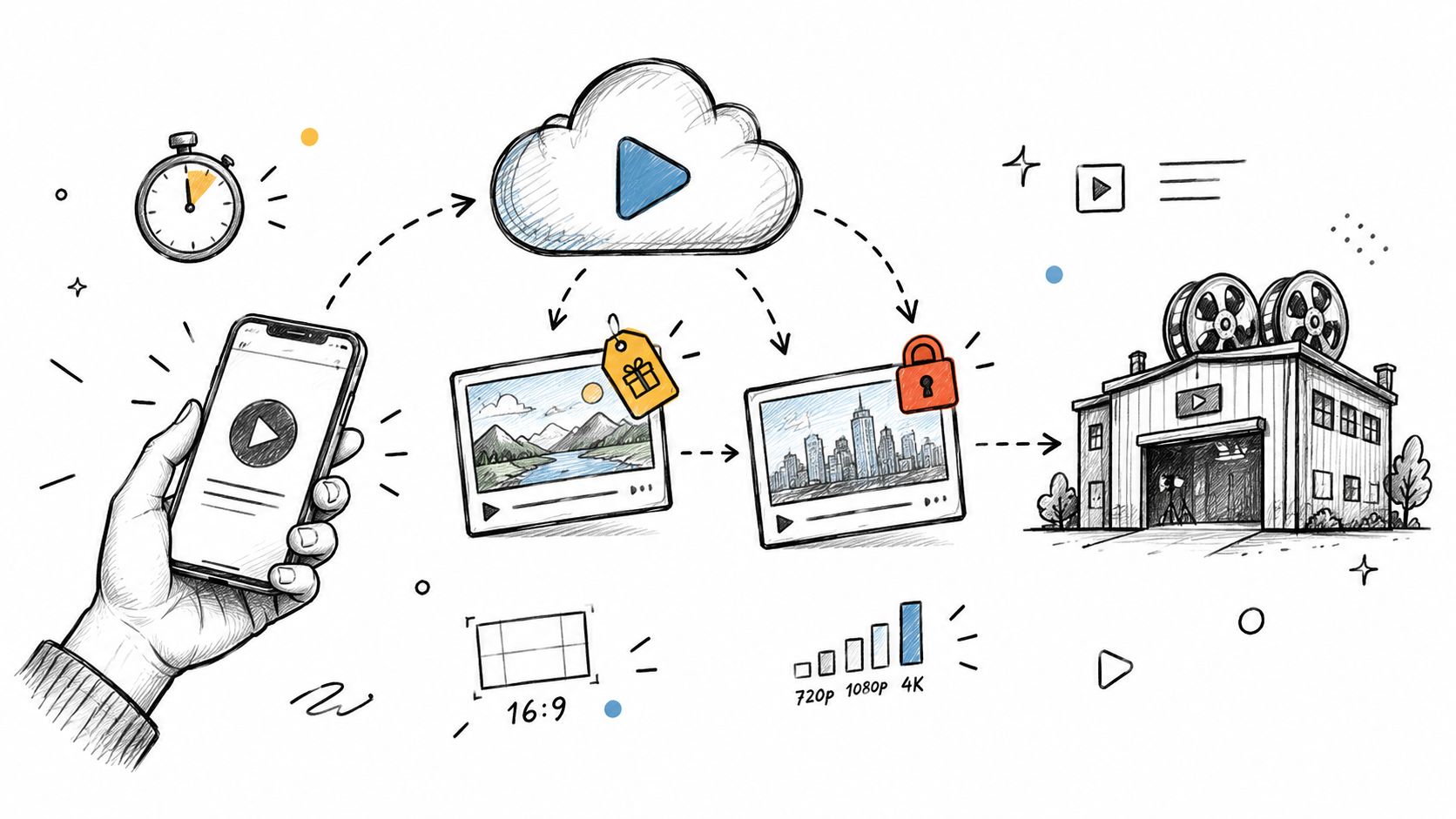
Google Omni Free Access and Video Limits
Is Google Omni free for video creators? We break down the real limits of free access, eligibility rules, and the best alternative workflows
Read article
Veo 3 Fast: Create Pro Videos in Minutes
Master Veo 3 Fast to generate high-quality AI videos quickly. Learn prompt strategies, speed trade-offs, and workflows for social ads and shorts.
Read article