
How to Create Video Ads with AI in 2026
Create video ads with AI using a 6–15 second blueprint, one-variable tests, platform labels, and separate exports for every placement.
Veo3 AI · 17 min read · Nov 21, 2026
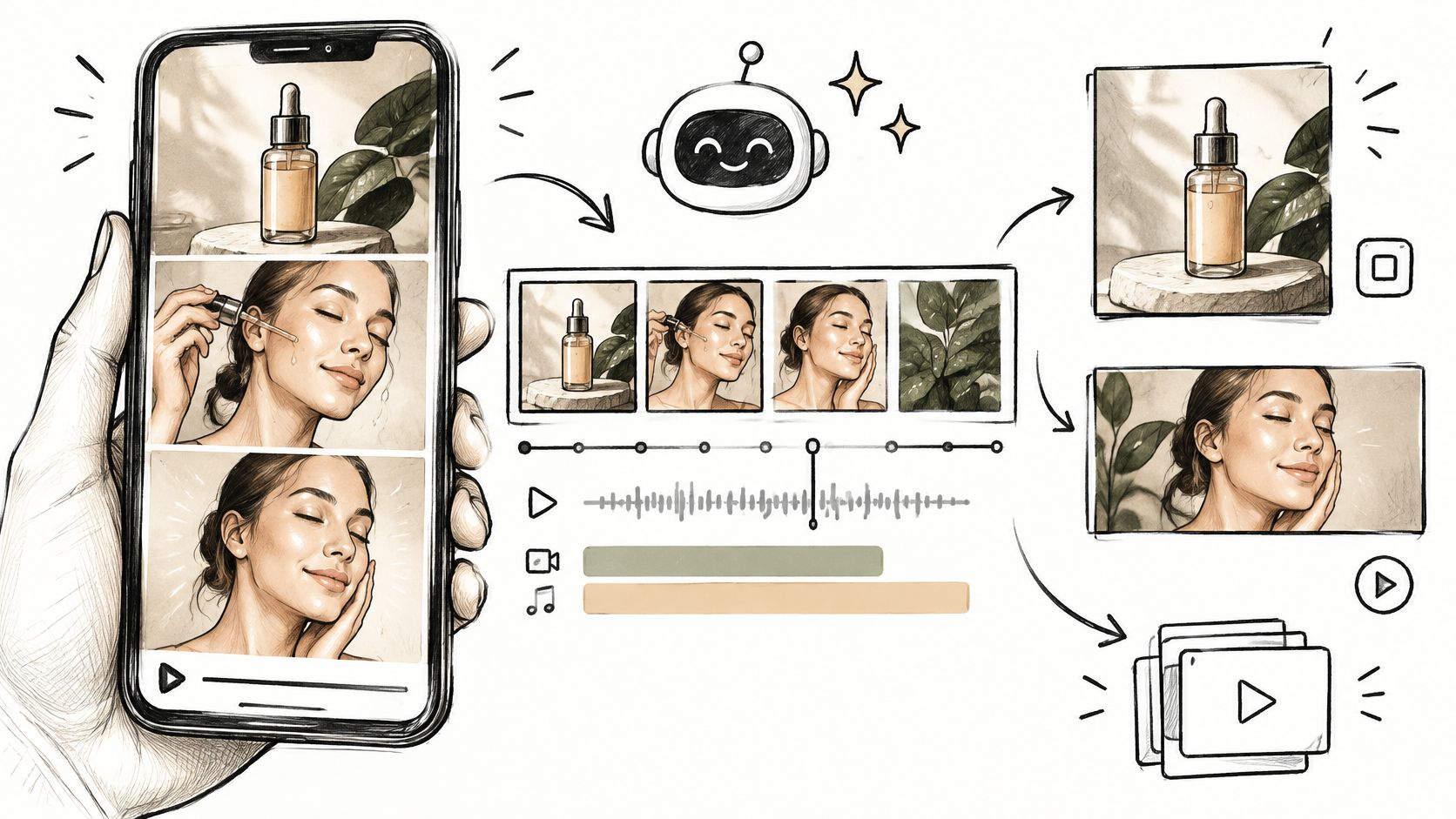
93% of marketers reported good return on investment from video, according to the industry survey findings compiled by Inner Spark Creative. That makes video worth testing, but it doesn't mean an AI-generated clip will outperform your existing product image.
To create video ads with AI, start with a conversion hypothesis, not a cinematic prompt. Build a short ad around one observable benefit, generate controlled variations, and let a human approve the result before you buy traffic. A prettier render isn't a winner until it brings in qualified customers at a better cost.
Table of Contents
- The 6 to 15 Second Ad Blueprint
- Generate Refine and Preflight Before Spend
- Run a One Variable Creative Test
- Disclose AI Content on Each Platform
- Publish One Approved Variant First
<a id="the-6-to-15-second-ad-blueprint"></a>
The 6 to 15 Second Ad Blueprint
Brief the cut before you choose the model. A working 6 to 15 second ad needs four beats: a hook, a demonstration, a visible benefit, and a call to action. Start vertically for a mobile placement, but decide the other required formats before production.
The opening should show the product, expose the problem, or interrupt an expected pattern. A logo sitting alone asks viewers to care before you've given them a reason. By the demonstration, they should understand what the product does without needing the voiceover.
<a id="build-the-cut-around-something-visible"></a>
Build the cut around something visible
Say you're advertising a 30 ml serum on Reels. In this hypothetical cut, show the bottle beside dull-looking skin at second one, follow with a two-second application, then show an honest application finish rather than an invented transformation. Save Shop the 30 ml for the end card.
Don't manufacture a skincare result that the product's evidence can't support. Texture, dispensing, absorption, and packaging are safer demonstration subjects than a synthetic before-and-after presented as proof. The middle of the ad should communicate one benefit, not cycle through a stack of slogans.
Shot blueprint for a 6 to 15 second AI video ad
| Beat | When | Viewer must see | Rule |
|---|---|---|---|
| Hook | 0–2 seconds | Product, problem, or pattern interrupt | No logo-only open |
| Demonstration | About 3–5 seconds | Product in use or the problem made obvious | One action, not a montage |
| Benefit | Middle of the 6–15 second spot | One observable result | Drop extra claims |
| Call to action | Final frame | One action plus the offer | No second CTA |
| Exports | After the cut is approved | Native 9:16, 1:1, and 16:9 | Do not crop one master |
<a id="lock-the-brief-before-generating"></a>
Lock the brief before generating
Paste those four beats into the production brief, then specify the decisions a generator can't make for you:
- Conversion goal and audience: Name the action you want and the buyer you're addressing.
- Offer and proof point: State what viewers get and what the footage can legitimately demonstrate.
- Delivery requirements: Set duration, aspect ratio, logo placement, and banned claims.
If you're still deciding where the ad belongs in your wider marketing, Netco Design LLC's guide to how to promote business videos offers useful distribution context. Choose that destination before composing the shots.
In 2025, 86% of digital video ad buyers said they were using or planned to use generative AI to develop video ad creative, according to the IAB findings reported by TV Technology. The useful response isn't another elaborate hero film. It's a repeatable brief that lets you produce controlled versions without losing the offer.
<a id="generate-refine-and-preflight-before-spend"></a>
Generate Refine and Preflight Before Spend
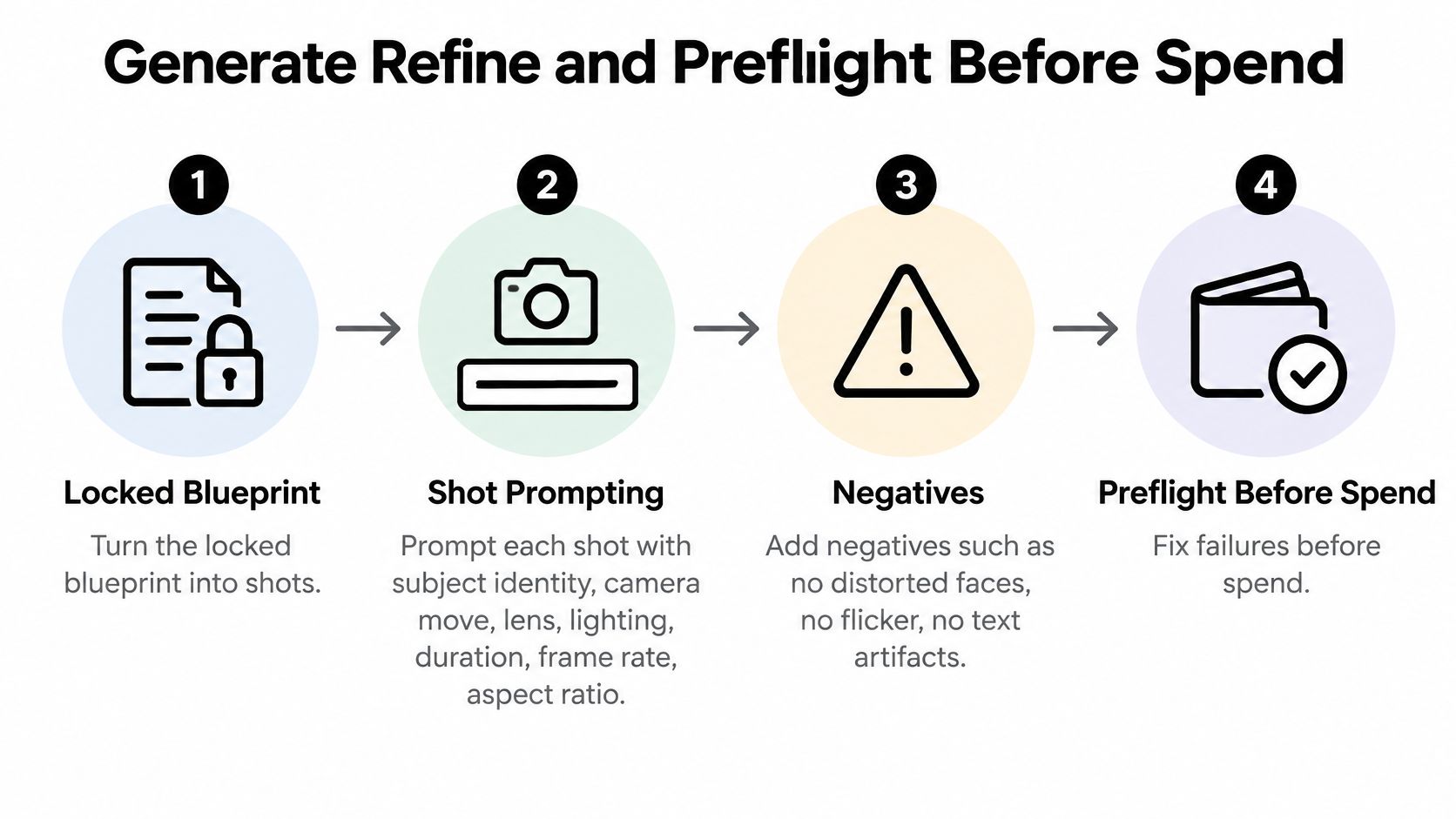
A locked brief becomes useful when you translate it into individual shots. Ask the generator for one decision per render: product identity, camera language, typography, or sales argument. When each variable has its own prompt and filename, a failed output tells you what to repair.
Use this workflow to move from the approved concept to a file you are willing to fund.
<a id="1-prompt-shots-with-fixed-identity-and-clear-motion"></a>
1. Prompt shots with fixed identity and clear motion
Start with the most accurate product photograph you have. It should show the correct packaging, proportions, cap, color, and label, without surrounding props that could become accidental parts of the generated product.
For each shot, specify subject identity, camera movement, lens perspective, lighting, duration, frame rate, aspect ratio, and continuity. Describe the action in physical terms. “A hand presses the pump once” gives the model a clearer job than “a premium skincare experience.”
A practical shot prompt might read:
Prompt pattern: Use the supplied serum bottle as the exact product reference. Keep its silhouette, cap, label, and color unchanged. Show a hand dispensing serum onto fingertips in soft window light, close-up perspective, with a locked camera. Match the approved shot duration, frame rate, and vertical format. No additional bottles, warped packaging, generated captions, or sudden camera cuts.
Negative constraints define unacceptable outputs, yet they still need inspection. Watch the render frame by frame where fingers touch the product, packaging rotates, or a liquid changes direction. Those are places where an otherwise convincing shot can stop making physical sense.
Plan continuity into the next shot. If the hand exits toward the right, keep that screen direction unless the edit clearly establishes a new setup. Hold lighting direction and product orientation steady across the sequence.
<a id="2-generate-concept-families-without-changing-everything"></a>
2. Generate concept families without changing everything
Create three concept families, each organized around a different opening idea. For a serum, that might mean product-first, routine-first, and problem-first. Keep the demonstration, benefit, and offer stable while you explore those openings.
Treat the families as development options. If one concept has a new hook, different music, a new spokesperson, and another discount, the result cannot be read cleanly. Change the opening inside a family, then leave the rest of the argument alone.
Give each render a descriptive filename that includes its concept and changed factor. Keep the prompt and reference image beside the export. When a version works, you need to reproduce its logic rather than guess which wording generated it.
<a id="3-repair-defects-before-adding-polish"></a>
3. Repair defects before adding polish
Treat product drift as a rejection. If the bottle changes shape, label, or color, return to the original photograph and restate those identity constraints in every relevant prompt. A fast transition cannot make the wrong package acceptable.
Faces require similar discipline. If an avatar drifts or misses lip sync, retain the same avatar identity and redo the line. If the talking shot still looks unnatural, replace it with product footage and voiceover rather than accepting a visibly broken spokesperson.
Use this repair order:
- Unreadable offer text: Remove generated lettering and rebuild the offer, code, and disclaimer as editable overlays.
- Late product reveal: Recut the product into the opening rather than letting an attractive establishing shot consume the hook.
- Unsupported spoken benefit: Remove the line or replace the visual with a truthful demonstration.
- Unlicensed music or recognizable likeness: Substitute cleared audio or an authorized subject before export.
Be especially careful with synthetic testimonials. An avatar can present product information, but it should never imply a real person's purchase, personal experience, or result that never happened. Write the script as an explanation unless you have a legitimate basis for the endorsement.
Repair meaning before color grading. A beautiful shot of the wrong package remains unusable, and a smooth voice cannot rescue an offer the viewer never understands.
<a id="4-export-for-the-placement-rather-than-the-preview-window"></a>
4. Export for the placement rather than the preview window
Build the file for the inventory you are buying. In Veo3 AI, product ads can be exported in 16:9 or 9:16 at up to 1080p, ready for TikTok, Reels, Shorts, Facebook, and product pages. Reposition the product and rebuild the end card for each canvas instead of mechanically cutting away the sides. Keep voice, captions, offer text, and disclosures as separate editable layers in your finishing workflow.
The social media video sizes guide is a useful production reference when planning placement-specific files. Check the actual destination preview as well, because interface buttons and account information can obscure an otherwise readable caption.
Watch every export on a phone. Desktop playback can conceal tiny type, cramped captions, and a product that occupies too little of the screen. Check the silent version first, then listen for clipped speech, abrupt music endings, and captions that disagree with the voice.
For the handoff from finished asset to campaign setup, the Social Cloud TikTok ads walkthrough provides useful operational context. Keep campaign setup separate from creative approval so uploading a file never becomes an accidental authorization to spend.
<a id="5-make-human-approval-a-release-requirement"></a>
5. Make human approval a release requirement
Assign a named reviewer to approve product accuracy, claims, music rights, accessibility captions, and cultural fit. Give that reviewer the actual export, alongside the script and prompt record. The final render can introduce problems that were absent from both.
A matched advertising analysis summarized by Kanavu Lab found 0.76% CTR for AI-generated ads versus 0.65% for human-made ads, with the difference disappearing after statistical controls. A prettier clip is not automatically a winner, so approval should protect the buyer, the claim, and the budget.
Track landing-page views, add-to-cart events, completed purchases, and acquisition cost. If a clip attracts attention but sends people to an irrelevant offer, more rendering will not solve the mismatch.
Before release, pass these five preflight checks:
- Silent recognition: A viewer can identify the product and understand its role without audio.
- One offer: The footage, end card, and destination page describe the same proposition.
- Phone-readable captions: Text is legible, timed to the action, and clear of interface overlays.
- Substantiated claims: Every explicit or implied result has an appropriate basis.
- Disclosure ready: The required label is prepared in the file or ad account.
Fix anything that could mislead a buyer before fixing anything that merely looks less cinematic.
<a id="run-a-one-variable-creative-test"></a>
Run a One Variable Creative Test
Choose the control before you launch: the current static image, a human-produced video, or an AI-assisted edit of footage you already own. Each comparison answers a different question. Beating a weak static image doesn't establish that fully generated video is better than every other production method.
Use randomized allocation, identical targeting, and equal budgets. Hold the offer and placement constant, and match duration for video-to-video comparisons. A static image has no equivalent runtime, so describe that comparison as a format test rather than pretending every condition is identical.
<a id="match-the-metric-to-the-hypothesis"></a>
Match the metric to the hypothesis
Change one major factor at a time. If you test the opening visual, keep the demonstration, voiceover, and CTA fixed. Treat watch-through and clicks as diagnostic signals, then use qualified conversion rate and cost per acquisition to make the commercial decision.
What to change in each AI ad test
| Factor you change | What stays fixed | Decide with | Do not decide with |
|---|---|---|---|
| Opening visual | Offer, audience, budget, duration | CPA and qualified conversion | CTR alone |
| Product demonstration | Hook, CTA, placement | Add-to-cart or landing-page view, then CPA | Likes or watch time alone |
| Voiceover | Visuals, offer, targeting | Watch-through, then CPA | A smoother voice with no sales change |
| CTA line | First five seconds and the audience | CPA | A cleverer end card |
| AI video vs static or human video | Offer, placement, duration where applicable, spend | CPA versus that control | The assumption that video always wins |
Report click-through, watch-through, conversion rate, and cost per acquired customer separately. Keep the attribution window and conversion definition consistent, and check that the destination page and tracking work before interpreting a weak result.
Don't stop a test because an early screenshot looks promising. Set the decision window and acceptable acquisition cost before launch, then allow enough conversion activity to distinguish a repeatable outcome from a handful of purchases.
<a id="read-the-evidence-without-declaring-a-universal-winner"></a>
Read the evidence without declaring a universal winner
SurveyMonkey's video-ad testing guide identifies 200–300 respondents per variant as a commonly used range in monadic research on appeal or purchase intent; the associated performance evidence includes a matched Ipsos/Syracuse test of 20 ads shown to 3,000 U.S. consumers, in which human-made versions were 14% stronger on short-term effectiveness and 17% stronger on long-term brand effectiveness. Survey respondents aren't live auction conversions, so don't repurpose that range as a campaign stopping rule.
By contrast, a field experiment involving 21,328 existing customers found that personalized AI-generated videos increased click-through by 9.4 percentage points versus personalized image ads and 6.5 percentage points versus generic videos, with gains consistent across gender and location. That supports testing relevant personalization, not assuming generated pixels create incremental sales.
The studies measured different outcomes under different conditions. Use them to challenge your assumptions, not to forecast your own lift.
Kill rule: If CPA doesn't beat the control, don't scale the prettier clip.
<a id="disclose-ai-content-on-each-platform"></a>
Disclose AI Content on Each Platform
Prepare disclosures before submission, not after a rejection. The person uploading the campaign should know which assets contain generated visuals, synthetic speech, or significant AI alterations. Keep that information attached to the approved export.
<a id="apply-platform-labels-and-commercial-disclosures-separately"></a>
Apply platform labels and commercial disclosures separately
TikTok's advertiser disclosure guidance requires disclosure when an ad's image, video, or audio is fully AI-generated or significantly AI-modified, using the This ad contains AI-generated content toggle during ad creation. Minor lighting corrections, color adjustments, noise reduction, and sound cleanup generally don't count as significant modification, and disclosure doesn't make prohibited content acceptable.
Under TikTok's misleading and false content policy, advertisers can apply an AIGC label or a clear caption, watermark, or sticker, and undisclosed AI content may be rejected or restricted. Make the notice readable rather than burying it beneath interface elements.
TikTok also separates synthetic-media disclosure from commercial disclosure: its submission to the OECD on information integrity describes Promotional content for own-brand promotion and Paid partnership for branded content posted for another business, with missing commercial disclosure potentially leading to removal or restriction. A creator's AI advertisement can therefore need both kinds of label.
AI and commercial labels by platform
| Place | Label when | How to apply it | Does not cover |
|---|---|---|---|
| TikTok Ads Manager | Image, video, or audio fully AI-made or significantly AI-modified | Toggle This ad contains AI-generated content, or a caption, watermark, or sticker | Minor color, lighting, noise, or sound cleanup generally falls outside significant modification; banned claims stay banned |
| TikTok creator post | Brand promotion plus synthetic or manipulated media | Promotional content or Paid partnership, and a separate AI disclosure | Either label alone if both are required |
| Google Ads and related tools | Certain AI-generated or AI-edited ads in the EU, India, New York, California, South Korea, and Vietnam | AI-label setting in Google Ads, DV360, CM360, Merchant Center, or Ads Editor, or a label on the creative | Automatic compliance with every local law |
Google Ads' disclosure guidance identifies those jurisdictions as requiring consumer-facing labels for certain AI-generated or AI-edited ads and provides settings across the tools listed above. Google permits labels on creative without treating them as prohibited overlays or watermarks, but its setting doesn't guarantee compliance with every applicable local law.
<a id="test-wording-without-testing-whether-to-comply"></a>
Test wording without testing whether to comply
The IAB SEA+India AI report reports that 84% of surveyed U.S. consumers wanted brands to disclose AI use, 69% said undisclosed AI could feel manipulative, and 41% said human review increased trust; it also describes a 2025 experiment in which explicit generative-AI disclosure reduced CTR by 31.5%, although fully AI-generated ads performed up to 19% better than human-created ads in that study.
Transparency and clicks aren't interchangeable outcomes. Where permitted, test accurate wording such as AI-assisted production against a more prominent synthetic-spokesperson description, but don't use softer language to conceal what was generated.
Keep required notices intact. Human review should verify the wording, rights, product claims, and local requirements before any disclosure experiment launches.
<a id="publish-one-approved-variant-first"></a>
Publish One Approved Variant First
This week's assignment is deliberately narrow: choose one product, one audience, and one offer, then produce a candidate you can compare with the current control. Don't commission a dozen visual styles before you know whether the underlying demonstration persuades anyone.
Build the short master, prepare the vertical placement, and finish the square and wide-format versions wherever those placements are part of the test. Attach the platform disclosure and approval record before launch. Give the candidate and control equal budget under the planned allocation.
<a id="produce-the-candidate-without-expanding-the-brief"></a>
Produce the candidate without expanding the brief
A practical starting point is the Veo 3 AI video generator, with Veo 3.1 available for creators comparing generation options. Our product-ad workflow lets you add a product image, choose an AI avatar, or start from a template, then write a prompt describing the scene, hook, or message before generating and downloading the video.
Available template styles include UGC, TVC, Product Launch, Tutorial, Problem & Solutions, Unboxing, Money Shot, and Try-On. Choose the style that serves the sales argument: Tutorial for a useful action, Unboxing for packaging and contents, or Problem & Solutions when the product's role needs context. Don't choose a spokesperson merely because the format looks familiar.
No editing or design skill is required for this product-ad path, and a logo and product details can sit in the generated ad. Supported product-ad exports are 16:9 or 9:16 at up to 1080p, suitable for TikTok, Reels, Shorts, Facebook, and product pages; if your media plan requires a square version, prepare that separately in your finishing workflow. Review the pricing page before choosing a production plan.
<a id="make-the-next-decision-from-the-result"></a>
Make the next decision from the result
Before publishing, write a short decision record:
- Hypothesis: State why this particular change should improve qualified purchases.
- Control: Identify the existing asset and preserve its offer and destination.
- Approval: Record who checked the rendered product, claims, audio rights, and disclosures.
- Next action: Define what you'll change if the candidate loses and what you'll preserve if it wins.
Keep production cost visible alongside media results. A candidate that performs similarly but takes substantial repair work may be less useful than a simple, repeatable asset. Conversely, a reusable product setup can be worth retaining even when its first opening needs revision.
If the approved variant beats the control on cost per acquisition, make the next single change. If it doesn't, revise one factor and run it again rather than replacing the whole concept. That's how you build an ad production process instead of accumulating attractive files.
Veo3 AI offers product-image animation, avatar-led ads, and prompt-based video generation for building your first controlled creative test. Visit Veo3 AI with a product photo and a locked brief, generate a candidate, and put the human-approved version against your current ad.
Related Articles
Continue with more blog posts in the same locale.
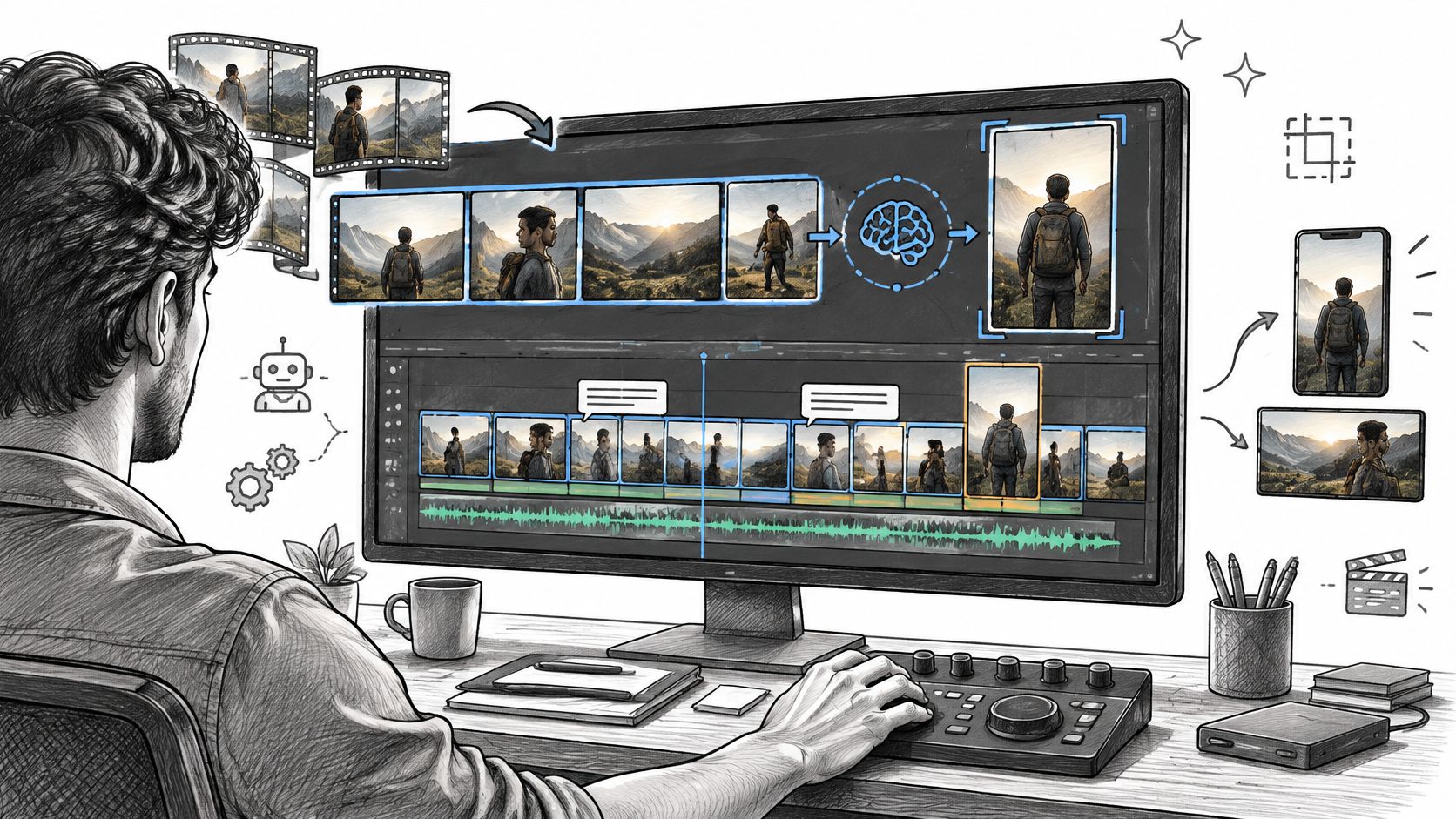
AI Video Editing Explained: Workflows, Tools and Limits
Learn what ai video editing does well, where it still needs human review, and how to build a reliable workflow from raw footage to export.
Read article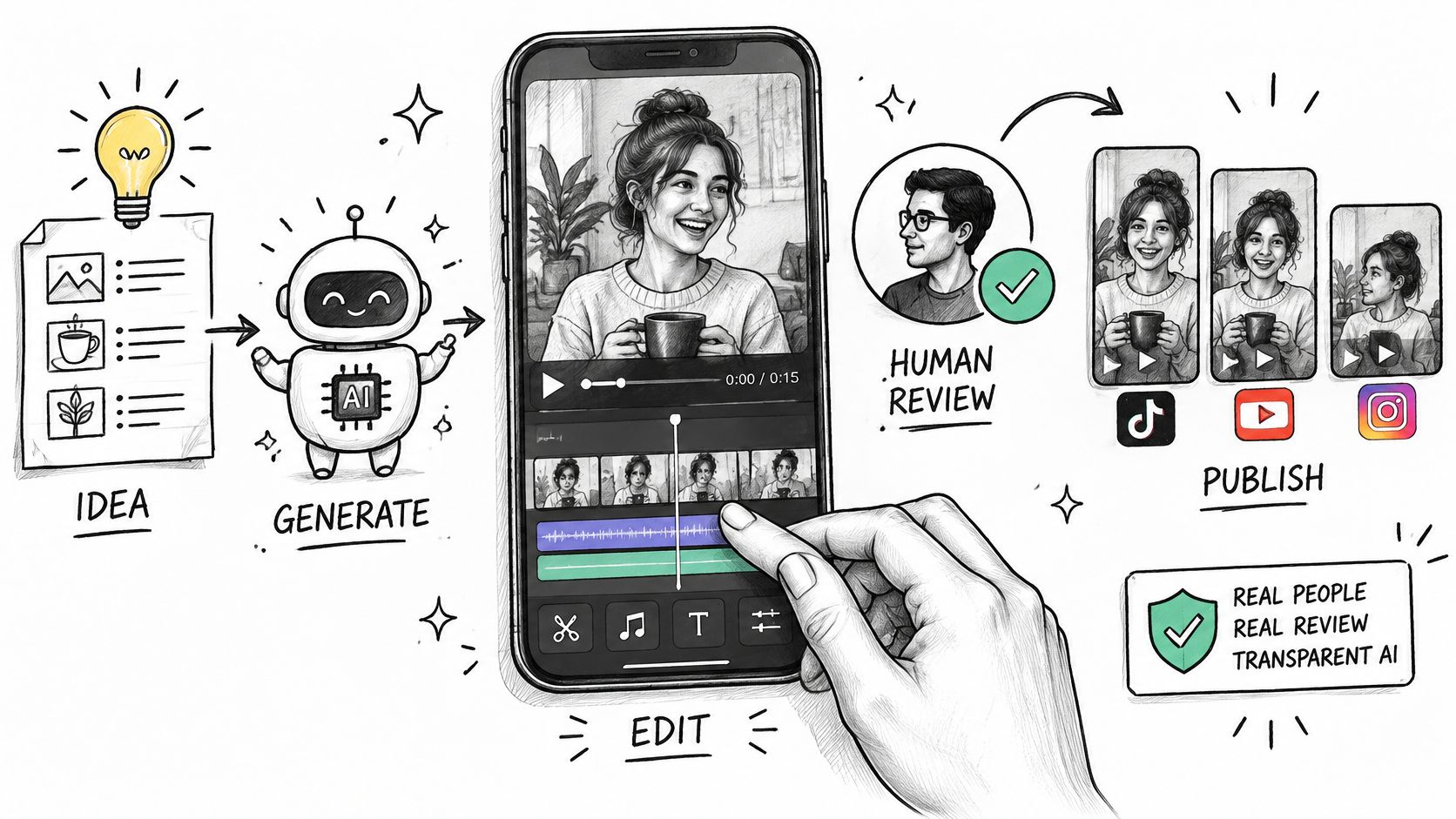
AI Video for Social Media: Formats, Workflow and Trust
Learn how to use AI video for social media on TikTok, Reels and Shorts, with platform specs, a build workflow and disclosure tips.
Read article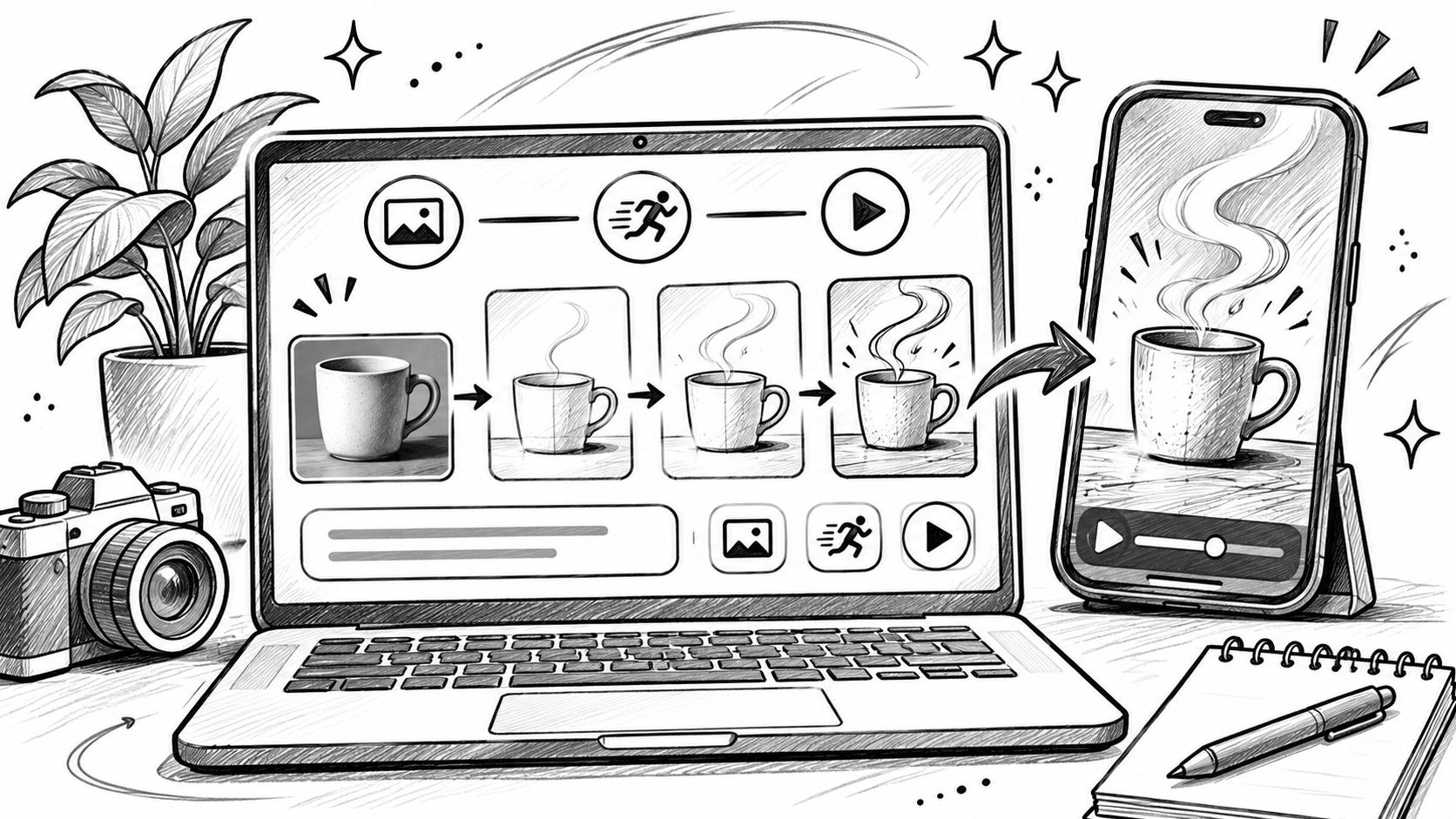
Online Video Generator Guide: How AI Video Tools Work
Learn how an online video generator turns prompts and images into video, which features matter, and how to use one for social and marketing clips.
Read article