
10 Generative AI Examples Transforming Content in 2026
Explore 10 innovative generative AI examples that are revolutionizing content creation in 2026. Discover how these powerful tools enhance creativity and
Veo3 AI · 21 min read · Jul 23, 2026

What if the main gap in generative AI coverage is not whether the tools can produce content, but whether teams can choose the right format for the task? That question matters because generative AI examples now cover video, images, short-form social content, training, personalization, repurposing, real estate, creator workflows, and brand storytelling, and adoption has clearly moved past early experimentation into regular use. Analysts at source summary reported more than 900 million weekly active users for ChatGPT by 2026, and one independent roundup estimated 115 million to 180 million daily users across generative AI tools in early 2025, while U.S. experimentation had reached nearly 40% of adults aged 18 to 64. The market backdrop is also strong, with Statista-based estimates placing the global generative AI market at $44.89 billion in 2025, up from $29 billion in 2022, and other estimates projecting $66.62 billion by the end of 2025 market overview.
That scale changes how marketers, educators, creators, and operators should evaluate content. The question is no longer whether AI can generate something polished. It is whether the output matches the workflow, survives review, and supports the business goal without creating extra editing work.
The strongest generative AI examples also show that format choice is strategic. Text-to-video is useful for fast concepting, image-to-video helps static visuals gain motion, short-form generation fits platform-first distribution, and product, training, and ad use cases each demand different prompt structure and quality checks. In practice, teams that write prompts with clear scene details, brand constraints, and distribution goals get better drafts and faster review cycles, especially when they test a narrow version first before expanding into a full campaign. For marketers looking at Veo3 AI prompts, the practical reference point is AI video generation from text, which shows how text prompts can be shaped into a usable video workflow.
A second pattern matters as well. The most effective teams do not treat generative video as a single tool category. They map each use case to the output format that reduces production friction, whether that means a concept reel, a product walkthrough, an ad variant, or a repurposed clip for multiple channels, and they keep an eye on execution quality through examples like Heygen brand sponsorships that show how AI video tools are being used in real brand workflows.
1. Text to Video Generation
Text to video is the clearest example of how generative AI is changing production. A team can describe a scene in natural language and get a rendered sequence without booking a studio, hiring actors, or coordinating a shoot. For marketers, that means product demos, launch teasers, and concept spots can move from brief to draft much faster than with a traditional video pipeline, especially when the creative is still being tested.
A strong workflow starts with specificity. Instead of asking for a generic promo, write prompts that include subject, setting, motion, lighting, camera movement, and mood, then iterate on the best-performing version. For Veo3 AI prompts for marketers, the practical move is to treat the prompt like a shot list, not a slogan, and test shorter clips first so you can see where the model keeps continuity and where it drifts. Veo3 AI's text-to-video workflow is introduced in its own guide on AI video generation from text, which fits this use case directly.
Practical rule: start with 15 to 30 second concepts, then expand only after the visual language is stable.
That approach matters because text-to-video is often best for prototyping, not final delivery. A social team can draft multiple versions of the same concept, a retailer can test different product angles, and an educator can turn a lesson outline into a visual explanation. The value is not just speed. It is the chance to compare more directions before committing time to polished post-production, and to separate ideas that read well in a brief from ideas that are effective on screen.
A useful prompt pattern combines a concrete subject with a style reference. A marketer might ask for a “cinematic product reveal with slow dolly movement, cool lighting, and clean studio reflections,” then compare that against a more vibrant or editorial variant. The output improves when the prompt gives the model a visual job, not just a topic. Teams that want to compare how this fits into creator and brand workflows can also look at Heygen brand sponsorships, which offer a practical view of how AI video tools show up in real campaigns.
2. Image to Video Animation
Static images become more useful when the motion extends the story already inside the frame. Image to video animation works well for product photos, property shots, event imagery, and branded visuals because it preserves the original composition while adding movement that feels natural enough for feeds and landing pages. For teams with a large library of still assets, this is a fast way to turn existing content into something more scroll-stopping.
The best results usually come from images with clear depth, strong lighting, and a distinct foreground-background relationship. A flat image can still animate, but a well-composed source gives the model more to work with. That's why real estate, e-commerce, and event marketers get so much value from this format. A product shot can become a subtle pan with reflective highlights, while a venue photo can become a teaser clip with camera drift and ambient motion.
One practical way to use this format is to build sequences from multiple animated stills rather than forcing a single image to do everything. That gives you more control over pacing and reduces the risk of awkward transitions. It also works well as an intro or outro layer in larger edits, where the goal is continuity rather than spectacle.
Veo3 AI's photo-to-motion workflow is documented in its guide on creating animation from photo, which is a natural fit for teams trying to stretch existing visuals. The key tactical move is to think in terms of motion intensity. Light movement can make a product feel premium and polished. Heavier motion can help a teaser feel more dramatic, but it also raises the risk of visual inconsistency.
3. AI-Powered Social Media Short-Form Content Creation
Short-form content rewards speed, repetition, and hook quality, which is exactly why generative AI fits the format so well. TikTok, Instagram Reels, and YouTube Shorts all demand frequent publishing, platform-specific pacing, and fast creative testing. AI helps creators and brands generate multiple versions of the same idea so they can see which opening line, visual pattern, or caption structure earns attention.
The smartest use case is not “make a video.” It's “make five versions of the same message with different hooks.” That approach helps creators test what grabs attention in the first few seconds, which is where short-form performance often lives or dies. A fashion creator might turn one outfit concept into several cuts, while a brand account might repurpose one product angle into multiple platform-native edits.
Veo3 AI's social workflow is covered in its guide on how to make social media videos, and that matches the practical reality here. The workflow usually works best when it starts with the platform, not the concept. A TikTok prompt should sound different from a YouTube Shorts prompt because pacing, framing, and viewer expectations are different.
- Lead with the hook: open with the strongest visual or message in the first moment, not the end of the story.
- Make variations on purpose: test different openings, not just small cosmetic changes.
- Keep branding visible: consistent color, typography, or voiceover helps the AI output feel like yours.
- Use analytics to narrow the prompt style: the winning structure should shape the next round of generation.
A useful rule is to keep one human element in the mix, even when the visuals are generated. A voiceover, a personal comment, or a recognizable on-camera style can keep the content from feeling generic. AI can scale the production load, but the creator still has to supply identity.
4. Product Demonstration and Marketing Videos
Product demo videos are one of the most commercially useful generative AI examples because they connect visuals to conversion intent. A Shopify merchant can turn product descriptions into launch assets, a SaaS team can mock up feature walkthroughs, and an Amazon seller can create more polished listing support without filming everything from scratch. The point is not to replace authenticity. It's to produce enough useful visual material to support the buying decision.
This format works best when teams blend real product images with generated lifestyle scenes. A close-up of a product can anchor trust, while an AI-generated environment can show context of use. That combination is especially useful when the product hasn't been photographed in every possible setting. It also makes it easier to build B-roll for testimonials, launch pages, and paid ads.

The prompt should specify angle, interaction, and lighting. A useful product brief names the item, the environment, and the feature to spotlight, then asks for both close detail shots and wider lifestyle framing. That gives the model more ways to reinforce a purchase argument without sounding repetitive.
Practical rule: use AI for the surrounding scene, then keep the actual product itself grounded in real imagery whenever trust matters.
That matters because product demos often sit closest to the buying decision. If the content is too stylized, it can weaken confidence. If it is too plain, it may fail to communicate the feature set. The best examples solve both problems at once.
5. Educational and Training Video Content
Education is one of the most overlooked generative AI examples because the conversation often stops at marketing. In practice, AI-generated visuals can turn abstract lessons into paced, accessible, repeatable training material. That matters for course creators, teachers, onboarding teams, and certification programs that need consistent explanations rather than one-off creative clips.
The strongest educational content starts with a script that breaks a concept into small, digestible pieces. A lesson on a scientific process, for example, becomes easier to follow when the model is asked to visualize each stage separately. The same logic applies to employee onboarding, language learning, and technical product training. Generative AI is especially useful when the topic is hard to film directly or would be too expensive to explain with traditional production.
A good workflow pairs generated visuals with expert review. That's important because the goal is not just to look polished. It's to avoid confusing or misleading explanations. Teams that build training content should ask a subject matter expert to review the generated sequence before it reaches learners, especially when accuracy affects compliance or assessment.
Clear visuals help, but the instructor's judgment still decides whether the lesson is actually usable.
Captions and narration also matter more here than in entertainment content. They support accessibility, help viewers absorb abstract ideas, and give the content a more stable learning structure. If a training library needs consistency across modules, the visual style should stay steady from one lesson to the next so learners don't have to reorient every time.
6. Personalized Marketing and Dynamic Ads
Personalized ads are where generative AI starts to behave like a creative versioning engine. Instead of producing one message for everyone, teams can create variants for different segments, buying stages, or pain points. That helps SaaS, e-commerce, financial services, and agency teams test which angle matches each audience rather than guessing with a single broad creative.
The advantage is not just more output. It's better alignment between message and segment. A B2B SaaS ad can highlight operational efficiency for one industry and compliance reassurance for another. An e-commerce brand can show the same product through different benefit frames, such as convenience, giftability, or performance. The ad still needs a human review loop, but AI makes the first drafts scalable.
Behind the scenes, this works best when the team builds a base prompt template and swaps in segment details. Demographic data, behavioral cues, and customer pain points all help the model shape the tone of the ad. The creative team should then test message, visual style, and call to action separately so they know what moved the response.
A strong campaign discipline keeps the prompt aligned with the brand voice. If the output sounds too different from the rest of the account, even a visually strong ad can underperform because the audience doesn't recognize the sender. That's why personalization should feel like adaptation, not reinvention.
This is also where analytics matter most. The winning segment-specific creative should feed the next generation of prompts. Over time, the workflow becomes less about producing more ads and more about learning which message architecture matches which audience.
7. Content Repurposing and Multi-Format Distribution
Repurposing is one of the most impactful generative AI examples because it extracts more value from content you already paid to create. A long-form article, webinar, podcast, or keynote can become clips, summaries, animated explainers, or social posts with far less manual editing than a full hand-built workflow. For teams under publishing pressure, that matters more than novelty.
The best use case starts with a source asset that already has clear takeaways. A webinar can become several standalone video clips if the transcript has strong sections, while a blog post can become a concise visual summary for social distribution. The prompt should focus on the core idea, not on forcing the model to rewrite the whole piece. That keeps the output aligned with the original message.
Here's the strategic benefit. Repurposing does more than save time. It creates platform-specific versions of the same idea, which gives each audience a better entry point. A podcast listener wants depth, while a LinkedIn viewer may only need a sharp clip and a strong opening line.
- Start from the transcript: that gives the model a factual anchor.
- Break the source into one-idea clips: smaller units are easier to place across platforms.
- Write a new hook for each format: the same point needs different packaging on TikTok, YouTube, and email.
- Track format performance separately: the highest-performing format should shape future repurposing decisions.
This is a good place to think like an editor rather than a creator. The goal is not to generate more noise. It's to turn one useful message into several useful assets without diluting the core point.
8. Real Estate and Virtual Property Showcases
Real estate is a natural fit for generative AI because properties already depend on visual storytelling. A listing video, a neighborhood walkthrough, or a renovation concept can be built from still photos and descriptive prompts when a full production shoot isn't practical. That gives agents, developers, and rental hosts a faster way to make properties feel visible and memorable.
The most useful outputs do more than show rooms. They show context. A buyer wants to understand how a space feels, how light moves through it, and how the home connects to the surrounding area. That means prompts should include lifestyle cues, daylight conditions, and clear selling features rather than just a room description. When the property includes renovation potential, AI can help visualize the transformation while still keeping the current listing honest.
A professional workflow usually combines still photography with animated walkthrough sequences. That lets the team use AI for movement and atmosphere while preserving real structure and layout. The result is especially useful for pre-sale listings, vacation rentals, and architectural concepts where the goal is to make an unfinished or static space feel easier to evaluate.

Practical rule: disclose when content includes AI-generated elements, especially when the visuals go beyond the original photos.
That disclosure protects trust, and trust is the whole point in property marketing. A polished clip can attract interest, but an accurate one gets the showing booked.
9. Influencer and Creator Content Studio Automation
For creators, generative AI becomes most valuable when it removes production bottlenecks without flattening personality. The goal is to keep your voice central while AI handles repetitive creation work like layout, scene generation, or variation building. That makes it easier to stay consistent across TikTok, Instagram, and YouTube Shorts without spending every day in editing software.
The strongest creator workflows treat AI as a studio assistant. A creator can batch-produce several posts in one session, then add the personal layer later through voiceover, commentary, or reaction. That keeps the content from blending into the generic AI stream that many feeds are already filling with. Viewers follow a person, not just a rendering style.
A useful operational habit is to build recurring content series. If followers know what to expect from a weekly format, the AI can help scale that structure without changing the identity of the channel. That's also where prompt reuse helps. A creator can refine the same structure over time, using past performance to decide which frame, tone, or opening line to repeat.
- Keep the creator identity visible: the audience should still feel the human point of view.
- Batch production monthly when possible: that reduces last-minute posting pressure.
- Use AI for support, not replacement: the system should speed delivery, not erase style.
- Be transparent with the audience: people respond better when they know how the content is made.
This category works best for niche creators who need consistency more than novelty. A key benefit is staying present without sacrificing the character that attracted the audience in the first place.
10. Brand Storytelling and Narrative Video Content
Brand storytelling is where generative AI moves from utility into emotional framing. Companies use narrative video to show origin, mission, culture, sustainability work, and customer transformation. The content can feel cinematic, but it still needs to be anchored in real facts, real people, and actual business behavior or it will lose credibility quickly.
The strongest brand stories use AI to extend authentic material, not replace it. A founder video can combine interview soundbites with generated scenes that visualize the early journey. An employee culture video can mix real office footage with stylized narrative transitions. A nonprofit can use the format to make its mission more visible while keeping the actual impact grounded in real outcomes.
The research on trust, bias, and evaluation holds significant importance. Coverage from sources focused on underserved communities and bias reduction stresses that AI outputs need auditing, diversity, and community input to reduce exclusion and misleading framing equity and bias guidance. That matters for brand stories because polished visuals can hide weak assumptions. If the representation is off, the story can feel hollow even when the production quality is high.
Another useful constraint is localization. UNICEF's work on access and inclusion points out that performance remains strongest in high-resource languages and contexts, even as speech and multimodal systems keep advancing UNICEF on access and inclusion. For brand storytelling, that means the same narrative may need different language, voice, or visual framing for different markets.
The best brand examples use generated scenes to support a real message. They do not try to fake proof. They make the company easier to understand, not harder to verify.
Top 10 Generative AI Video Use Cases, Side-by-Side Comparison
| Title | Implementation Complexity 🔄 | Resource Requirements ⚡ | Expected Outcomes ⭐📊 | Ideal Use Cases | Key Advantages 💡 |
|---|---|---|---|---|---|
| Text-to-Video Generation | High, advanced models and prompt engineering | High compute; no physical shoot; detailed prompts | ⭐⭐⭐⭐, rapid, cinematic prototypes; variable frame-level control | Marketing demos, short films, rapid prototyping | Democratizes production; fast scale from idea to video |
| Image-to-Video Animation | Medium, motion inference and compositing | Medium compute; high-quality source images | ⭐⭐⭐, engaging animations that depend on input quality | Repurposing product photos, social posts, real estate photos | Brings existing assets to life; preserves brand visuals |
| AI-Powered Short-Form Content | Medium, templates + trend integration | Low–Medium; short assets, trend data, music rights | ⭐⭐⭐⭐, high output velocity; platform-optimized results | TikTok/Reels/Shorts scaling, A/B testing concepts | Fast batch production; optimized for engagement |
| Product Demonstration & Marketing Videos | Medium–High, accurate depiction and scenarios | Medium; product specs/images and directed prompts | ⭐⭐⭐, scalable demos; authenticity may vary | E‑commerce listings, prototype showcases, unboxings | Produce multi-angle demos without studio shoots |
| Educational & Training Video Content | Medium, content accuracy and pacing design | Low–Medium; scripts, SME review, captions | ⭐⭐⭐⭐, effective learning aids; needs vetting for accuracy | Online courses, corporate training, K‑12 supplements | Rapid curriculum production; accessible formats |
| Personalized Marketing & Dynamic Ads | High, personalization logic + data pipelines | High; audience data, templates, real-time rendering | ⭐⭐⭐⭐, improved relevance and conversions; privacy tradeoffs | Targeted ad campaigns, recommendations, retargeting | Scale individualized creatives; automate A/B testing |
| Content Repurposing & Multi-Format Distribution | Medium, conversion rules and summarization | Low–Medium; source content, transcripts, batch tools | ⭐⭐⭐, multiplies reach; quality varies by format | Podcasts→clips, blogs→explainer videos, webinars→snippets | Maximizes ROI on single assets across platforms |
| Real Estate & Virtual Property Showcases | Medium–High, spatial coherence and realism | Medium; photos/floorplans, contextual prompts | ⭐⭐⭐, compelling virtual tours; accuracy risks exist | Property listings, virtual walkthroughs, staging previews | Faster listings and 24/7 showcases; visualization of renovations |
| Influencer & Creator Content Studio Automation | Medium, template pipelines and scheduling | Low–Medium; style guides, asset libraries, calendar tools | ⭐⭐⭐⭐, consistent, high-volume output; authenticity risk | Influencers batching content, multi-platform creators | Reduces burnout; maintains consistent publishing cadence |
| Brand Storytelling & Narrative Content | High, narrative design and authenticity needs | Medium; brand assets, testimonials, creative direction | ⭐⭐⭐, emotionally resonant when authentic; can feel formulaic | Founder stories, culture pieces, mission-driven campaigns | Scales storytelling affordably; aligns brand messaging |
Turning Insights into Action
The clearest pattern across these generative AI examples is that the strongest output rarely comes from the model alone. It comes from the workflow around it. Teams that define the use case tightly, keep humans in the loop, and test multiple prompt variants usually get more useful results than teams chasing a single perfect prompt. That matches enterprise case study patterns that point to hybrid human-AI workflows, data quality, governance, and phased rollouts as the main sources of value enterprise case study patterns.
The next step is to match the format to the job. If you need fast concepting, text-to-video and image-to-video are strong starting points. If you need distribution volume, short-form social and repurposing workflows make more sense. If the goal is trust, education, or conversion, product demos, training content, and narrative brand video need stronger review and tighter factual control. The most effective teams do not ask whether AI can make content. They ask whether the content will help a buyer, learner, or viewer do something specific.
The market context supports that shift. Generative AI is no longer a niche experiment. It sits inside a fast-growing category with mass-market adoption and broad commercial pull consumer adoption overview market growth overview. That makes experimentation worthwhile, but it also raises the cost of sloppy execution. A polished output that misses the brief still wastes time.
For marketing teams, the most practical starting point is one narrow workflow and one measurable output. If you are building with Veo3 AI, use its text-to-video and image-to-video options to prototype concepts, then refine the prompts based on what holds up visually. Marketers should also keep the prompt format tied to the use case, for example, scene-by-scene product demos, localized ad variations, or short-form social cuts that can be reviewed quickly. That is where the guide for marketers on AI growth becomes useful, because it connects content creation choices to performance goals. The quickest wins usually come from the formats that already fit your team's strengths, then from the prompts that make those formats repeatable.
A useful way to apply this is to treat each format as a separate operating model. Text-to-video works best for early ideation and narrative testing. Image-to-video is stronger when the source asset already carries the visual direction. Social clips, product demos, and training videos depend more on editing discipline, fact checks, and clear approval steps. Once teams separate those requirements, they can see where generative AI saves time, where it creates new review overhead, and where it should stay in a support role rather than a lead role.
Related Articles
Continue with more blog posts in the same locale.

MiniMax H3 Max vs Turbo: Which Model Should You Pick
MiniMax H3 Max vs Turbo compared on speed, quality, and cost. See real benchmark numbers and a clear recommendation for video creators.
Read article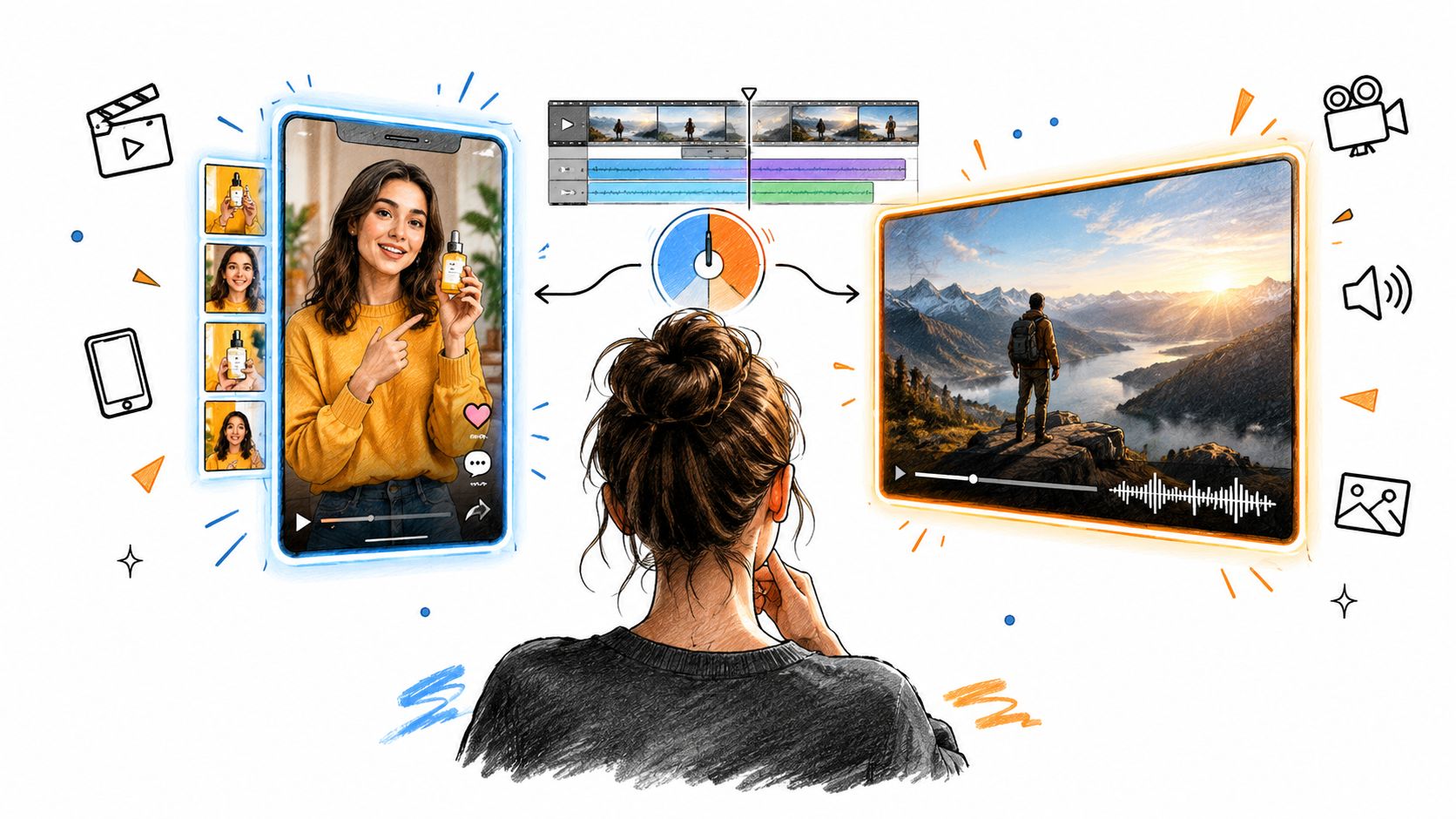
MiniMax H3 vs Veo 3.1: Which AI Video Model Wins in 2026?
MiniMax H3 vs Veo 3.1 compared on quality, speed, price, and use cases. See which AI video generator actually fits your workflow before you spend a credit.
Read article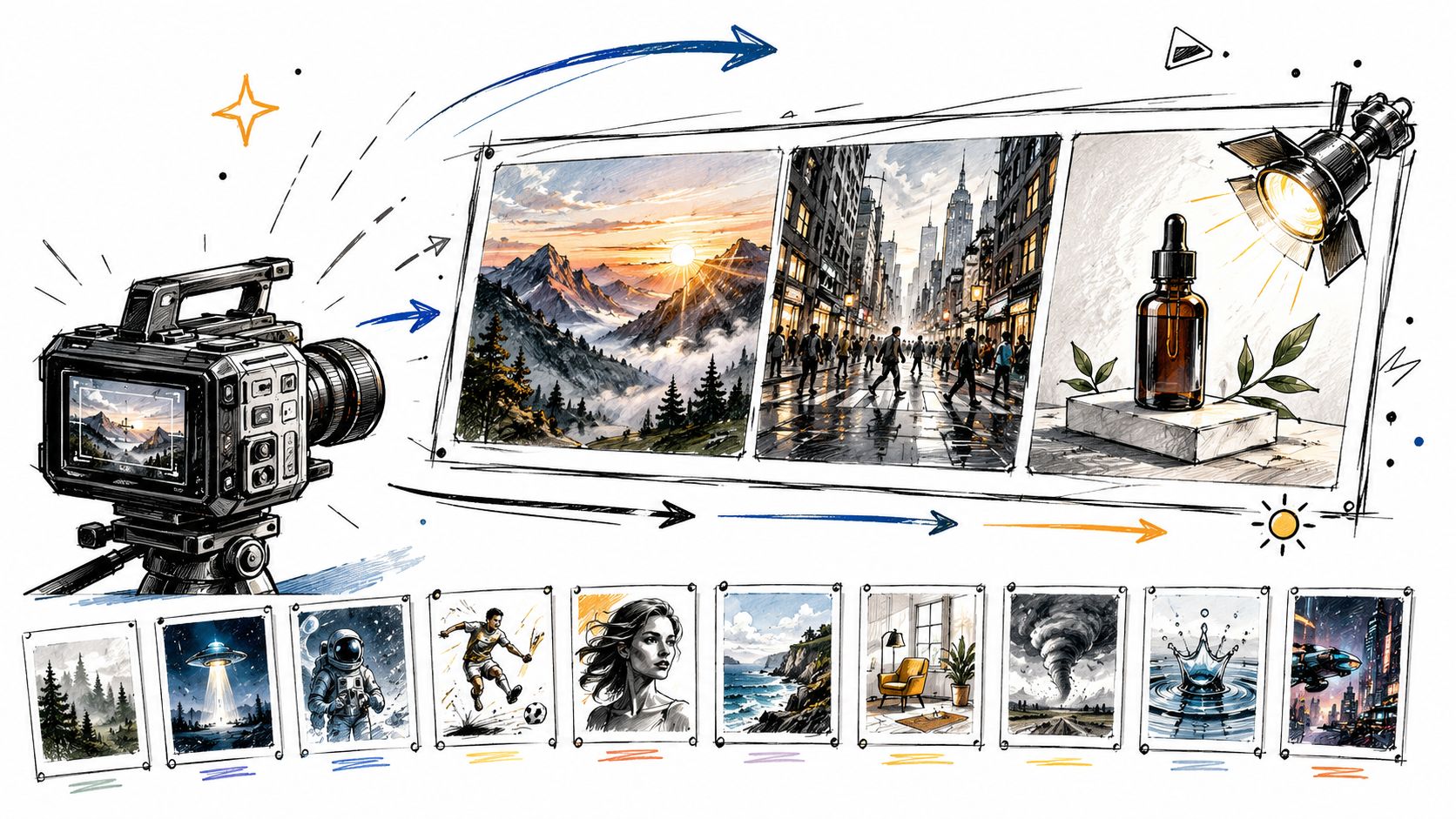
10 Video Prompt Ideas for Cinematic AI Videos
Explore 10 practical video prompt ideas for Veo 3 AI, with templates, examples, and tested tips for cinematic results.
Read article