
How to Make Short Videos on YouTube That Actually Get Views
Learn how to make short videos on YouTube with AI workflows, editing tips, and SEO tactics that drive real reach in 2026.
Veo3 AI · 14 min read · Aug 6, 2026

Short videos on YouTube now dominate viewing, with 77% of global YouTube views in 2025 coming from clips under one minute, up from 70% in 2024 and 66% in 2023. If you're trying to keep up, the core task isn't posting more, it's building a fast production loop that turns one idea into a week of Shorts without wrecking retention.
Monday morning usually looks the same. The Shorts queue is empty, the long-form backlog is messy, and you know the platform keeps rewarding the clips that win attention in the first few seconds. That pressure is real, because the heaviest viewing on the platform has shifted into very short clips, and the first half-minute is where most of the creative battle happens.
Why Short Videos on YouTube Now Dominate the Feed
The feeling is familiar. You open YouTube to upload one more Short, and the app serves you a wall of vertical clips before you've even scrolled twice. That isn't just a design quirk, it matches the viewing pattern now shaping the platform.
Tubular Labs reported that 77% of global YouTube views in 2025 came from videos under one minute, compared with 70% in 2024 and 66% in 2023. The same dataset shows sub-1-minute views rising from 24.5 trillion in 2023 to 41.5 trillion in 2025, with 27 trillion of those 2025 views sitting in clips between 1 and 30 seconds (Tubular Labs data summarized by TVRev).
That matters because it changes how you should think about every upload. Short-form is no longer a side format on YouTube, it's the default attention window. If you're making educational clips, product demos, or quick reactions, you're competing inside a very tight window where the viewer decides almost immediately whether to stay or swipe.
What that means for your creative process
The old habit was to treat Shorts like a clipped-down version of a longer video. That approach wastes the opportunity. A better workflow starts with the fact that the viewer may only give you a handful of seconds, so the idea, the pacing, and even the export settings need to serve that narrow window.
Practical rule: if the opening doesn't make sense without context, it's probably too slow for Shorts.

For a broader publishing strategy around this format, Veo3 AI's short-form video marketing guide fits nicely beside the platform data. The key takeaway is simple. If you want reach on YouTube now, you need enough strong Shorts to keep testing ideas against a feed that already prefers brevity.
Planning a Week of Shorts From a Single Idea
The easiest way to burn out on Shorts is to treat every post like a fresh invention. A better pattern is to start with one core idea, then slice it into a few angles that serve different viewer intents. That gives you variety without forcing you to brainstorm from zero every day.
Turn one idea into three publishable clips
A useful way to think about it is the 1-to-3 asset rule. One idea should usually produce at least three usable Shorts, even if they're not identical in format. For an educational topic, the cleanest structure is Hook-Demo-Payoff, where the hook states the problem, the demo shows the method, and the payoff gives the result or next step.
For a product showcase, Quick Comparison works better. Show the item, contrast it against the obvious alternative, then close with one practical outcome. A local bakery launching a new pastry could turn that into a teaser clip, a close-up bake demo, and a behind-the-scenes shot of the finishing process. Same idea, different angles, different reasons to watch.
For attention-heavy content, POV or Before-After usually lands fastest in the first five seconds. That format works because the viewer understands the transformation immediately, which reduces the amount of explanation needed up front.
A planning pass should cover goal, audience, format, hook, and CTA before filming starts. If those five pieces are decided on the day you shoot, you'll waste time making small creative decisions that should already be locked.
A good batch is built on decisions you don't have to remake later.
The most useful habit is to script the week, not the individual post. If one idea can support three angles, then the calendar becomes a production tool instead of a source of pressure. For more idea structures, this Shorts ideas guide is a useful companion.

<iframe width="100%" style="aspect-ratio: 16 / 9;" src="https://www.youtube.com/embed/7lgSN9YLzZA" frameborder="0" allow="autoplay; encrypted-media" allowfullscreen></iframe>
Generating Shorts With Veo3 AI Prompts and Image to Video
The fastest way to shrink production time is to separate idea generation from asset creation. Veo3 AI does that well because it lets you turn text prompts or static images into video clips, then export them in a 9:16 Shorts format for vertical publishing. For solo creators, that means you can prototype visuals without opening a traditional editing stack first.
Start with a short script, not a vague mood. If you're making a product teaser, the prompt should describe the subject, the camera movement, the setting, and the tone. A strong prompt might read like this, “Vertical product close-up, slow push-in, clean studio light, hands placing a ceramic mug on a wooden table, crisp shadows, minimal background, premium lifestyle look.” The point isn't to sound cinematic, it's to remove ambiguity from the render.
Text to video and image to video
Text-to-video works best when the whole shot is artificial by design. Use it for abstract explainer openings, stylized b-roll, or scenes you'd otherwise need to storyboard from scratch. Image-to-video is better when you already have a usable asset, such as a product photo, a sketch, a frame from a longer video, or a still of a person speaking to camera.
If you're moving from still assets, prompt the motion clearly. A product shot can become a subtle pan with a rack focus, while a sketch can become a reveal animation that feels intentional instead of random. Veo3 AI's workflow for short-form YouTube content is outlined in its YouTube Shorts guide for 2026, and the platform also supports direct generation for Shorts-sized vertical video.
Use the resolution and export settings that preserve clarity without making the file harder to manage. For Shorts, the goal is a clean vertical master that can survive captions, cuts, and platform compression. If the frame is cluttered before you even add text, the final clip will feel cheap.
A related shortcut is useful if your Short uses music or performance-style visuals. DissTrack AI's music video guide is a practical reference for creators who want to build around audio-driven visuals without hand-editing every scene.
AI output is raw footage, not a finished Short. Human intent still decides what the viewer understands in the first second.
The simplest way to judge the time savings is to compare it with a traditional edit. A standard clip may require sourcing visuals, trimming, syncing, and styling one by one. With AI generation, you can draft the visual layer quickly, then spend your time on the parts that affect retention, the hook, the pacing, and the text hierarchy. That's where Veo3 AI earns its place in a weekly workflow, because it removes the slowest part of getting from concept to publishable clip.

Editing Shorts for the First Five Seconds and the 30 Second Mark
AI generation gets you a usable clip, but the edit decides whether people stay. The best desktop pass is usually short and ruthless. Trim the opening so the Short starts on motion or a clear visual promise, then layer the hook on top instead of letting it wander in late.
The first three seconds carry the most weight. If the viewer doesn't understand what's happening, why it matters, or what they'll get by staying, the swipe happens fast. That's why captions and on-screen text need to do more than restate the audio, they have to make the clip readable when sound is off and keep the pace moving even if someone is half-watching.
Keep the structure tight
A clean finishing pass usually follows three moves.
- Cold open first: cut any lead-in frames, logos, or slow reveals that delay the point.
- Caption for silent playback: keep the text large, brief, and aligned with the action on screen.
- End before the energy drops: the last ten seconds should feel complete, not padded.
The 30-second mark is a useful target for many Short campaigns because it gives enough room to deliver one clear idea without dragging the viewer through unnecessary beats. If the clip is longer than that, every extra second has to justify itself with either information or motion.
YouTube's newer Shorts player features also make brevity matter even more. When viewers can move quickly through content, they notice pacing problems faster, which means your edit has to earn every beat. A clean vertical export helps, but the bigger win is removing anything that delays the payoff.
If the opening frame is weak, the rest of the edit is already working uphill.
I've found the most reliable desktop workflow is simple: generate the clip, cut it down immediately, add one caption style, and export without layering on extra effects. The more complicated the edit becomes, the easier it is to hide a weak idea instead of fixing it.
Reading Shorts Analytics Without Misleading Yourself
Views are the loudest number on Shorts, but they do not tell you whether the clip held attention. A better habit is to open YouTube Studio, go to Analytics → Content → Shorts, and check How many chose to view, Average Percentage Viewed, and traffic from the Shorts feed (YouTube Help on Shorts analytics).
How many chose to view is the cleanest hook signal because it compares viewers who stayed with viewers who swiped away. A 70%+ viewed vs. swiped ratio usually means the opening is doing its job, while APV below 50% often points to a hook problem or pacing that loses people too early. Treat those as review thresholds, not bragging rights, and use them soon after upload, while the clip is still fresh.
What to check first
A useful Shorts review habit has two passes.
- At 24 hours: check whether the opening gets chosen.
- Over 7 to 30 days: look for repeat patterns across similar clips instead of reacting to one spike.
APV matters because Shorts can loop, so a very short clip may show APV above 100%. That makes it more sensitive than average view duration for replay behavior and creative efficiency. Channel-level analytics can blur the signal, because Shorts do not behave like long-form videos.
The broader benchmark picture from 2026 industry data is straightforward. Shorts under 15 seconds typically land at 60% to 75% average view duration, with above 75% considered strong and above 85% exceptional. Shorts between 15 and 30 seconds usually sit at 50% to 65% average view duration (Retensis 2026 Shorts statistics). Completion rates also vary by length, so judge each clip against the right band instead of against a random channel average.
| Short Length | Average View Duration | Completion Rate | Engagement Rate |
|---|---|---|---|
| Under 15 seconds | 60% to 75% | 30% to 40% | 2% to 5% |
| 15 to 30 seconds | 50% to 65% | 30% to 40% | 2% to 5% |
| 30 to 60 seconds | not specified in the verified data | 20% to 30% | 2% to 5% |
Titles, Thumbnails, Hashtags and CTAs for Shorts SEO
A Short can still stall if the metadata does not support the swipe. Lead the title with the searchable phrase, not a stack of filler, because viewers still scan the text before they commit. That matters even more in a crowded feed, where the clip has to match the promise in the first glance.
Hashtags work better as a small ladder than as a dump of keywords. Use one broad tag, one niche tag, and one branded tag when it fits the channel. That keeps the Short discoverable without turning the description into noise.
Make the frame do some of the work
Shorts are often watched in low-attention moments, so the first frame still matters. A close-up face, a clear object, or a readable text overlay gives the viewer a reason to stop, even if autoplay is already moving. If the opening frame is vague, the clip has to do more work to earn the same attention.
CTAs should stay short and specific. Ask for the next action the viewer is likely to take, such as subscribing for a series, watching the follow-up clip, or checking the pinned comment for the next step. A long CTA usually slows the Short down instead of helping it.
You are optimizing for plays and replays, but quality shows up in retention and completion, not raw view counts.

Because YouTube counts a Shorts view each time the clip plays or replays, the title and frame need to support a clip that can be seen more than once without losing meaning. That is also why on-screen text should reinforce the title rather than compete with it. When the metadata and the video point in the same direction, the swipe feels earned instead of accidental.
Retention benchmarks help you judge whether the packaging is doing its job. Shorts under 15 seconds often hold better than longer clips, while Shorts in the 15 to 30 seconds range usually need tighter pacing to keep viewers through the middle. That makes the title, first frame, hashtags, and CTA part of the same job, they set the expectation before the opening line even lands.
A Repeatable Weekly Shorts Production Cadence
A Shorts workflow gets easier when the week has a fixed shape. Monday is for picking one idea and slicing it into the formats that fit your channel. Tuesday and Wednesday are for generation and edits, which is where the AI layer saves the most time. Thursday is for upload, metadata, captions, and hashtag choices. Friday and the weekend are for reading the first analytics pass and deciding what to batch next.
That cadence works because it removes the daily question of what to do next. The creative decision happens once, then the rest of the week becomes execution. For a solo creator, that's usually the difference between posting consistently and stalling out after a few good uploads.
A simple notebook version looks like this.
- Monday: choose one core idea, then map two or three angles.
- Tuesday: generate vertical assets and rough drafts.
- Wednesday: trim, caption, and tighten the strongest versions.
- Thursday: upload with title, thumbnail frame, hashtags, and CTA.
- Friday to Sunday: check the 24-hour metrics, then note what to change in the next batch.
Veo3 AI fits this cadence because it reduces the slowest part of the process, the initial visual build. Once the clip exists, the rest of the week is about judgment, not dragging files around. That's the efficiency gain, you stop spending energy on setup and start spending it on decisions that affect performance.
A good weekly system doesn't try to make every Short perfect. It makes shipping repeatable.
If you're serious about making short videos on YouTube without losing half your week to editing, build the cadence first and then improve each step one by one. Keep the workflow light, keep the clips tight, and let the analytics tell you which ideas deserve another round.
If you want a faster way to turn one idea into a week of Shorts, Veo3 AI can generate vertical clips from text prompts or images, then help you move them into a publishable Shorts workflow. Use it to batch visual drafts, tighten your production cycle, and spend more time on the hooks and edits that hold viewers.
Related Articles
Continue with more blog posts in the same locale.
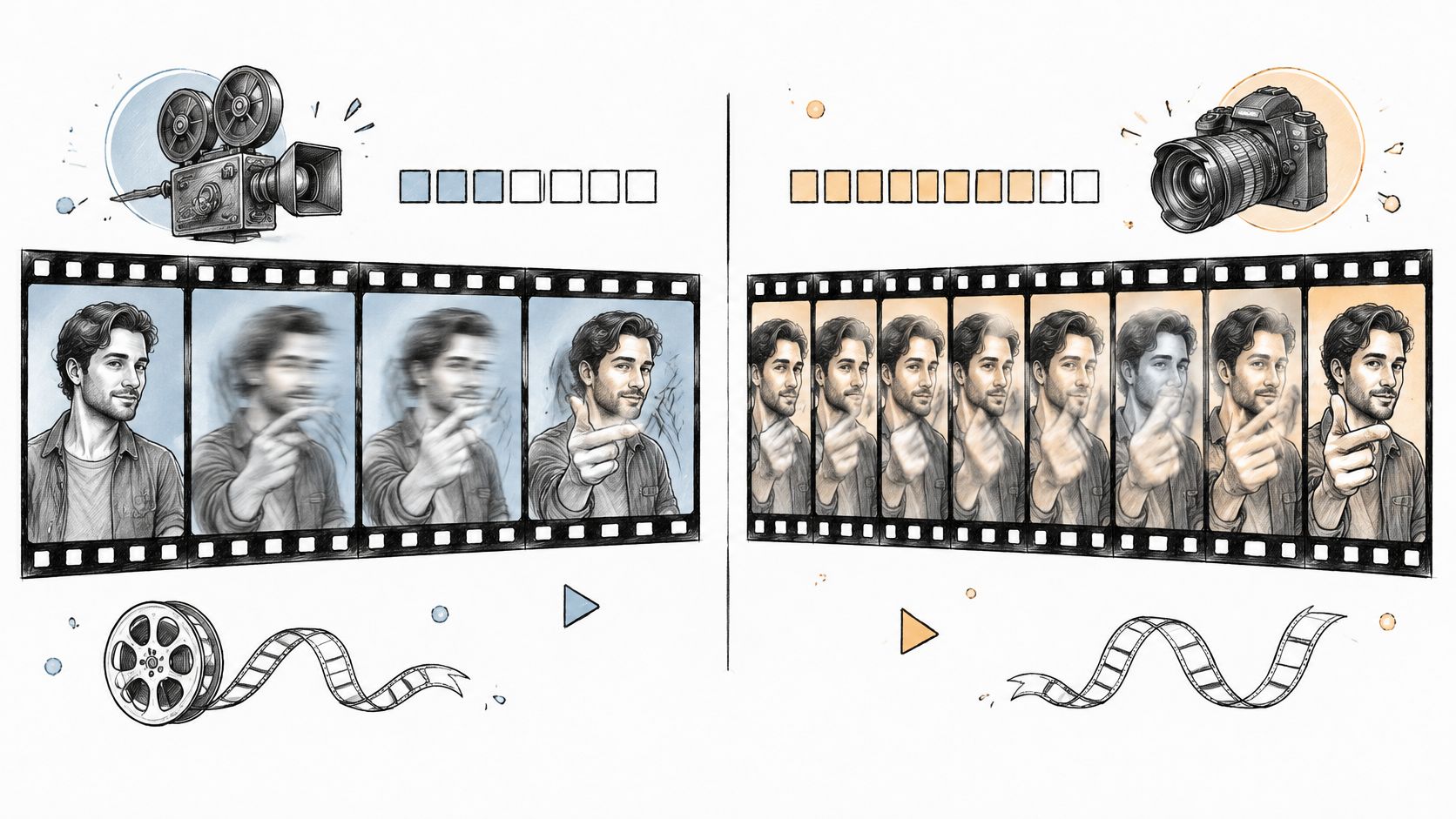
24 Frames Per Second vs 30: Which Frame Rate to Use
24 Frames Per Second vs 30 explained: motion blur, file size, platform delivery and which rate fits cinema, social video and AI-generated clips.
Read article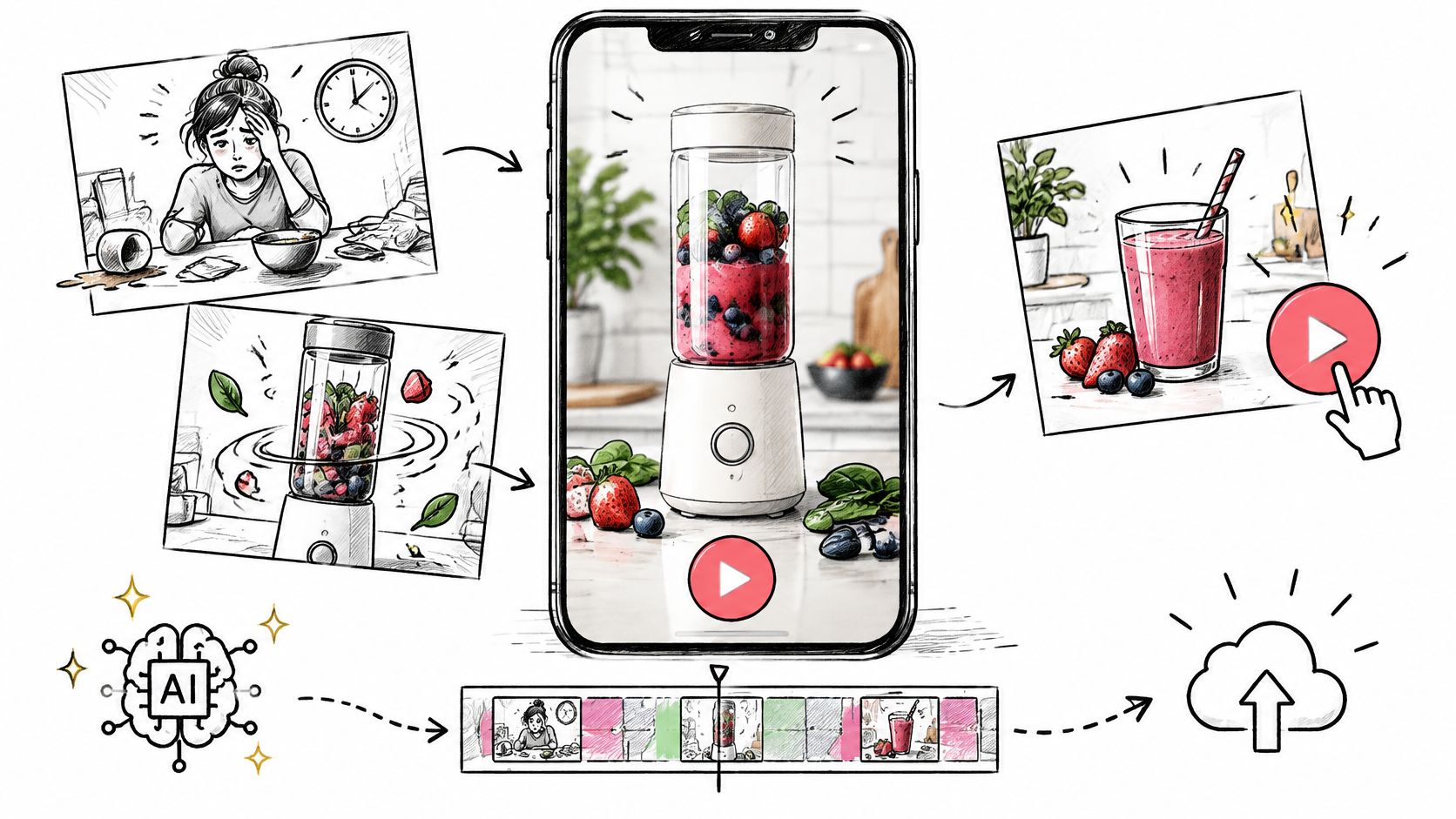
AI Video Ads Maker: From Brief to Publish
Plan AI video ads maker clips for TikTok, Reels, and Shorts: brief, prompt, 9:16 export, disclosure, and a one-variable test.
Read article
Filmic Color Grading for Camera and AI Video
Learn filmic color grading with log, Rec.709, LUTs, and secondaries, then apply the same look to AI-generated footage.
Read article