
How to Download Sora 2 Videos Without a Watermark (Free Methods 2026)
Free, honest guide to downloading Sora 2 videos and dealing with the Sora 2 watermark in 2026 — official export, watermark remover limits, safe methods, and how to generate clean clips instead.
Emma Chen · 15 min read · Jun 23, 2026

If you have generated a clip in Sora 2 and now want it on your timeline, your hard drive, or a client deck, two problems show up fast: getting a clean file off the platform, and dealing with the Sora 2 watermark stamped on the output. This guide covers both intents honestly. You will learn how a reliable Sora 2 video downloader workflow actually works, what a Sora 2 watermark remover can and cannot legitimately do, which free methods are safe, and where the shortcuts cross into territory that gets your account banned or your footage rejected.
We will be straight with you about the limits. Some "free Sora 2 video downloader without watermark" tools floating around in 2026 are either scams, malware, or services that quietly violate OpenAI's terms. The genuinely clean path — no watermark, full commercial rights, no sketchy extensions — is to generate the video watermark-free in the first place. We will cover that too, with Veo 3 as the example, but only after giving you the real download and watermark answers you came for.
Quick Answer: Can You Download Sora 2 Videos Without a Watermark?
Short version:
- Downloading your own Sora 2 video is easy and legitimate. Use the in-app download/export button. The file is yours to keep.
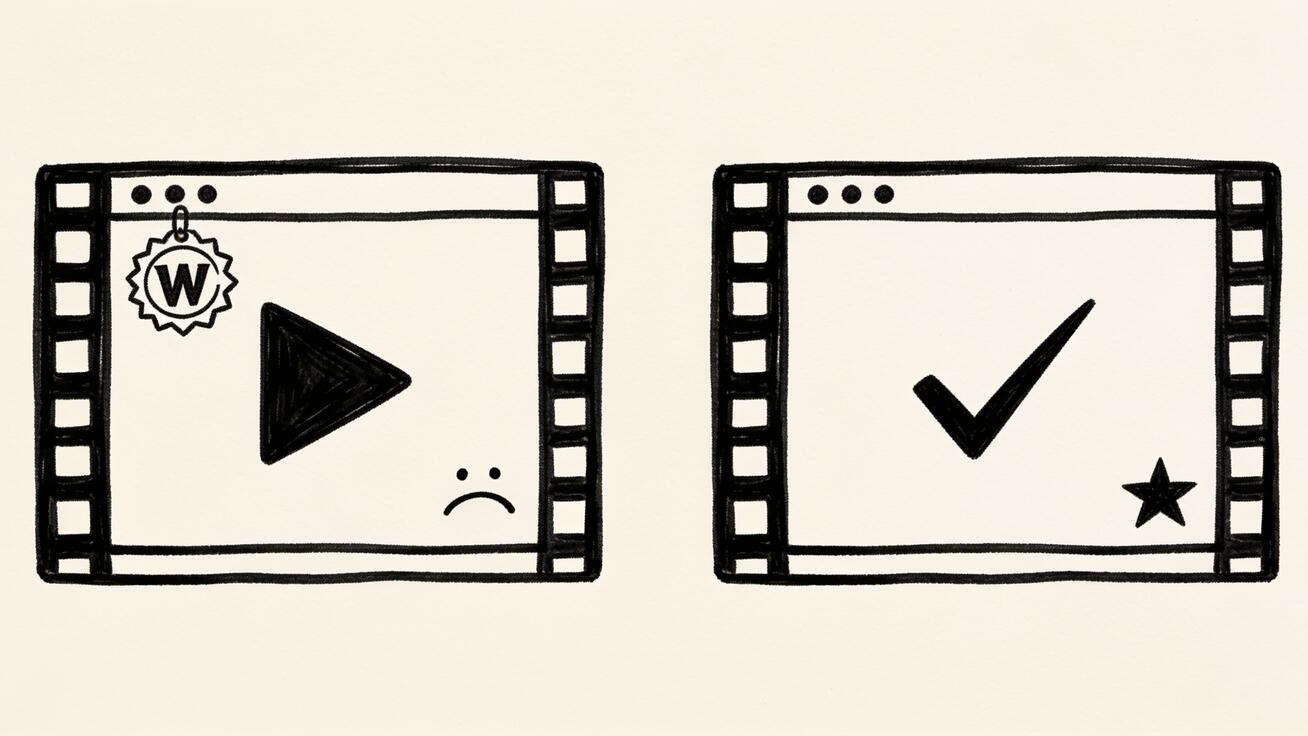
- The catch is the watermark. Sora 2 applies a visible moving watermark and an invisible C2PA provenance signature to outputs. The visible mark is what most people want gone.
- Removing the visible watermark is technically possible but legally and practically messy. Cropping, AI inpainting, and re-encoding can reduce or hide it, but quality drops, the invisible provenance metadata often remains, and it may violate OpenAI's terms depending on your plan and use.
- The clean, no-asterisk method is to generate the clip without a watermark to begin with using a tool that exports clean files on its paid (and sometimes free) tiers, such as Veo 3.
If your goal is professional, watermark-free footage you can publish or sell, skip the removal arms race and read the "Generate Clean Instead" section near the end. If you just need your own clip saved and lightly cleaned for personal use, keep reading top to bottom.
Part 1 — How to Download a Sora 2 Video (The Right Way)
Method 1: The Official In-App Download
This is the method you should try first, because it is free, safe, and gives you the highest-quality file.
- Open your generation in the Sora app or web interface.
- Locate the share/export controls on the clip (usually a download arrow or a "..." menu).
- Choose Download and pick the highest available resolution.
- The MP4 saves to your device. On mobile it lands in your camera roll; on desktop it goes to your downloads folder.
The exported file still carries the watermark on most consumer tiers — that is expected. What you get here is a clean container (no screen-recording artifacts, no compression from a third party), which matters a lot if you later try any cleanup.
Pros: free, fast, best quality, fully within terms. Cons: watermark remains on standard plans.

Method 2: Screen Recording (When the Download Button Is Missing)
Sometimes a clip is in a feed you cannot directly export, or you only need a portion. Screen recording is the universal fallback.
- iPhone/iPad: add Screen Recording to Control Center, play the clip full-screen, record, then trim in Photos.
- Android: use the built-in screen recorder in Quick Settings.
- macOS: Shift+Cmd+5, select the region, record.
- Windows: Xbox Game Bar (Win+G) or the Snipping Tool's record mode.
Record at the highest frame rate your device supports and play the video full-screen to capture maximum pixels. Screen recording does not remove the watermark — it captures whatever is on screen, watermark included. It is a download method, not a watermark method.
Pros: works anywhere, free, no extra tools. Cons: quality loss, captures the watermark, can pick up UI elements or notifications if you are not careful.
Method 3: "Sora 2 Downloader Extension" and Web Tools — Read This First
Search for sora 2 downloader extension or sora 2 video downloader without watermark and you will find browser extensions and websites promising one-click clean downloads. Be cautious:
- Many browser extensions request broad permissions ("read and change all your data on all websites"). That is a real privacy and security risk.
- Some "downloader" sites are ad-and-redirect farms or, worse, distribute malware.
- Tools that claim to strip the watermark server-side are doing exactly the legally gray re-processing covered in Part 2 — you are just outsourcing it to a stranger.
If you use any third-party downloader, treat it like any unknown software: check reviews from outside the tool's own site, never enter your OpenAI login into it, and scan downloaded files. For your own clips, the official download (Method 1) makes these tools unnecessary. We are not naming specific extensions here because the landscape changes weekly and we will not vouch for tools we cannot verify are safe.
Part 2 — The Sora 2 Watermark: What It Is and How Removal Actually Works
Why Sora 2 Watermarks Exist
OpenAI applies watermarks for provenance and authenticity — so viewers can tell AI-generated video apart from real footage. There are two layers:
- A visible animated watermark (a moving logo/badge), usually drifting around the frame so a single crop cannot reliably catch it.
- Invisible C2PA content credentials embedded in the file metadata, designed to survive light editing.
Understanding both layers matters: even if you make the visible mark disappear, the invisible provenance data can still identify the clip as Sora-generated. For honest use cases (you are not trying to pass AI video off as real), this is fine. For deceptive use cases, it is both detectable and against the rules — and we will not help with that.

Is Removing the Sora 2 Watermark Legal?
It depends, and you should not take this as legal advice:
- Your own content, personal use, watermark removal for a clean look: generally lower risk, but still potentially against OpenAI's usage terms depending on your plan.
- Removing provenance to deceive viewers or pass AI as real: against OpenAI's policies and potentially against emerging AI-transparency laws in several regions.
- Commercial publishing of de-watermarked Sora output: check your specific plan's commercial-use terms. Some tiers grant broad rights; some do not. Do not assume.
The honest takeaway: a Sora 2 watermark remover free tool might clean a frame, but it cannot grant you rights you do not have, and it cannot strip provenance you are legally required to keep in some contexts. When in doubt, generate clean instead (Part 3).
How Watermark Removal Is Actually Done (And Why It Disappoints)
If you have read this far, you want the technical reality. Here are the common approaches, weakest to strongest, with honest trade-offs.
1. Cropping / zooming. If the watermark sits near an edge, crop it out. Because Sora's visible mark moves, a static crop rarely catches every frame, and you lose resolution and composition. Works only for clips where the badge stays in a corner.
2. Re-encoding / compression tricks. Re-exporting through an editor does nothing to a visible watermark and may strip some metadata while leaving C2PA credentials intact. This is the false promise behind many "remover" sites.
3. AI inpainting / object removal. Tools like content-aware fill or AI video object removers attempt to reconstruct the pixels under the watermark frame by frame. On a moving, semi-transparent badge over complex motion, results range from "passable on a static background" to "smeared ghosting that looks worse than the watermark." This is the most capable method and still imperfect.
4. Generative replacement. The highest-effort approach: mask the watermark region and let an AI video model regenerate that area. Slow, compute-heavy, and quality is unpredictable.
The pattern is consistent: the more thoroughly you remove the mark, the more you damage the footage or spend on tools — and you still may not clear the invisible provenance layer.
A Realistic Free Watermark-Reduction Workflow
If you accept the limits and just need your own clip cleaner for personal use, here is an honest free-ish workflow:
- Download the clean MP4 via the official export (Part 1, Method 1).
- Open a free editor (DaVinci Resolve free, CapCut, or Shotcut).
- Try a crop first — if the badge mostly hugs one area, crop and accept the resolution loss.
- If cropping ruins the framing, use the editor's object-removal/inpainting feature on the watermark region. Free tiers are limited; expect to babysit problem frames.
- Export at high bitrate to avoid stacking compression artifacts.
- Review at full screen. If the cleanup looks worse than the watermark, stop — a visibly mangled video hurts you more than a small badge.
This is real, it is free-ish, and it is honest about the ceiling. For anything you plan to publish, sell, or hand to a client, it is the wrong tool. That is what Part 3 is for.
Comparison: Sora 2 Download & Watermark Methods
| Method | Cost | Removes Watermark? | Quality | Risk | Best For |
|---|---|---|---|---|---|
| Official in-app download | Free | No | Best | None | Saving your own clip |
| Screen recording | Free | No | Medium | Low | Clips with no export button |
| Downloader extension/site | Free* | Sometimes claims to | Varies | High (privacy/malware) | Not recommended |
| Crop in free editor | Free | Partial | Lower (res loss) | Low | Corner watermarks |
| AI inpainting (free tier) | Free–$ | Mostly, imperfect | Variable | Low–Med | Static-background clips |
| Generative replacement | $$ | Best removal | Unpredictable | Med | High-effort single shots |
| Generate clean (Veo 3) | Free–$ | N/A — none added | Best | None | Publishing, commercial, clients |
The bottom row is the point. Every row above it is a workaround for a watermark that did not need to exist.
Part 3 — The Honest Best Method: Generate Watermark-Free Instead
Here is the thing nobody selling a "watermark remover" wants to say: the cleanest watermark removal is never adding one. If your real goal is publishable, commercial-safe, watermark-free AI video, you are better served by generating it on a platform that exports clean files.
Veo 3, Google's video model available through veo3ai.io, is a strong example. Instead of fighting Sora's watermark, you describe the shot and export a clean MP4 directly. The workflow looks like this:
- Open the generator at veo3ai.io and choose text-to-video or image-to-video.
- Write your prompt — describe subject, action, camera movement, lighting, and mood. Veo 3 handles native audio and realistic motion well.
- Generate 2–3 versions from the same prompt so you can pick the best take.
- Review for motion consistency, text accuracy, and subject stability.
- Export the clean file — no visible watermark to crop, inpaint, or apologize for.
Prompt Examples You Can Copy
Product shot:
A slow 180-degree orbit around a matte-black wireless speaker on a concrete pedestal, soft studio lighting, shallow depth of field, subtle dust particles in the air, 4K cinematic.
Social hook:
A barista pouring latte art in a sunlit cafe, close-up on the cup, steam rising, warm morning light, handheld camera with gentle sway, natural ambient sound.
Explainer b-roll:
A clean top-down view of hands arranging colorful sticky notes on a white desk, smooth time-lapse motion, bright even lighting, minimal aesthetic.
These export watermark-free, which means no cropping, no inpainting, and no terms-of-service gray area when you publish them.
When Veo 3 Beats the Sora Download-and-Clean Route
- You need footage for client work, ads, or anything commercial where a watermark or AI-provenance dispute is unacceptable.
- You want to publish to YouTube, TikTok, or Reels without a visible badge.
- You value your time — fighting a moving watermark frame by frame is slower than regenerating a clean shot.
- You want native audio baked in rather than added later.
For a broader look at clean-export options, see our guides to the best free AI video generators in 2026 and the best AI video generator apps in 2026. If your specific need is no-watermark output, our breakdown of AI video generators with no watermark and the Veo 3 no-watermark export options go deeper on which tiers export clean files.
Frequently Asked Questions
Can I download my own Sora 2 videos for free?
Yes. Use the official in-app download/export button to save the highest-quality MP4 of any clip you generated. That is free and within OpenAI's terms. The file will still carry the watermark on standard plans, but the download itself is legitimate and the best-quality source for any later editing.
Is there a truly free Sora 2 video downloader without watermark?
Not in the clean sense. "Free Sora 2 video downloader without watermark" tools either (a) just download the watermarked file, (b) attempt imperfect AI removal you could do yourself, or (c) are unsafe. The genuinely free, no-watermark path is to generate the clip on a platform that does not add a watermark, then download it normally.
Does a Sora 2 watermark remover actually work?
Partially. A Sora 2 watermark remover using AI inpainting can reduce or hide the visible mark, but quality suffers, moving watermarks are hard to fully erase, and the invisible C2PA provenance data often survives. No remover can grant you usage rights you do not already have. Manage expectations accordingly.
Are Sora 2 downloader browser extensions safe?
Treat them with suspicion. A sora 2 downloader extension often requests broad permissions and may harvest data or carry malware. Never log into your OpenAI account through a third-party extension. For your own clips, the official download makes extensions unnecessary.
Is removing the Sora 2 watermark legal?
It depends on your plan and intent, and this is not legal advice. Cleaning your own clip for personal use is lower risk; removing provenance to pass AI video off as real, or commercially publishing de-watermarked output without the rights, can violate OpenAI's terms and emerging AI-transparency rules. When the stakes are high, generate clean instead.
How do I download a Sora 2 video on iPhone versus desktop?
On iPhone, open the clip in the Sora app, tap the share or download control, and the MP4 saves straight to your camera roll where you can trim it in Photos. On desktop, use the download arrow in the web player and the file lands in your downloads folder at full resolution. Desktop exports are usually the better starting point for any editing because you get the highest bitrate and can drop the file straight into DaVinci Resolve, CapCut, or Shotcut. If a clip in a feed has no download button on either platform, fall back to screen recording at full screen and high frame rate.
Will the invisible Sora watermark show up in my video?
No — the C2PA content credentials are metadata, not visible pixels, so viewers never see them on screen. They live in the file and can be read by provenance-checking tools and some platforms. That is harmless for honest use (you are not hiding that the clip is AI), but it is why "remover" tools that claim a 100% clean file are overstating things: erasing visible pixels and stripping embedded provenance are two different jobs, and most free tools only attempt the first.
What is the best watermark-free alternative to Sora 2?
For clean exports without the watermark fight, generators like Veo 3 (via veo3ai.io) let you produce and download videos with no visible watermark on supported tiers, plus native audio and strong motion realism. It removes the entire problem rather than patching it after the fact.
Conclusion
You came here for two things: a reliable Sora 2 video downloader workflow and a working Sora 2 watermark remover. The honest answers are: download your own clips with the official export (free, best quality, fully legitimate), and treat watermark removal as a limited, imperfect cleanup that can crop or inpaint the visible mark but cannot erase provenance or hand you rights you lack. Avoid sketchy extensions and "free downloader without watermark" sites — they over-promise and under-deliver, and some are outright dangerous.
The method that actually ends the watermark problem is generating clean video from the start. If your footage needs to be published, sold, or handed to a client, skip the removal arms race and create watermark-free clips with Veo 3 on veo3ai.io — describe the shot, generate a few versions, and export a clean MP4 with nothing to remove. That is the only "Sora 2 watermark remover free" workflow that gives you a genuinely clean file with no asterisks.
Related Articles
Continue with more blog posts in the same locale.

How to Make Sports Highlight Videos with Veo 3 AI (2026)
Create stunning sports highlight videos with Veo 3 AI. Generate dynamic action shots, slow-motion sequences, and dramatic replays using AI prompts.
Read article
How to Make a Short Film with Veo 3 AI (2026 Guide)
Learn how to create professional short films using Veo 3 AI. Step-by-step guide with prompts, workflow tips, and cinematic techniques.
Read article
How to Make Documentary Videos with Veo 3 AI (2026 Guide)
Create compelling documentary videos with Veo 3 AI. Learn prompting techniques, narrative structure, realistic footage generation, and post-production tips.
Read article