
10 Cinematic Techniques Examples for AI Video Creators
Explore 10 cinematic techniques examples from classic films, with visual effects explained and prompt tips for creating each shot in AI-generated video.
Veo3 AI · 18 min read · Nov 22, 2026
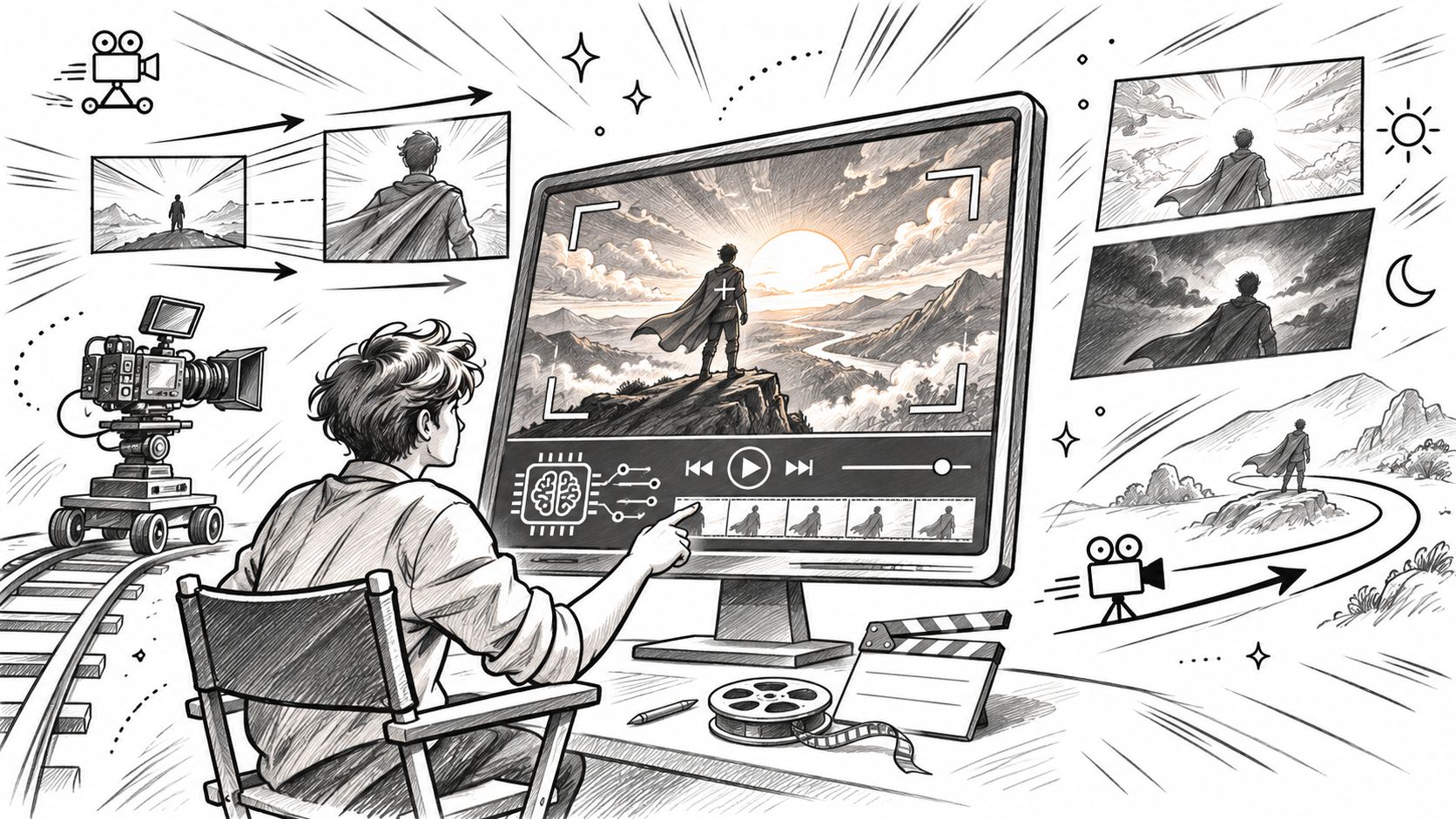
You've generated a character in a convincing location, with attractive lighting and plenty of detail. Then the camera moves, and the shot falls apart. The face changes size, the corridor bends, or an intended tracking shot becomes a digital zoom.
You know the image you're chasing. It's the moment a camera slides forward while the background stretches behind a character, or an apparently unbroken shot follows a soldier across a battlefield. Viewers feel those decisions before they know their names.
The useful part of studying cinematic techniques examples isn't collecting terminology. It's learning what must stay fixed, what must move, and where the viewer should look. An AI video prompt needs those relationships spelled out, not just a request for cinematic movement.
For every shot, separate subject action, camera behavior, composition, and lighting. A person walking toward a stationary camera is different from a camera following someone backward, even if both produce a similar opening frame.
Practical rule: Describe what changes during the shot and what must remain unchanged. That distinction is often more useful than another style adjective.
The film references below give you something concrete to study. The prompts translate their visual principles into manageable generation tasks, with the failure modes you should catch before assembling a finished video.
Table of Contents
- 1. Dolly Zoom (Vertigo Effect)
- 2. Long Take (Oner)
- 3. Match Cut
- 4. Deep Focus
- 5. Montage
- 6. Dutch Angle
- 7. Bullet Time (Slow-Motion Freeze Effect)
- 8. Cross-Cutting (Parallel Editing)
- 9. Handheld Camera (Documentary-Style Realism)
- 10. Point-of-View (POV) Shot
- Cinematic Techniques Compared by Example, Risk, and Origin
- Turn Classic Shots Into Your Next AI Video
<a id="1-dolly-zoom-vertigo-effect"></a>
1. Dolly Zoom (Vertigo Effect)
A dolly zoom combines physical camera movement with an opposing lens adjustment. The subject stays approximately the same size while the background appears to stretch or compress, suggesting shock, unease, or sudden realization.
A corridor makes the perspective change easy to recognize.
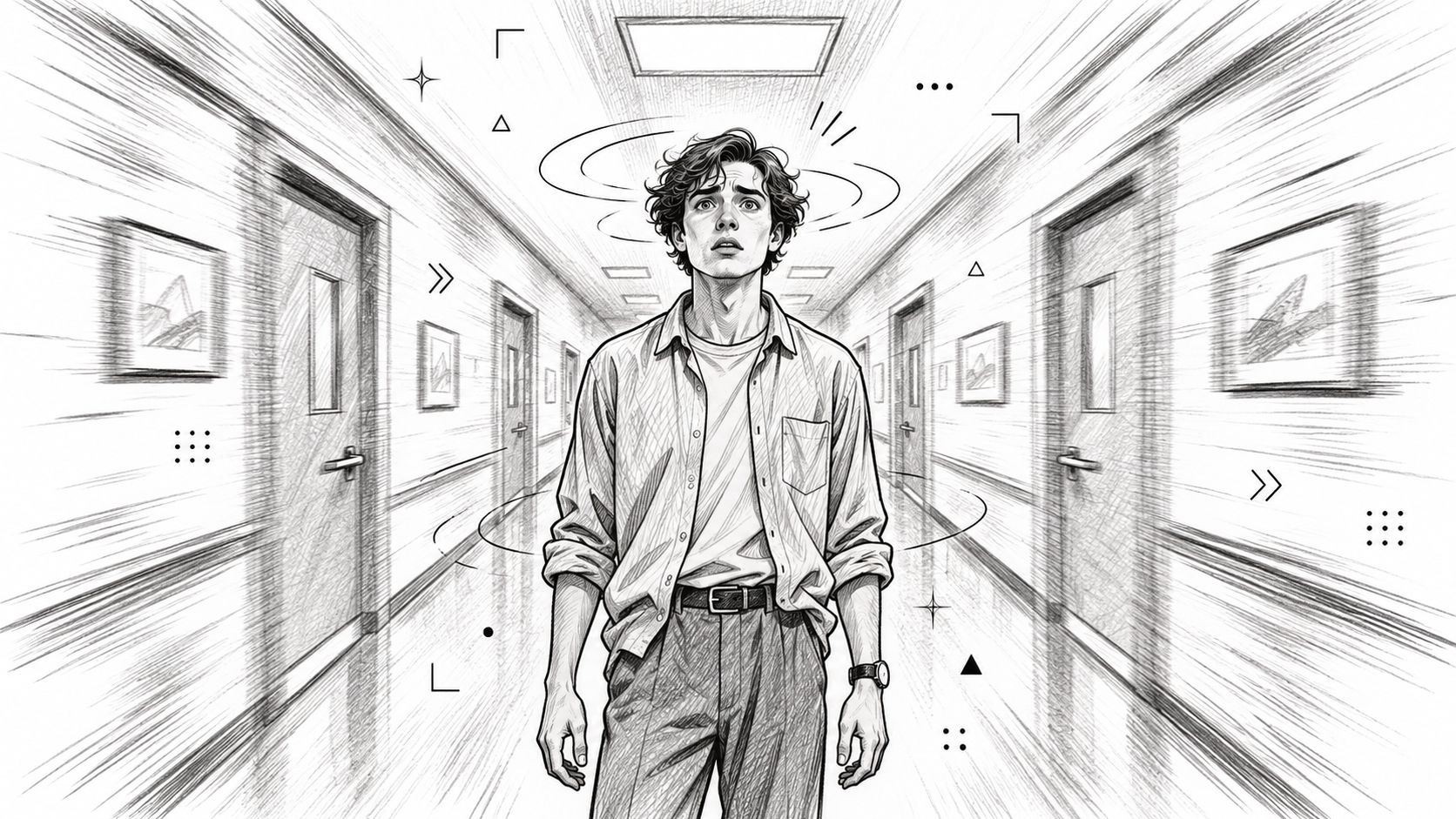
Alfred Hitchcock's Vertigo made the effect famous, with its visual construction associated with cinematographer Robert Burks. Jaws uses the same visual principle for a moment of alarm, while later thrillers and comedies often reference it.
<a id="prompt-the-opposing-movements"></a>
Prompt the Opposing Movements
Prompt example: A stunned traveler stands centered in a long station corridor. The camera slowly dollies backward while the lens zooms inward, maintaining identical head size and position throughout. The corridor compresses behind the traveler; overhead lighting remains stable.
Specify the camera move and zoom separately when testing the Veo 3 AI video generator. Veo 3.1 also provides first and last frame control, which can help establish the intended framing without guaranteeing the intervening perspective change.
Common failure: The model enlarges the face or warps the architecture instead of changing perspective. Use a stationary subject, a detailed background, and slow movement; don't add a head turn or walking action until the effect reads correctly.
Watch how the subject's scale relates to the changing background.
<iframe width="100%" style="aspect-ratio: 16 / 9;" src="https://www.youtube.com/embed/qVqPdAvBX5k" frameborder="0" allow="autoplay; encrypted-media" allowfullscreen></iframe>
<a id="2-long-take-oner"></a>
2. Long Take (Oner)
Birdman, photographed by Emmanuel Lubezki, presents its action as a seemingly continuous shot. Roger Deakins's work on 1917 follows soldiers through connected spaces, while Russian Ark carries the idea through the State Hermitage Museum in a single take.
The attraction is unbroken spatial continuity. Instead of cutting to explain a room, you let the viewer discover it alongside a character.
For AI generation, start with a modest journey rather than a battlefield. A café worker carrying a cup from the counter to a window gives the camera a clear path and a visible destination.
- Starting frame: Establish the worker behind the counter, with the window visible beyond.
- Movement path: Track beside the worker through an unobstructed aisle.
- Ending frame: Settle into a close view as the cup reaches the table.
- Continuity anchors: Repeat the apron color, cup shape, light direction, and furniture layout.
Prompt example: An uninterrupted tracking shot follows a café worker carrying a ceramic cup from the counter to the window table. The camera travels beside her at chest height, then gently settles as she places the cup down. Stable daylight, unchanged clothing, no cuts or transitions.
Common failure: Objects change during an occlusion, or the camera passes through furniture. Simplify the route before increasing complexity.
For longer sequences, generate connected segments with compatible endpoints and conceal their joins during editing. That creates a simulated oner, not an uninterrupted take, but it gives you more control over continuity.
<a id="3-match-cut"></a>
3. Match Cut
A match cut connects images through shape, movement, color, or composition. Stanley Kubrick's bone-to-spacecraft transition in 2001: A Space Odyssey is the classic reference: the cut connects objects while making an enormous conceptual leap.
For an advertisement, the equivalent might be a spinning bicycle wheel cutting to a rotating watch face. The viewer recognizes the shared circle before considering the change of setting.
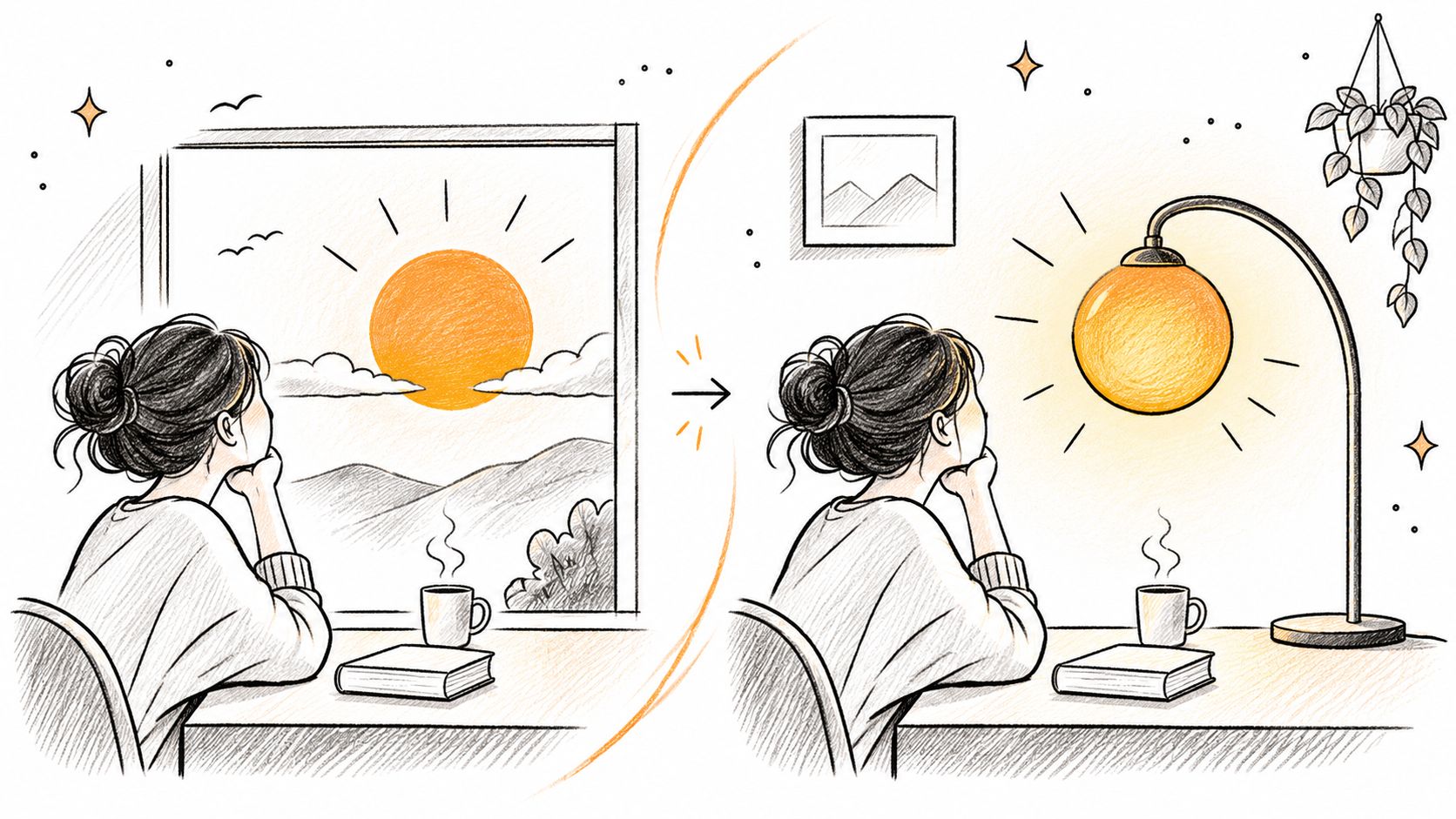
This illustration suggests a related transition built around a stable composition and changing time.
<a id="generate-the-shots-separately"></a>
Generate the Shots Separately
Outgoing prompt: Close view of a bicycle wheel rotating clockwise, its hub centered in frame. The camera remains locked, with soft side lighting and a plain background.
Incoming prompt: Close view of a watch face occupying the same screen position and apparent size as the wheel. Clockwise rotational movement, locked camera, matching side lighting.
Make the transition in an editor. Align the shared shapes, then trim until the movement continues cleanly across the cut.
Common failure: Asking the model for the whole transition produces a morph rather than a cut. The wheel melts into the watch, which changes the technique and often damages product geometry.
Advertising and music videos can use matching gestures just as effectively as matching objects. A performer's downward hand movement can continue in a new location, provided the direction, framing, and action phase agree.
Match the feature the viewer actually notices. Identical backgrounds aren't necessary if the moving hand or circular silhouette provides the connection.
<a id="4-deep-focus"></a>
4. Deep Focus
Deep focus keeps foreground, middle-ground, and background action legible together. Instead of isolating a face against blur, you invite the viewer to inspect relationships across the scene.
Gregg Toland's cinematography in Citizen Kane is a central reference, alongside Jean Renoir's The Rules of the Game. A cinematographic analysis of Citizen Kane explains how wide-angle optics, a smaller aperture, layered staging, and tracking movement can work together to preserve depth and spatial continuity.
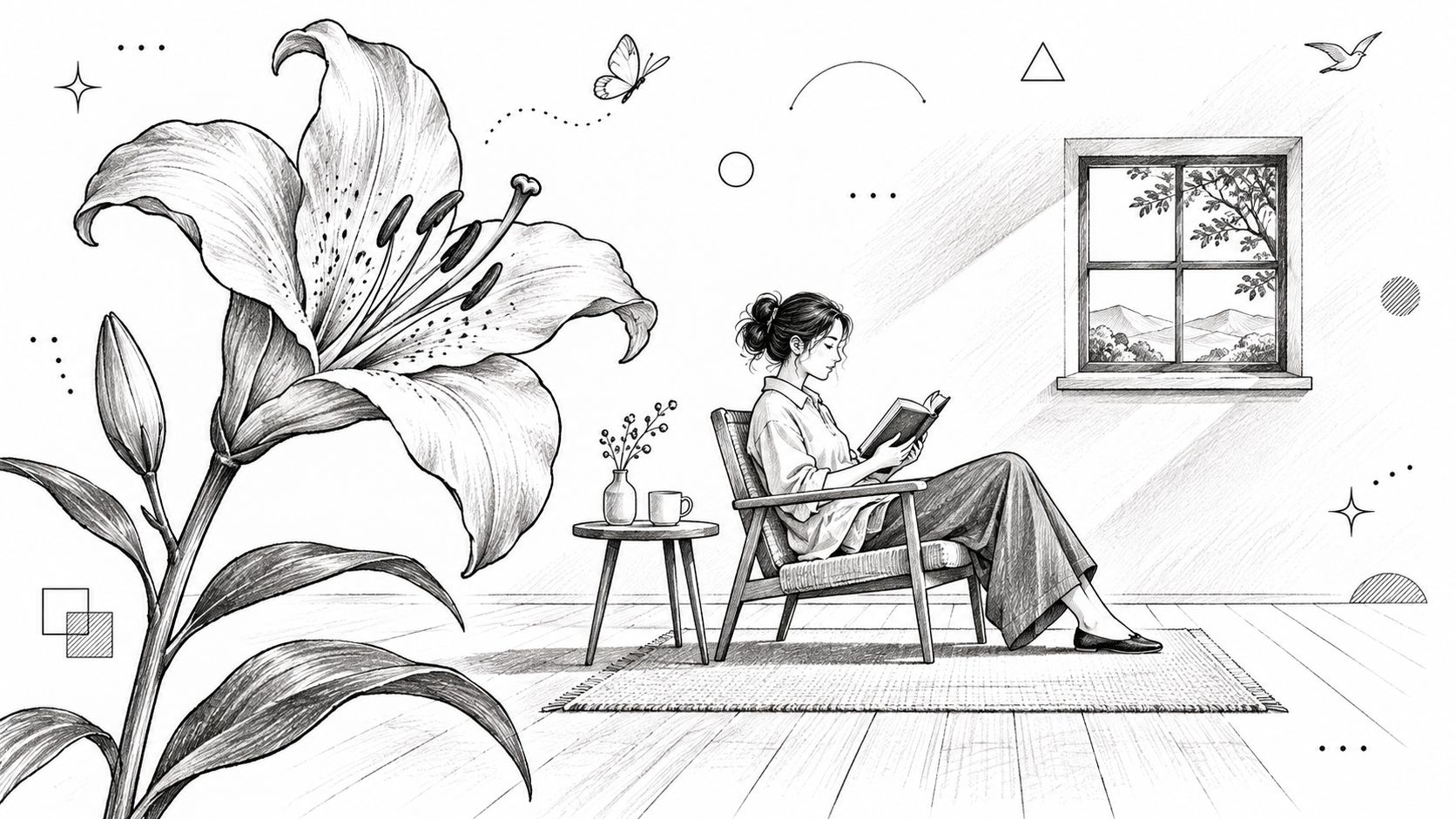
Use foreground objects deliberately rather than filling the frame with decorative clutter.
<a id="give-every-depth-plane-a-job"></a>
Give Every Depth Plane a Job
Prompt example: Wide-angle interior with deep depth of field. A sealed envelope lies sharply visible on the foreground desk, a woman reads in the middle distance, and a visitor waits sharply visible in the open background doorway. Clear daylight reaches the entire room; no background blur or focus pull.
For a suspense scene, the woman can remain unaware of the visitor while the audience sees both. That's a narrative reason to use deep focus, not merely an optical preference.
Common failure: The model applies portrait-style background blur because it associates cinematic imagery with shallow focus. Explicitly request foreground and background sharpness, then identify the details that must remain readable.
The trade-off is attention. If every object looks equally important, viewers may miss the intended action. Use lighting, placement, and restrained movement to establish priority without relying on blur.
<a id="5-montage"></a>
5. Montage
A runner tying shoes, struggling uphill, and finally reaching the summit can suggest progress without showing the entire journey. Montage compresses time through selected shots, making it useful for training stories, product demonstrations, and short launch videos.
Sergei Eisenstein's Battleship Potemkin, particularly the Odessa Steps sequence, offers a reference for building intensity through juxtaposition. Rocky provides the familiar training-montage model, where accumulated effort gives the sequence its emotional direction.
Don't prompt an entire montage as an undifferentiated action sequence. Build a shot list around a visible change.
- Beginning: Show hesitation, difficulty, or an unmet need.
- Development: Repeat the relevant activity with meaningful variation.
- Payoff: Show a changed result, not just another attractive image.
Prompt example: Close view of the same runner tightening worn red shoelaces beside a rain-streaked window. Cool morning light, charcoal training clothes, deliberate hand movement, locked camera.
Generate the uphill effort and summit arrival separately, carrying forward those visual anchors. In a product trailer, substitute preparation, use, and outcome.
Common failure: The sequence contains attractive clips but no progression. If you can rearrange every shot without changing the meaning, the montage probably needs a clearer arc.
<a id="let-the-soundtrack-shape-the-edit"></a>
Let the Soundtrack Shape the Edit
Cutting to a beat can make the sequence satisfying, but don't force every cut onto the same rhythmic accent. Hold a difficult moment longer, then shorten the approach to the payoff.
Keep color and wardrobe consistent unless their change is part of the story. Continuity lets viewers read development instead of wondering whether they're watching a different person.
<a id="6-dutch-angle"></a>
6. Dutch Angle
A Dutch angle tilts the camera around its viewing axis, leaving horizons and architectural lines diagonal. It's a roll of the frame, not an upward camera tilt or a low-angle view.
Carol Reed's The Third Man, photographed by Robert Krasker, is a useful film reference. The Batman television series demonstrates a more exaggerated approach, where canted framing becomes an overt stylistic signal.
For a restrained thriller beat, establish a level composition first. Introduce the slant when the character notices something wrong, rather than tilting every shot from the beginning.
<a id="keep-the-set-upright"></a>
Keep the Set Upright
Prompt example: A woman pauses outside an apartment door after hearing a sound inside. The camera frame has a mild clockwise roll, making the upright doorframe appear diagonal. The building remains physically straight; the camera holds its position, with restrained side lighting and deep shadows.
Common failure: The model bends the building or leans the performer instead of rolling the camera. State that the environment remains upright and that the diagonal comes solely from camera orientation.
Use mild or strong rotation to express degree without overloading the prompt with technical measurements. Start restrained, because an extreme slant can distract from a subtle performance.
Restraint matters: A Dutch angle is most useful when the viewer can compare instability with an established visual baseline.
For a social advertisement, a brief canted problem shot can contrast with a level product-solution shot. The trade-off is tone: exaggerated framing may suggest comedy rather than genuine anxiety.
<a id="7-bullet-time-slow-motion-freeze-effect"></a>
7. Bullet Time (Slow-Motion Freeze Effect)
In The Matrix, directed by the Wachowskis with visual effects supervision by John Gaeta, bullet time separates the camera's apparent movement from the subject's slowed action. The production used camera arrays and digital interpolation to create its distinctive moving viewpoint around a suspended moment.
The principle is temporal separation. The camera travels while the subject barely advances.
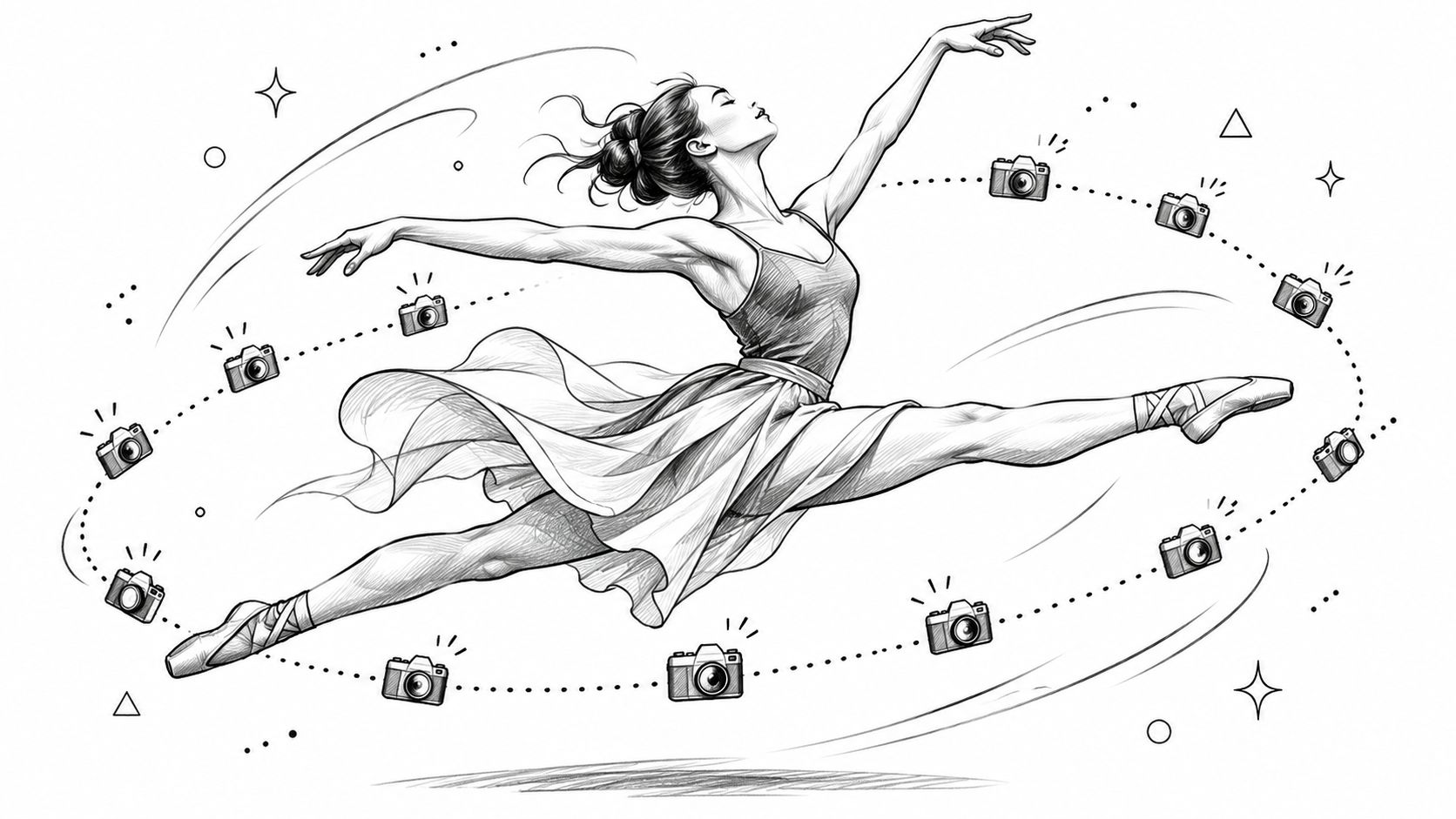
A dancer's leap gives you a clear silhouette and an unmistakable action peak.
<a id="separate-orbit-from-action"></a>
Separate Orbit From Action
Prompt example: A dancer remains nearly suspended at the peak of a leap. The camera makes a slow, shallow arc from her front toward her side while her body advances only slightly. Preserve the same pose, anatomy, costume, and studio lighting throughout; keep the background simple.
Common failure: The dancer rotates with the camera, or limbs change as the viewpoint shifts. Ask for a stationary subject orientation and reduce the orbit before adding environmental complexity.
Ordinary slow motion isn't automatically bullet time. As Filmmaking Central's cinematography guide explains, higher frame-rate capture supplies additional frames for slower playback; bullet time also requires the moving viewpoint around the slowed event.
Sports replays and product spots use related visual ideas to expose an action's peak. For an AI product clip, try an orbit around a suspended shoe or bottle before attempting a complicated human pose.
Reserve the effect for a decisive moment. Constant suspension removes the contrast that makes it striking.
<a id="8-cross-cutting-parallel-editing"></a>
8. Cross-Cutting (Parallel Editing)
A courier approaches a locked entrance while someone inside searches for the missing key. Alternating between these events makes the viewer anticipate their collision.
That's cross-cutting, and its effectiveness depends on the relationship between the actions, not merely their separate locations. Francis Ford Coppola's baptism sequence in The Godfather is a prominent reference for juxtaposing a ceremony with violent events elsewhere.
The technique belongs to cinema's early visual grammar: the history of film identifies cross-cutting in Pathé's The Runaway Horse by 1907 and its further development in D. W. Griffith's The Fatal Hour in 1908.
<a id="establish-each-thread-before-accelerating"></a>
Establish Each Thread Before Accelerating
Generate each location separately, then intercut in your editor. A model doesn't need to invent both spaces inside the same render.
- Exterior thread: Cool daylight, courier moving toward the entrance, consistent travel direction.
- Interior thread: Warm desk lighting, occupant searching drawers, the entrance visible behind.
- Shared connection: A doorbell sound, approaching footsteps, or a continuous musical pulse.
Prompt example: Inside a warmly lit office, a worried occupant searches the same desk drawer for a brass key. The locked entrance remains visible behind her. Stable camera, consistent room layout, increasingly urgent hand movement.
Common failure: The clips imply incompatible geography or time. The courier reaches the door, then appears far away again without explanation.
Shorten shots as the deadline approaches, but retain enough information to understand each action. Confusion isn't suspense. For a benign commercial example, cross-cut a baker preparing an order with a customer approaching the shop.
<a id="9-handheld-camera-documentary-style-realism"></a>
9. Handheld Camera (Documentary-Style Realism)
Handheld footage feels immediate because the camera responds like an operator standing near the action. The useful qualities are small corrections, weight shifts, and imperfect timing, not indiscriminate shaking.
Steven Spielberg's Saving Private Ryan, photographed by Janusz Kamiński, provides a forceful battle reference. Cloverfield uses found-footage framing, while street videos and vlogs demonstrate a quieter everyday version.
For an AI lifestyle advertisement, follow someone carrying groceries through a doorway. The slight adjustment as they turn can make the camera feel present without hiding the product.
Prompt example: Documentary-style handheld medium shot follows a shopper entering a bright kitchen with a grocery bag. Subtle operator sway and small framing corrections, readable face, stable room geometry, natural window light. The camera maintains a comfortable distance and settles when the bag reaches the counter.
<a id="prompt-an-operators-intention"></a>
Prompt an Operator's Intention
- Shake level: Choose subtle, moderate, or intense rather than handheld.
- Tracking priority: State whether the camera protects the face, hands, or product.
- Settling behavior: Let movement calm when the important action stops.
Common failure: The model adds random vibration, global wobble, or excessive blur. Reduce the shake and describe purposeful corrections toward the subject.
Handheld doesn't mean careless. The viewer should feel the operator's presence without having to fight the framing.
The trade-off is legibility. An urgent camera can support a dramatic beat, but it can also obscure packaging, subtitles, or a facial reaction. Use stronger motion during the approach, then stabilize the moment the viewer needs to understand.
<a id="10-point-of-view-pov-shot"></a>
10. Point-of-View (POV) Shot
A POV shot places the camera at a character's eyes. It's different from following behind someone or framing over their shoulder, because the viewer occupies the character's viewing position.
John Carpenter's opening sequence in Halloween is a recognizable suspense reference. First-person game adaptations, travel videos, and product walkthroughs use the same perspective for different purposes.
For a practical demonstration, let viewers see hands place a mug beneath a coffee machine. That immediately establishes whose action they're following.
<a id="define-the-body-behind-the-camera"></a>
Define the Body Behind the Camera
Prompt example: First-person view from an adult standing at a kitchen counter. The viewer looks slightly downward as their hands place a ceramic mug beneath the coffee machine. Subtle breathing motion, natural wrist movement, consistent sleeves, stable daylight, no external view of the person.
For more framing distinctions, use this guide to first-person point of view when planning the shot.
Common failure: The model switches to an external camera, introduces another pair of hands, or disconnects the hands from the implied body. Specify eye height, gaze direction, sleeve appearance, and which actions occur within reach.
A reflection or shadow can reinforce identity, but it also creates another continuity problem. Establish a clean first-person action before introducing reflective surfaces.
Immersive composition needs particular care: a virtual-reality production case study describes previsualization as a way to test camera placement, editing, and attention before capture. Apply that principle by previewing the gaze path and hand placement before committing to a polished generation.
<a id="cinematic-techniques-compared-by-example-risk-and-origin"></a>
Cinematic Techniques Compared by Example, Risk, and Origin
| Item | Key Film Example | Main AI Risk | Popularized By |
|---|---|---|---|
| Dolly Zoom (Vertigo Effect) | Vertigo (1958) | Subject may distort during the combined camera and zoom movement | Alfred Hitchcock; Robert Burks |
| Long Take (Oner) | Birdman (2014) | Morphing or inconsistent objects over longer durations | Emmanuel Lubezki; Roger Deakins; Alexander Sokurov |
| Match Cut | 2001: A Space Odyssey (1968) | Visual consistency may be difficult across separately generated clips | Stanley Kubrick; film editors in advertising and music videos |
| Deep Focus | Citizen Kane (1941) | Background details may become soft | Gregg Toland; Orson Welles; Jean Renoir |
| Montage | Battleship Potemkin (1925) | Generated clips may have inconsistent styles | Sergei Eisenstein; Lev Kuleshov |
| Dutch Angle | The Third Man (1949) | Horizons may bend unnaturally | Carol Reed; Robert Krasker |
| Bullet Time (Slow-Motion Freeze Effect) | The Matrix (1999) | Poor interpolation may make motion look artificial | The Wachowskis; John Gaeta |
| Cross-Cutting (Parallel Editing) | The Godfather (1972) | AI-generated scenes may not match in style or timing | D. W. Griffith; Francis Ford Coppola |
| Handheld Camera (Documentary-Style Realism) | Saving Private Ryan (1998) | Handheld motion may look artificial if vaguely described | Steven Spielberg; Janusz Kamiński |
| Point-of-View (POV) Shot | Halloween (1978) | Erratic motion may make the scene disorienting | John Carpenter; Dario Argento |
<a id="turn-classic-shots-into-your-next-ai-video"></a>
Turn Classic Shots Into Your Next AI Video
Choose one dominant technique per video so viewers can read the visual idea clearly. A dolly zoom already asks them to interpret a changing background; it rarely needs an orbit, handheld shake, and a focus pull on top.
Start with a simple dolly-zoom test or a restrained handheld beat. Write the subject, camera movement, framing constraint, and lighting as separate instructions, then judge whether the result performs the intended action rather than merely looking attractive.
<a id="evaluate-the-shot-before-adding-complexity"></a>
Evaluate the Shot Before Adding Complexity
Watch the render without sound. Can you identify the camera move, understand the action, and follow the intended point of attention?
- If framing fails: Simplify the movement and name what must remain in frame.
- If identity drifts: Reduce occlusions and repeat the character's distinguishing details.
- If the effect is unclear: Strengthen the relevant visual cue, such as background depth or matching silhouettes.
- If the shot works: Preserve the prompt and change only the element you want to test.
Match the technique to the delivery format. A study of vertical micro-drama describes mobile-first storytelling built around close-ups, centered compositions, rapid pacing, and cliffhangers, rather than reproducing widescreen staging.
For a vertical advertisement, protect the face, product, and caption area. For a horizontal scene, you may have more room to separate simultaneous actions across the frame; don't assume cropping will preserve that relationship.
Use 10 essential camera shot types to distinguish shot size from camera movement. A close-up describes framing, while a dolly describes travel, and a strong prompt can specify both without confusing them.
<a id="keep-your-creative-decisions-traceable"></a>
Keep Your Creative Decisions Traceable
Save prompts, authorized reference images, selected takes, edit decisions, and continuity fixes. The U.S. Copyright Office's report on AI copyrightability distinguishes purely AI-generated material from protectable human contributions, including creative selection, arrangement, or modification.
Our generated videos can be used commercially, including in campaigns and social content. Commercial permission doesn't itself establish copyright protection or clear third-party music, likenesses, trademarks, or reference material.
The strongest workflow is deliberate: design a readable shot, test its difficult relationship, repair continuity, and then assemble the story. You don't need every technique in the same project. You need the right technique, performed clearly enough that the audience feels its purpose.
Veo3 AI offers text-to-video and image-to-video tools for turning shot descriptions and still images into moving scenes. Visit Veo3 AI to test a restrained handheld shot or a clearly specified dolly zoom, then refine the camera path, lighting, and framing before building a longer sequence.
Related Articles
Continue with more blog posts in the same locale.
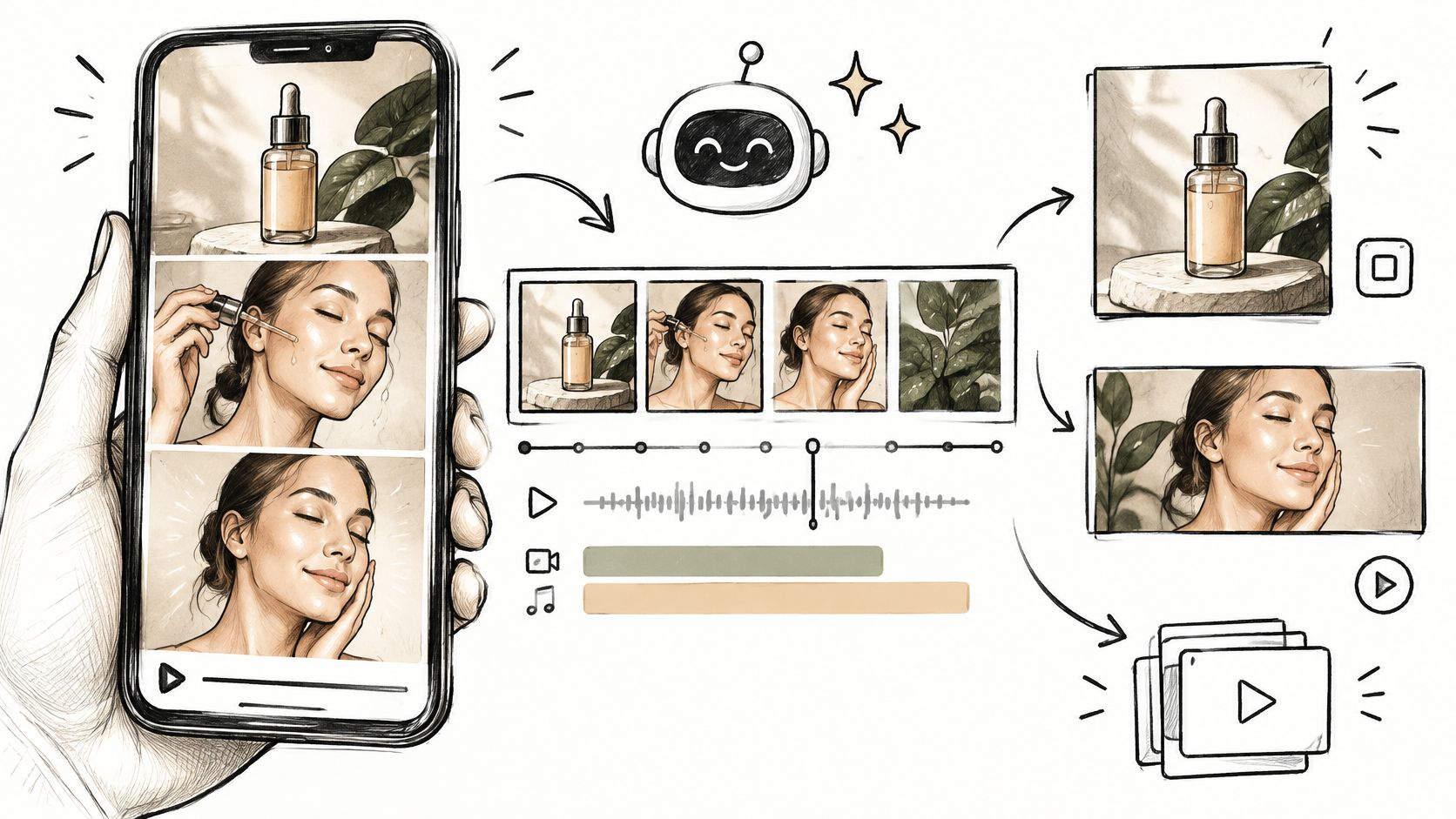
How to Create Video Ads with AI in 2026
Create video ads with AI using a 6–15 second blueprint, one-variable tests, platform labels, and separate exports for every placement.
Read article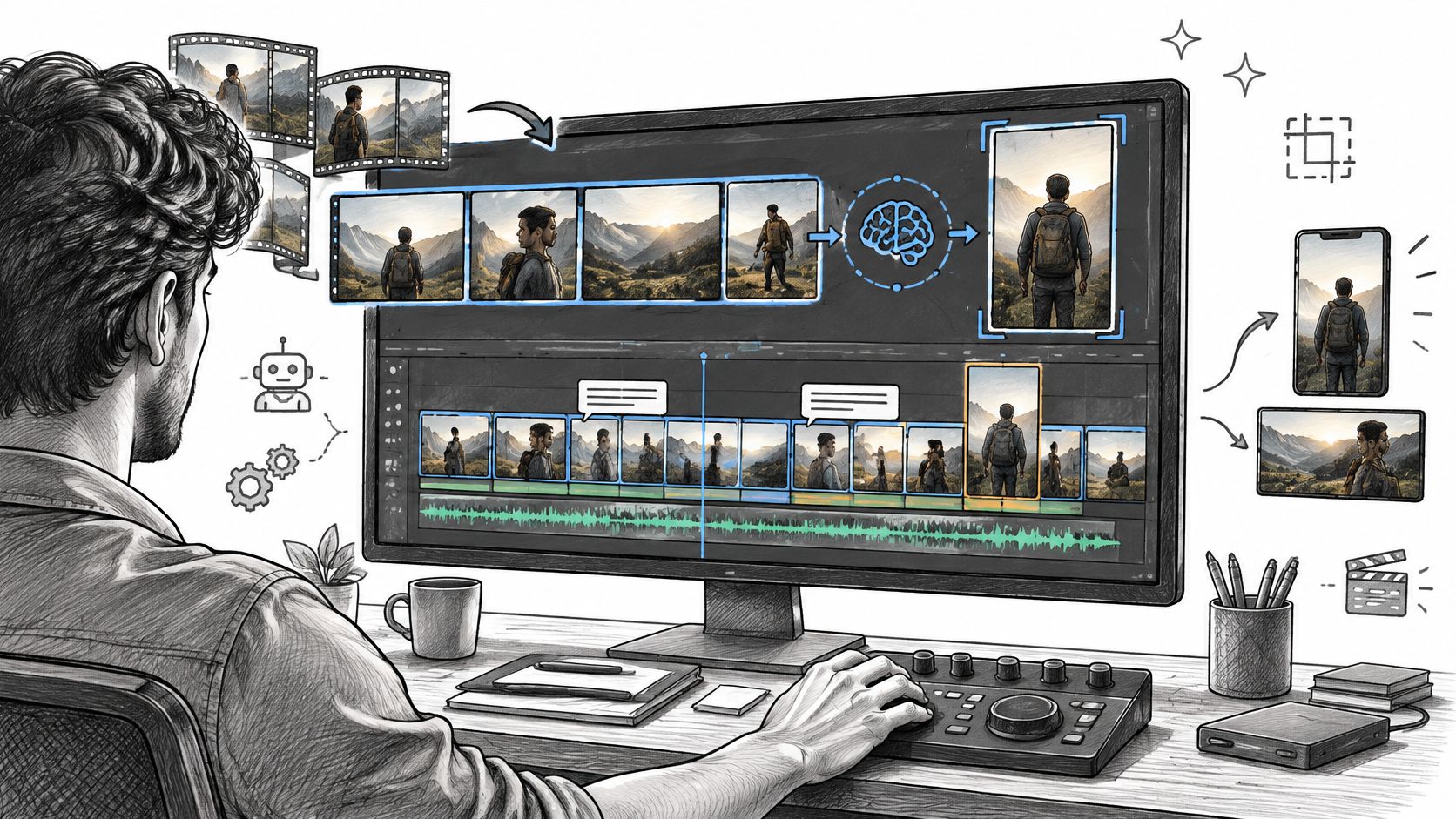
AI Video Editing Explained: Workflows, Tools and Limits
Learn what ai video editing does well, where it still needs human review, and how to build a reliable workflow from raw footage to export.
Read article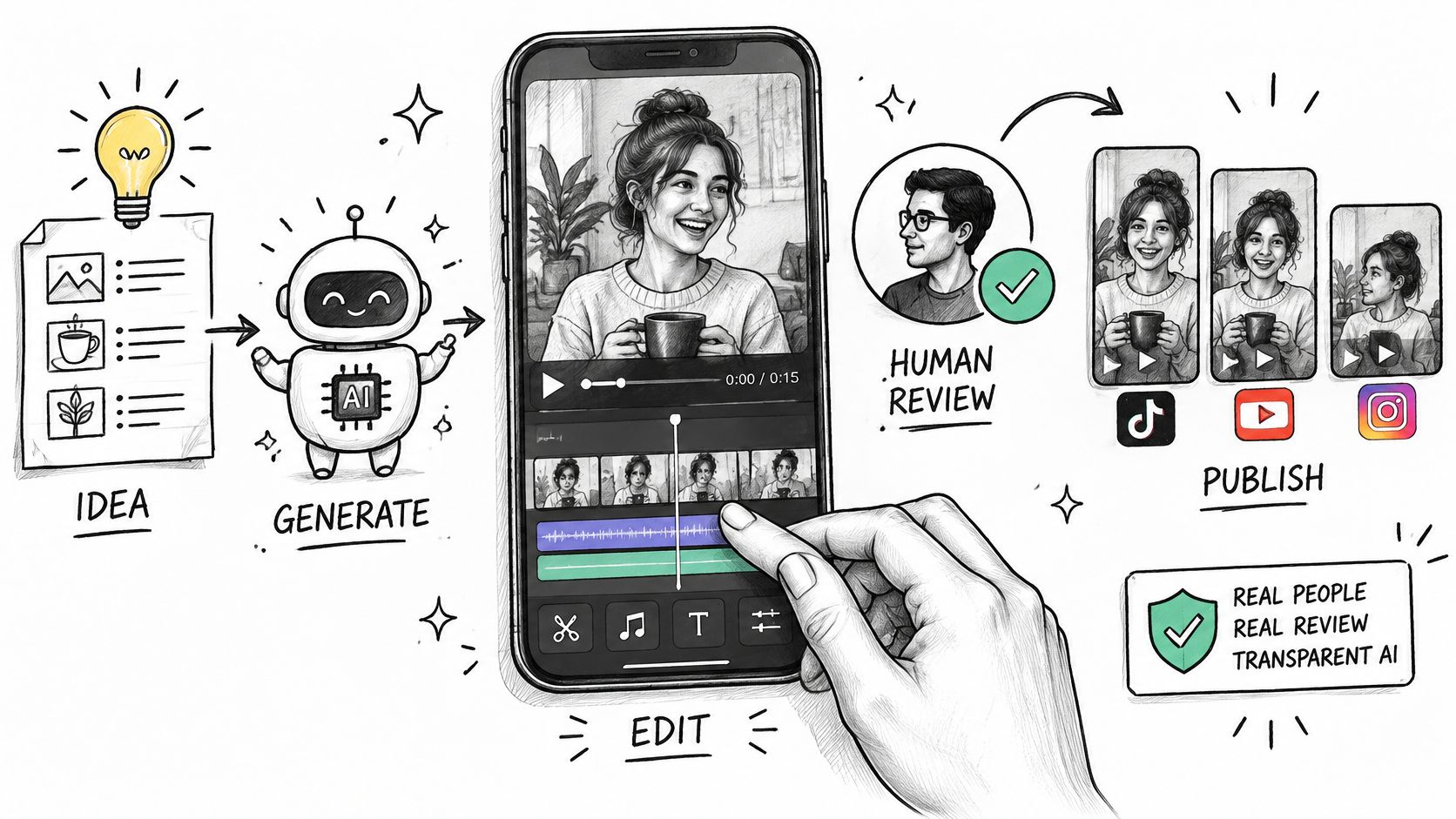
AI Video for Social Media: Formats, Workflow and Trust
Learn how to use AI video for social media on TikTok, Reels and Shorts, with platform specs, a build workflow and disclosure tips.
Read article