
10 Générateur De Vidéo Gratuit Tools Worth Trying
Compare 10 générateur de vidéo gratuit tools, including Veo3 AI, with features, free-tier limits, pros, cons, and picks for every use case.
Veo3 AI · 21 min read · Oct 7, 2026
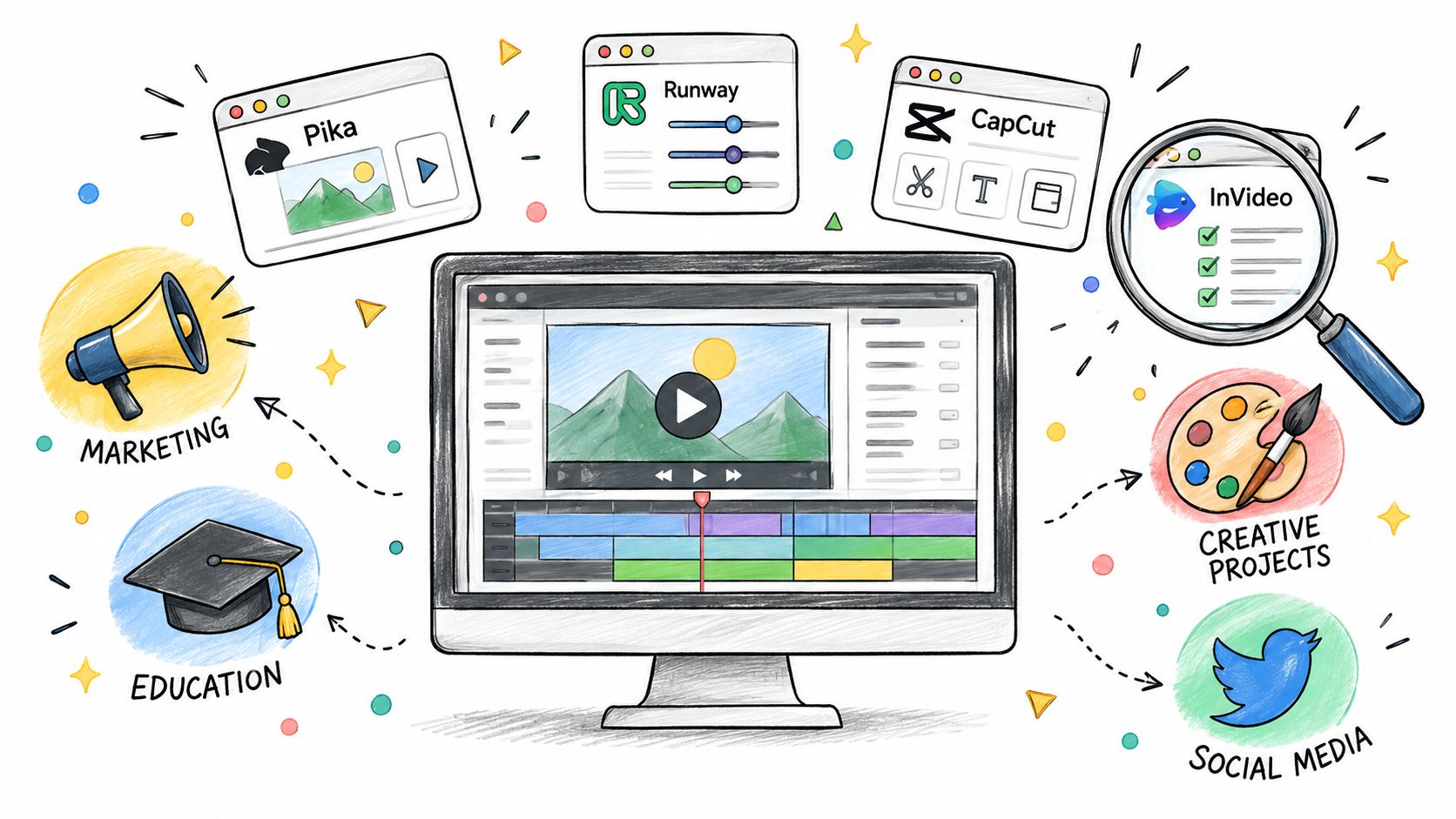
Free video generators aren't interchangeable, and “free” rarely means unlimited production. One tool may offer recurring credits but add a watermark, another may provide a one-time trial with clean exports, while a third may limit resolution, queues, model access, audio, or commercial rights. A usable comparison therefore has to look beyond the landing page and ask a practical question: can you finish the kind of video you need?
This list evaluates each tool by its best-fit job, generation workflow, free-access reality, output suitability, and first setup step. The comparison includes model experimentation, social production, cinematic ideation, editing, and script-to-video workflows. It also separates a repeatable free workflow from a short trial designed mainly to demonstrate premium features.
Demand is substantial. Internet users spend an average of 11 hours and 39 minutes per week watching online video, compared with 10 hours and 15 minutes watching television, according to DataReportal's 2025 Global Statshot. Short-form formats account for 6 hours and 42 minutes weekly, which explains why fast vertical video production matters to creators, marketers, educators, and small businesses.
For model comparison in one workspace, start with the Veo 3 AI video generator. For social publishing, editing, or script-led production, the better choice may be elsewhere. The important distinction is whether you need a short generated clip, a reliable stream of experiments, or an editable project that can reach publication without an unexpected watermark or rights restriction.
Table of Contents
- 1. Veo 3 AI
- 2. Pika
- 3. Luma Dream Machine
- 4. Runway
- 5. CapCut AI Video
- 6. Krea
- 7. PixVerse
- 8. Kapwing AI Video Generator
- 9. InVideo AI
- 10. Kling AI
- Top 10 Free AI Video Generators Comparison
- Choose by Workflow, Not Hype
<a id="1-veo-3-ai"></a>
1. Veo 3 AI
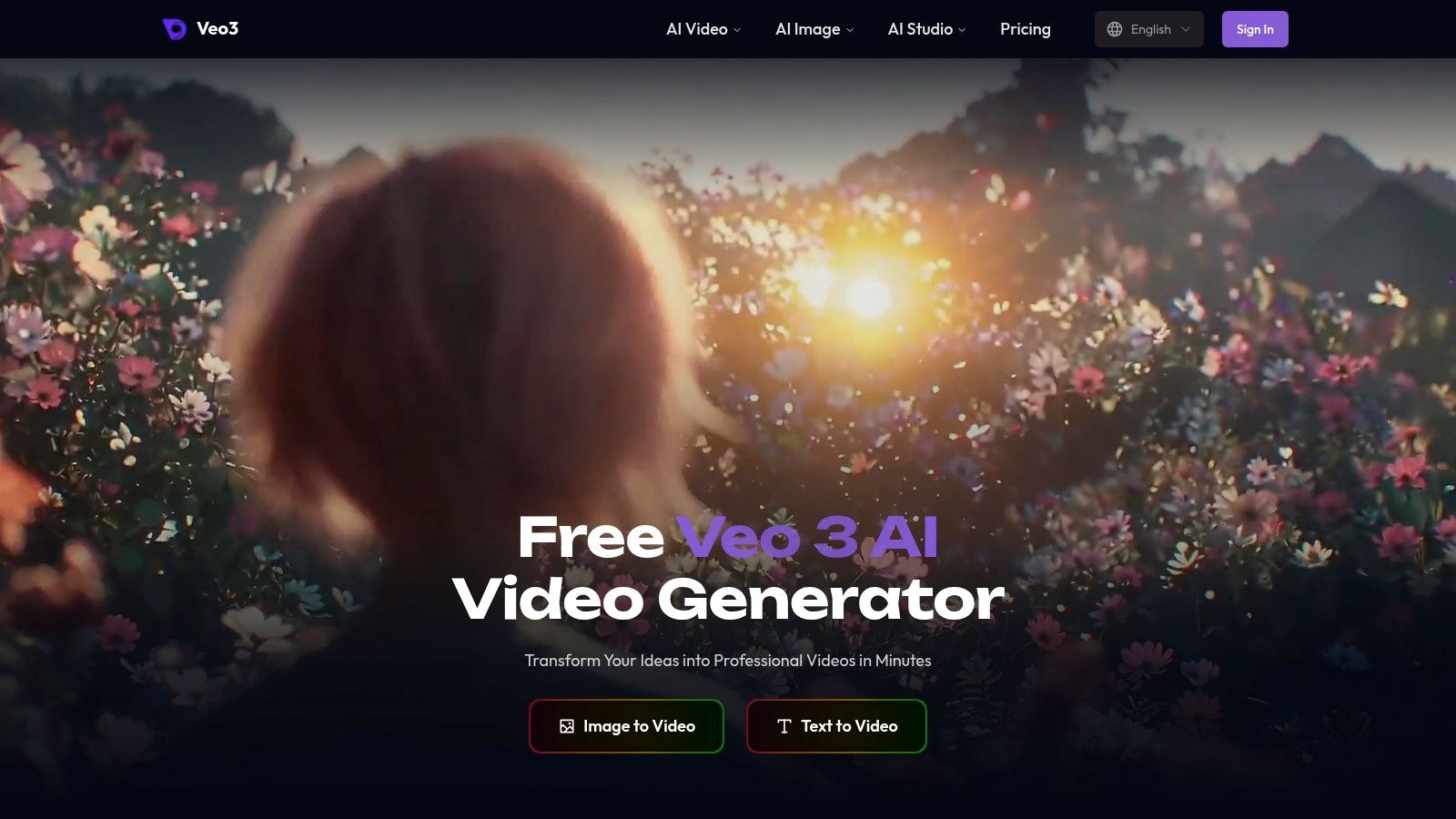
A model comparison can fail before the first render if each test requires a different workspace. Veo 3 AI addresses that operational problem by placing several generative video models in one interface. Its text-to-video and image-to-video workflows let you start with a written concept or still image, set a visual direction, and produce a short clip without rebuilding the process each time.
The platform includes Veo 3, Veo 3.1, Seedance, MiniMax, Kling, Gemini Omni, Gemini Omni Flash, and Hailuo. That makes its main job model experimentation, rather than long-form editing. You can submit a comparable subject, movement, composition, or product concept to different systems and judge the outputs under similar conditions.
<a id="best-workflow-and-free-tier-reality"></a>
Best workflow and free-tier reality
The workflow suits short cinematic clips, product ads, logo animation, photo animation, TikTok posts, Reels, and Shorts. First-and-last-frame controls can give a transition a clearer start and endpoint. Format and resolution settings also help match exports to different destinations, while some supported models provide synchronized audio for short clips.
Its convenience matters most during comparison. A creator can test one prompt, switch models, and review the results without recreating the brief. That reduces setup work, but it does not guarantee a repeatable free production pipeline. Credits, queues, model availability, and export settings still determine how many usable attempts you can complete.
Practical rule: Treat free access as an evaluation path until you have checked the current quota, queue behavior, watermark policy, export resolution, and commercial-use terms.
The platform states that creators retain rights to use generated media personally or commercially. Review the current Veo 3 AI pricing information and access terms before scheduling recurring production, since usage limits, throughput, and premium model access may change.
Choose Veo 3 AI when model comparison and rapid short-form production are the priority. Use a dedicated editor for long, complex projects that require a timeline, layered assets, and detailed post-production control.
<a id="2-pika"></a>
2. Pika
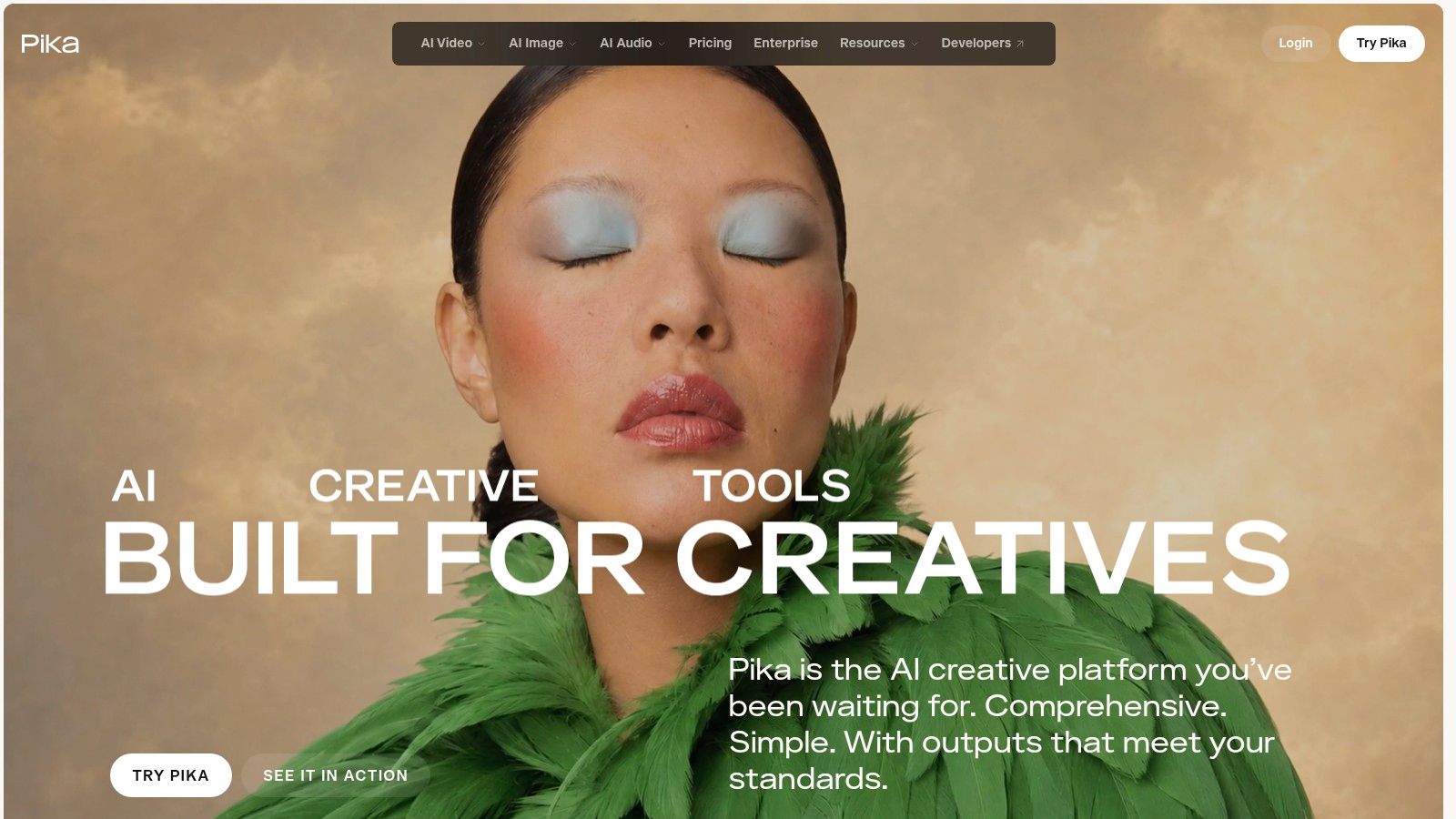
When the goal is a quick effect-led Reel rather than a finished narrative, Pika offers a faster route from image or prompt to draft. Its text-to-video and image-to-video workflows are approachable, while motion controls provide more direction than a basic prompt box.
The main advantage is rapid iteration. A creator can test a visual hook, adjust movement, and generate another version without learning a traditional editing interface. That workflow suits Reels, Shorts, product teasers, logo treatments, and other short experiments where the visual idea matters more than continuous storytelling.
<a id="free-access-and-output-trade-offs"></a>
Free access and output trade-offs
Pika uses a credit-based free tier. It is practical for testing prompts and effects, but finite credits limit repeated attempts, and higher-quality renders consume more of the allowance. Aspect-ratio options support different social destinations. Higher-resolution output is better reserved for selected final versions rather than every experiment.
Its web and mobile access can suit creators who switch devices during production. That convenience does not turn the free tier into a dependable commercial pipeline. The available allowance may be enough to judge whether Pika fits a format, while ongoing branded production still depends on credits, export rules, and consistent access.
Choose Pika when rapid visual experimentation or effect-led social content is the job. Before client publication, check for a watermark, confirm that the resolution meets the destination's requirements, and review whether the current free-tier terms allow commercial use.
For a broader comparison of prompt-based workflows, review these free AI text-to-video generators. Pika becomes less suitable when a project needs detailed scene management, long-form editing, or predictable output across a branded series.
<a id="3-luma-dream-machine"></a>
3. Luma Dream Machine
Most generator reviews bury licensing. For Luma Dream Machine, it belongs in the first sentence: free and lighter tiers can grant Luma broad reuse rights to what you upload. That condition may matter more than visual quality when the inputs include brand assets, commissioned photography, or client material.
Luma's text-to-video and image-to-video workflows suit cinematic ideation. A reference image, visual mood, or rough concept can become a moving clip without requiring a complete script or finished production plan. The storyboard-like process lets creators test camera movement, atmosphere, and transitions before committing resources to a more demanding workflow.
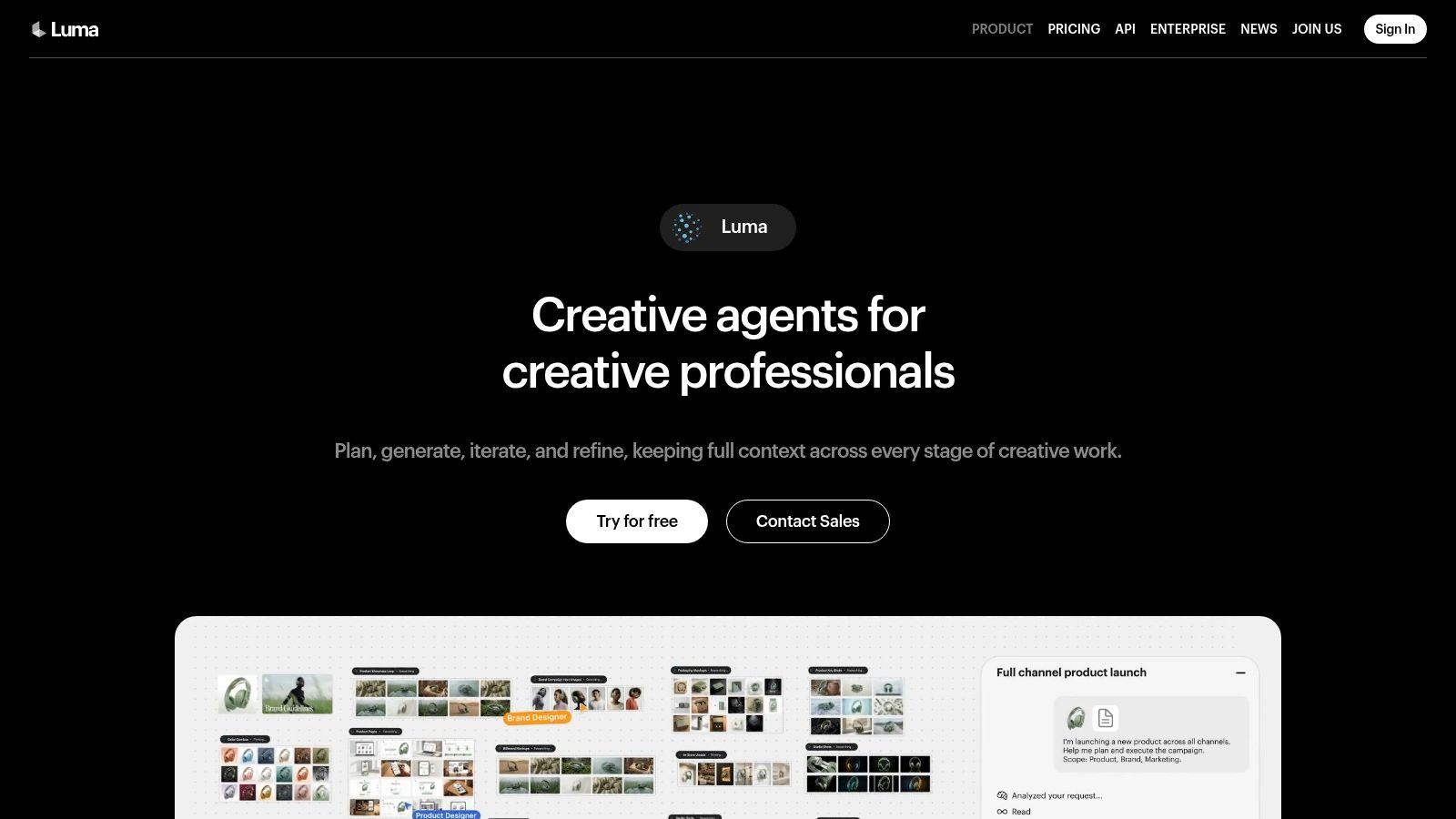
You can also review the Luma Dream Machine interface before deciding whether its visual workflow fits the project.
<a id="the-licensing-question-matters"></a>
The licensing question matters
Luma offers free access for light use through a credit system. Credits make it practical to test a concept, but failed generations can reduce the allowance, and queue behavior may become less convenient as demand rises. Save prompts and reference assets locally so a promising idea remains reproducible elsewhere.
Choose Luma for reference-image ideation and cinematic visual development, especially when the deliverable is a concept clip or B-roll direction. It is less suited to captions, branded timelines, voiceover, or a finished marketing package. Before uploading anything, read the current input and output terms, check reuse rights, and confirm whether identifiable people or client-owned images create additional restrictions.
<a id="4-runway"></a>
4. Runway
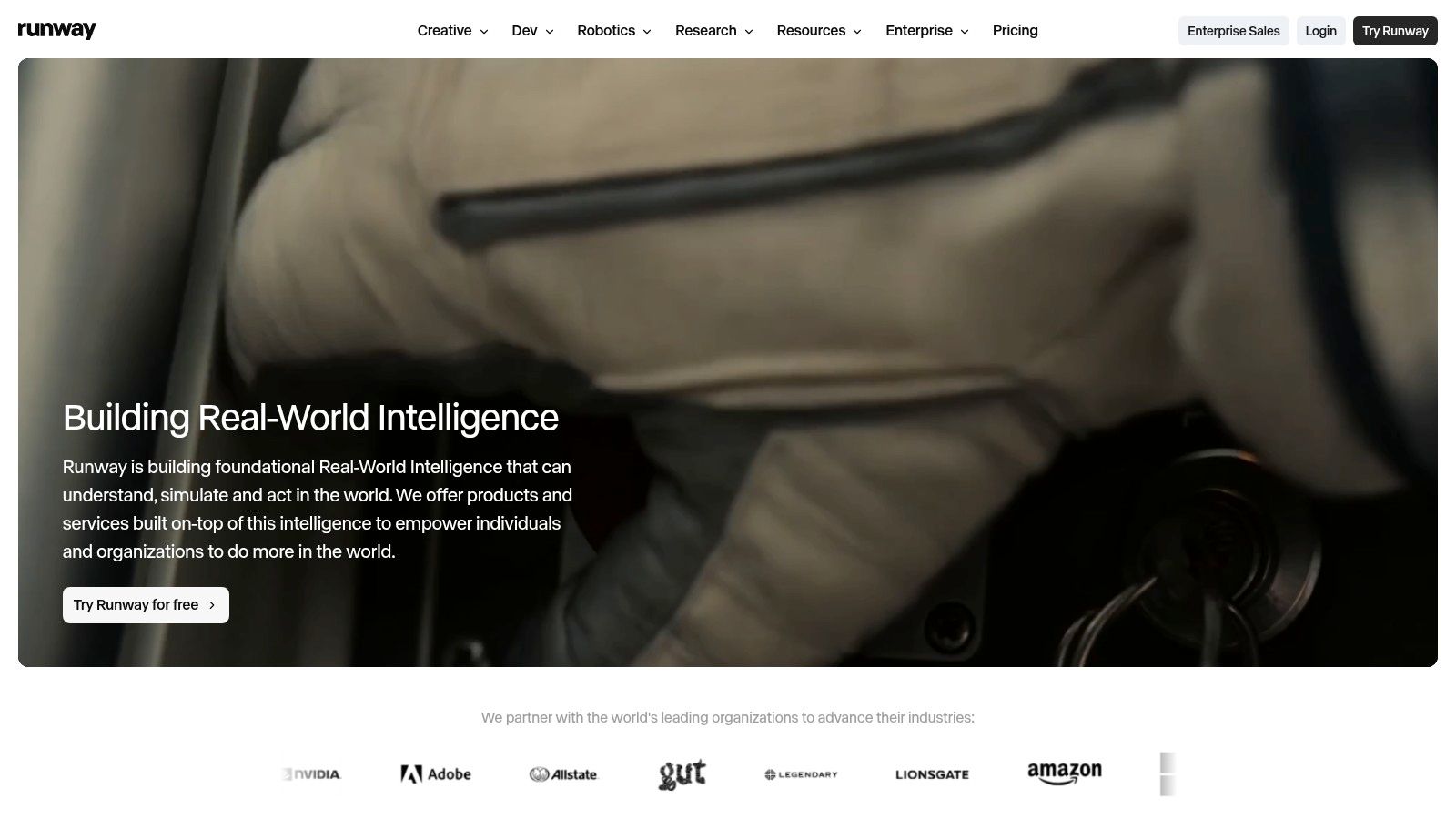
The download button is where most generators end. Runway is the one entry on this list where a generated shot can keep being worked on, masked, composited, and sequenced in the same environment. That makes it a distinct choice for teams comparing cinematic ideation with a usable post-production workflow. Runway connects generation to editing, motion tools, masking, and AI-assisted finishing rather than treating the first render as the deliverable.
A generated clip may still need a mask, movement adjustment, compositing pass, or sequence edit before it fits a project. Keeping those steps together reduces the need to export every draft into another application. The trade-off is a more involved interface than a tool designed for quick social output.
<a id="a-trial-rather-than-a-production-plan"></a>
A trial rather than a production plan
Runway's free access works best as a limited workflow test. It includes an initial credit allocation, but that allowance does not support continuing experimentation like a recurring daily or monthly free system. Higher-end models and advanced controls may also require paid access.
Use the trial to render a representative shot, test the export, and measure how much editing remains. The useful question is whether its project organization, controls, and model behavior fit your process, not how much free volume it provides.
Choose Runway for cinematic control and generation plus post-production. Before using test output in client work, check credit expiration, model availability, export conditions, watermark rules, and commercial rights. Its value depends on whether those constraints fit the intended workflow.
<a id="5-capcut-ai-video"></a>
5. CapCut AI Video
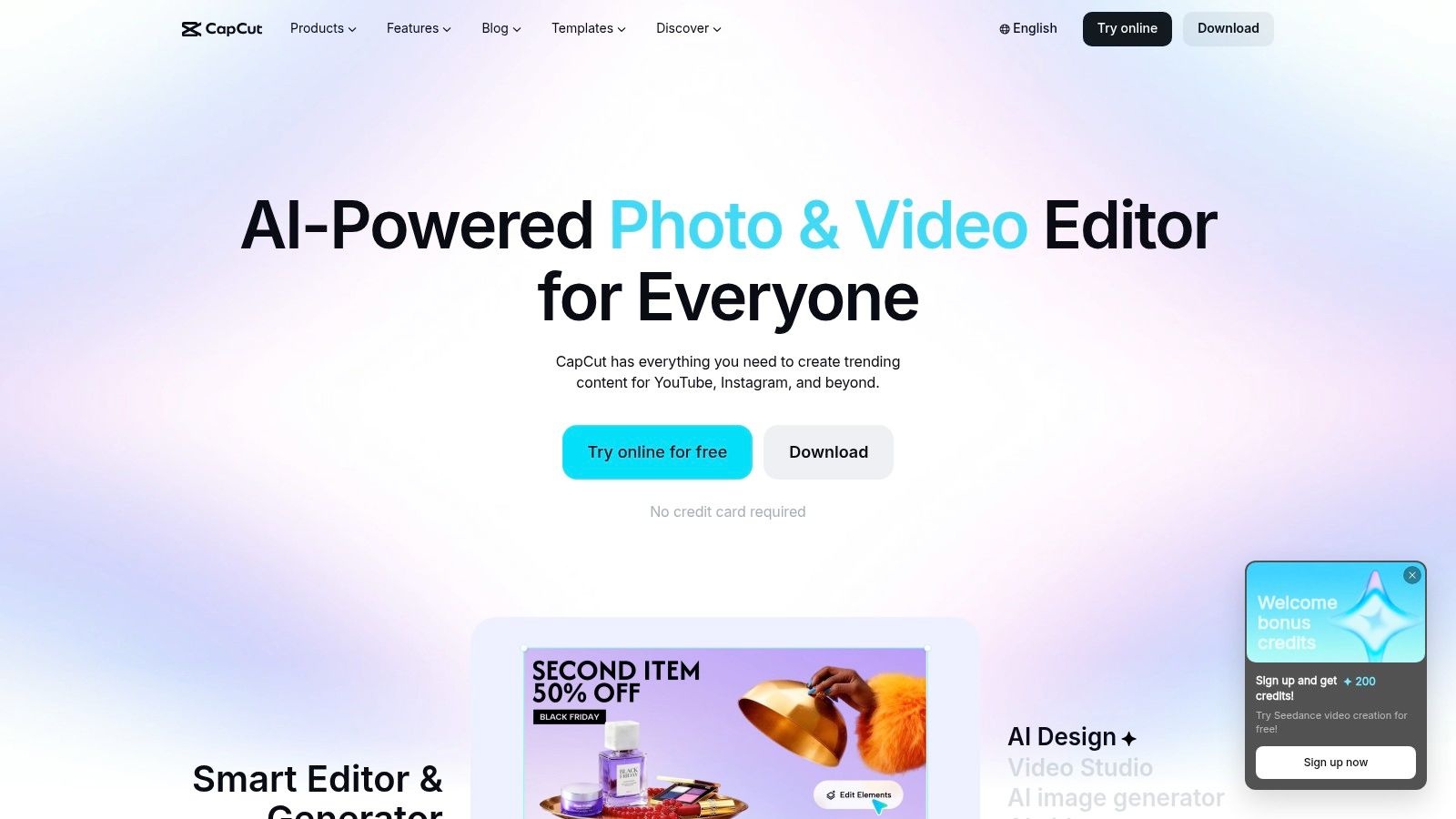
CapCut fits a different job from specialist generation platforms: turning a rough idea into a publishable short-form post. Its AI features sit inside an editor with templates, captions, social formats, and web, desktop, and mobile access. For TikToks, Reels, or Shorts, reducing the number of handoffs can matter more than having the most controllable generation model.
The workflow can begin with a prompt, template, or image, then continue through timing changes, transitions, captions, and platform formatting. Beginners can start quickly because templates supply much of the structure. The CapCut AI Video editor is therefore more useful for social production and editing than for controlled cinematic ideation or repeatable character performance.
<a id="accessibility-with-export-constraints"></a>
Accessibility with export constraints
CapCut supports quick tests, including some no-sign-up flows, but free access can vary by platform, region, and selected asset. Exports may carry a watermark or restrict particular features. Pro access removes some limits, so inspect the export screen rather than treating the preview as the final free file. Credit requirements may also apply to selected AI functions.
Its model controls are less granular than those of specialist generators. Choose CapCut for turning an idea into a social post, especially when captions, templates, and mobile publishing matter more than exact motion or camera control.
The tutorial ecosystem shortens onboarding. The AI video summaries resource can support repurposing workflows, but it does not replace checking current terms. Before client or commercial use, verify watermark status, asset and music licensing, cloud handling, export limits, and template permissions.
<a id="6-krea"></a>
6. Krea
Krea is designed for creators who want to compare models in one interface. It aggregates video systems such as Veo, Kling, and Seedance, which makes it useful for testing how different models interpret the same prompt or reference image.
The platform also emphasizes real-time previews and upscaling. That can improve the evaluation loop because you can judge direction before committing to a final-quality output. For teams building a repeatable pipeline, Krea's API orientation provides a route from manual experimentation toward programmatic use.
<a id="compare-models-then-inspect-the-meter"></a>
Compare models, then inspect the meter
Krea offers a free plan for light trials, while broader use is metered through compute units or model-specific API billing. The interface simplifies model selection, but it doesn't eliminate cost complexity. Different models, durations, and output settings can consume resources at different rates.
That makes Krea a better fit for model-agnostic research than for users seeking a simple unlimited generator. A creator should record which model produced each successful clip, what prompt version was used, and which settings affected the result. Otherwise, comparison becomes subjective and difficult to reproduce.
Paid personalization features, including LoRA training, are relevant to teams seeking a consistent visual identity, but they shouldn't be confused with the free evaluation workflow. Review per-model usage, API terms, input retention, and commercial export rights before moving from experiments to automation.
<a id="7-pixverse"></a>
7. PixVerse
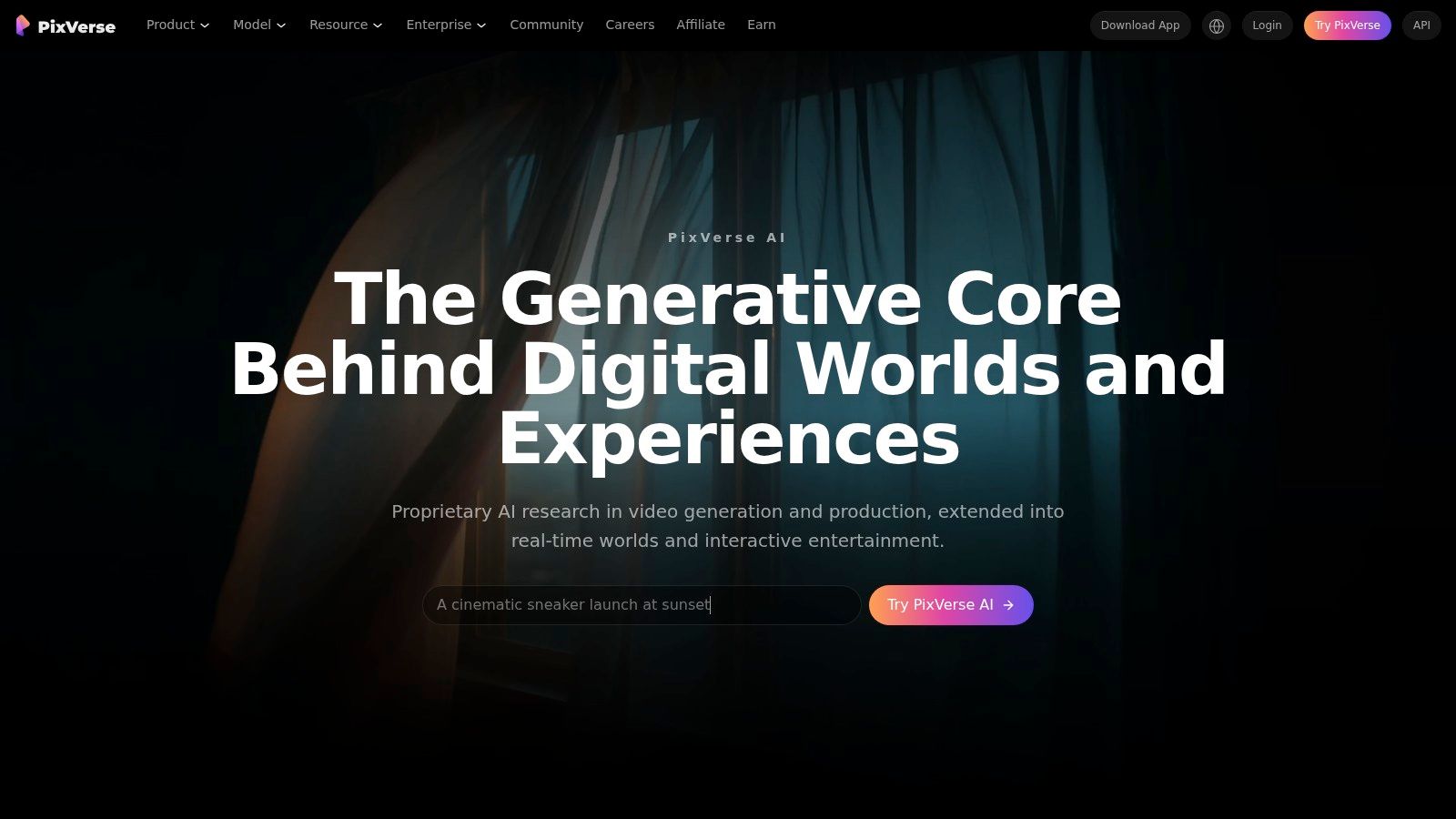
A one-time trial teaches you little about a tool you plan to use weekly. PixVerse is the only entry here whose free tier is built around daily credits, which changes how you should test it. Instead of spending the full allowance on one ambitious render, creators can return regularly to compare short ideas for social content.
PixVerse supports text-to-video, image-to-video, transitions, and reference-to-video workflows. That range makes it useful for turning a prompt or existing asset into a quick social clip, testing motion direction, or developing a cinematic concept before committing to a larger production. It is less suited to detailed timeline editing or close model comparison.
<a id="daily-credits-favor-small-experiments"></a>
Daily credits favor small experiments
PixVerse documents credit costs by video and feature. Use that information to test short concepts first, then reserve credits for the version closest to publication. The daily rhythm makes repeated experimentation more practical than a single limited trial, but it still requires attention to credit consumption and queue behavior.
The same account can support app and web use, though longer or more complex renders may be less predictable. Keep the original image, prompt, and an alternative generation available before planning a campaign around one result.
Choose PixVerse for frequent short-form experimentation and transitions. Before publishing, verify daily-credit rules, output limits, watermark status, commercial rights, licensing terms, and whether the free export meets your delivery requirements.
<a id="8-kapwing-ai-video-generator"></a>
8. Kapwing AI Video Generator
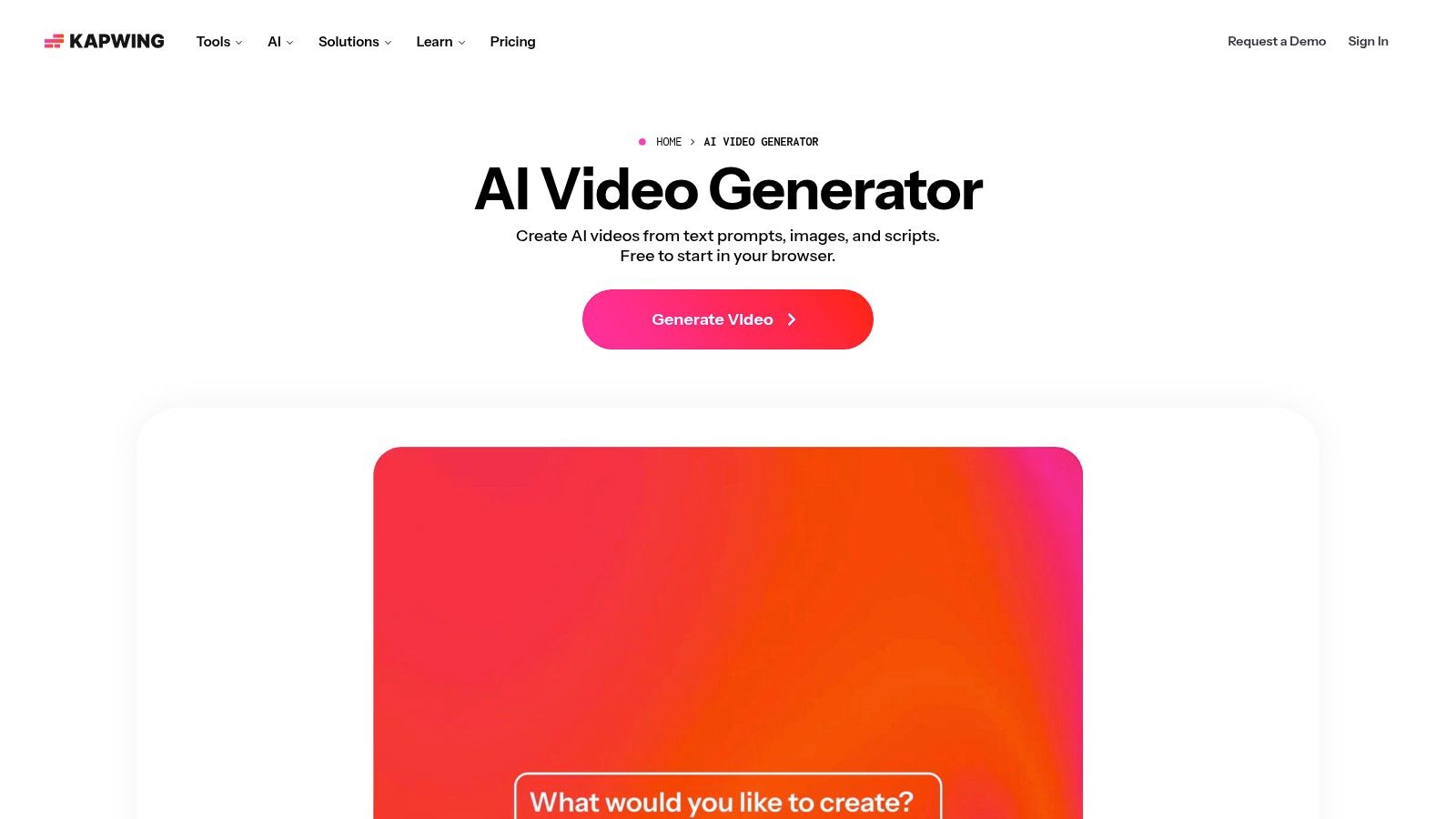
A generated clip is not a deliverable. Kapwing AI Video Generator offers a short route from prompt to a branded, captioned timeline. Its AI assistant can expand a prompt into scenes and camera moves, then place the result in the editor. That handoff matters when the goal is a publishable marketing draft rather than model experimentation.
The timeline lets teams shorten scenes, apply brand elements, correct captions, and adapt the sequence to a final format. Keeping generation and editing together reduces tool switching while preserving manual review for wording, pacing, and visual fit. Kapwing suits social posts, explainers, and campaign variations that need structure around generated footage.
<a id="the-free-workflow-ends-at-export-limits"></a>
The free workflow ends at export limits
Users can generate and edit on a free plan, but export size and other limits apply, and free outputs can carry a watermark. The plan is useful for testing an editing workflow. It may be unsuitable for a client-ready file, paid distribution, or delivery where branding must be removed.
Model transparency and per-model controls are less granular than in specialist generation apps. Kapwing wins when captions, brand treatment, and timeline collaboration matter more than comparing exact frontier-model behavior. Choose it for AI-assisted marketing edits and collaborative timeline work. Before sharing, check output dimensions, watermark status, storage terms, asset rights, and whether the free plan permits the intended commercial use.
<a id="9-invideo-ai"></a>
9. InVideo AI
Start from a script, not a shot. InVideo AI is the entry on this list built for that direction of work. It turns a written brief into scenes, voiceover, music, and a structured edit that can be revised manually. The input determines the workflow: the script supplies the sequence, while the platform assembles supporting visuals and audio.
That approach fits explainers, promotional posts, educational content, and marketing videos where narration and structure matter more than creating original, photorealistic footage. Templates and editing tools give beginners a practical route from a rough brief to a presentable draft. It also helps teams test several messages without rebuilding every scene from individual generation prompts.
The free tier is useful for evaluating the workflow, though limited AI credits constrain repeated generation and revisions. Exports can carry a watermark, so a draft suitable for internal review may still fail a client-delivery or paid-advertising requirement. Credit use grows with longer scripts and multiple changes, which makes the first draft's accuracy operationally important.
<a id="best-for-structured-communication"></a>
Best for structured communication
InVideo's value lies in the combination of script planning, voiceover, music, stock or generated scenes, templates, and manual editing. It offers less fine-grained control over individual frames or camera behavior, making it a weaker fit for filmmakers testing one precise visual shot. Its strength is completing a structured communication asset from written direction.
Before publishing, check the current credit meter, export restrictions, watermark rules, and commercial terms. Choose InVideo when the script is the starting point and the timeline is the destination. Choose a model-focused generator when the visual shot itself is the main asset.
<a id="10-kling-ai"></a>
10. Kling AI
“Can this model make the movement work?” is the question Kling exists to answer. Its text-to-video and image-to-video workflows focus on temporal consistency, camera movement, and believable motion. That makes it useful for scenes where a person, product, or camera must move through space without losing visual continuity.
The free workflow provides daily inspiration credits, allowing model experimentation before a subscription. Free access can include native high-definition output, while membership tiers add options such as watermark-free exports and higher resolution. Check the export screen and account terms before treating a free result as deliverable footage.
Kling suits motion fidelity experiments, product demonstrations, and visual concepts that require a static image to change convincingly over time. It is less suitable as a complete production environment. Finishing may require CapCut, Runway, Kapwing, or another timeline editor, so the workflow involves an additional export and editing step.
<a id="check-regional-and-rights-conditions"></a>
Check regional and rights conditions
Credit rules, access, and interface quality can vary by region and change over time. Platform terms may also grant broad reuse rights to inputs or outputs. That matters when uploading unreleased products, client photography, or proprietary designs.
Use Kling when movement is the primary test. A successful free render does not confirm that the wider production workflow is ready. Before campaign use, verify daily-credit availability, watermark behavior, output resolution, input retention, commercial rights, and support conditions. If the result must pass directly to a client or paid campaign, confirm those requirements before generating at scale.
<a id="top-10-free-ai-video-generators-comparison"></a>
Top 10 Free AI Video Generators Comparison
| Product | Core features | Quality / UX (★) | Price / Value (💰) | Target (👥) | Unique selling points (✨) |
|---|---|---|---|---|---|
| 🏆 Veo3 AI | Text-/image-to-video; multi-model (Veo3, Seedance, Hailuo…); up to 4K; first/last-frame & synced audio | ★★★★★ Fast renders; cinematic presets | 💰 Free to start; paid tiers for heavy use | 👥 Creators, marketers, short-form producers | ✨ All-in-one model suite; full ownership; 4K & frame control |
| Pika | Text/image-to-video; camera/motion controls; multiple aspect ratios (up to 1080p) | ★★★★ Fast iteration; social-ready | 💰 Credit-based free tier; top-ups available | 👥 Social creators, rapid prototypers | ✨ Clear credit model; strong motion/effects controls |
| Luma Dream Machine (Luma Labs) | Text/image-to-video; reference-image support; storyboard workflow | ★★★★ Research-driven; consistent results | 💰 Free tier + credits; API billed separately | 👥 Ideation-focused creators, researchers | ✨ Storyboard UX + reference fidelity |
| Runway | Gen-4.5 text-to-video; integrated editor, masking, post-AI tools | ★★★★★ Mature suite; robust export/project tools | 💰 Free plan with initial credits; premium features paid | 👥 Professionals, teams, studios | ✨ End-to-end editor + state-of-the-art models |
| CapCut AI Video (Bytedance) | Text/image-to-video; templates; web/desktop/mobile; social ratios | ★★★★ Extremely accessible; template-driven | 💰 Free w/ limits/watermarks; Pro subscription removes limits | 👥 TikTok/Reels creators, beginners | ✨ Massive template ecosystem; no-sign-up tests |
| Krea | Aggregates many models in one UI; previews & upscaling; LoRA support | ★★★★ Good for model comparisons; real-time previews | 💰 Free trials; metered billing by compute/API | 👥 Developers, power users, studios | ✨ Model-agnostic comparison + transparent API pricing |
| PixVerse | Text/image-to-video; transitions; reference-to-video; daily free credits | ★★★ Daily-friendly; geared to experimentation | 💰 Daily free credits (members/non-members); paid packs | 👥 Experimenters, daily creators | ✨ Daily free credits + clear per-video cost docs |
| Kapwing AI Video Generator | Prompt→scene expansion & camera moves; integrated timeline editor & captions | ★★★★ Smooth draft→edit workflow | 💰 Free-to-try; paid tiers lift limits/watermarks | 👥 Social editors, small teams | ✨ Seamless AI draft → editable timeline bridge |
| InVideo AI | Script-to-video; scene planning; voiceover & music integration; templates | ★★★ Beginner-friendly; quick marketing outputs | 💰 Free credits with watermark; subscription for full access | 👥 Marketers, beginners | ✨ Script-focused workflow + built-in voice/music tools |
| Kling AI | High motion fidelity; temporal consistency; 1080p free; membership tiers include 4K | ★★★★ Strong motion realism; cinematic camera moves | 💰 Daily inspiration credits; membership for watermark-free/4K | 👥 Creators seeking cinematic motion | ✨ Advanced temporal consistency & camera motion fidelity |
<a id="choose-by-workflow-not-hype"></a>
Choose by Workflow, Not Hype
The best générateur de vidéo gratuit depends on the job after the prompt. A model that creates an attractive shot may still be a poor choice for a campaign if it adds a watermark, gives you no editing timeline, or offers unclear rights for commercial use.
Choose Veo 3 AI when you want to compare several models and produce short cinematic or commercial assets in one workspace. Its combination of text-to-video, image-to-video, model variety, frame controls, format settings, and short synchronized audio options is more useful than a single-model interface when you're still deciding which generation approach fits the project. Check the current pricing and access details before relying on a high-volume workflow.
Choose Pika or PixVerse for rapid social experimentation. Pika is especially suitable for effects, motion treatments, and quick image animation. PixVerse makes more sense when you want a recurring rhythm of daily tests and clearer visibility into credit consumption.
Choose Runway when the generated shot must move into deeper creative control. Its integrated editing, masking, motion, and post-production tools make it more appropriate for a team that needs to shape the result rather than just download it. The free allocation is better treated as a product evaluation than as an ongoing publishing plan.
Choose CapCut for mobile-first short-form publishing. It combines generation, templates, captions, editing, and social formats in one familiar environment. Check the exact export conditions, because watermark and feature availability can differ by platform, region, and selected asset.
Choose Kapwing or InVideo for script-led marketing workflows. Kapwing is the better bridge to a collaborative timeline, while InVideo is better when a written brief needs to become scenes, narration, music, and a structured draft. Neither should be evaluated only on the first generated preview. Inspect how much correction the free export permits and whether the resulting file is suitable for business use.
Choose Luma for reference-image ideation and cinematic visual development. Choose Krea for model comparison and API-oriented exploration. Choose Kling for motion-focused tests, especially when temporal consistency and camera movement are more important than built-in editing.
The market is moving from novelty toward repeat use. A 2025 survey of enterprise marketers found that 67% had used AI video-generation tools within the previous twelve months, while 44% used them regularly, according to Research Intelo's AI video generator report. The gap suggests that access alone doesn't create a production workflow. Speed, consistency, reusable settings, and clear rights determine whether a free trial becomes a useful habit.
Before publishing, verify:
- Credits and resets: Confirm whether access renews, expires, or ends after a one-time trial.
- Watermarks: Download the actual free export and inspect it, rather than relying on a feature-page preview.
- Resolution and format: Check whether the output supports the vertical, square, or horizontal format your channel requires.
- Queues and failed renders: Record whether unsuccessful generations consume credits and whether busy periods affect delivery.
- Export rights: Read the current commercial-use language for free-tier outputs.
- Input and output terms: Check whether uploaded images, prompts, or generated clips may be retained, reused, or used for training.
- Production shape: Decide whether you need a short clip, a sequence of clips, or an editable timeline with captions, branding, and audio.
Cost remains a central adoption barrier. In Adobe's survey of more than 16,000 creators across major markets, 38% identified cost as the leading barrier, while 34% cited unreliable output quality, as reported in Adobe's 2025 creator survey. Those findings explain why the most useful comparison isn't “which tool is free?” It's “how many usable decisions can this tool help me make before the workflow breaks?”
A free generator earns a place in your stack when it produces repeatable, exportable work under terms you understand. If it only produces one attractive demonstration, it's a trial, regardless of the label.
Veo3 AI combines text-to-video, image-to-video, and access to multiple generative models in one workspace for short cinematic clips, social assets, product concepts, and advertising experiments. Visit Veo3 AI to compare models in one workflow and assess whether its free access fits your next production task.
Related Articles
Continue with more blog posts in the same locale.
Gemini Omni vs MiniMax H3: Which AI Video Model Wins?
Gemini Omni vs MiniMax H3: compare video quality, architecture, and costs. Find the best AI video model for your creative workflow.
Read article
How to Get Access to Veo 3: The Complete Guide
Learn how to get access to Veo 3 through Google subscriptions, APIs, or the Veo 3 AI video generator platform. Compare paths, limits, and setup steps.
Read article
Gemini Omni vs Seedance 2.0: The Creator's Guide
Gemini Omni vs Seedance 2.0: which AI video model wins for your workflow? Compare speed, quality, pricing, and find the best tool for short-form creators.
Read article