
AI Advertising Video Generator Guide to High Converting Ads
Learn how to use an AI advertising video generator to plan, prompt, render and publish high-converting ads for TikTok, YouTube and Instagram.
Veo3 AI · 17 min read · Sep 20, 2026
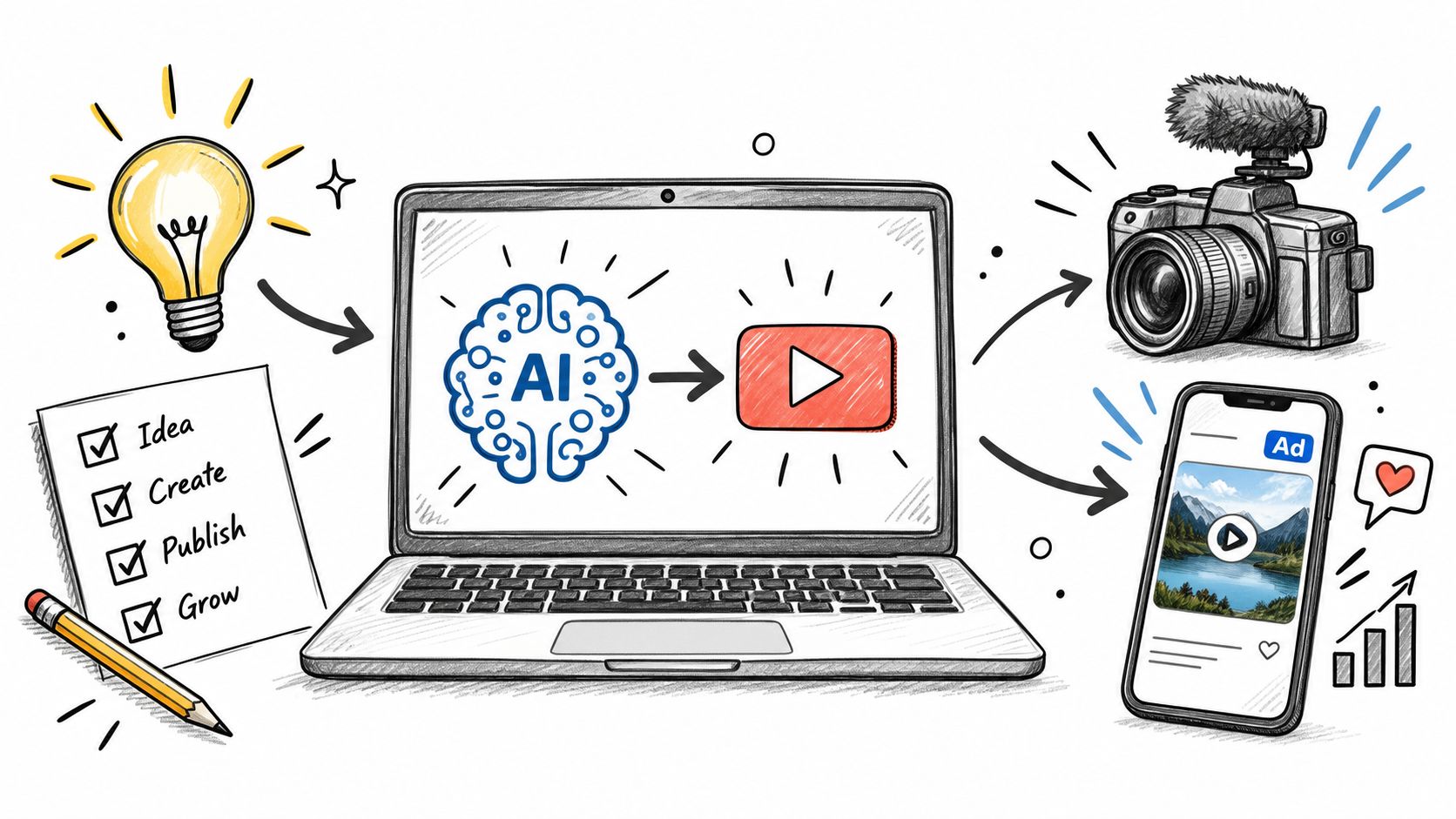
You're probably staring at the same problem most ad teams have right now. The media budget is live, the landing page is ready, and the creative queue is the bottleneck. You don't need one polished brand video. You need multiple hooks, multiple formats, multiple audience angles, and you need them fast enough to test before the offer goes stale.
That's where an AI advertising video generator earns its place. Not as a novelty. Not as a shortcut for lazy creative. As a way to produce enough useful variations to find a winner before your competitors do.
The teams getting value from AI video aren't treating it like a magic art tool. They're treating it like a production system for ad testing. Payoff comes when the workflow connects generation to personalization, holdout testing, and platform-specific edits. Pretty outputs help. Conversion data matters more.
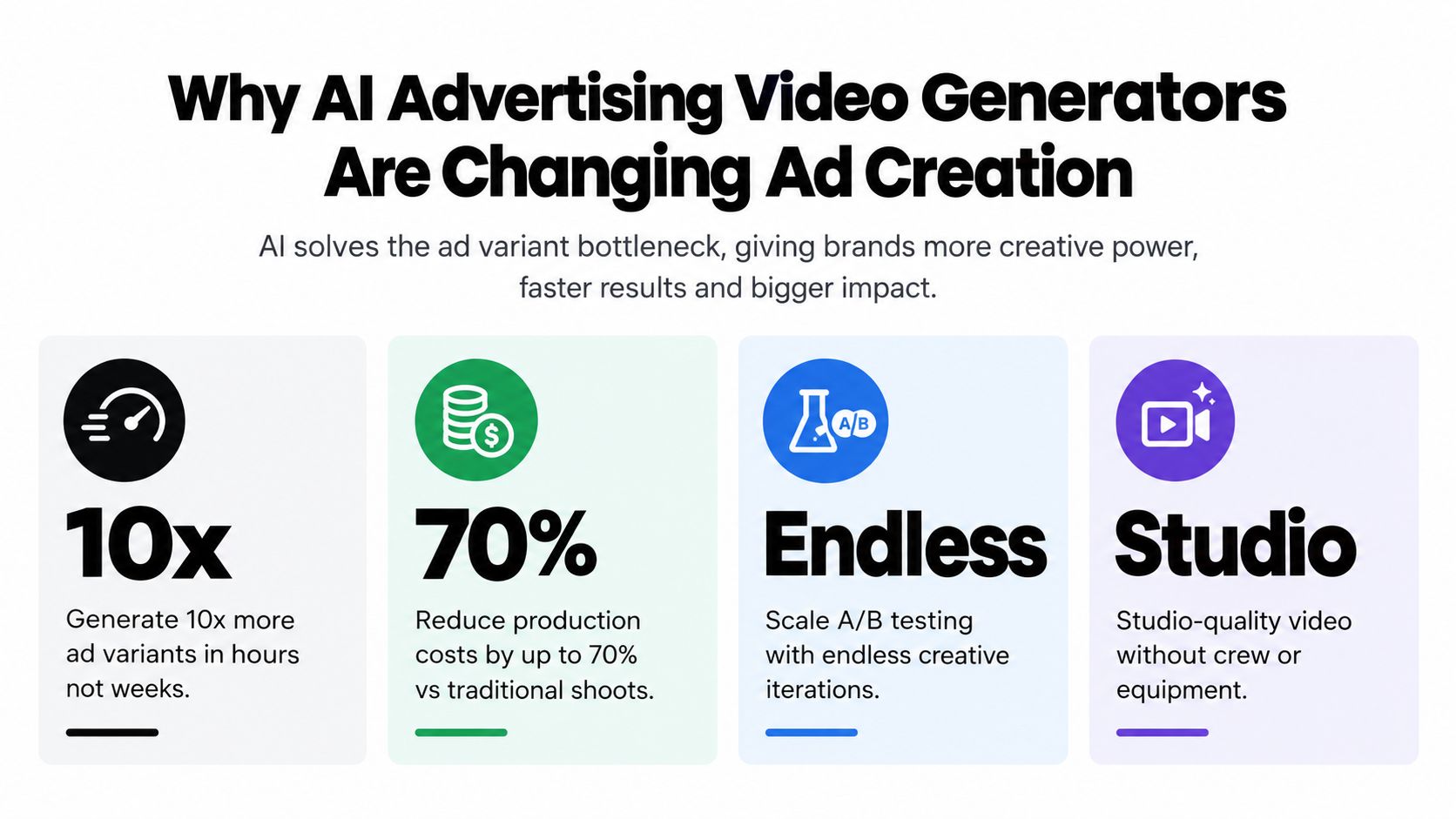
Why AI Advertising Video Generators Are Changing Ad Creation
A lot of marketers start with the wrong question. They ask whether AI video looks real enough. The better question is whether it helps ship more viable ad variants without wrecking brand consistency.
That shift is already happening at the category level. The narrow AI video generator market was estimated at USD 788.5 million in 2025 and is projected to reach USD 3,441.6 million by 2033, with a 20.3% compound annual growth rate from 2026 to 2033 according to Adwave's AI video generation statistics. That matters because this isn't just experimental software anymore. It's becoming operational infrastructure for creative teams.
The bottleneck isn't video quality
Most paid social teams don't lose because they lacked one cinematic masterpiece. They lose because they tested too little. One master asset, lightly resized, won't carry a modern campaign across cold traffic, retargeting, UGC-style placements, and localized variants.
That's why adoption jumped so fast. Wistia's 2025 State of Video Report found that 41% of brands used AI for video creation, up from 18% in 2024, as cited in Digital Applied's roundup of AI video generation statistics. That kind of jump tells you AI-assisted production has moved into normal marketing workflows.
If you're comparing options, this roundup of affordable video advertising tools is useful because it frames the decision around workflow fit, not just flashy demos.
Short-form changed the job
Ad creation used to revolve around a single hero cut. Now it revolves around manufacturing useful differences. Different first lines. Different scene order. Different product framing. Different CTA cadence. The ad account doesn't care which version your team liked in Slack. It cares which version earns attention and converts.
Practical rule: A strong ad video generator should help you produce better tests, not just faster exports.
High-converting also doesn't mean “most cinematic.” It usually means the video gets to the point quickly, shows the product clearly, earns a pause in-feed, and makes the next action obvious. Short-form vertical video fits that job well because it matches how people encounter ads on TikTok, Reels, Shorts, and Stories.
When AI video is worth using
Use AI generation aggressively when the campaign needs variation. Prospecting, localized promos, seasonal offers, product angle testing, creative fatigue refreshes, and audience-specific edits are all good use cases.
Use it more carefully for flagship brand storytelling. In those cases, the problem isn't volume. It's consistency, control, and polish across every frame.
For most performance marketers, that means running two lanes at once:
| Use case | Best approach |
|---|---|
| Performance testing | Generate several short variants fast, then kill weak hooks quickly |
| Brand-sensitive creative | Start from reference images or product stills to preserve visual identity |
| Localization | Keep the visual structure stable and swap copy, language, framing, and CTA |
| Retargeting | Personalize the message based on product interest or funnel stage |
Planning Your Creative Brief and Inputs Before You Generate
The fastest way to waste time with an AI advertising video generator is to open the tool before the brief is clear. Bad inputs produce generic footage, and generic footage creates fake confidence because it often looks polished enough to pass a quick internal review.
A useful brief for ad generation is much tighter than a traditional brand brief. It has to tell the model what job the ad is doing, what visual constraints matter, and what can vary.
Build the ad before you build the video
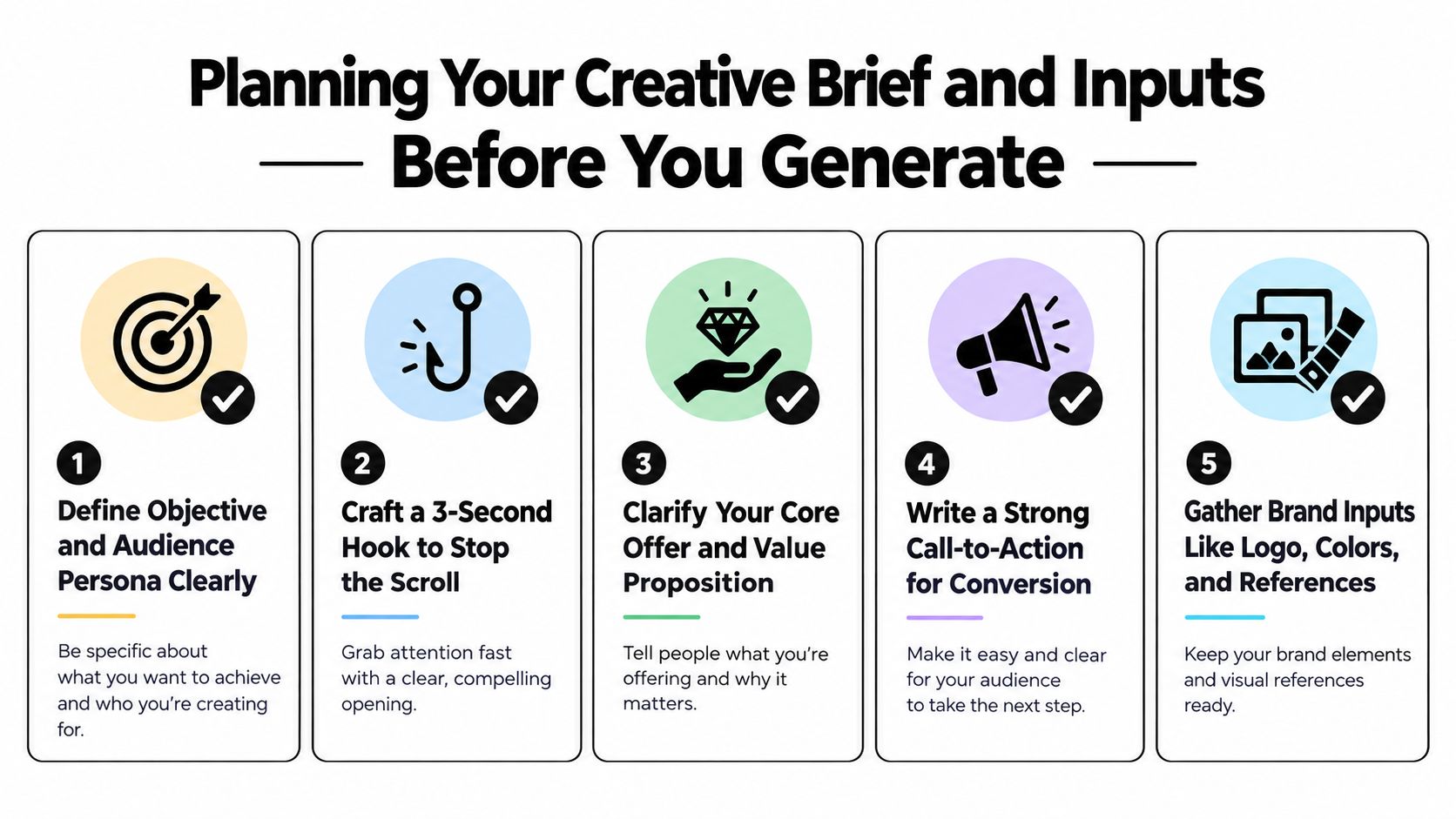
Start with five decisions.
-
Objective
Know whether the video is trying to drive clicks, product page visits, lead form opens, or direct purchase intent. “Awareness” is usually too vague for an ad build. -
Audience
Define the viewer in buying terms, not demographic wallpaper. New visitor, cart abandoner, category browser, competitor-aware buyer, problem-aware buyer. -
Hook
The opening line or image needs to stop the scroll. If the first beat is weak, the render quality won't save it. -
Offer
State the value clearly. Product benefit, transformation, use case, urgency, bundle, or proof angle. -
CTA
Pick one next step. Too many generated ads drift because the model gets mixed instructions on what the viewer should do.
Choose text-to-video or image-to-video on purpose
If your brand can tolerate stylistic exploration, text prompts are fine for concepting hooks, motion ideas, or top-of-funnel abstract visuals.
If product accuracy matters, start from images. Image-to-video is usually the safer path for e-commerce ads, packaging-sensitive products, and brands with established visual identity. You'll preserve shape, color, label placement, and framing more reliably than with a pure prompt.
Don't ask the model to invent your product if the product itself is the selling point.
That's especially true for beauty, food, consumer electronics, and any ad where the audience needs to recognize a specific item immediately.
The creative brief I'd actually use
A practical brief can fit on one screen:
| Brief field | What to include |
|---|---|
| Campaign goal | Clicks, conversions, retargeting, lead gen |
| Audience segment | Cold, warm, cart abandoners, category viewers |
| Core promise | The main benefit in plain English |
| Visual anchor | Product image, packaging, UI, founder likeness, location |
| Hook direction | Problem-first, curiosity, demo, before/after, social proof |
| Brand guardrails | Colors, tone, banned claims, logo use, scene constraints |
| CTA | Shop now, start free, book demo, learn more |
| Variant plan | What changes across versions and what stays fixed |
Gather assets before rendering
A good prep folder usually includes:
- Product visuals: Front, side, in-use, close-up, packaging, lifestyle
- Brand references: Logo files, color palette, approved fonts, prior ad examples
- Copy inputs: Hook lines, body copy options, CTA versions, disclaimer text
- Reference frames: Examples of pacing, camera style, lighting, or editing rhythm
- Localization notes: Alternate languages, market-specific phrases, regional restrictions
What works best is deciding in advance which parts are fixed and which parts are allowed to move. Keep product, logo treatment, and core message fixed. Let hook wording, sequencing, and opening visual differ across variants.
That separation prevents the classic failure mode: six ads that all look different, but none of them clearly belong to the same brand.
Crafting Prompts Styles and Formats That Convert
Most prompt advice for AI video is too broad to help with ads. “Be descriptive” isn't enough. Ad prompts need structure because they're trying to do a commercial job inside a tight runtime.
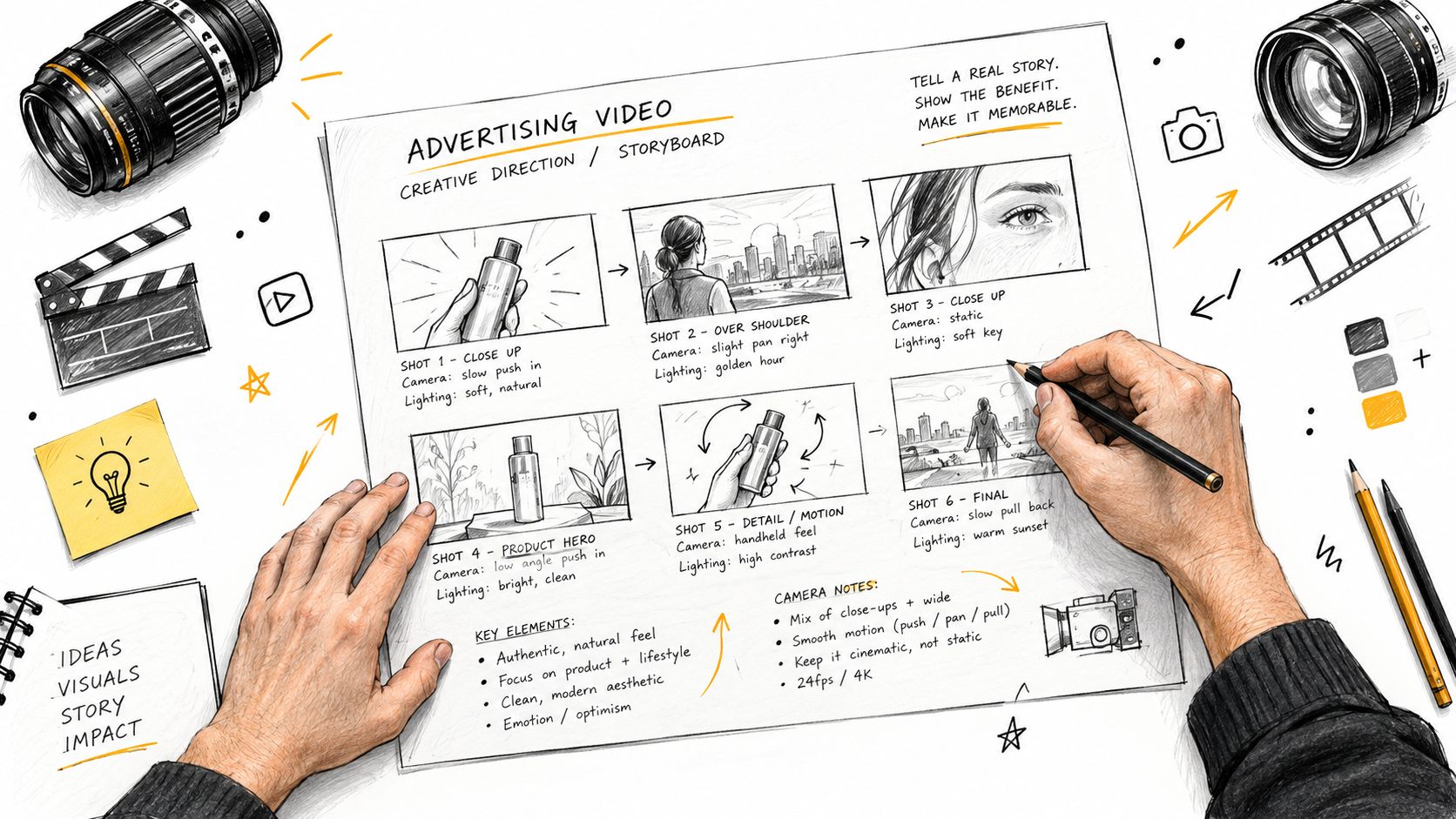
The easiest way to improve outputs is to prompt like a creative director, not like a poet.
Use a prompt structure built for ads
A practical ad prompt usually includes these parts in this order:
- Subject and product
- Scene context
- Camera behavior
- Motion
- Lighting
- Style
- Format
- Conversion intent
Here's the difference.
Weak prompt:
“Make a cool product ad for a skincare serum.”
Stronger prompt:
“Create a vertical short-form product ad for a glass skincare serum bottle on a clean bathroom counter. Start with a tight close-up of the dropper releasing serum, then cut to a hand applying it to clear skin in soft morning light. Use smooth macro camera movement, crisp reflections, premium editorial style, realistic texture, minimal set design, fast opening visual hook, and clear product visibility for a paid social conversion ad.”
That prompt gives the model fewer places to drift.
Prompt for the viewer's next action
A converting ad prompt should include the ad's role. Is it trying to intrigue, explain, demonstrate, reassure, or push urgency? If you don't specify that, the model often fills the gap with vague cinematic flourishes.
Three patterns usually work:
Demo-driven product ads
Best when the product needs to prove utility fast.
Prompt pattern:
- Show the product immediately
- Focus on one action
- Keep backgrounds clean
- Use close framing
- Favor realistic motion over dramatic camera moves
Example: “Generate a vertical product demo ad showing a portable blender making a smoothie on a kitchen counter. Open on fruit dropping into the cup, then blend action, then a quick sip shot. Bright natural daylight, realistic motion, clean modern kitchen, short scenes, product always centered, direct-response ad style.”
UGC-style ads
Best when the sale depends on relatability more than polish.
Prompt pattern:
- Human-first framing
- Handheld feel
- Casual environment
- Natural speech rhythm if you're adding VO later
- Slight imperfection is fine
Example: “Create a selfie-style vertical ad of a person unboxing and reacting to a posture corrector at home. Natural room lighting, conversational tone, handheld camera feel, authentic expressions, product visible in hand and while worn, social-first pacing, designed for a feed ad.”
If you want deeper prompt mechanics, these prompt engineering tips for AI video are worth reviewing before you burn credits on broad prompts.
Cinematic performance ads
Best for higher-ticket products or launches where perception matters.
Prompt pattern:
- Fewer scenes
- More controlled lighting
- Deliberate camera moves
- Strong hero framing
- Still keep the value prop obvious
Example: “Produce a polished horizontal launch ad for a premium desk lamp in a dark modern workspace. Begin with moody side lighting revealing the lamp silhouette, then transition to close details of material texture, warm glow, and workspace transformation. Slow controlled dolly movement, refined premium aesthetic, product-focused composition, ad-ready clarity.”
Preserve consistency without making everything look identical
Many teams get sloppy. They either lock every variable and produce sterile clones, or they let the model improvise until the campaign loses its brand signature.
A better split looks like this:
| Keep fixed | Let vary |
|---|---|
| Product appearance | Hook line |
| Brand colors | Opening camera angle |
| Logo treatment | Scene order |
| CTA language family | Setting details |
| Core promise | Pace and transition rhythm |
One useful production setup is to start from a product image, then create several scene treatments around it. That gives you visual continuity while still opening room for testing.
A platform like Veo3 AI can fit this workflow because it supports both text-to-video and image-to-video in one environment and lets teams switch among Veo3, Seedance, and Hailuo depending on the shot style they need.
The ads that convert rarely come from the most imaginative prompt. They come from the clearest prompt.
Match style to business model
An e-commerce product ad usually wants immediate product visibility and tactile detail. A SaaS ad often needs screen framing, cleaner typography overlays, and a simpler motion language. A local service ad needs location cues and trust signals more than abstract style.
Use style as a sales tool, not decoration.
Here's a quick visual walkthrough before refining your own workflow:
<iframe width="100%" style="aspect-ratio: 16 / 9;" src="https://www.youtube.com/embed/zzBmvzR-URg" frameborder="0" allow="autoplay; encrypted-media" allowfullscreen></iframe>
Rendering Settings and Platform Optimization for TikTok YouTube and Instagram
Good prompting gets you the raw material. Rendering choices decide whether that material survives the platform.
A lot of AI-generated ads underperform because the creator renders once and posts everywhere. That's usually lazy distribution. TikTok, YouTube, and Instagram reward different pacing, framing, and spatial discipline even when the concept is the same.
Keep the export tied to placement
Industry benchmark data shows 86% of digital video ad buyers were using or planning to use generative AI for video creative, and buyers projected GenAI creative would reach 40% of all video ads by 2026 according to The Rank Masters benchmark roundup. The same source notes that short-form video under 60 seconds is dominant in AI video production and that AI tools are reported to reduce production time versus traditional workflows.
That aligns with what works in paid social. Short ads are easier to iterate, easier to recut, and less likely to drag in-feed.
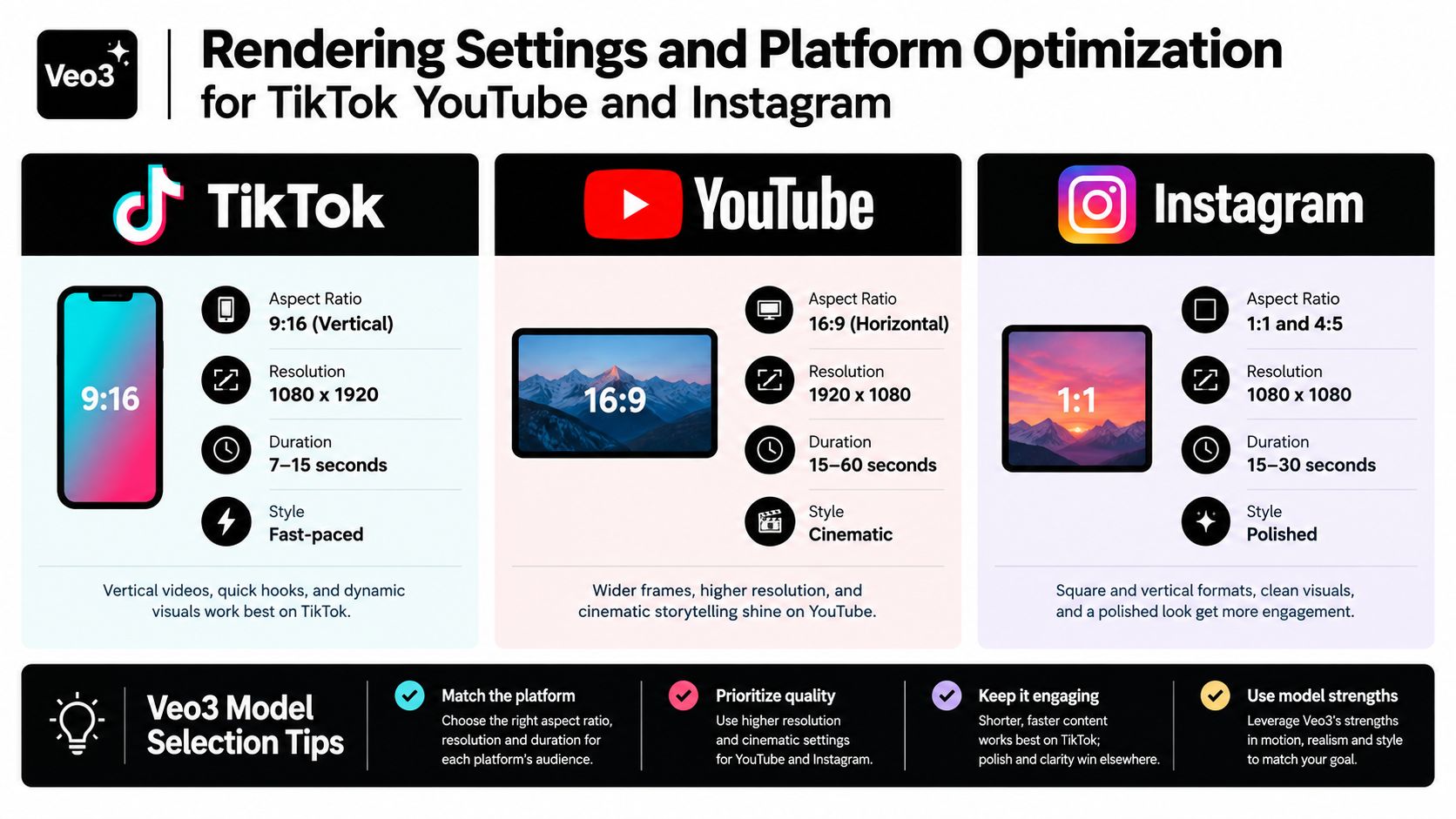
If you need a practical reference for placement sizing, this guide to social media video sizes and formats is useful to keep beside your export settings.
Platform-first rendering choices
Use one concept. Export separate platform versions.
| Platform | What to prioritize |
|---|---|
| TikTok | Immediate motion, bold first frame, vertical framing, shorter runtime |
| YouTube | Cleaner narrative continuity, stronger audio support, room for product explanation |
| Tighter composition, polished visuals, strong caption readability |
For TikTok, I'd keep pacing aggressive and front-load the visual hook. The first beat needs movement or a very clear payoff.
For YouTube placements, you can usually afford a bit more setup if the product requires explanation. Horizontal can work well there, especially for demos and comparison-style ads.
Instagram sits in the middle. It often rewards stronger visual polish than TikTok, but it still punishes slow starts.
Model selection should match the shot
Different models are better for different scenes. Pick the model based on the visual problem, not habit.
- Use Veo3-style cinematic generation when you need smoother camera language, atmosphere, or more premium ad texture.
- Use Seedance-style workflows when you want sharper stylization or alternate visual treatments for concept testing.
- Use Hailuo-style outputs when speed and volume matter more than cinematic finesse.
This matters more than people think. A clean product beauty shot and a casual UGC-style scene don't need the same generation behavior.
Rendering rule: Don't force one model to handle every creative job in the account.
Common export mistakes
Teams usually lose performance here:
- Overlong edits: If the core message lands in the first moments, don't pad the runtime.
- Unsafe text placement: Captions, offers, and logos get crowded by platform UI when they sit too close to edges.
- Overcompressed files: Small file sizes help workflow, but muddy product detail kills trust.
- One-size-fits-all crops: A horizontal scene rarely survives a thoughtless vertical crop.
Teams working on video marketing for DTC growth usually get more from AI-generated creative when they pair fast rendering with placement-specific recuts rather than relying on one universal master.
A safer workflow is render for clarity first, then trim for speed. If the product looks wrong, no pacing trick will rescue the ad.
Editing Testing and Measuring What Actually Lifts Performance
Most AI video content falls apart. The generation step gets all the attention, but the conversion lift comes later. Editing makes the ad watchable. Testing proves whether it's commercially useful.
The strongest evidence here points to personalization, not just automation. A controlled study reported that generative-AI personalized video ads increased ad-click engagement by 6 to 9 percentage points versus both personalized image ads and generic video ads, with effects consistent across demographics and purchase histories, according to this EBSCO summary of the Frontiers research.
That changes the workflow. The video generator shouldn't be the whole strategy. It should be the assembly layer inside a testing system.
Edit the ad like a media buyer will judge it
Before testing, do a fast finishing pass:
- Tighten the opening: Cut dead air, slow reveals, and pretty setup shots.
- Add captions deliberately: Don't just auto-caption and export. Clean the phrasing and line breaks.
- Check branding once: Logo, product shape, color treatment, and CTA language need consistency.
- Fix audio hierarchy: Voiceover or key message has to lead. Music should support, not compete.
The goal isn't perfection. It's removing avoidable friction.
Test variants against a real baseline
A lot of teams “test AI ads” by launching several generated videos and calling the top one a winner. That isn't enough. You need a baseline that tells you whether AI video improved anything.
A cleaner workflow looks like this:
- Segment audience cohorts first.
- Create multiple ad variants for each cohort.
- Hold out a personalized image ad or generic video ad as the comparison baseline.
- Measure engagement and downstream business metrics.
- Scale only the creatives that beat the baseline.
A 2025 Marketing Science paper found that GenAI-based personalized video ads increased engagement by 6 to 9 percentage points over baselines, as noted in the Marketing Science paper listing on EconPapers. The important operational takeaway is that the lift came from personalization, not from using AI for its own sake.
If you skip the control group, you can't tell whether the ad won because it was personalized, because the audience was hotter, or because your old creative was weak.
What to troubleshoot when performance is flat
If click-through is weak, the hook is usually the first suspect. The opening frame may be too abstract, too slow, or too brand-heavy.
If completion is weak, the pacing often drags after the first curiosity beat. Cut scene count, shorten transitions, and get to the value sooner.
If conversion is weak despite strong engagement, the issue is often message fit. The ad drew attention, but the promise didn't line up with the landing page, audience intent, or CTA.
For teams creating repeated campaigns, this walkthrough on how to create marketing videos is useful as a production checklist before ads enter testing.
Tie winners to CAC and ROAS, not vanity metrics
Views and likes can help diagnose creative behavior, but they don't decide whether an ad deserves more budget. The practical question is simple: did this variant lower acquisition cost, improve return on ad spend, or convert more efficiently for the same audience?
That's also where the consistency versus personalization tradeoff gets real. Generic automation can lower production effort while hurting trust. Personalization can improve response while creating visual drift if the brand controls are loose.
The answer isn't choosing one side forever. It's deciding what must stay stable and what should flex by audience. Stable product truth. Flexible message delivery.
Your Next High Converting Ad Starts Now
Most teams don't need more theory about AI video. They need a repeatable system that turns one product, one offer, and one audience into several credible tests quickly.
That system is straightforward when you strip away the hype. Plan the ad before generating it. Use prompts that describe commercial intent, not just aesthetics. Render for the actual placement. Edit for pace and clarity. Test against a baseline. Keep what lifts business outcomes. Cut what doesn't.
The useful mindset is simple. Don't chase the perfect ad on the first render. Chase the shortest path to three strong variants that teach you something.
A practical launch checklist
- Pick one product: Don't start with the whole catalog.
- Choose one audience: Cold traffic and retargeting need different messaging.
- Build one clear brief: Hook, benefit, CTA, and visual anchor.
- Generate three versions: Keep the product constant and vary the opening angle.
- Measure the right outcome: Judge the creative on business results, not internal excitement.
Where teams usually win
They win when they preserve the parts of the brand that matter and multiply the parts that can be tested. Product framing, identity, and trust signals stay anchored. Hooks, scene order, context, and audience language change.
They lose when they ask the tool to do the strategist's job. No generator can fix a weak offer, a muddy landing page, or a confused CTA.
Publish sooner than feels comfortable. The market will tell you more in a few days than a week of internal debate.
If you're sitting on a product shot and a live campaign, that's enough to start. Pick one platform. Build three ad angles. Launch. Let the results decide what deserves the next round.
Veo3 AI gives you one place to turn prompts or static product images into ad-ready video using Veo3, Seedance, and Hailuo, with control over style, resolution, and format. If you want to move from creative bottlenecks to faster variant testing without stitching together multiple tools, visit Veo3 AI.
Related Articles
Continue with more blog posts in the same locale.
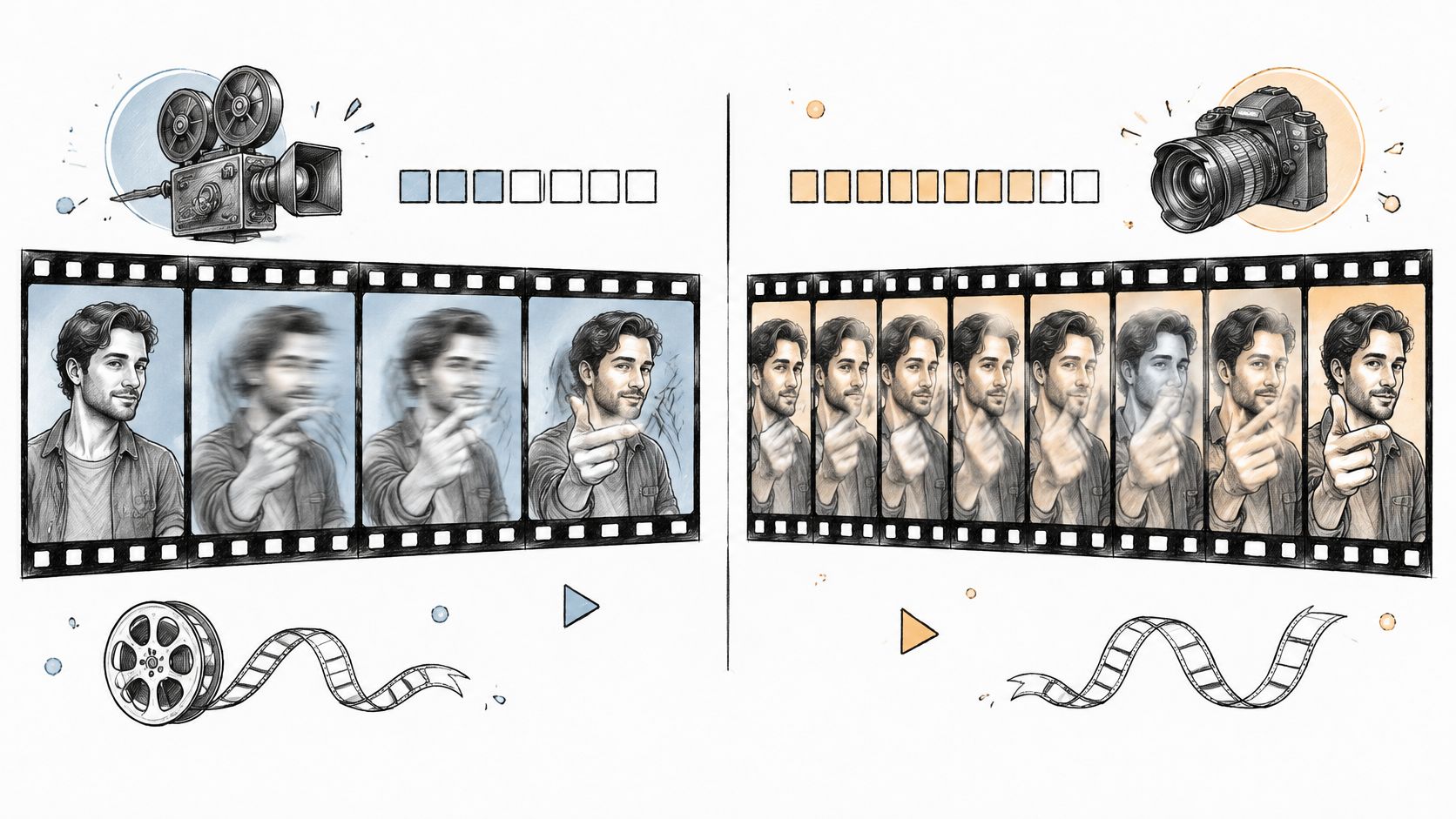
24 Frames Per Second vs 30: Which Frame Rate to Use
24 Frames Per Second vs 30 explained: motion blur, file size, platform delivery and which rate fits cinema, social video and AI-generated clips.
Read article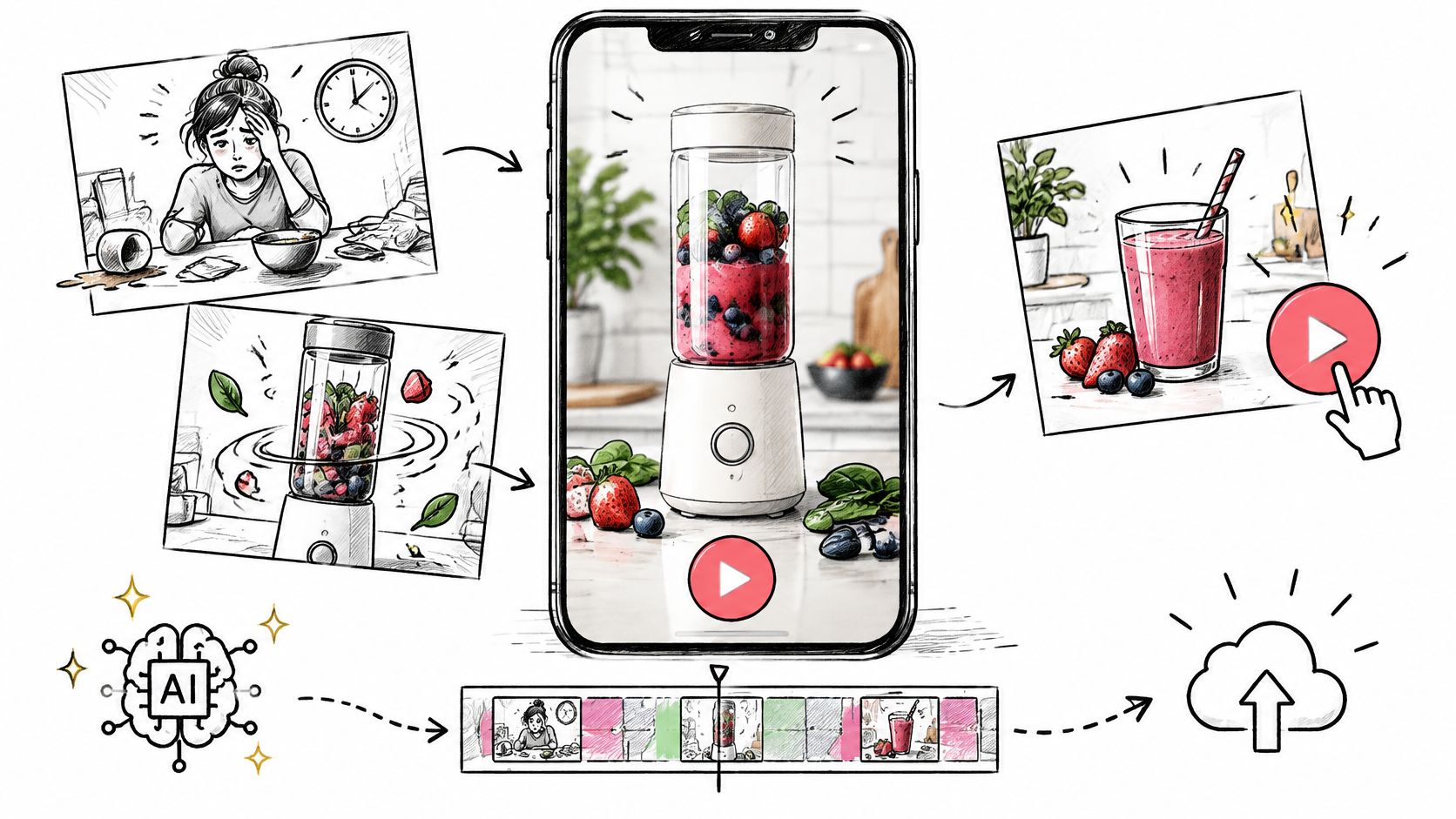
AI Video Ads Maker: From Brief to Publish
Plan AI video ads maker clips for TikTok, Reels, and Shorts: brief, prompt, 9:16 export, disclosure, and a one-variable test.
Read article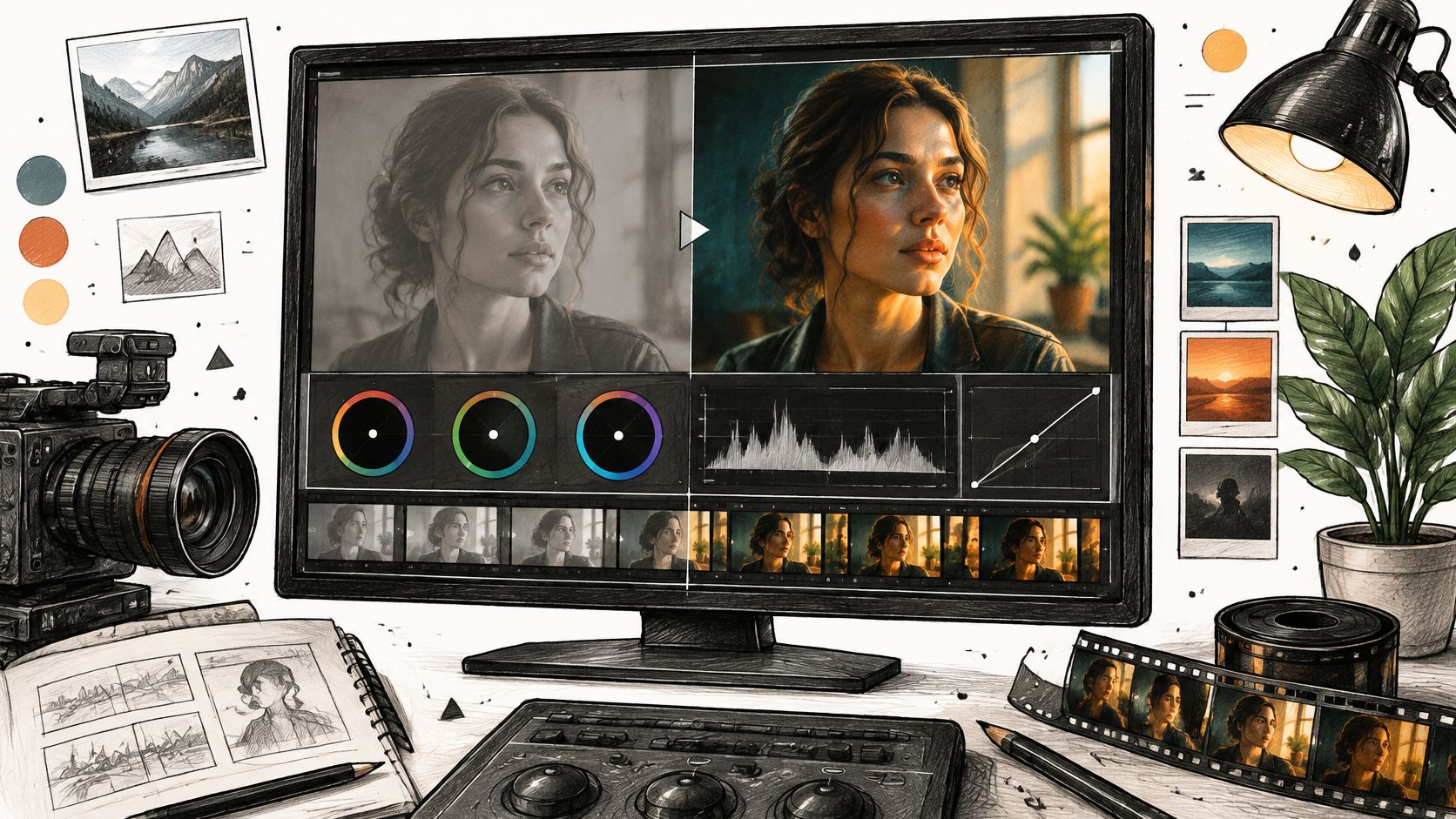
Filmic Color Grading for Camera and AI Video
Learn filmic color grading with log, Rec.709, LUTs, and secondaries, then apply the same look to AI-generated footage.
Read article